Download Zoho Meeting's desktop app
Start meetings instantly from your desktop
Use Zoho Meeting's dedicated application and easily start meetings from desktop. With Zoho Meeting app for Windows, Mac, and Linux, you can now schedule and start meetings with just a click!
Download Zoho Meeting now
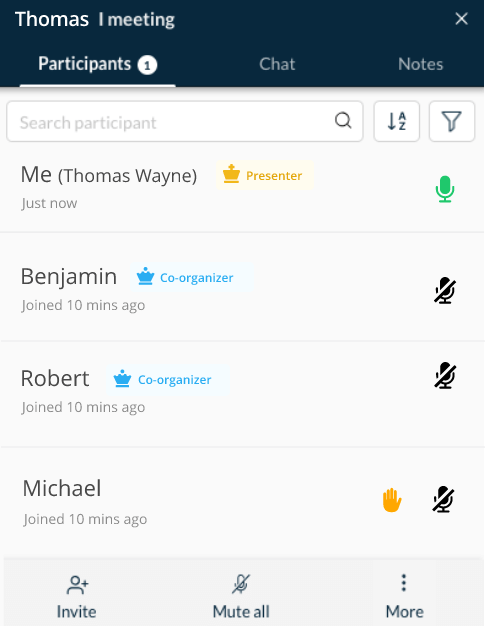
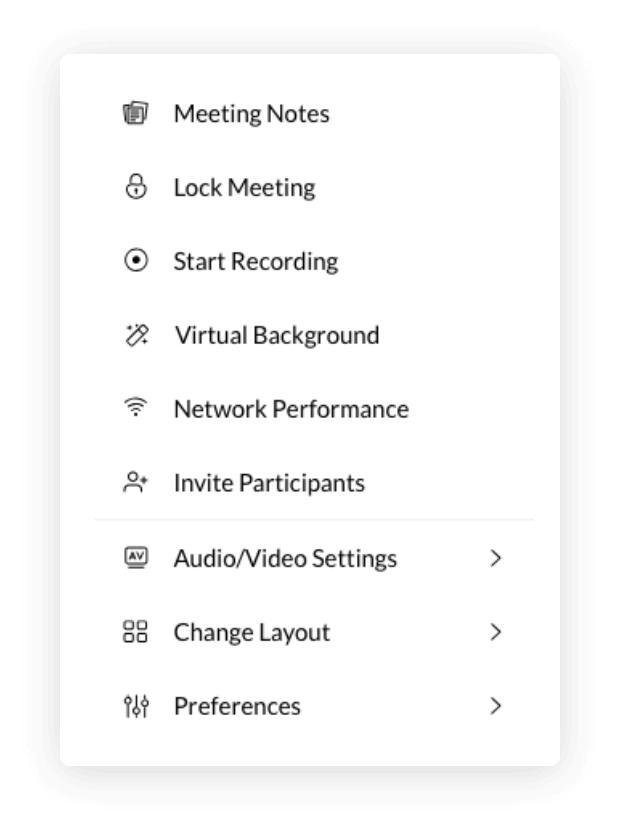
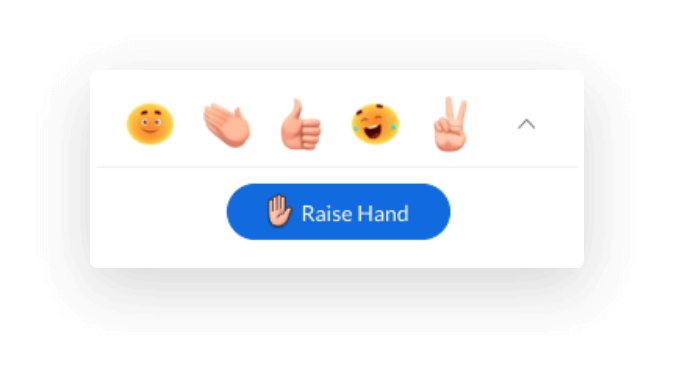
Collaborate over audio/video with the Zoho Meeting desktop application
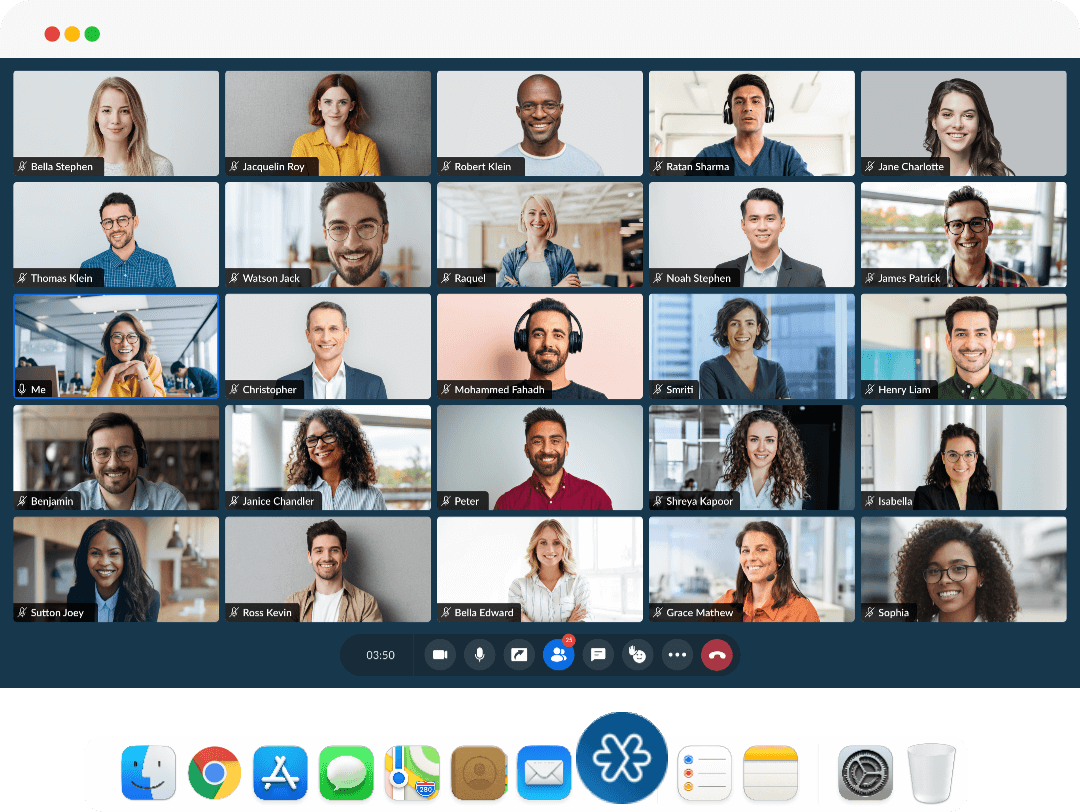
Start a meeting, invite participants, share your screen, and effectively collaborate, all from the Zoho Meeting desktop app. Our desktop application helps you remotely collaborate and get work done from anywhere, at any time.
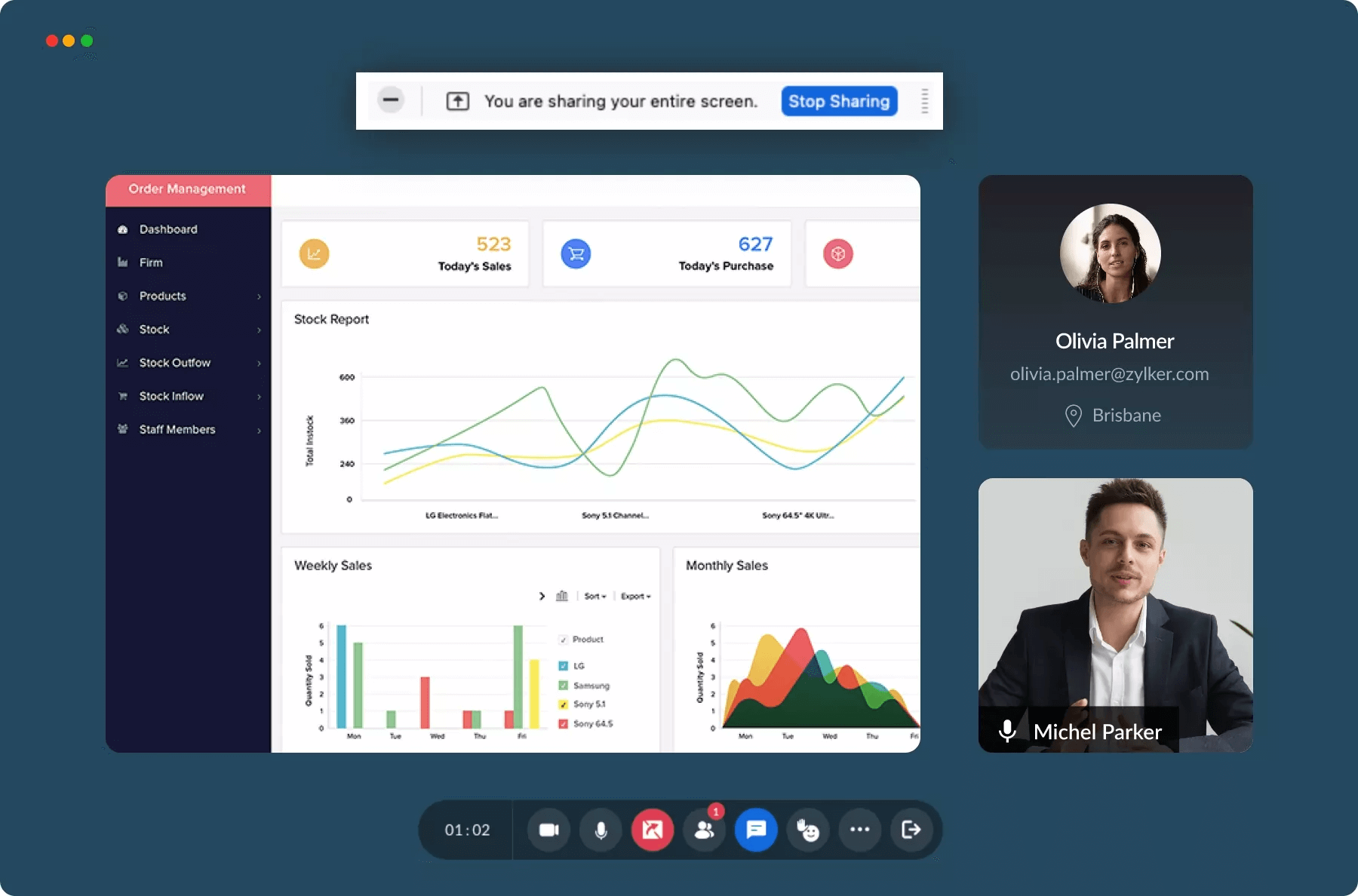
Why use Zoho Meeting's desktop application?
Using the Zoho Meeting desktop app in business
Desktop Meeting app for Executive training
Executive training requires you to provide multiple training sessions for different people each day. Use the Zoho Meeting desktop app for PC and Mac to save time and conduct training sessions with a click.

Desktop Meeting app for Quick remote collaboration
A work-from-anywhere model requires businesses to launch frequent online meetings with remote teams. Instead of starting meetings from browser every single time, business teams can download Zoho Meeting desktop app for PC and Mac to quickly launch meetings with a few clicks.
Using the Zoho Meeting desktop app in education
Desktop Meeting app for Online classes
In online courses, teachers and students need to connect over multiple sessions each day. If your educational institution uses Zoho Meeting's video conferencing platform for teaching, your teachers and students can download Zoho Meeting desktop app and teach online via virtual class sessions with the desktop shortcut.

Frequently Asked Questions
You can download the Zoho Meeting desktop app for your operating system. Once installed, you can start, schedule, and join meetings from your desktop without having to open your browser and go to your Meeting account.
With Zoho Meeting's desktop app, you can start instant meetings and keep track of all upcoming meetings from your desktop instead of navigating to your Meeting account in your browser each time.
Yes, Zoho Meeting desktop app is available for free download across different operating systems. You can download the meeting app for PC and start meetings in no time.
You can easily download the Zoho Meeting desktop app with the click of a button. Once the .exe file is downloaded to your system, proceed with installation and start using the desktop app.
Yes. Zoho Meeting provides dedicated mobile apps for both Android and iOS platforms. You can choose one of our mobile applications based on your OS and seamlessly attend meetings on the go.