
You're viewing our website for the India edition. Switch to the US edition to explore Zoho Payments in your region.
Switch to US Website
Stay Here

Stay safe with every payment.

#StayAlert always.

At Zoho Payments, we are committed to creating a safe and secure environment for online transactions. Our #StayAlert initiative aims to raise awareness among merchants and customers about essential practices to prevent fraud and enhance payment security. Explore our blogs, best practices, and more to stay informed and protected.

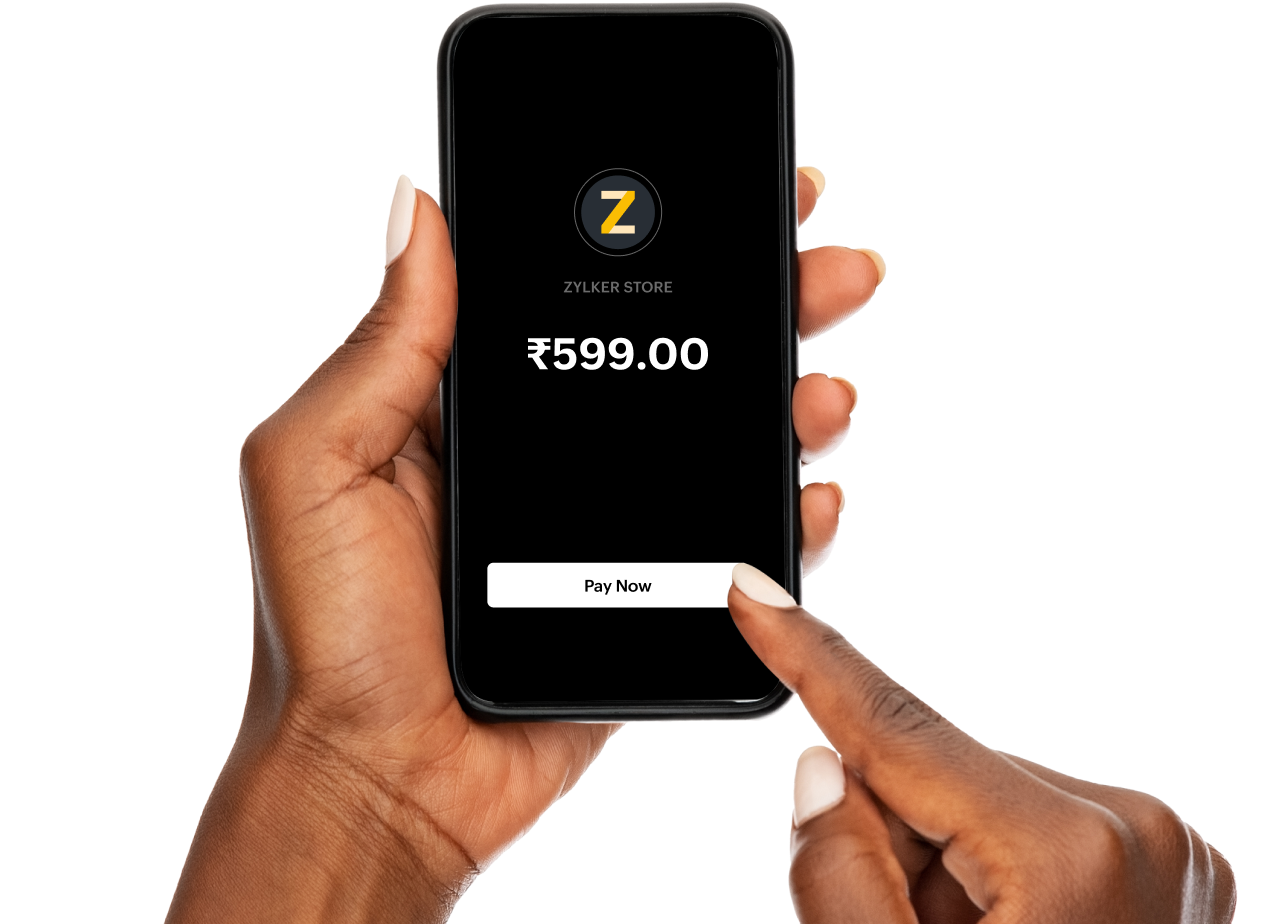
Payment checkout

AI-powered payment fraud:
What's happening?

How AI is powering attacks

Fraudsters use AI to

  • Automate phishing, OTP prompts, or KYC alerts.
  • Analyze leaked data and target vulnerable users.
  • Clone human voices in seconds and create realistic but fake documents.
  • Bypass traditional security filters and scale attacks to thousands of targets.

How AI is strengthening defense

AI-powered defense includes

  • Real-time transaction pattern recognition, flagging abnormal behavior (new device, unusual timing, odd location).
  • Merchant website anomaly detection, deepfake and voice clone detection signals.
  • Risk scoring for payouts and settlements, identifying mule accounts using network patterns.
  • Blocking fraudulent apps and URLs, instant flagging of compromised devices.

What you can do

You should

  • Verify urgent calls, messages, or links before authorizing payments.
  • Only use official apps and verified QR codes.
  • Monitor transactions regularly; flag suspicious activity immediately.
  • Educate staff and customers on AI-driven scams.
Essential guidelines for customers

Stay secure

Key practices that help you secure your payment activities and protect sensitive information

    Dos

  • Do Use strong, unique passwords combining upper and lowercase letters, numbers, and symbols for payment accounts.
  • Do Enable two-factor authentication (2FA) to add an extra layer of security.
  • Do Verify that a website uses SSL encryption (look for "https" in the URL and a padlock symbol).
  • Do Keep your devices (computers, phones) secure with antivirus software and firewalls.

    Don'ts

  • Don't Share your credit card details, CVV, PINs, or passwords over phone calls, emails, or messages.
  • Don't Save payment credentials (like credit card details) on shared or public devices.
  • Don't Leave sensitive payment information written down or accessible to others.

Monitor transactions

Track your account activity regularly, review your transactions, spot unusual activity

    Dos

  • Do Regularly monitor your bank and payment accounts for suspicious or unauthorized activity.
  • Do Set up real-time payment notifications (SMS or email) to receive alerts about account activity.
  • Do Review transaction history frequently to ensure all payments are authorized.
  • Do Keep contact information (email, phone number) updated with your payment provider to receive important notifications.

    Don'ts

  • Don't Ignore alerts for any unusual or unauthorized activity on your accounts.
  • Don't Assume small discrepancies or unknown charges will resolve themselves; always investigate.
  • Don't Delay reporting suspicious activity or fraudulent transactions to your bank or payment provider.

Safeguard credentials

Security basics to protect your financial information and reduce the risk of unauthorized access

    Dos

  • Do Create strong and unique passwords for every platform you use to make payments.
  • Do Use secure forms of authentication, such as biometrics (fingerprint/face recognition) or strong passwords.
  • Do Change your passwords regularly, especially after a suspected breach or security alert.

    Don'ts

  • Don't Use the same password across multiple platforms or accounts.
  • Don't Share one-time passwords (OTPs), authentication codes, or login credentials with anyone.
  • Don't Store passwords in browsers, especially on shared or public computers.

Secure network and devices

Keep your network and devices protected, keep your data protected, ensure payment security

    Dos

  • Do Use secure, private Wi-Fi or cellular networks to make online payments.
  • Do Keep your operating system and software, including antivirus programs, up to date.
  • Do Ensure your device has encryption enabled for sensitive data, such as financial transactions.

    Don'ts

  • Don't Make payments or enter sensitive information when using unsecured public Wi-Fi like cafes and airports.
  • Don't Use outdated software, browsers, or devices to make payments, as they may be vulnerable to attacks.

Verify websites and links

Confirm website authenticity before entering sensitive information, and ensure transactions are made on secure platforms

    Dos

  • Do Always verify that the online merchant or website is trustworthy before entering payment details.
  • Do Look for trusted seals and secure payment options like SSL encryption.

    Don'ts

  • Don't Click on links in unsolicited emails or texts that ask for your payment information; these might be phishing attempts.
  • Don't Make payments on websites without checking for the “https” and padlock icon, indicating a secure connection.

Post-payment actions

Follow-up after making transactions and review your payments, to ensure transaction security

    Dos

  • Do Log out of your payment accounts immediately after completing transactions, especially on shared or public devices.
  • Do Save and review payment confirmations or receipts to ensure accuracy and proper transaction records.

    Don'ts

  • Don't Save payment details on unfamiliar or rarely used websites.
  • Don't Assume a receipt or confirmation email means the payment process is complete—always double-check.

Prevent fraud

Essential tips to stay vigilant against fraud and recognize potential threats

    Dos

  • Do Be cautious of unsolicited emails, calls, or texts asking for payment details or urgent payments.
  • Do Use fraud detection tools offered by your bank or payment service to spot potential scams.
  • Do Immediately report any suspicious or unauthorized transactions to your bank or payment provider.

    Don'ts

  • Don't Fall for "too good to be true" offers or scams promising unrealistically high returns.
  • Don't Engage with any suspicious individuals or entities requesting payment outside of trusted platforms.
Essential tips to stay safe for merchants

Ensure secure network connections

Secure your network, maintain the safety of your transaction data, and safeguard against potential breaches

    Dos

  • Do Implement SSL encryption on your website to ensure secure data transmission (use "https").
  • Do Use PCI-DSS (Payment Card Industry Data Security Standard) compliant systems to handle payment information.
  • Do Regularly update your website and security software to prevent vulnerabilities.

    Don'ts

  • Don't Store sensitive payment information such as cardholder data (like CVV numbers) unless absolutely necessary and in a compliant manner.
  • Don't Share customer data with third parties without proper consent and security measures.
  • Don't Neglect security patches or updates that protect against vulnerabilities.

Monitor transactions for fraud

Keep a close watch on your transactions, identify suspicious patterns, and protect business integrity

    Dos

  • Do Implement fraud detection systems that monitor for suspicious activity like unusual purchase patterns and IP geolocation mismatches.
  • Do Offer multi-factor authentication (MFA) for customer accounts to protect against unauthorized access.

    Don'ts

  • Don't Delay in flagging and investigating potentially fraudulent transactions.
  • Don't Allow unverified payment methods or accounts with a history of fraud to complete transactions without proper checks.

Opt for secure payment gateways

Choose gateways that prioritize security and customer safety, providing trusted payment experiences

    Dos

  • Do Use trusted, PCI-compliant payment gateways like Zoho Payments to process payments securely.
  • Do Provide secure and easy-to-use checkout options, ensuring customers feel safe during the payment process.

    Don'ts

  • Don't Redirect customers to unsecured pages or third-party websites during checkout without a secure environment.
  • Don't Store payment details unnecessarily on your platform without proper encryption or legal reasons.

Stay compliant

Follow compliance guidelines for industry regulations, protect your operations, and build customer confidence

    Dos

  • Do Ensure compliance with global or regional regulations such as GDPR (General Data Protection Regulation) and PCI-DSS.
  • Do Follow the KYC (Know Your Customer) guidelines to prevent fraud and ensure a customer's identity is verified.

    Don'ts

  • Don't Operate without following legal guidelines related to data protection and payment security.
Security

Note: Most payment gateways or aggregators, like Zoho Payments, include security, fraud, and risk-related features mentioned above. Choose the right payment gateway to stay safe.

Blogs

Let us simplify payments

Our product experts will tailor the session to your business needs to ensure you get the maximum value from the conversation.

What to expect in the demo

  • Tick icon Walkthrough of Zoho Payments personalized to your business needs

  • Tick icon How it integrates within your existing business ecosystem
  • Tick icon Answers to any specific questions you may have

Request a demo

Please enter your name

Please enter your organization name

Please enter your email address.

Please enter a valid mobile number

Please enter a convenient date and time.

Example: May 30, 9.00-11.00AM IST

Please select your industry type.

Please enter a brief description of your payments processing needs.

Type the characters you see in the picture

By submitting this form, you agree to our Privacy Policy.

Statutory Disclosures

PDF Icon
Financial Statement 2024-25
Arrow Icon