
Emailing Receipts
Zoho Payments automatically sends email notifications to your customers about their payments and refunds, based on your customer notification preferences.
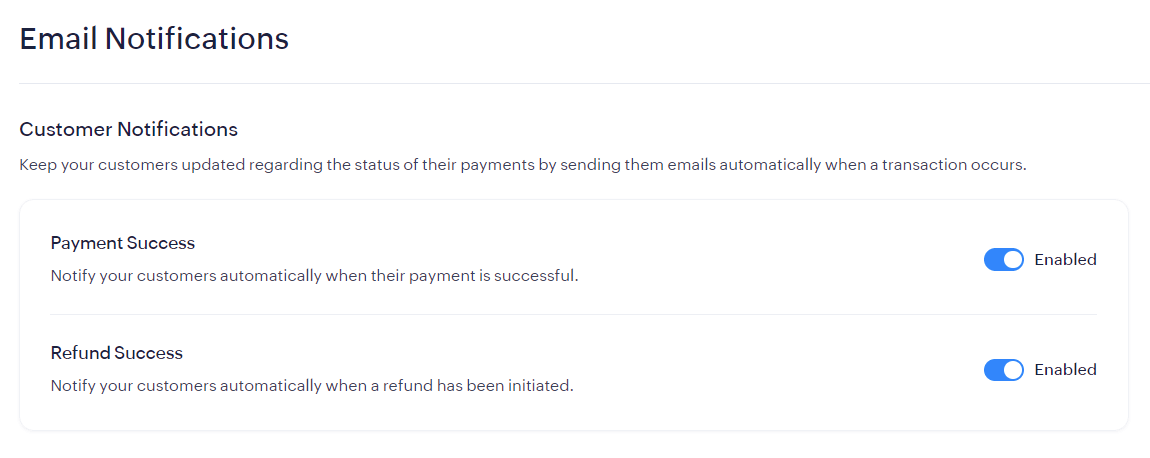
You can also manually send a payment receipt to your customer. To do so:
- Go to Zoho Payments > Payments.
- Select a transaction and click the Email icon in the top-right corner.
- Enter the email address (up to 10).
- Click Email Receipt.
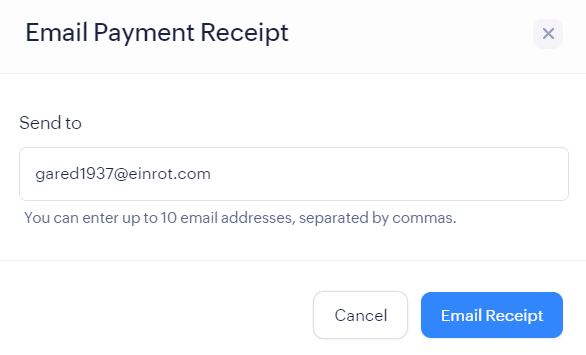
The email will be sent to your customers.
Pro Tip: You can send emails from the payment list page as well by clicking the More icon near a payment and selecting Email Receipt from the options.

 Walkthrough of Zoho Payments personalized to your business needs