
Collect via Virtual Accounts - Overview
Zoho Payments lets businesses collect payments via bank transfer (NEFT, IMPS, and RTGS) using virtual accounts from the Collect module. A virtual account is a unique account number mapped to your Zoho Payments account. It acts as a digital collection account that you can share with customers instead of sharing your primary bank account details, while also helping you control how payments are received.
You can create virtual accounts with defined rules such as payment limits, customer details, and expiration dates. Each virtual account can be shared with one or multiple customers, allowing you to collect and track payments from different customers separately, without the need for manual reconciliation. You can also view and manage all collections in one place from the Collect module.
Insight: To enable virtual accounts for your business, contact support.
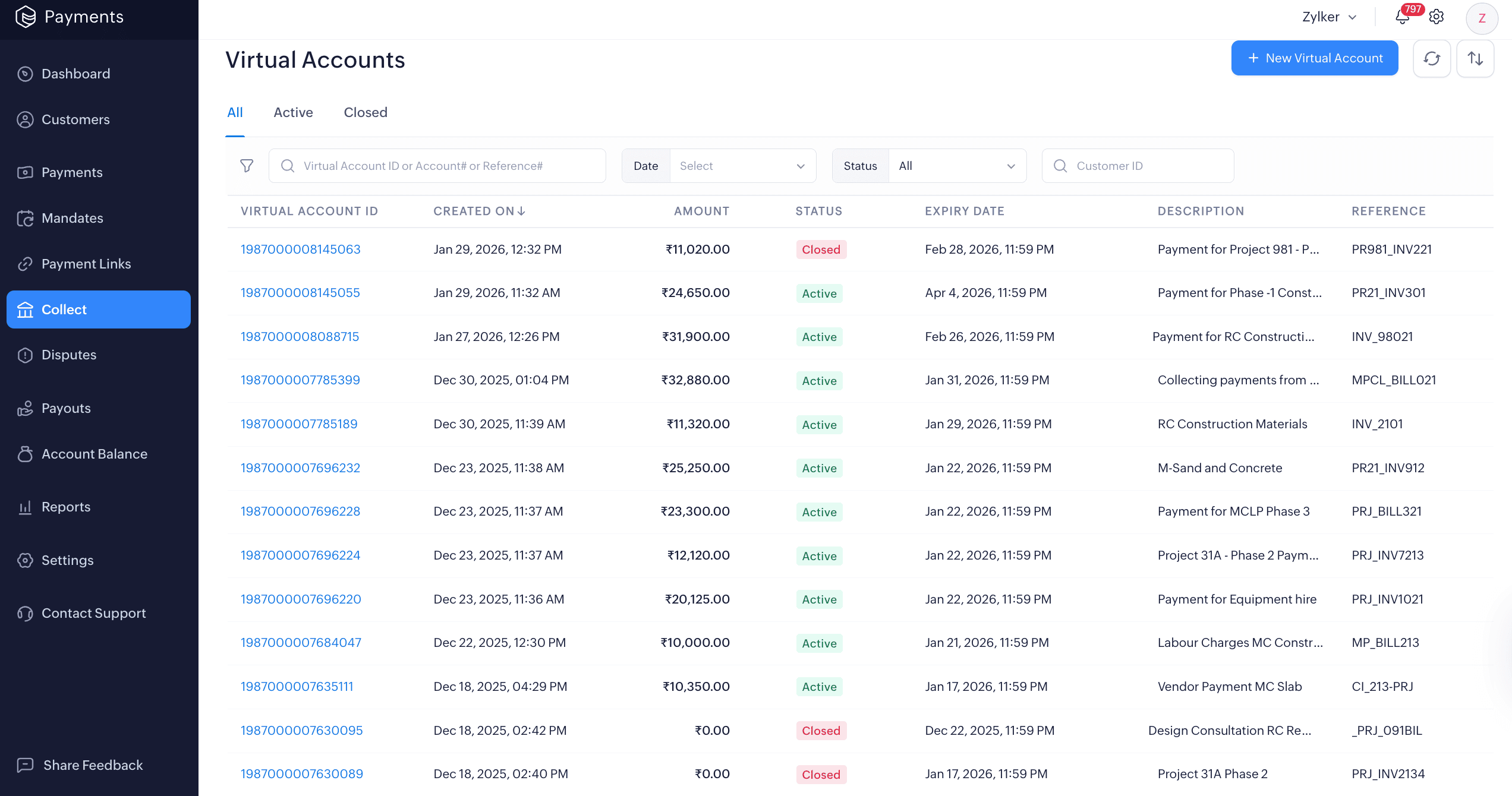
How does a virtual account work?
When a virtual account is created, Zoho Payments generates a unique account number to share with customers. Customers can add this account as a beneficiary and make payments to it via bank transfers.
Behind the scenes, Zoho Payments automatically captures and reconciles each incoming payment against the correct virtual account. You can track the status of all received payments from the Payment History tab within the Collect module.
Note: Payments collected through a virtual account are settled to your bank account as per your regular payout schedule.
Scenario: Maria runs a construction business and needs to collect payments from multiple clients. Using a single bank account makes it difficult to track which payment belongs to which project.
She generates a virtual account for each project and shares it with her clients instead of sharing her primary bank account details or sending payment links. When clients transfer funds, Zoho Payments processes and records the payments automatically, allowing her to track each project’s payment separately.

 Walkthrough of Zoho Payments personalized to your business needs