- HOME
- Product updates
- Bringing you a million gorgeous backgrounds from Unsplash
Bringing you a million gorgeous backgrounds from Unsplash
- Last Updated : June 29, 2026
- 500 Views
- 2 Min Read
A form with the right background doesn't just look better, it feels like it was made for the person filling it out.
Unsplash, the world's largest photo library is now live inside Zoho Forms.
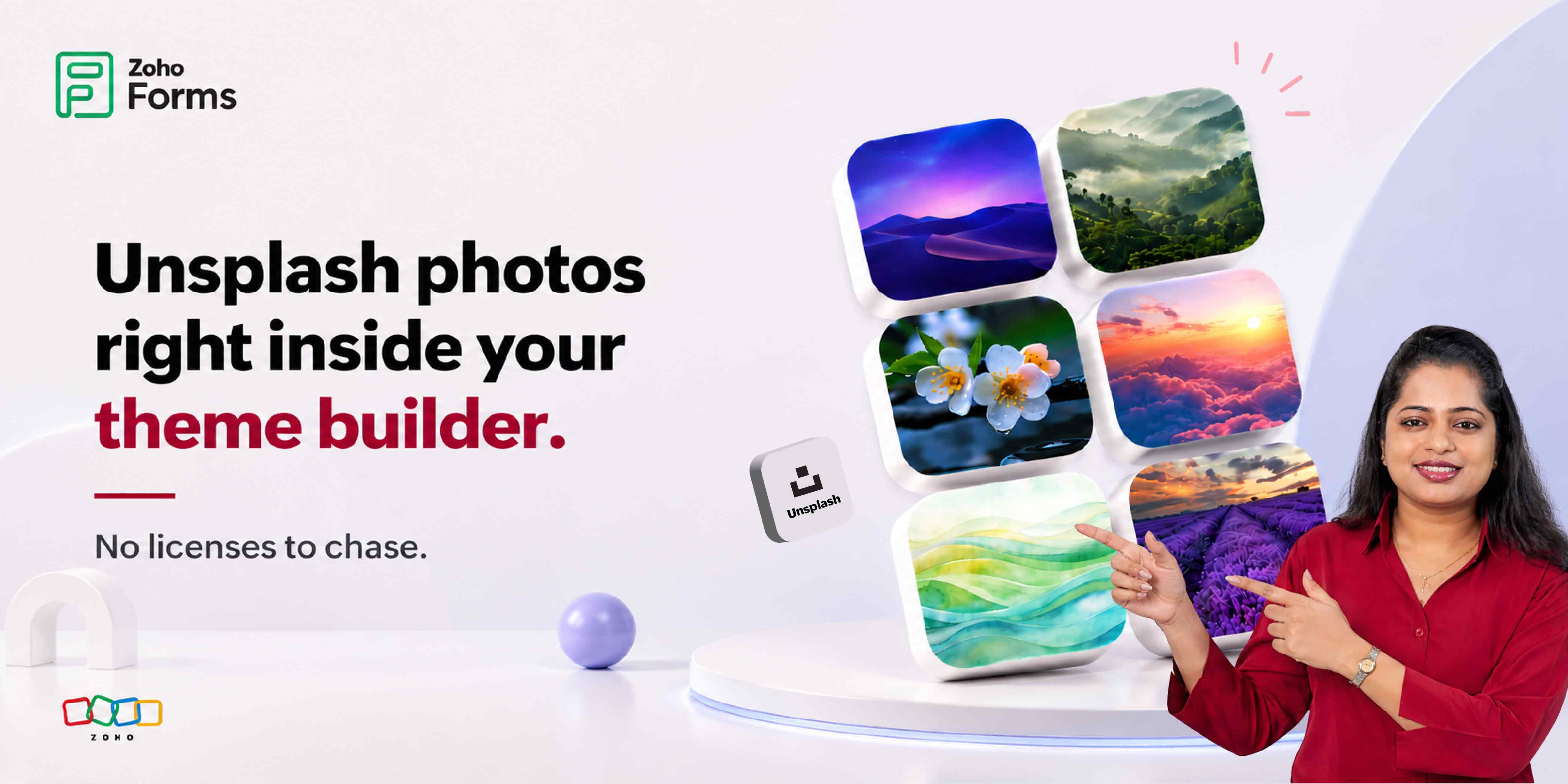
No downloads, no uploads, no copyright headaches! Unsplash isn't your typical image library. With over 5 million high-resolution photos contributed by professional photographers worldwide, it's the go-to resource that designers, marketers, and creators use when they need imagery that actually feels alive.
And now it lives directly inside your Zoho Forms background image picker, right alongside your device uploads, Wallpaper Gallery, and Pixabay.
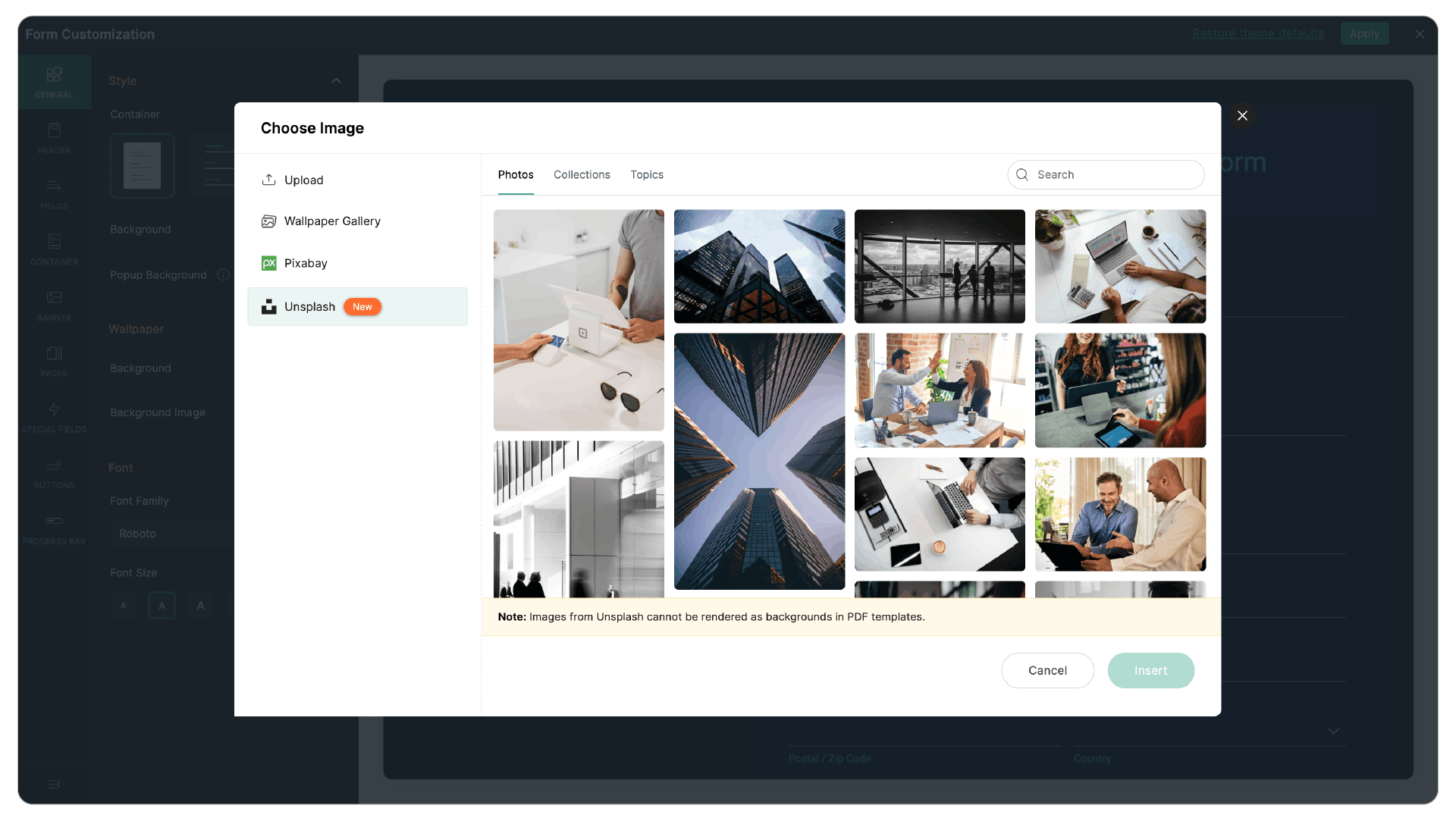
Three ways to browse
Unsplash inside Zoho Forms gives you three distinct browsing modes, each built for a different creative workflow. Whether you know exactly what you want or you're still figuring out the vibe, there's a mode that fits.
Individual photos
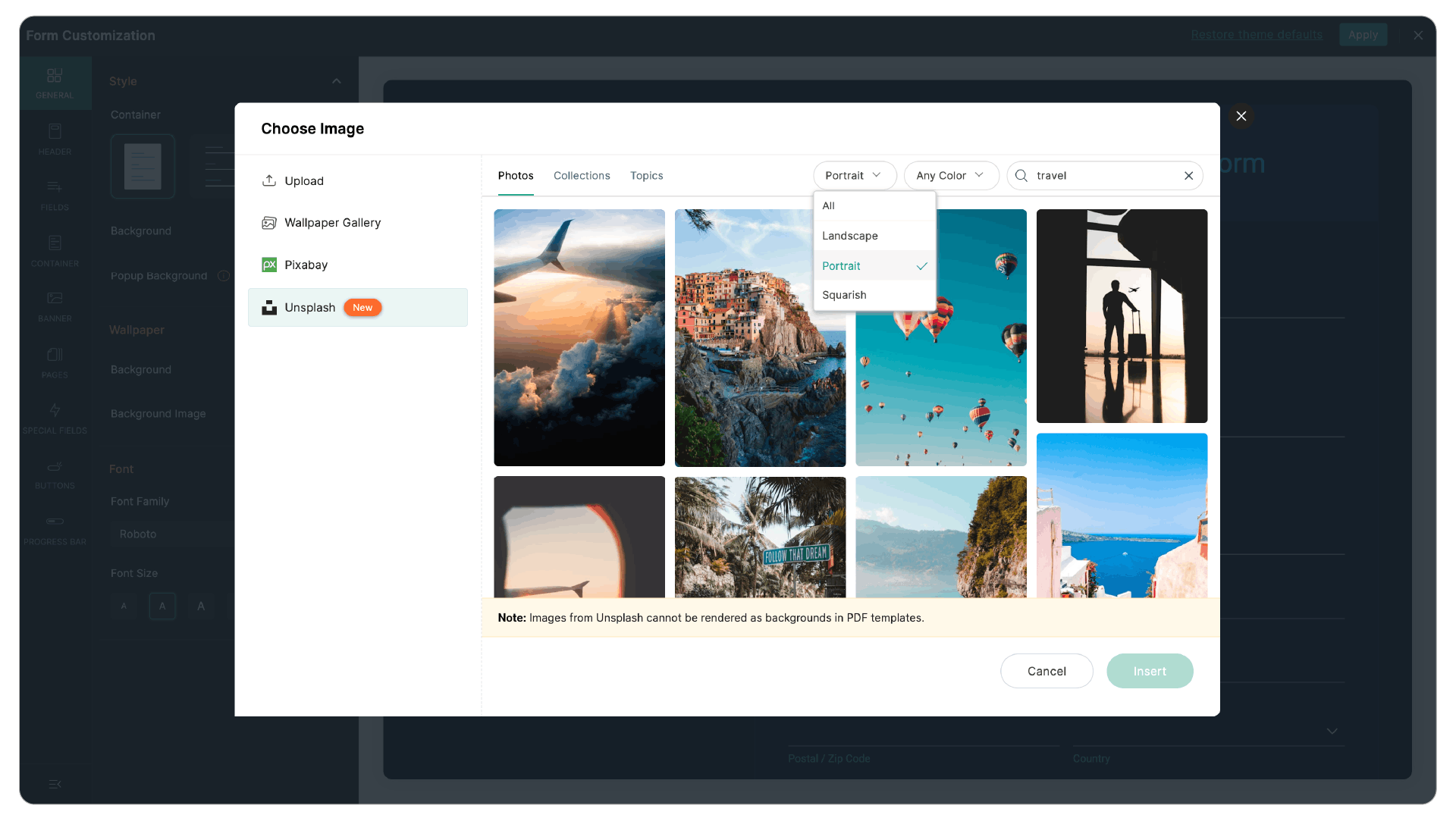
Search by any keyword and get curated single shots from the Unsplash community.
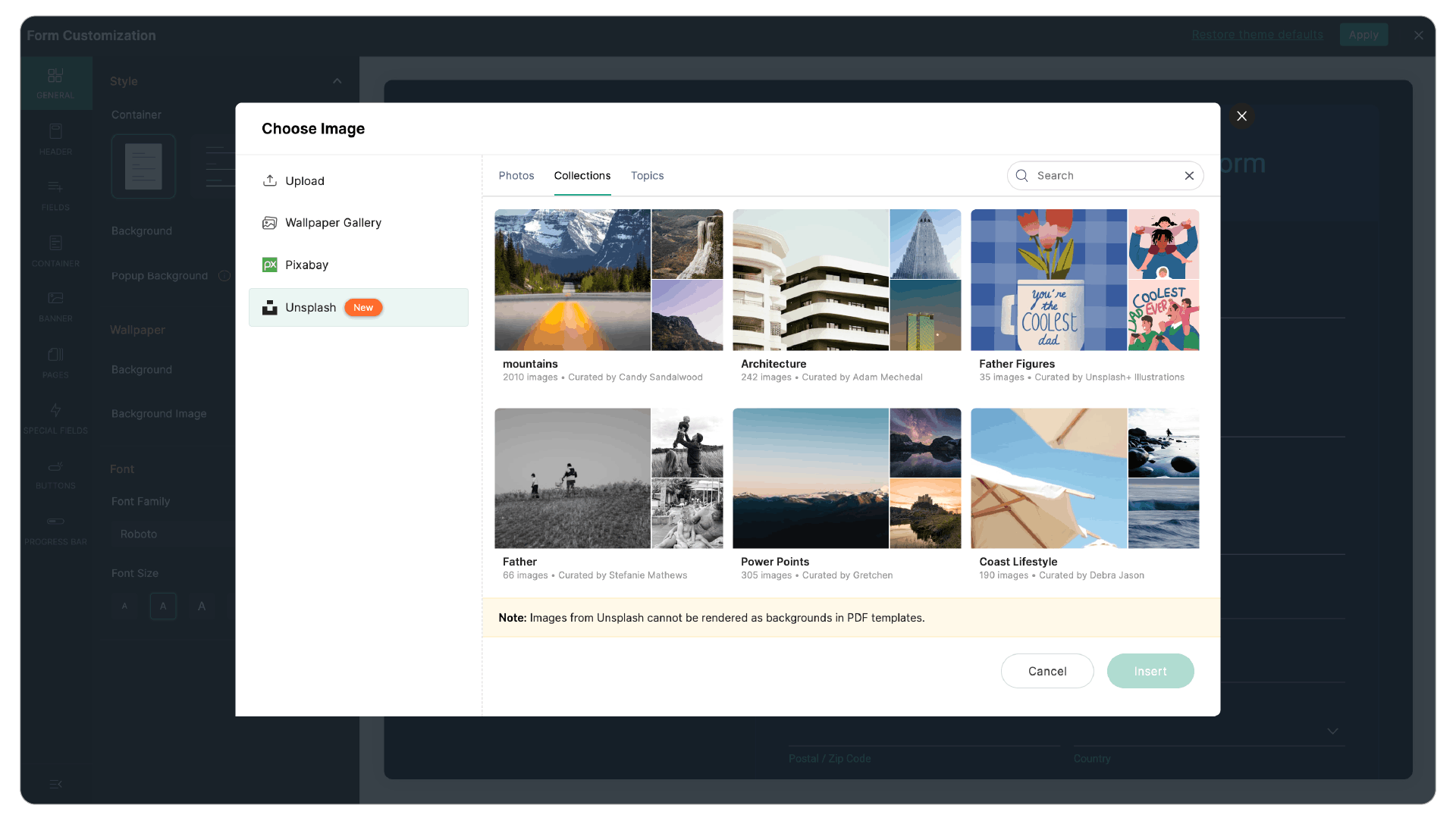
Collections
Curated image sets around a theme, perfect when you want visual consistency across a campaign.
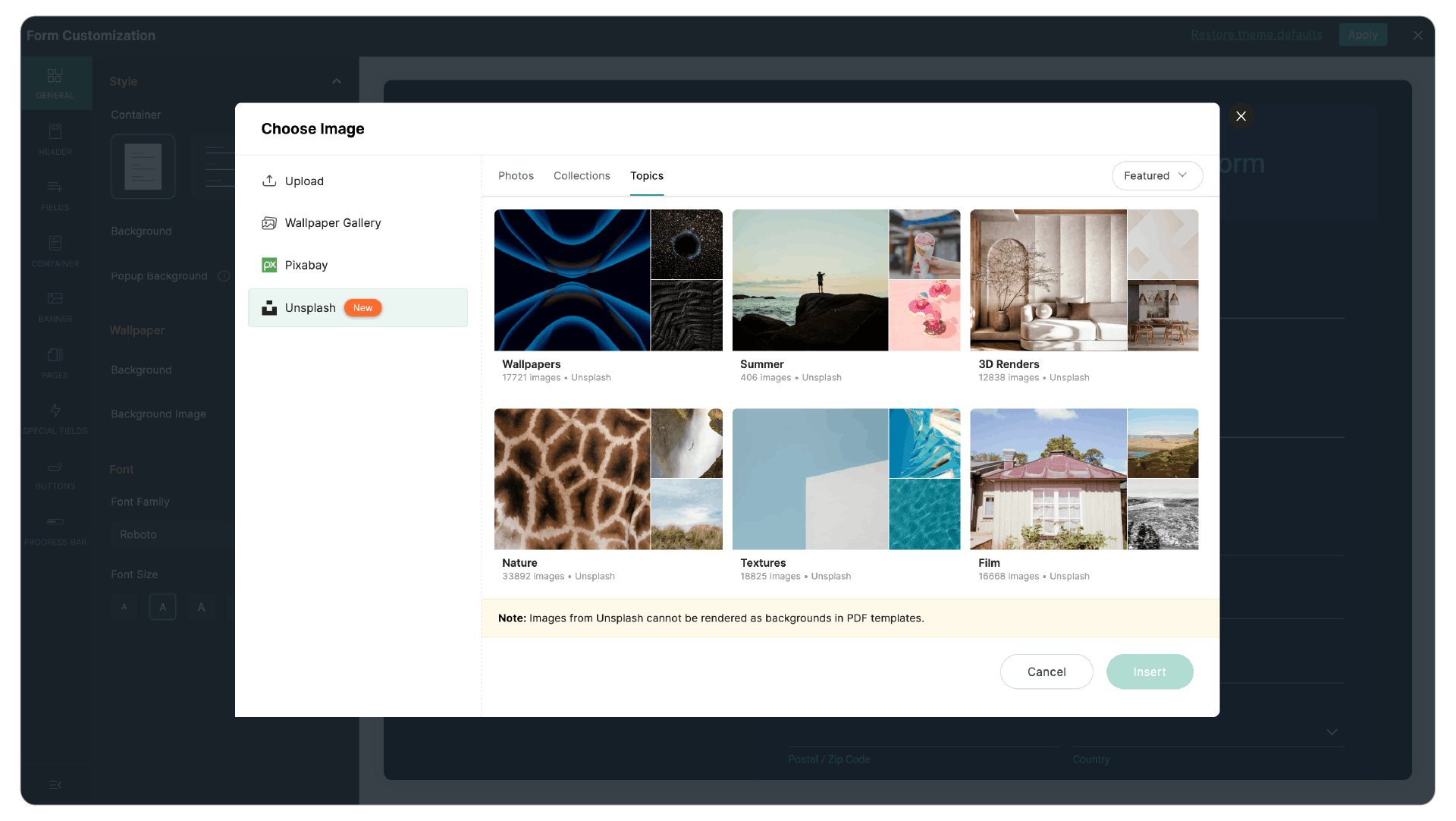
Topics
Subject-based groupings like Architecture, Nature, Business. Browse by what your form is about.
Find the exact image. Not just a good one.
You're not browsing blindly. Unsplash in Zoho Forms comes with real filtering controls so you land on the right image in seconds, not after scrolling through 200 results.
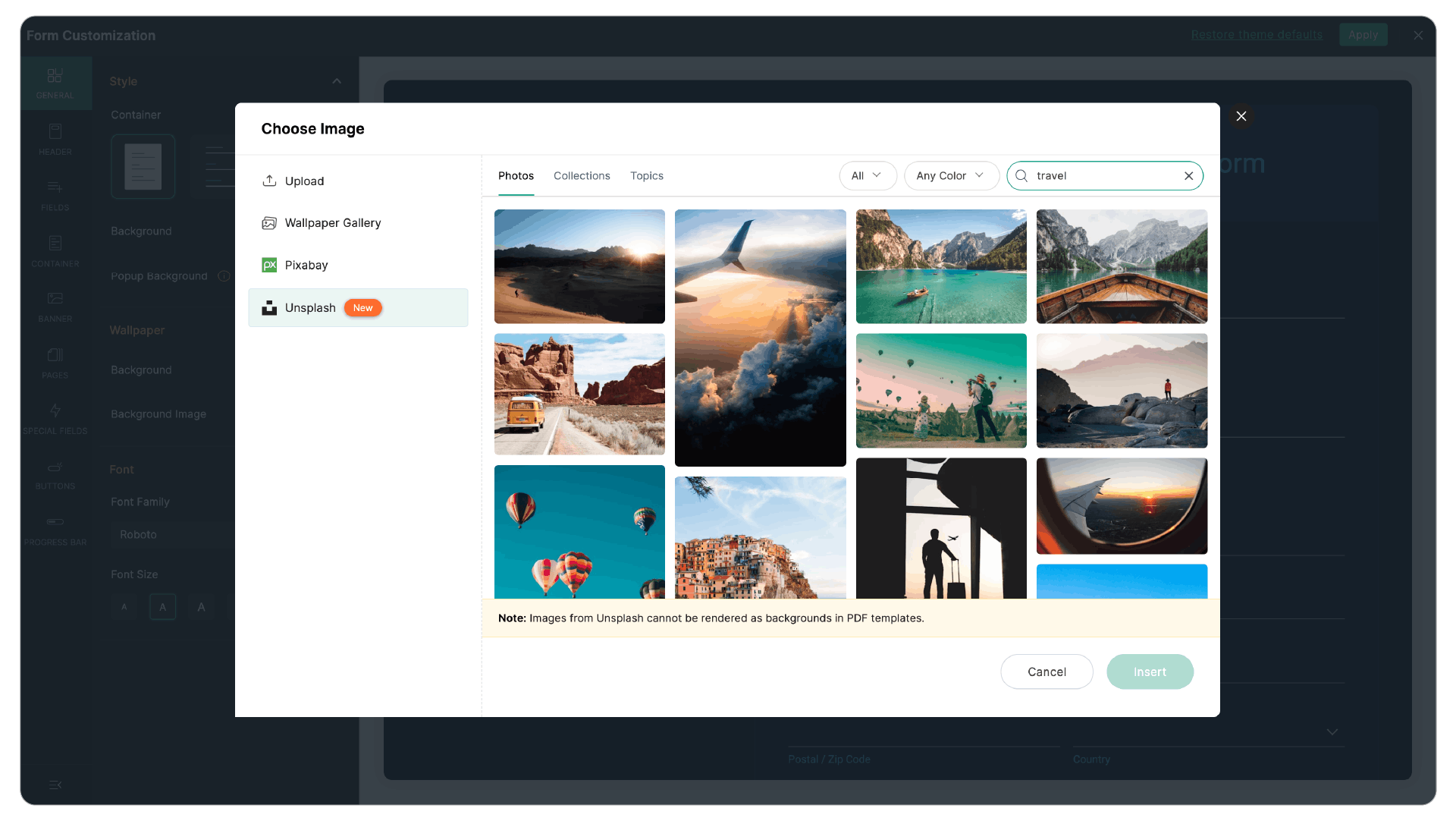
Try the filters & see the layout shift
Filter by orientation and narrow down suggestions by color.
Beautiful backgrounds that don't fight your form
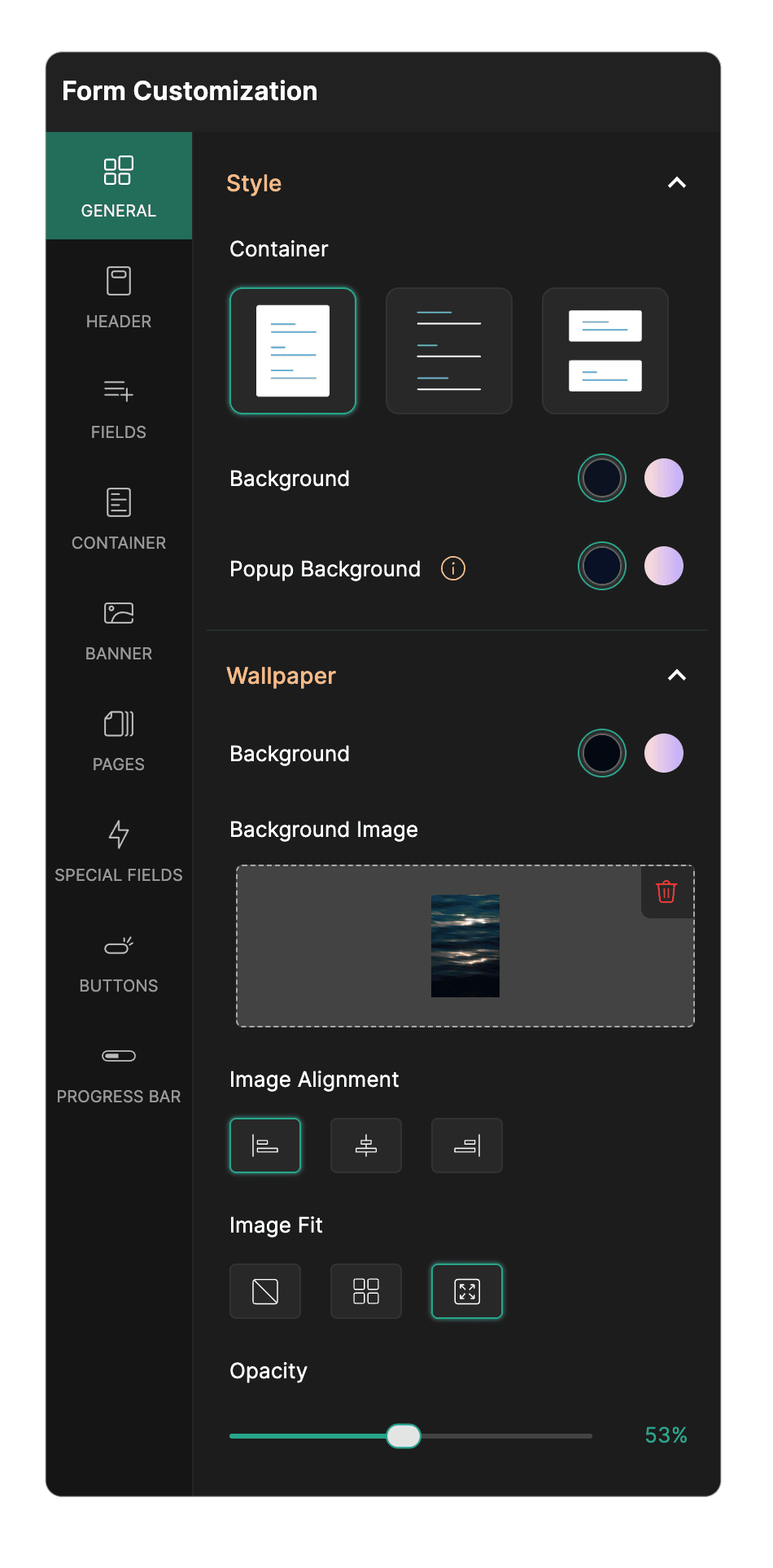
Adding a stunning image is one thing. Making sure your form fields stay readable is another. The last thing you want is respondents squinting to fill out a field because the background text is bleeding through.
That's why you get full control over alignment, fit, and opacity, so the background enhances rather than competes.
The forms your audience won't forget
The right background image communicates intent, builds trust, and signals professionalism before a single field is filled. You're three clicks from a stunning form.
1. Head into the Theme Builder of any form. Click on Background Image in the customization panel.
2. You'll see options for your device, Wallpaper Gallery, Pixabay, and now Unsplash. Select Unsplash.
3. Browse individual photos, Collections, or Topics.
4. Apply and share your form.
No external apps, no tab-switching, no re-uploads. Everything happens inside your Zoho Forms Theme Builder.
 Samhita V
Samhita is a seasoned product expert at Zoho Forms who blends deep product expertise and user education to help businesses make sense of powerful features without the jargon. Known for her thoughtful storytelling and crisp communication, she adds a subtle creative flair to every piece she writes. With a knack for spotting real-world use cases and adding a touch of fun to her narratives, she’s on a mission to make even the most complex workflows feel approachable. Beyond the desk, she channels her creativity into dance and mural art, finding new ways to infuse her surroundings with color, rhythm, and meaning.