- HOME
- Product updates
- Introducing Zoho Forms with Microsoft Power Automate
Introducing Zoho Forms with Microsoft Power Automate
- Last Updated : May 25, 2026
- 1.2K Views
- 3 Min Read
It's a Monday morning. Your inbox has 14 new form submissions from the weekend - a mix of product enquiries, event registrations, and job applications.
Before you've even had your coffee, there's a pile of manual work waiting: copy this into a spreadsheet, reply to that one, forward this to HR, update the attendee list...
That's a lot of time spent on tasks that can be automated. And you're not alone. This is how most businesses handle form data, and it quietly eats hours every single week.
Forms are everywhere in business. But the moment someone hits "Submit," the form's job is done, and a human's job begins.
What if you could have a reliable assistant whose job is to jump into action the moment anyone fills out your form - day or night, instantly, without ever making a typo.
That is exactly what happens when you connect Zoho Forms with Microsoft Power Automate. Let's break it down in everyday language.
The best workflow is the one that runs itself.
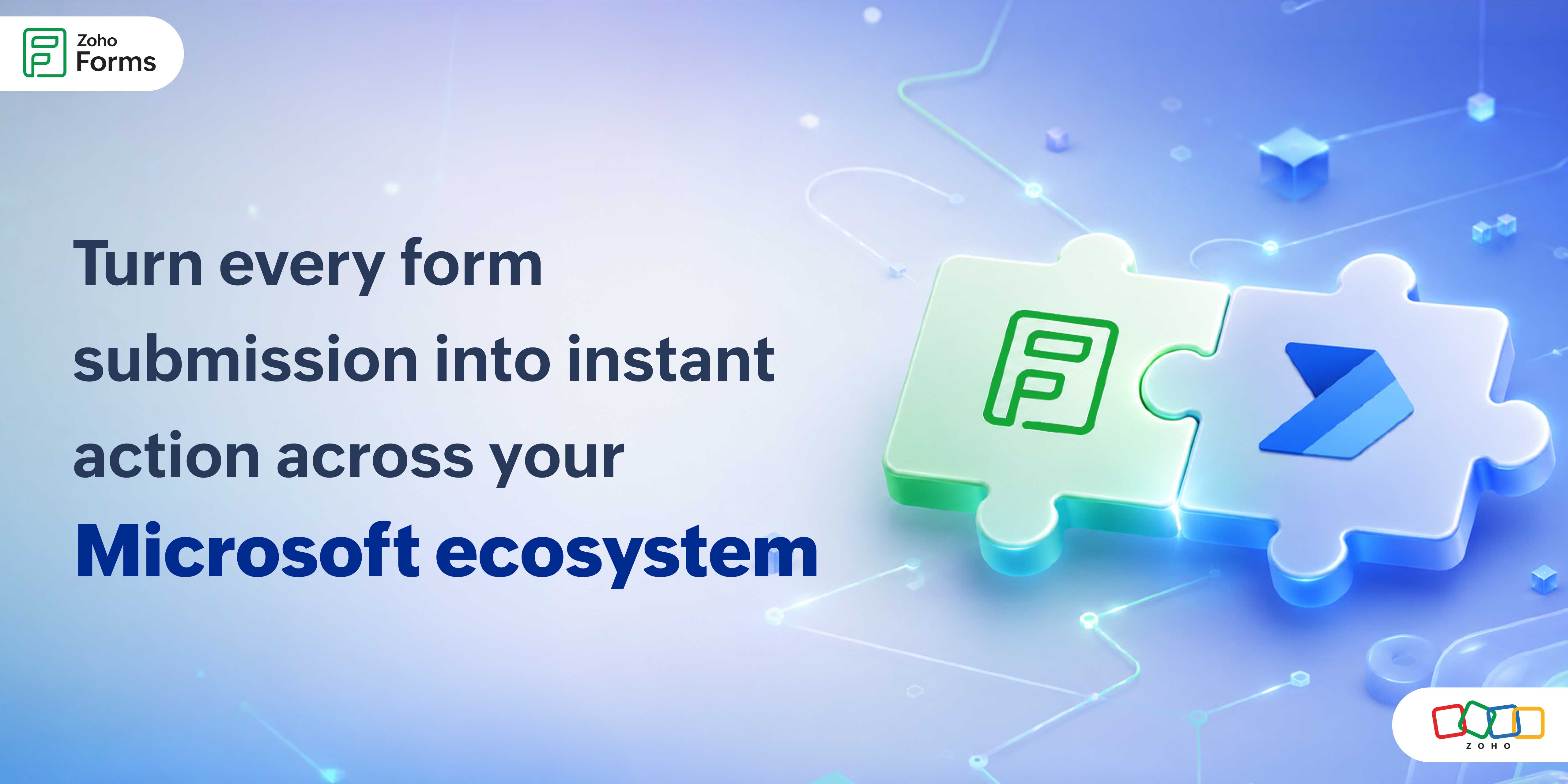
The Zoho Forms + Microsoft Power Automate integration connectstwo platforms and turns every form submission into actions across your entire Microsoft ecosystem.
Let's walk through what this integration is, why it matters, and exactly how to get it running.
Let's start with the basics
So what are these two tools?
Zoho Forms is your front door
This is where you build and share online forms. Contact forms, order forms, job applications, event registrations or anything where you need to collect information from people. You design it once, share a link, and people fill it in.
Microsoft Power Automate is your backstage crew
This is a Microsoft tool that connects apps together and makes things happen automatically. When one thing happens (like a form being submitted), it triggers a series of actions across other apps you already use, like Excel, Outlook, or Teams.
Together, they close a gap that costs businesses time every day.
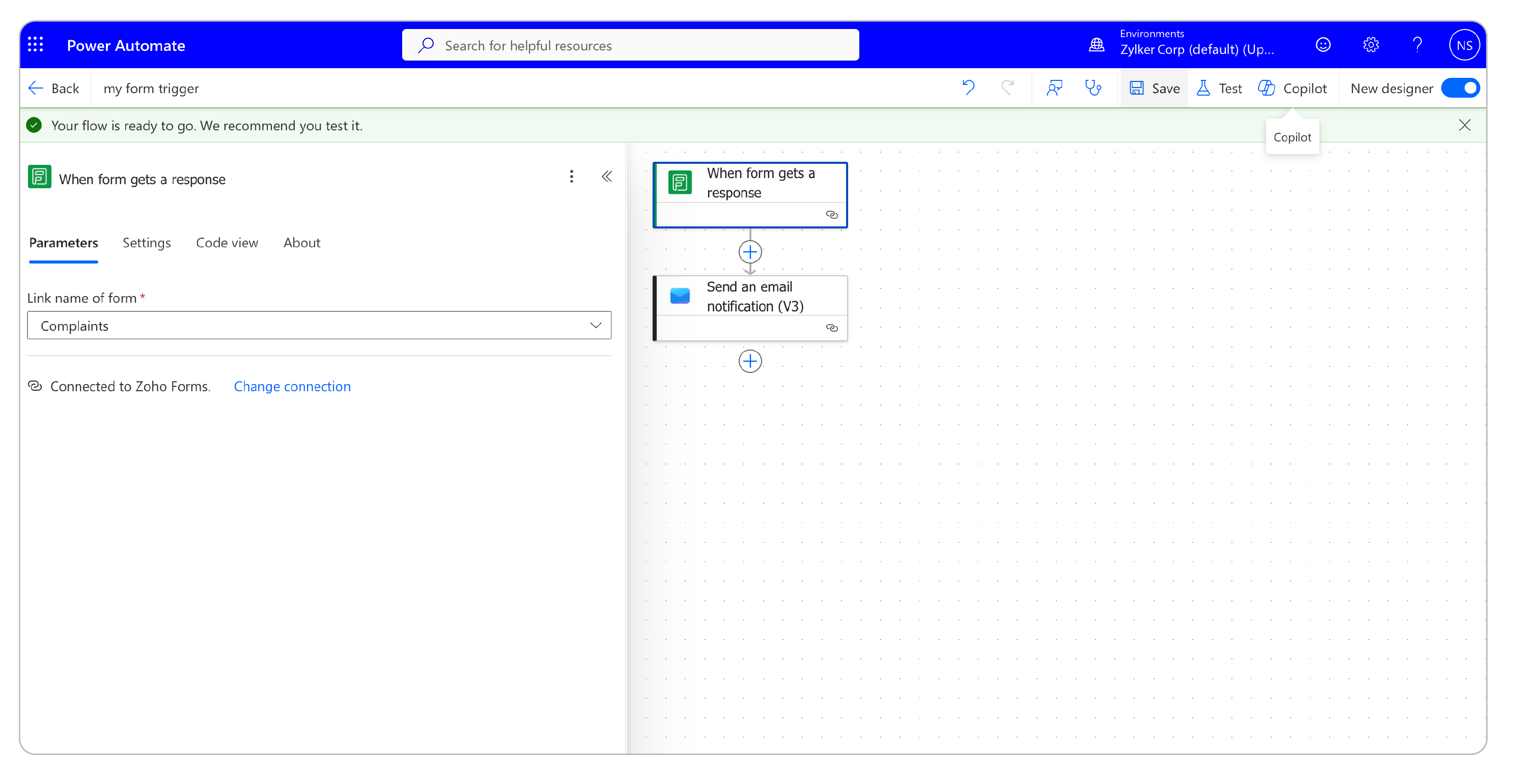
Zoho Forms collects the information. MS/Microsoft Power Automate immediately acts on it: routing it to the right place, notifying the right people, updating the right records without anyone lifting a finger.
What makes this different from other tools?
Lots of tools say they connect your form to other apps. There's no shortage of form-to-workflow integrations in the market.
What sets this connector apart is the depth of the Zoho Forms data it shares - every field, every file attachment, every response becomes available as a dynamic value in your Power Automate flow. A single form entry can update your spreadsheet, send a confirmation email, ping your team, and save a file, all at the same moment, without anyone pressing a button.
Real-world use cases
Customer enquiry form -> automatic Excel log + Outlook reply
A bakery owner has a "Custom Cake Order" form on her website. Previously, she read every submission and manually noted it in MS Excel before emailing the customer back on Outlook.
Now, each time a form is submitted, an excel row is auto-created instantly and a confirmation email is auto-sent on Outlook.
Job application form → SharePoint record + Teams alert to recruiter
An HR team receives 50+ job applications a week through a Zoho Form. They want every application stored in SharePoint and their recruiter pinged in Microsoft Teams immediately.
Event registration form → attendee spreadsheet + calendar invite via Outlook
A corporate trainer runs monthly workshops. She wants each registration to automatically add the person to her attendee list on Excel and send them an Outlook calendar invite.
Before you begin: Three things you'll need
- A Zoho Forms account
- Microsoft Power Automate account
- A fully built form in Zoho Forms
Check out the steps to configure the setup
Available across multiple platforms
Microsoft Power Automate
Automate workflows triggered by form submissions, route data, send notifications, and connect to hundreds of services without writing a single line of code.
Microsoft Power Apps
Include Zoho Forms data directly into custom business applications, enabling teams to build powerful, data-driven apps that respond in real time to form activity.
Azure Logic Apps
Leverage enterprise-grade automation by connecting Zoho Forms to Azure services.
Connect to any service in the Microsoft Ecosystem
Through the Microsoft Power Automate connector, Zoho Forms gains access to an ever-growing library of integrated services from Microsoft 365 tools like Outlook, Teams, and SharePoint, to third-party platforms like Salesforce, Slack, Google Workspace, and thousands more.
This cross-platform compatibility means you can meet your team where they already work without changing your existing tech stack.
Which use case fits your team?
Comment below!
 Samhita V
Samhita is a seasoned product expert at Zoho Forms who blends deep product expertise and user education to help businesses make sense of powerful features without the jargon. Known for her thoughtful storytelling and crisp communication, she adds a subtle creative flair to every piece she writes. With a knack for spotting real-world use cases and adding a touch of fun to her narratives, she’s on a mission to make even the most complex workflows feel approachable. Beyond the desk, she channels her creativity into dance and mural art, finding new ways to infuse her surroundings with color, rhythm, and meaning.