- HOME
- More
- Security deep-dive
- The psychology of urgency: why "act now" emails still work
The psychology of urgency: why "act now" emails still work
- Last Updated : July 16, 2026
- 125 Views
- 9 Min Read

A mid-sized logistics company receives an email at 4:47 PM on a Friday. The sender appears to be their CFO. The subject line reads: "URGENT: Wire transfer needed before close of business, client deal at risk." The accounts payable manager—trained, experienced, and two weeks from retirement—authorizes the transfer within minutes. But the CFO never sent the email; the $138,000 is gone before anyone notices.
What failed here was not security policy, nor awareness training—at least, not in the way most organizations assume. What failed was the brain, which is exactly what the attacker intended.
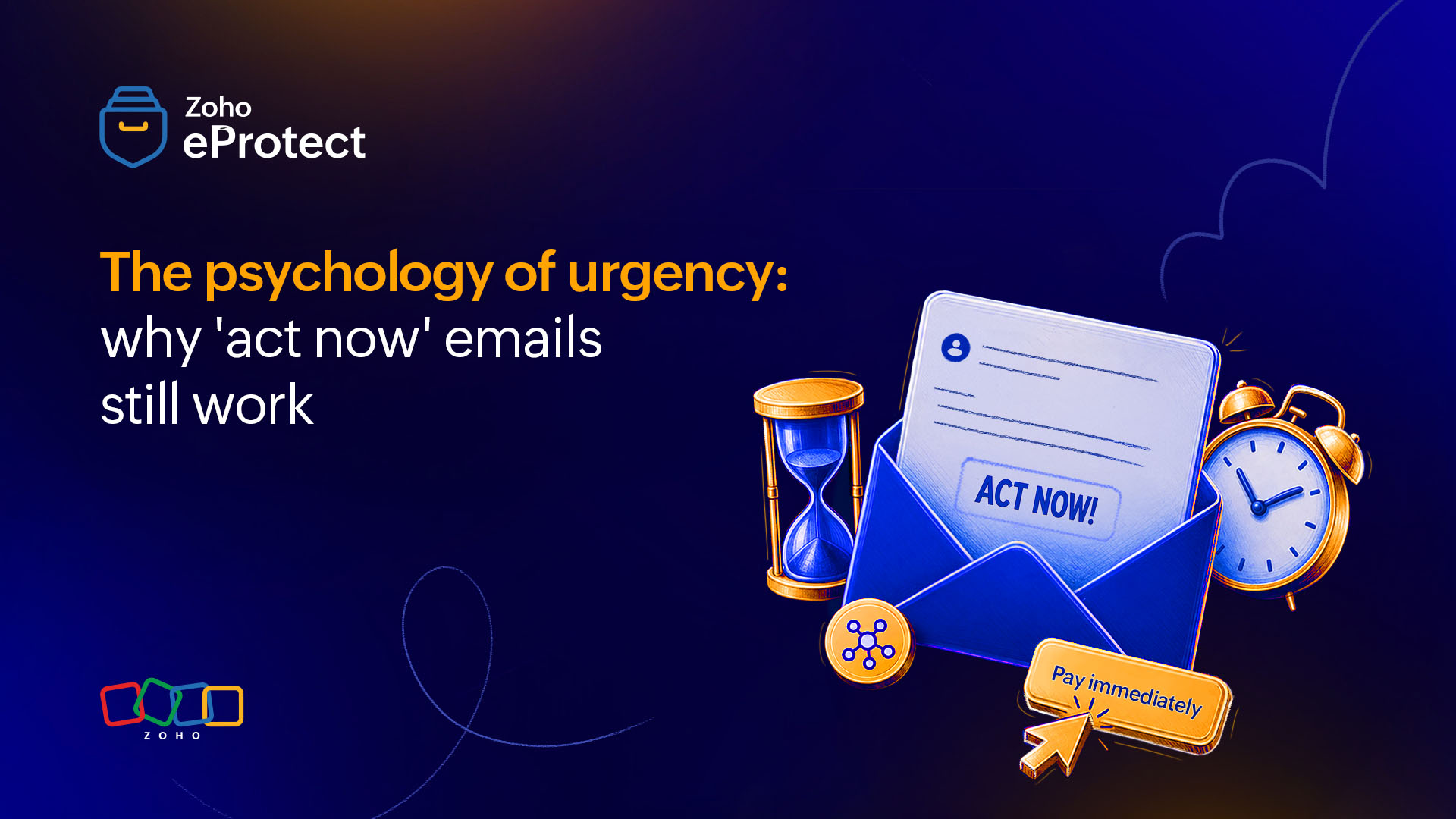
Urgency-based phishing remains one of the most effective attack vectors in email security. This isn't attributed to carelessness; rather, it happens because the human stress response isn't designed to distinguish a real emergency from a manufactured one. In this article, we'll explore how the human brain processes urgency, the anatomy of urgency-based phishing emails, and how awareness helps with detecting the nature of emails before responding to them.
How the brain processes urgency
System 1 is the target
Psychologist Daniel Kahneman's framework of dual-process thinking is well established: System 1 operates fast, automatically, and below conscious awareness. System 2 is deliberate, analytical, and effortful. Most daily decisions run on System 1 because it's efficient. Under normal conditions, System 2 catches errors before they become problems.
Urgency-based phishing attacks are specifically engineered to keep System 2 out of the picture.
When an email signals that something bad is happening right now—for example, that your account is compromised, your job is at risk, or that a payment is overdue—the amygdala activates a threat response and attention is narrowed down to the perceived danger. The prefrontal cortex, which handles rational evaluation and impulse control, loses priority in the brain's resource allocation. You stop analyzing and start reacting. This is the amygdala hijack, and it's not a bug in unintelligent people; it's a feature of the human nervous system, which evolved to react to physical threats, but is now being exploited to digital ones.
The attacker's goal is to move the recipient from System 2 to System 1 thinking within the first few seconds of reading. Subject lines like "Final notice before account suspension" or "Immediate action required - security breach detected" aren't careless phrasings; they're precision instruments.
The three levers: scarcity, authority, and fear of loss
Robert Cialdini's influence principles map almost perfectly onto phishing email design. Scarcity creates the sense that time or access is running out. Authority establishes the sender as someone whose demands carry consequences. This could be a CEO, IT department, or known vendor. Loss aversion—a finding that people feel losses more acutely than equivalent gains—is another important factor that drives the click when recipients believe inaction will cost them something they already have.
What makes urgency-based phishing distinct from other social engineering methods is that it combines all three levers simultaneously. A well-crafted attack doesn't just impersonate an authority figure; it impersonates one who is threatening an imminent loss unless the recipient acts immediately. The psychological load of processing all three at once is precisely what makes System 2 disengage.
The anatomy of an urgency-based phishing email
Understanding the relevant psychology explains why people click. Understanding the structure of phishing messages explains why the emails look convincing enough to trigger the click.
What attackers engineer at the technical level
The display name in a phishing email is frequently indistinguishable from the real sender because most email clients show it and hide the actual sending address unless the user actively checks. A display name that reads "Microsoft Account Team" combined with a spoofed or lookalike domain like "microsoft-secure-alerts.com" passes the first visual scan that most recipients apply.
Subject line patterns follow documented formulas. Analysis of large phishing campaign datasets consistently shows high-performing subject lines use one of three structures: a threat of loss ("Your account access expires tonight"), a call to verify ("Confirm your identity to avoid suspension"), or an action already in progress that requires urgent intervention ("A wire transfer has been initiated. Verify now to cancel"). Each structure exploits a different anxiety, but all force the reader into a reactive posture before the body of the email is even opened.
In the email content, countdown timers built with HTML and CSS are increasingly common, particularly in credential-phishing campaigns. They serve no functional purpose from the attacker's side. In fact, the phishing page works regardless of whether the timer reaches zero. Their only function is psychological. Watching a timer count down makes people act before they think.
Call-to-action buttons are sized, colored, and placed to minimize friction between reading and clicking. Urgency language is repeated in the button text itself ("Verify Now," "Secure My Account," "Act Before It's Too Late") so the behavioral prompt appears twice in the same visual frame.
The role of context and pretexting
The more sophisticated urgency attacks don't arrive in isolation; they follow a pattern of pretexting. In this case, the plausibility of the attack is established before the attack email lands. A threat actor might send a benign first email referencing a legitimate business process, then follow with the urgent message that builds on that established context. The recipient's brain treats the second email as part of an ongoing conversation rather than an unsolicited threat, lowering skepticism at the exact moment it needs to be highest.
In business email compromise specifically, attackers spend time researching their targets: the CFO's name, the company's preferred vendors, invoice formats, and even internal language and sign-off styles. The urgency feels credible enough to pass a quick check, and under time pressure, a quick check is all anyone does.
The limits of awareness training
Training operates at the wrong cognitive level
Most organizations running security awareness programs see improvement in simulated phishing click rates for a period following training, then watch the numbers drift back. This is not because the training is poorly designed or because employees are not paying attention. It reflects a more fundamental constraint.
Awareness training works at the level of System 2. It gives people information and asks them to apply it consciously when they encounter a suspicious email. But urgency-based phishing specifically targets the moment when System 2 has stepped down. Training someone to recognize a phishing email while they are calm and focused does not automatically transfer to recognition under manufactured time pressure. In a situation where they're forced to act immediately, calm and focused is not the cognitive state of the recipient.
The inbox volume problem
There's also a volume problem. The average employee receives dozens of emails daily, many of which contain legitimate urgency: deadlines, requests from managers, or customer escalations that genuinely need fast responses. The brain learns to treat urgency in the inbox as a normal signal to act, because most of the time it is. Phishing campaigns exploit exactly that conditioned response.
This serves to reinforce the limitations of training, and to underline the fact that training works as an aid but is not an absolute preventive measure.
Spreading awareness that actually changes behavior
The gap between knowing about urgency tactics and actually catching them in the moment is where most programs fall short. Closing that gap requires a different approach to how awareness is built and reinforced.
Shift the frame: urgency is a red flag, not a reason to act faster
The single most effective reframe is this: In a professional context, unsolicited urgency should slow you down, not speed you up. Legitimate systems rarely require immediate action through a single email channel with no alternative path to verification. Legitimate executives do not bypass standard payment procedures because a deal is closing. Legitimate IT departments do not demand passwords over email.
Training that teaches this frame specifically, rather than generic "be skeptical of phishing" messaging, gives employees a testable rule they can apply even under pressure. When the email generates anxiety, that anxiety itself becomes the trigger to pause rather than to click.
Make verification a cultural default
One of the most effective organizational changes in security culture is normalizing the act of verifying before acting—visibly and without embarrassment. When leadership publicly supports employees who hold up a process to confirm a request's legitimacy, it removes the social cost of skepticism. Employees often click not because they're certain the email is real but because they fear the consequences of delaying if it turns out to be legitimate.
Organizations that explicitly state, "It is always acceptable to call and verify, even if it slows things down" eliminate a significant share of the pressure that urgency-based attacks rely on.
Use real examples, not generic scenarios
Phishing simulations that reflect the actual industry, job function, and communication patterns of the employees being tested are considerably more effective than generic templates. A finance team should see urgency attacks that look like invoice requests from known vendors. An IT team should see attacks that mimic their own ticketing system's alert format. The closer the simulation to what would actually land in their inbox, the more useful the recognition practice.
Following a simulation, brief and non-punitive feedback that explains exactly what signals were present and how a real attacker built the email is more valuable than a click-rate metric.
Build reporting into the routine
Encouraging employees to report suspicious emails rather than simply delete them serves two functions: It generates threat intelligence that security teams can act on, and it reinforces the behavior of pausing and evaluating rather than reacting. Organizations that reward reporting, either formally or informally, consistently see higher detection rates and faster response times. Criticism for reporting false positives undercuts both outcomes.
What detection at the email layer actually catches
The ceiling on human vigilance is why technical controls at the email layer matter independently of how well awareness training is running.
Authentication and header analysis
Modern email security platforms analyze incoming messages across multiple dimensions before delivery. Header analysis checks whether the sending infrastructure matches what the claimed domain's DNS records say it should, flagging inconsistencies that indicate spoofing or domain impersonation. Authentication checks across SPF, DKIM, and DMARC establish whether the sending server was authorized to send on behalf of the claimed domain, and what happens when it was not.
Urgency-language detection and risk scoring
Natural language processing built into email security tools can identify urgency-language patterns such as time-pressure phrases, threat-of-loss framing, and atypical call-to-action structures, and weight them against other signals in the email to determine risk scoring. Whereas a single urgency phrase in an email from a long-established sender relationship might score low, the same phrase in an email from a newly registered domain with a mismatched display name and a link to a URL registered 48 hours ago scores very differently.
URL sandboxing and attachment analysis
URL sandboxing follows links inside emails to their actual destinations before delivery, catching redirects through compromised sites that mask the true phishing page until the moment of arrival. Attachment analysis runs files in isolated environments to detect malware that would execute upon opening.
Behavioral analysis
Email security solutions combine these detection layers with behavioral analysis that learns normal communication patterns within an organization. This includes who typically emails whom, at what frequency, and with what type of content, and surfaces anomalies that pattern-based rules would miss. A message that looks identical to a legitimate vendor invoice but arrives from a domain registered the previous week, at an unusual time, or with a payment destination that has never been used before, generates a flag that static rules would not catch on any individual signal alone.
The goal is not to replace human judgment; it's to ensure that the emails designed to exploit human judgment under pressure don't reach the inbox in the first place.
Inbox culture becomes the real attack surface
Most security content treats urgency-based phishing as a phishing problem. It's also a work culture problem, and that intersection is where attacks consistently succeed.
The inbox has been trained to expect urgency
The modern professional inbox has been trained to treat urgency as normal. Project management tools send alerts marked urgent. Customers escalate with urgent in the subject line. Managers send messages that require a reply before end of day. Over time, organizations have conditioned their employees to respond quickly to inbox pressure because the professional consequences of not responding quickly are real.
Attackers replicate the urgency that already exists in the inbox, then amplify it slightly. The reason phishing emails that impersonate an executive's urgent wire request work is that employees regularly receive urgent requests from executives that are legitimate, and the professional norm is to handle them quickly and without friction.
Process controls close the gap that training can't
This means that reducing susceptibility to urgency-based attacks is partly an inbox culture question. Organizations that have established clear processes for high-stakes requests such as dual approval requirements for financial transactions, out-of-band verification for payment detail changes, and explicit policies that certain actions cannot be authorized by email alone thereby remove the attack surface that urgency exploits. The email can be perfectly constructed and the recipient fully trained, and still the attack fails because the process the attacker is trying to short-circuit doesn't exist.
Technical controls stop emails that can be stopped. Process controls stop the actions that a delivered email might otherwise trigger. Awareness training shifts the cognitive habits that make urgency feel like a legitimate reason to skip verification. All three are necessary. The mistake is assuming any one of them is sufficient.
eProtect is a cloud-based email security and archiving solution that provides an additional layer of security for email accounts. The solution offers advanced threat detection mechanisms that can secure on-premise and cloud email accounts from evolving email threats. eProtect is the security solution that powers Zoho Mail, a platform that millions of users all over the world trust.