- HOME
- Threat types
- HTML smuggling: How attackers hide malware in plain sight
HTML smuggling: How attackers hide malware in plain sight
- Last Updated : July 28, 2026
- 152 Views
- 7 Min Read

Picture this: An employee at a mid-sized logistics firm receives an email with an HTML attachment. It looks like a shipping notification. No malicious link, no suspicious executable. Just an HTML file. The secure email gateway scans it, finds nothing, and delivers it. The employee opens it. Within seconds, a malicious payload assembles itself on their device from fragments embedded in the HTML, and a remote access Trojan establishes a foothold on the network.
This is HTML smuggling. And it works precisely because it doesn’t resemble any threat or malicious content.
What is HTML smuggling?
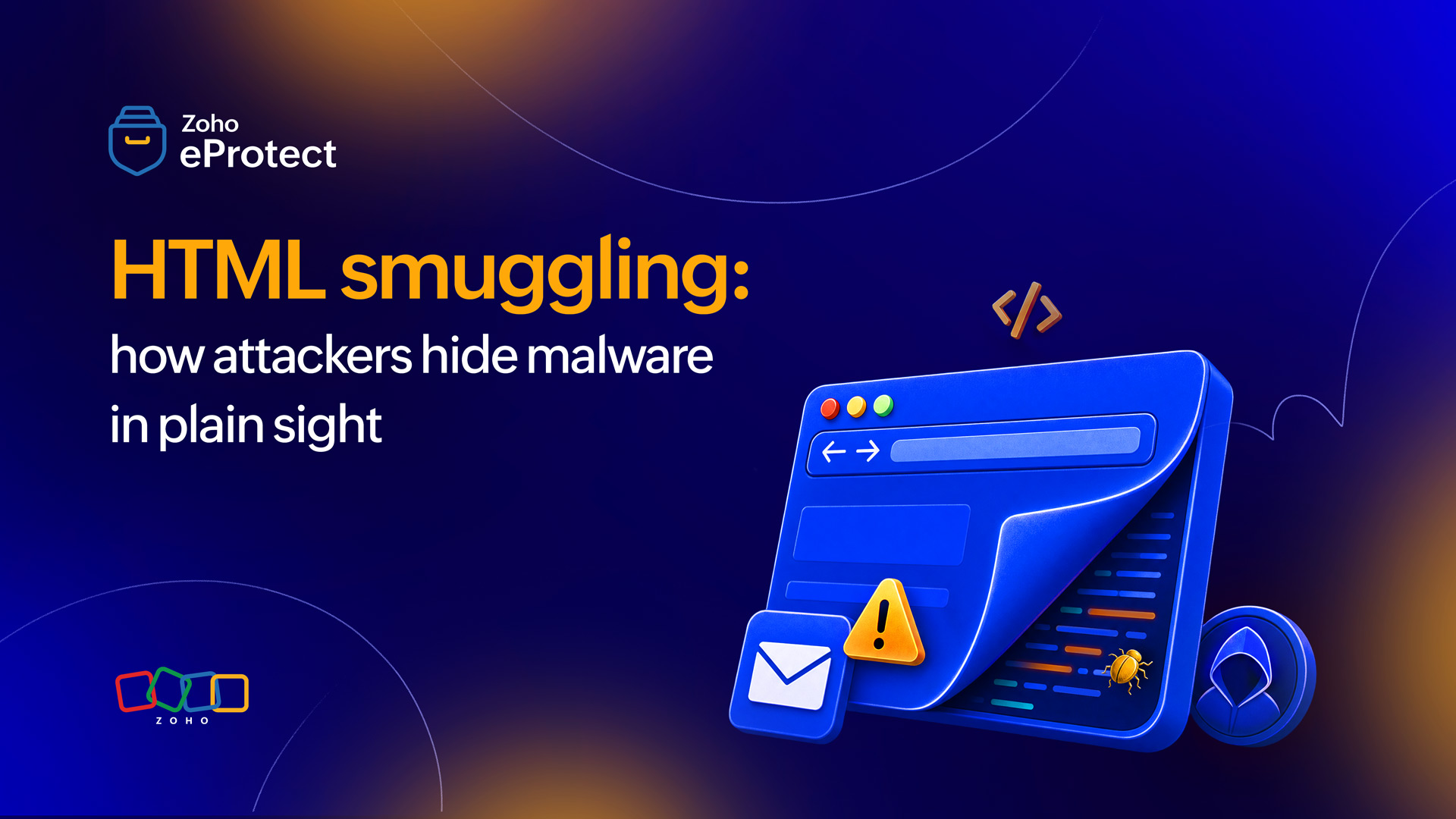
HTML smuggling is an attack technique in which malicious payloads are encoded and embedded directly inside an HTML file, then reconstructed on the victim’s device using legitimate browser APIs. The file that travels through the network contains no traditional malware, only data. The actual malicious file is assembled locally, after delivery, making it invisible to most perimeter security controls.
How an HTML smuggling attack works
The mechanism relies on two features built into every modern browser: Blob objects and data URIs.
In a typical HTML smuggling attack, the attacker encodes a malicious payload, which is often a dropper, a loader, or a full remote-access Trojan as a Base64 string embedded inside a JavaScript block within the HTML file. When the victim opens the file in a browser, the JavaScript decodes that string, creates a Blob object (a raw binary object stored temporarily in memory), and uses a fabricated anchor tag to trigger an automatic file download. The victim’s browser assembles and delivers the malicious file as if the victim had clicked a download button on a legitimate site.
The file that crossed the network boundary was just HTML and encoded text. The file that ends up on disk is the malware.
Some variants use data URIs instead of Blobs, embedding the payload as an inline data stream that the browser renders or downloads directly. Others use multiple encoded fragments, reconstructed in sequence to further obscure the payload’s structure. The underlying logic is the same: Move assembly to the endpoint, after inspection has already happened.
Why HTML smuggling evades secure email gateways
Secure email gateways inspect attachments at the network perimeter. They look for executable files, known malicious hashes, suspicious URLs, and macro-enabled documents. HTML smuggling defeats all of these checks simultaneously.
Because the payload never exists as a standalone file in transit, there’s no executable for the gateway to flag. The HTML file itself is static and structurally unremarkable. The Base64-encoded string inside it looks like data, not malware, because at the point of inspection it is data. The gateway has no reason to simulate full browser execution of every HTML attachment it processes. Even if it did, many smuggling variants detect sandbox environments and suppress execution.
This is why HTML smuggling through email has become a preferred delivery mechanism for sophisticated threat actors. It sidesteps the controls that organizations have invested most heavily in.
Network proxies face the same limitation. If the HTML file is delivered via a web download rather than email, the proxy sees an HTML response, not a malicious file transfer. The payload materializes on the other side of the proxy, not on the wire.
Real-world campaigns that used HTML smuggling
HTML smuggling isn’t a theoretical concern. It’s been the delivery mechanism of choice in several well-documented campaigns.
Nobelium
In May 2021, Microsoft’s threat intelligence team published detailed findings on Nobelium. It’s the Russian state-sponsored group behind the SolarWinds supply chain attack. They used HTML smuggling as the delivery mechanism in a large-scale spear phishing campaign targeting government agencies, NGOs, and think tanks across 24 countries.
The campaign used HTML attachments that, when opened in a browser, silently reconstructed an ISO disk image on the victim’s device. That ISO contained a shortcut file and a DLL. When executed, it loaded the BoomBox downloader, the first stage of a multi-part infection chain designed to establish persistent access and exfiltrate credentials.
What made the Nobelium campaign particularly notable was its use of legitimate infrastructure. The HTML files were distributed through a compromised email marketing platform, and the payloads were staged on legitimate cloud storage services, meaning both sender reputation and domain controls gave the emails a clean pass.
Qakbot
The Qakbot campaigns that followed around the same time illustrate how quickly this technique migrated from nation-state operations into financially motivated criminal activity.
Threat researchers at Sophos and other firms documented waves of Qakbot distribution in which HTML attachments reconstructed password-protected ZIP archives on the endpoint. The password was typically included in the email body as plain text. This may seem counterintuitive, but it was deliberately designed to defeat automated sandbox analysis, since most sandboxes don’t extract passwords from email bodies and apply them to attachments during inspection.
Once the ZIP was opened and the executable launched, Qakbot established persistence and began lateral movement, typically as a precursor to ransomware deployment by affiliated groups.
More recently, variants of the technique have been observed in campaigns distributing AsyncRAT and Nokoyawa ransomware, with attackers adapting the HTML structure to evade evolving detection signatures. The technique has moved well beyond nation-state actors and into the hands of financially motivated criminal groups.
How attackers test and iterate to stay ahead of detection
One reason HTML smuggling has proven so durable as a technique is that attackers treat evasion as an ongoing engineering problem, not a one-time consideration.
Antivirus environments
Before deploying a campaign, threat actors routinely test their HTML payloads against current antivirus and email security signatures using services like VirusTotal or private scanning environments. If a payload generates detections, they modify the encoding, restructure the JavaScript, or change the delivery mechanism and test again. With the evolution of AI, this iteration cycle can happen within hours. By the time a new signature is written, distributed, and deployed to production in security tools, the campaign has often already rotated to a variant that bypasses it.
Base64 encoding layer
The Base64 encoding layer is the most commonly manipulated element. Attackers can XOR the encoded payload against a fixed key, reverse the string, split it across multiple JavaScript variables that are concatenated at runtime, or embed it inside a legitimate-looking HTML comment block. Each transformation produces an HTML file with a completely different byte signature while the functional behavior remains identical. Some campaigns have gone further, wrapping the core smuggling logic inside legitimate open-source JavaScript libraries. This effectively hides malicious assembly code inside files that look like routine web development dependencies.
Sandbox detection
Sandbox detection is another standard refinement. HTML smuggling variants frequently include checks for indicators of an automated analysis environment—whether the document has been open for less than a few seconds, whether the mouse has moved, whether certain browser plugins are present. If the checks suggest a sandbox, the payload suppresses execution entirely, allowing the file to pass analysis cleanly.
This means a gateway sandbox that gives an HTML attachment a clean verdict isn’t necessarily evidence that the file is safe. It may simply mean the payload was designed to behave safely under inspection.
Why HTML smuggling is difficult to detect
Signature-based detection fails because the HTML files themselves vary enormously. Attackers can re-encode the payload, restructure the JavaScript, rename variables, or split the Base64 string across multiple functions. All of these variations produce a new file with a different hash and no matching signature.
Behavioral detection at the endpoint is more promising, but not foolproof. A browser process that creates a Blob, writes a file to disk, and then executes it is suspicious behavior, but it also overlaps with legitimate browser download activity. Distinguishing the two reliably requires context. This includes the source of the HTML, the user’s normal behavior patterns, and the nature of the downloaded file. Many endpoint detection and response tools aren’t tuned to catch this specific chain.
URL and domain reputation controls don’t apply when the HTML file arrives as an email attachment, because there’s no URL to evaluate. And if the file is hosted on a legitimate cloud service (as Nobelium did, using legitimate Microsoft services to distribute their HTML payloads), domain reputation is actively misleading.
What actually helps: Prevention and detection controls
No single control eliminates HTML smuggling as a threat, but a layered approach narrows the window of exposure significantly.
Email security with attachment sandboxing
An email security solution that executes HTML attachments in an isolated environment—not just scans them statically—can observe the Blob creation and file download behavior that characterizes HTML smuggling. This is the most direct preventive control at the delivery stage. The quality of sandbox execution matters; shallow sandboxes that don’t fully emulate browser behavior will miss variants designed to detect and suppress execution in controlled environments.
Endpoint detection and response (EDR)
EDR tools that monitor process behavior and file creation events can catch the downstream effect of a successful HTML smuggling delivery. This specifically applies to a browser process writing an unexpected executable to disk, and that executable subsequently launching. This doesn’t prevent delivery but can contain the impact before the malware establishes persistence.
Disabling HTML attachments at the gateway
For organizations with a high security threshold, blocking HTML attachments outright at the email gateway is a blunt but effective control. HTML attachments have limited legitimate business use, and the risk-to-benefit calculation has shifted significantly as this technique has become more prevalent. Blocking them eliminates the delivery vector entirely.
User awareness
While not a reliable last line of defense, training users to treat suspicious attachments such as unsolicited HTML files with the same suspicion as executable files reduces the probability of opening. The challenge is that HTML files don’t trigger the same instinctive caution that .exe or .zip files do. Most users don’t think of them as potentially dangerous.
Network monitoring for anomalous file creation
Monitoring for cases where browser processes create and execute non-standard file types (such as ISO images, ZIP archives, or executables) provides a detection signal that doesn’t depend on signature matching.
Where email security fits in the defense picture
HTML smuggling succeeds at the delivery stage because most email security controls are built around a static inspection model. They scan what arrives, not what executes. Closing that gap requires email security tooling that goes further than attachment scanning. This means using tools that understand how browsers process HTML and can simulate or monitor that behavior before delivery reaches the endpoint.
eProtect’s email security layer is designed with this threat class in mind. To close the delivery-stage gap that HTML smuggling exploits, organizations can combine three defenses: attachment sandboxing, real-time threat analysis, and policy controls. Together, they block high-risk attachment types without disrupting legitimate mail flow. For organizations that have already deployed EDR but remain exposed at the perimeter, email security is the missing layer.