- HOME
- Know Your Tech
- Workflow automation for global teams
Workflow automation for global teams
- Last Updated : July 2, 2026
- 145 Views
- 6 Min Read
Highlights:
- Global teams lose productive hours daily to coordination delays, repetitive admin, and inconsistent processes caused by manual handoffs across time zones.
- Approval chains, employee onboarding, incident reporting, compliance checks, and recurring reporting are the first workflows worth automating.
- When evaluating platforms for global operations, prioritize time zone-aware routing, regional compliance support, and integration depth over feature count alone.
- A practical rollout starts with one high-impact process, tested with a small group, then expanded based on real feedback and dashboard performance data.
You've probably spent a full morning just following up on tasks that should have moved forward on their own. Connecting with colleagues, checking statuses, and resending approvals. It's exhausting and unproductive.
When your company operates across different time zones, these follow-ups multiply. No one is doing anything wrong. The process itself is the problem, which is why having a proper workflow automation setup for your company is crucial.
This blog post breaks down how workflow automation helps global teams reduce delays and keep work moving. You'll learn which workflows to automate first, what features matter most, and how to get started.
Why global teams need automated workflows
Running a team across time zones means half your day's work depends on someone who already logged off. If handoffs rely on emails or chat messages, tasks sit idle for hours until the next person picks them up. Here’s why global teams require automated workflows:
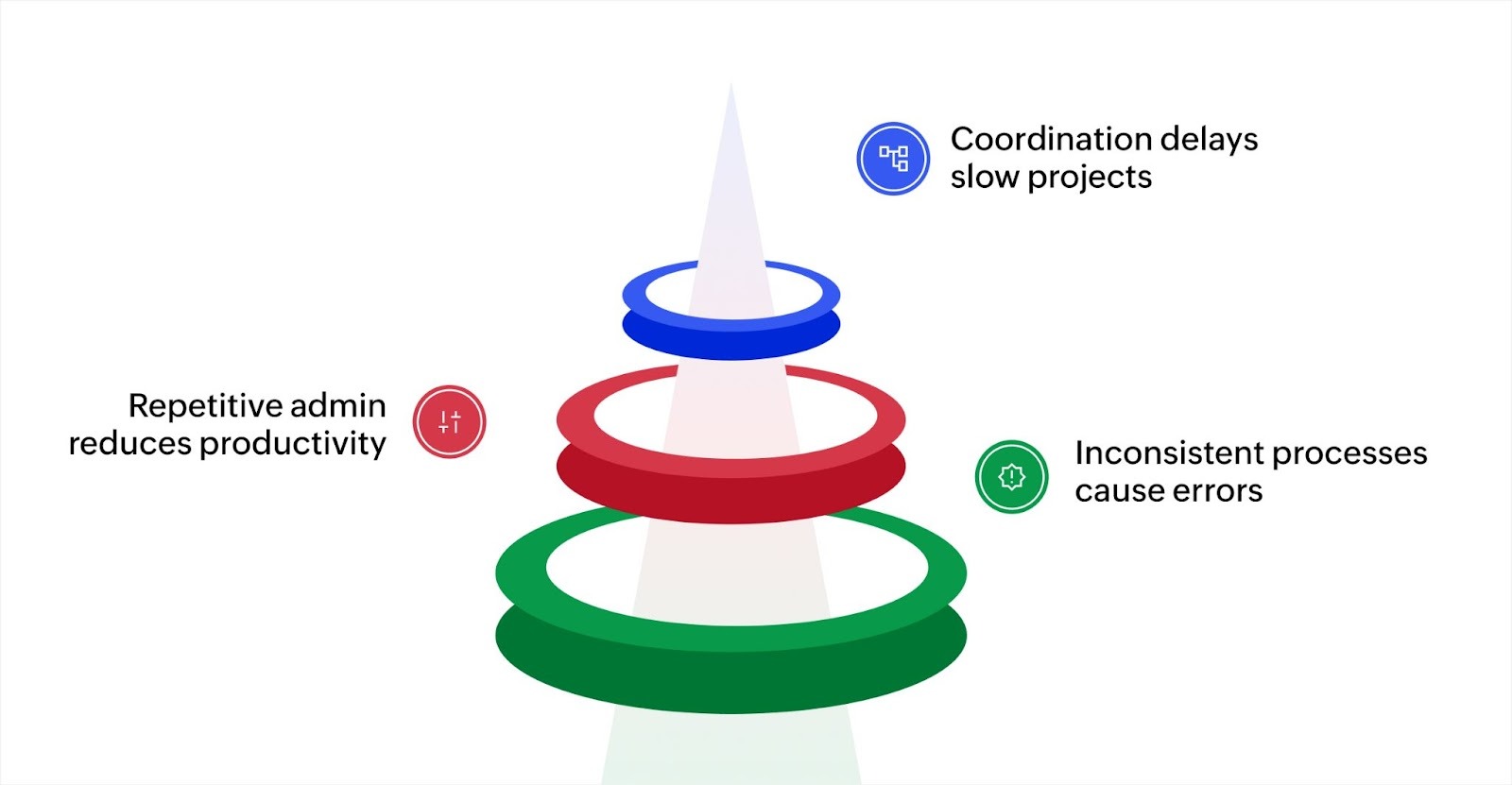
Coordination delays add up fast
A single approval that takes 24 hours to clear can push a week-long project to ten days. When every handoff depends on someone being online at the right time, delays stack up across every stage. Automated approval processes remove this bottleneck by routing requests to the right person and escalating when deadlines approach.
Repetitive admin drains productivity
Managers in distributed teams spend a significant chunk of their day on status checks, reassigning tasks, and sending follow-up messages. These are tasks that software handles in seconds. Automating them frees up hours each week for strategic work.
Inconsistent processes create errors
When teams in different regions follow slightly different versions of the same process, quality varies and mistakes increase. Standardized workflows fix this. Everyone follows the same steps, in the same order, with the same validation checks, regardless of location.
The operational cost of these inefficiencies grows as your company scales. Investing in workflow automation early helps you expand across regions without multiplying coordination problems.
Common workflows every global team should automate
Some of the common workflows that deliver the most immediate impact for globally distributed teams include:
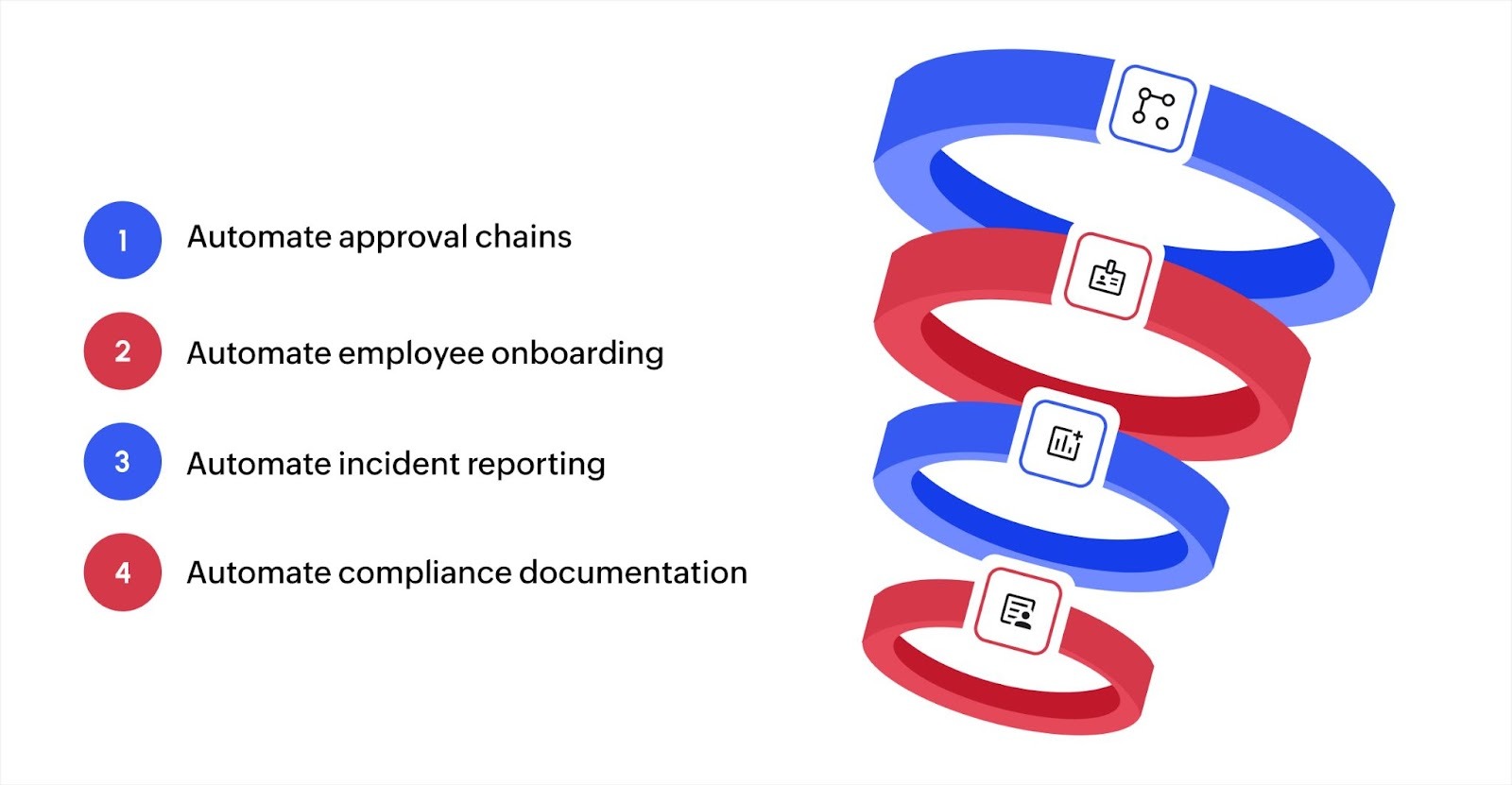
Approval chains
Purchase orders, budget requests, time-off approvals, and vendor contracts all follow predictable steps. Automating these means a request submitted in one region routes to the right approver instantly, with automatic escalation if it sits too long. No one has to chase down a signature.
Employee onboarding
When a new hire joins a team in a different country, onboarding involves IT setup, document collection, training assignments, and compliance checks. An automated workflow triggers each step in sequence, assigns the right tasks to the right departments, and tracks completion across every region.
Incident and issue reporting
If a customer reports a problem or an internal issue comes up, the response can't wait for someone to read an email hours later. Automated incident workflows capture the report, categorize it by severity, assign it to the right team, and notify the relevant stakeholders immediately.
Compliance and audit documentation
Global teams often need to follow different regulations in each region. Automated compliance workflows apply the right rules based on location, collect required documentation at each step, and maintain an audit trail without anyone manually logging actions.
Recurring reporting
Weekly status reports, monthly performance summaries, and quarterly reviews follow the same format each cycle. Automating data collection and report generation saves hours of manual work every period and keeps reporting consistent across offices.
Starting with one or two of these workflows gives you a quick win and a clear baseline to build on. Once your team sees the time savings, expanding to additional processes becomes a natural next step.
Key features that make workflow automation effective for distributed teams
The platform you choose shapes how your team works every day. Here are the features that matter most when your operations span regions and time zones.
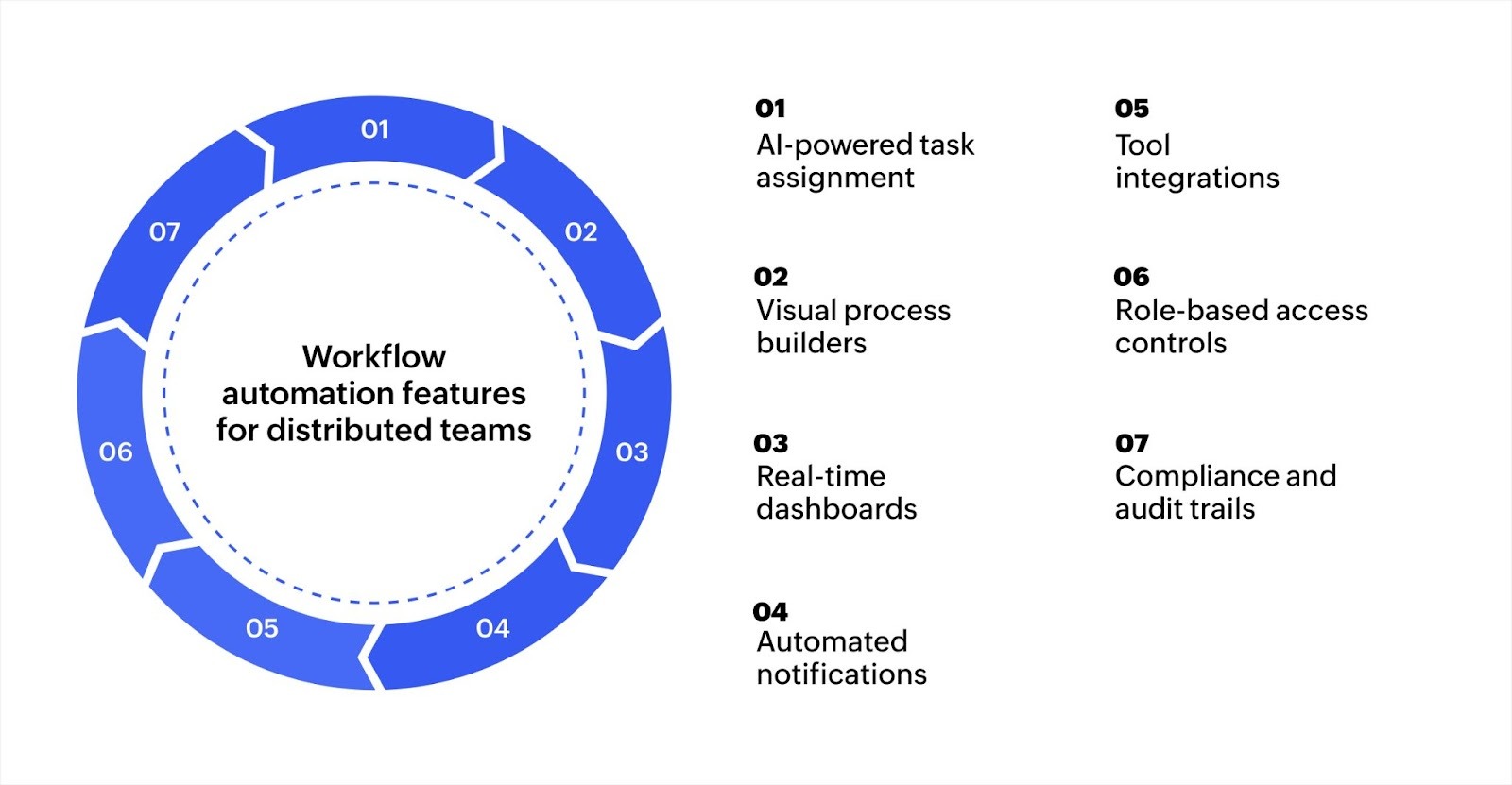
- AI-powered task assignment: Automatically routes tasks based on team members' skills, workload, and availability so work stays balanced across regions.
- Visual process builders: Let you design and update workflows using drag-and-drop tools without writing code, making it easy for non-technical teams to build custom apps and adjust processes as needs change.
- Real-time dashboards: Give managers a clear view of task progress, team performance, and delays across every location from a single screen.
- Automated notifications: Alert team members when tasks are assigned, updated, or overdue, keeping everyone informed without manual follow-ups.
- Integration with existing tools: Connects to the apps your team already uses, from CRMs to communication tools, so data flows between systems through integration flows automatically.
- Role-based access controls: Let you define who can view, edit, or approve specific tasks, which is essential when workflows involve teams across departments and countries.
- Compliance and audit trails: Track every action within a workflow automatically, making it easier to meet regional regulations and prepare for audits.
These features work together to keep operations running smoothly. The best platforms combine them in a way that's flexible enough to match your specific processes.
How to evaluate a workflow platform for global operations
Picking a workflow platform for a single office is straightforward. But picking one for teams spread across countries requires a different set of priorities. Here’s what you need to consider:
Time zone and handoff support
Your platform should allow workflows to account for working hours in each region. For example, if an approval step is assigned to someone in Tokyo at 11 PM their local time, the system should either queue it for their next business day or route it to an alternate approver. Look for platforms that support time-based rules and conditional routing based on location.
Regional compliance capabilities
Teams in different countries often follow different data privacy laws and industry regulations. The platform you choose should let you apply region-specific rules within the same workflow. This means a single onboarding process can adjust its compliance steps depending on whether the new hire is in Germany, Brazil, or Singapore.
Integration depth with your current stack
A workflow platform that doesn't connect to your existing tools creates data silos. Check whether the solution offers ready-made connectors for your CRM, communication apps, file storage, and HR systems. For instance, if your company uses Slack for messaging and Salesforce for customer data, the platform should sync updates across both without manual data entry.
Customization without developer dependency
Global operations change frequently. New regions open, processes shift, and team structures evolve. If every workflow adjustment requires a developer, changes slow down. Prioritize platforms that let operations and business teams configure forms, rules, and task flows independently through visual builders.
Rollout and adoption support
A platform with strong features still fails if your team doesn't use it. Check for in-app guidance, training resources, and sandbox environments where teams can test workflows before going live. A pilot rollout with one department helps you catch issues early and build confidence before expanding company-wide.
Evaluating a platform against these specific criteria gives you a clearer picture than comparing feature lists alone. The main idea is to find a solution that fits how your global team actually works today and adapts as your operations grow.
Automate global team workflows easily with Zoho Creator
Running workflows across regions often means connecting tools that weren't built to work together. You end up switching between platforms, duplicating data, and managing handoffs manually because no single system ties everything together.
Zoho Creator is an AI-powered low-code application development platform that lets you build custom workflow applications tailored to how your team actually operates. You can design multi-step processes visually, set up automated task routing, and connect your existing tools without heavy coding.
The platform supports 1,000+ integrations with tools your team already uses, keeping data connected and consistent across every region. Sign up for free today and start building workflows that keep your global team moving.
FAQ
1. How long does it typically take to set up automated workflows for a global team?
Most teams can set up basic automated workflows within a few days using a low-code platform. More complex processes involving multi-step approvals and integrations may take a few weeks, depending on the scope.
2. Can automated workflows handle different approval rules for different regions?
Yes, most workflow platforms allow you to set conditional rules based on region, department, or role. This means approval chains can differ by location while still following a single coordinated process.
3. Do automated workflows work for small teams or only large organizations?
Automated workflows benefit teams of any size. Small teams save time on repetitive admin work, while larger teams gain consistency and visibility across departments and locations.
4. How do you measure whether workflow automation is actually improving operations?
Track metrics like task completion time, approval turnaround, error rates, and the number of manual follow-ups per week. Most platforms provide dashboards that show these metrics in real time so you can compare before and after.
 Ann Elizabeth Sam
Hey! I'm Ann, and I work as a content writer at Zoho Creator. I'm exploring the SaaS world through various forms of content creation. Outside of work, I love dancing and would give up anything to read a good murder mystery.