AWS WorkMail is shutting down: Migrate to a secure alternative without downtime

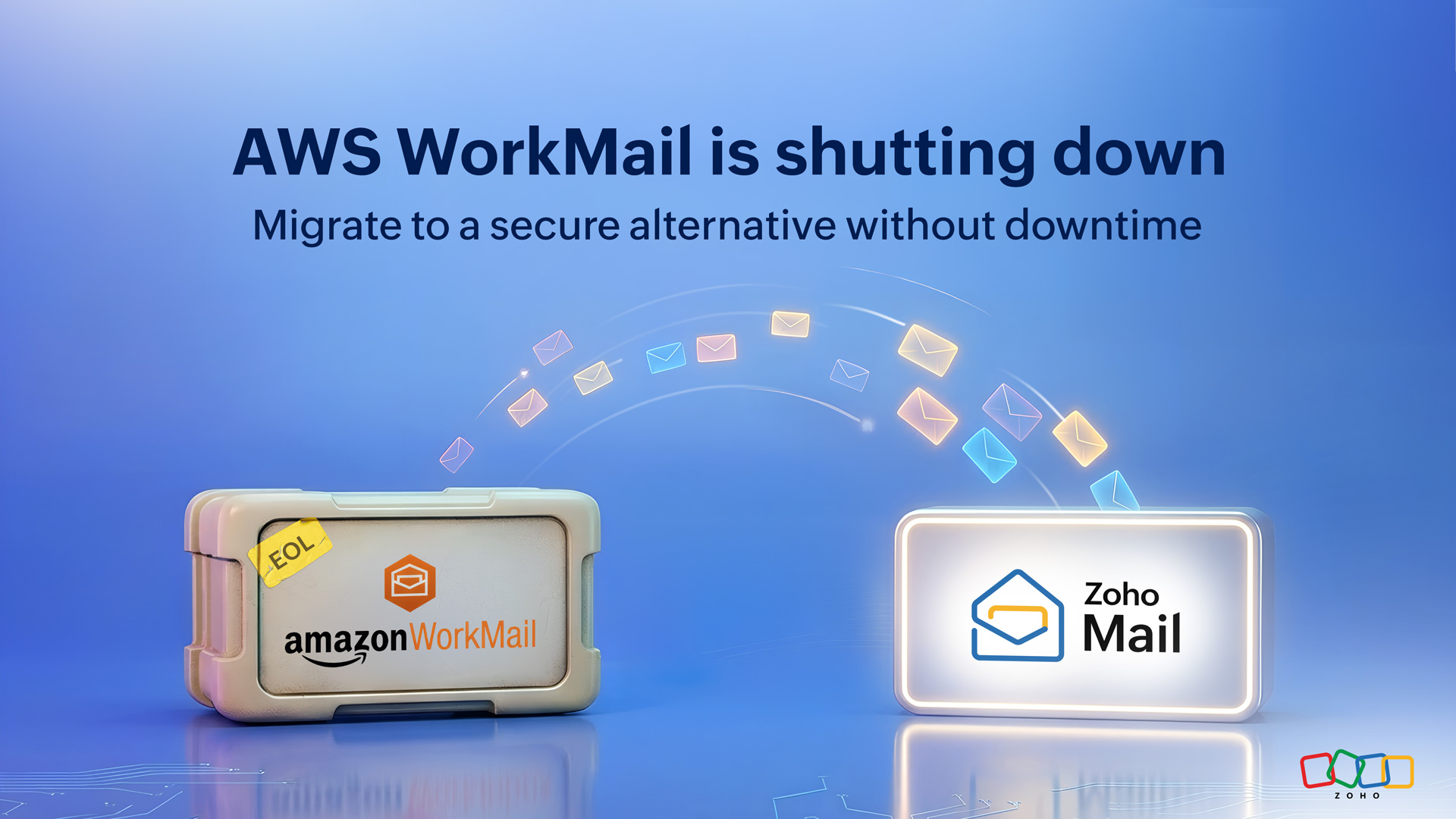
If your organization is currently using AWS WorkMail, this probably wasn’t news you were expecting, but it is something you now have to act on.
With AWS WorkMail reaching end of support, organizations using them are left with a simple but important question: what next?
In its official announcement, AWS has listed a set of supported alternatives for customers, including Zoho Mail.
If you’re currently evaluating your options, it’s worth taking a closer look at how to turn your existing WorkMail setup into a complete workplace during this transition.
One thing is clear: moving away from WorkMail isn’t optional. Now, it’s about choosing the right alternative and making the transition smoothly.
While choosing a new email provider is one part of the decision, the bigger concern is usually the transition itself.
Email isn’t just another application you can swap overnight. It’s where conversations live, schedules are managed, and day-to-day work keeps moving. Any disruption here isn’t just inconvenient, it affects your entire team.
The good news is, this transition doesn’t have to be complicated or chaotic. With the right approach, it can be handled smoothly without interrupting how your team works.
Why migrations feel harder than they should
On paper, moving from one email service to another sounds straightforward. In reality, it comes with a fair share of questions.
You’re not just migrating inboxes; you’re handling years of emails, contacts, calendars, user accounts, and access controls. There’s also the added pressure of making sure nothing is lost, nothing breaks, and no one on your team is left figuring things out mid-way.
That’s where most migrations start to feel overwhelming. Not because they’re impossible, but because they’re unclear.
And, clarity is what makes all the difference.
What a smooth transition actually looks like
Before choosing an alternative, it helps to know what a well-managed migration actually involves.
At a minimum, the process should:
- Keep disruption to a minimum, if not eliminate it entirely.
- Ensure a complete and secure transfer of emails, contacts, and calendars.
- Give admins control over what gets migrated and how.
- Provide visibility into progress, so there are no surprises.
- Minimize downtime and disruption.
When these things are in place, migration stops feeling like a risk and starts feeling manageable.
A simpler way to migrate from AWS WorkMail to Zoho Mail
For organizations evaluating alternatives, Zoho Mail provides a structured and reliable migration path from AWS WorkMail.
At the center of this is a one-click migration approach, designed specifically to simplify the AWS WorkMail migration process.
Instead of relying on multiple tools or manual configurations, you can securely connect your AWS WorkMail organization and initiate migration from a single interface.
Once authorized, Zoho Mail connects directly to your WorkMail environment and begins migrating your:
- Emails
- Contacts
- Calendars
All while giving you full control over how the migration process is handled.
At a high level, the process is designed to be simple, guided, and straightforward.
You start by securely connecting your AWS WorkMail account. From there, you can choose what data needs to be migrated, whether it’s the entire mailbox or specific folders and date ranges.
User accounts can be added individually or imported in bulk, depending on your setup. Once everything is configured, you can start the migration and monitor progress through detailed reports.
Instead of handling multiple steps across systems, everything is managed in one single place.
Designed for secure and controlled migration
One of the biggest concerns during any migration is not knowing what’s happening in the background. To address this, the one-click migration process is built to give you both flexibility and transparency.
With Zoho Mail:
- Migration is authorized through secure AWS access ensuring your data is transferred safely without exposing sensitive information.
- Specific folders or date ranges can be migrated.
- Certain users can be prioritized.
- Migrations can run parallel to speed things up.
- Detailed progress and reports are available at every stage so you’re never left guessing.
This ensures your AWS WorkMail to Zoho Mail migration is not just simple but also controlled and transparent.
Common mistakes to avoid during migration
Even with the right tools, a few common missteps can make migrations harder than they need to be.
Waiting too long to start
Delaying the process can lead to rushed decisions and unnecessary pressure as deadlines approach.
Skipping the initial setup
Not setting up users or your new email environment in advance can slow things down during migration.
Migrating everything without a plan
Moving all data without considering folders or date ranges can increase migration time and complexity.
Lack of visibility during migration
Not tracking progress or reviewing reports can make it harder to catch and fix issues early.
Avoiding these small mistakes early on can make a noticeable difference in how smooth your transition feels.
Resources to help you migrate from AWS WorkMail
To help you through each stage of the move, you can explore:
- A detailed step-by-step migration guide for AWS WorkMail.
- A transition page that walks you through the overall process.
- A dedicated page on how to turn your existing WorkMail setup into a complete workplace.
These resources are designed to give you both the high-level understanding and the detailed steps needed to complete your migration with confidence.
Make your AWS WorkMail transition smooth
Changes like this are rarely convenient. But the end of AWS WorkMail doesn’t have to disrupt your business.
With the right alternative and a structured migration approach, moving away from AWS WorkMail can be handled in a way that keeps your data intact, your team uninterrupted, and your operations running smoothly.
If you’re evaluating your next step, now is the time to plan your migration so the transition happens smoothly and on your terms.
If you have questions or need help planning your AWS WorkMail migration, reach out to us at support@zohomail.com. Our team will be happy to assist you with your specific requirements.
Comments