Everything you need to know about recipient managers in Zoho Sign

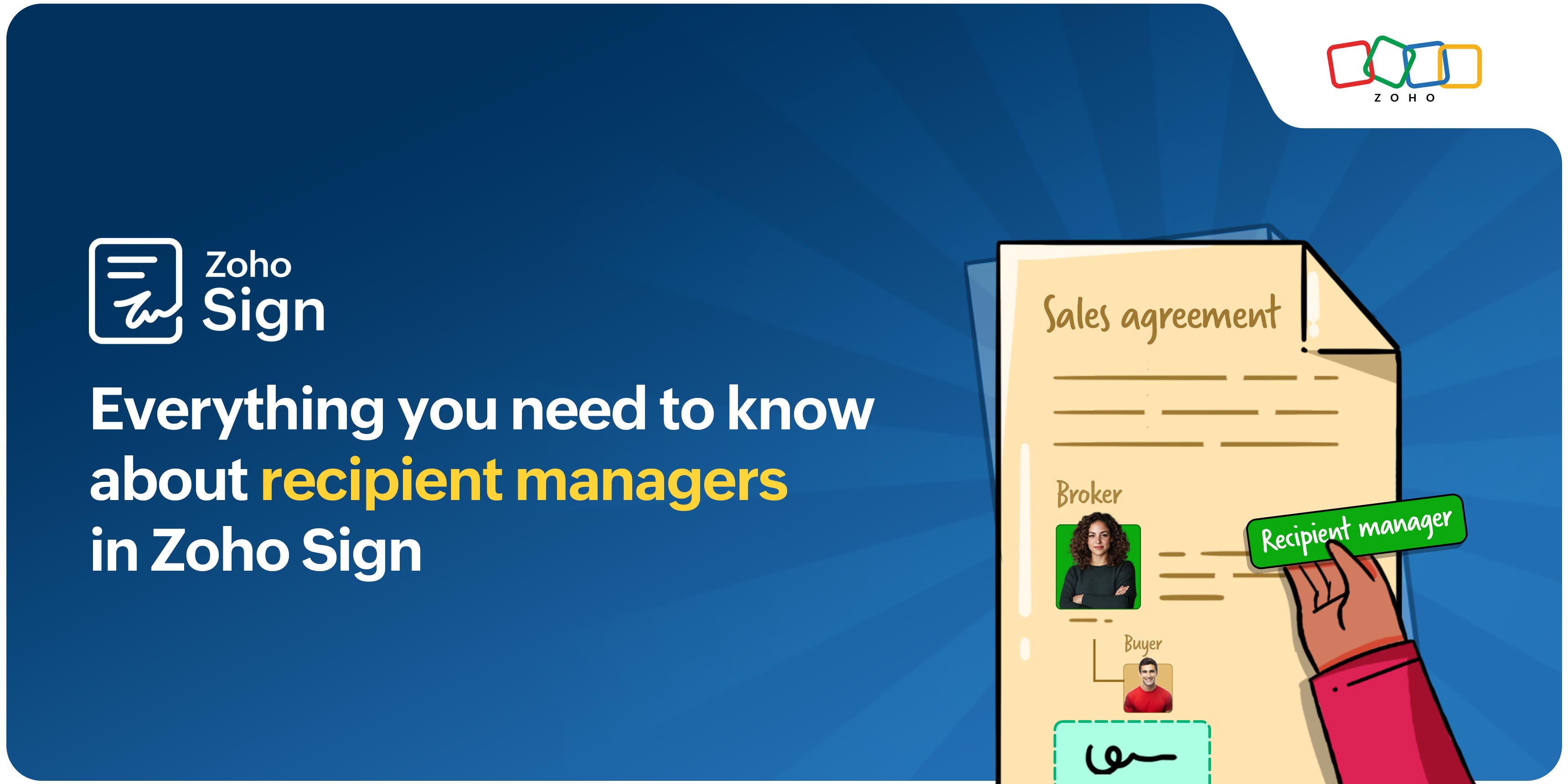
Whether you’re in real estate, legal services, or corporate administration, ensuring that agreements reach the right people for signing can be challenging, especially when you don't know who the eventual signers will be. Zoho Sign’s recipient manager feature is designed to eliminate this friction. It streamlines the process of assigning recipients even when their information is unknown, all while maintaining the highest levels of document security and integrity.
What is a recipient manager?
A recipient manager in Zoho Sign is a trusted intermediary you can appoint to review your document and assign the correct recipients when you don’t have all the necessary details. The recipient manager will also be able to modify any recipient details you add. This feature is particularly useful in industries like real estate, where a seller may not know the buyer’s email address but does know the broker handling the transaction. By assigning a recipient manager, the seller can confidently ensure that the agreement reaches the right party without delay, simply by providing the broker’s contact information.
Key benefits of adding a recipient manager
- Remove signature workflow delays that occur when you don’t have all the recipient details on hand.
- Ensure your documents reach the right people by allowing a trusted intermediary to assign the correct recipients for you.
- Maintain strong security and compliance with every action recorded within Zoho Sign’s protected environment.
- Improve collaboration when multiple parties, such as brokers, agents, or coordinators, are involved.
- Reduce administrative work by eliminating the hassle of tracking down emails or other contact details before sending a document.
Assigning a recipient manager in Zoho Sign
Learn how to assign a recipient manager, you can refer to our help documentation on the Manages recipients role, which provides a clear, step-by-step guide to creating an envelope with this feature. If you prefer a visual walkthrough, you can watch this video.
So why wait? Start using Zoho Sign today for secure and reliable digital signatures. If you're not already a Zoho Sign customer, head over to zoho.com/sign and sign up for a 14-day free trial.
Please feel free to email us at support@zohosign.com to share your feedback or request a personalized demo.
Until next time, happy signing!


Comments