Introducing Zoho Sign MCP: AI-powered digital signature workflows for business

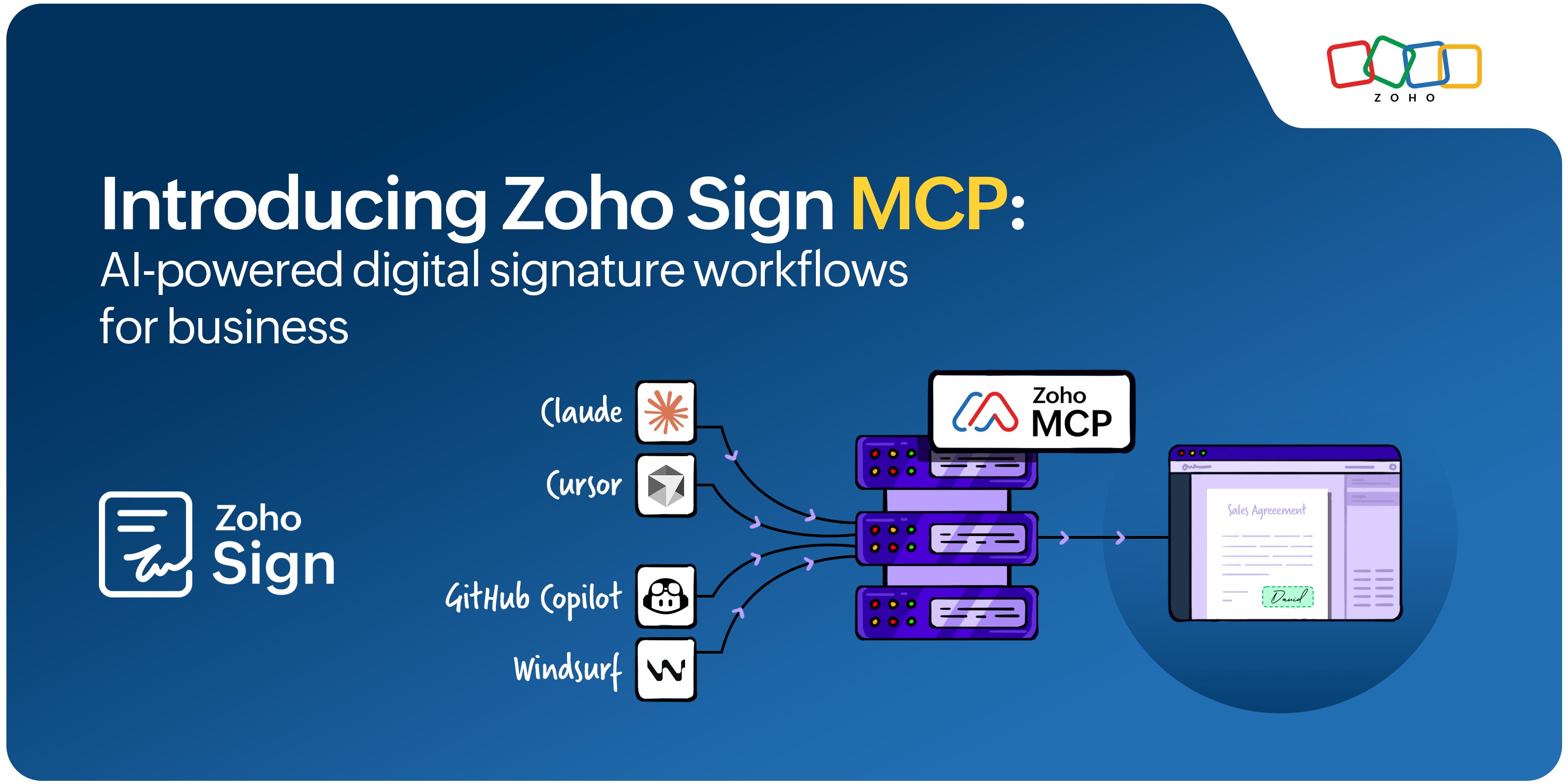
Ever wish you could have your AI agent send a document for signatures and track its progress for you? Zoho Sign's latest integration with Zoho MCP lets you do so with a single prompt.
What is Model Context Protocol?
Model Context Protocol (MCP) is an open protocol that connects AI agents with external applications, allowing them to interact with your apps and perform actions through natural language prompts.
Getting started with Zoho MCP + Zoho Sign MCP
Zoho MCP allows you to connect AI agents like Claude, Cursor, Windsurf, and GitHub Copilot with Zoho Sign to set up signature workflows. Choose a pre-configured MCP or create your own in Zoho MCP, add Zoho Sign from the list of tools to get started.
What can you do with Zoho Sign MCP?
Give relevant document action prompts to your AI agent to set up a signing process.
Send documents for signature, fetch document details, track status, recall documents, and send reminders.
The AI acts based on the prompt and performs the document action by pulling the information from the associated Zoho Sign account.
Benefits of integrating Zoho Sign with Claude, OpenAI, and other agents
Connecting Zoho Sign with your AI agent offers the following benefits:
Eliminate bottlenecks that come with manual workflows using automation.
Perform document actions without switching between apps.
Set up automatic signer reminders to expedite time-sensitive documents.
Quickly review document details with a single prompt.
Connect with other Zoho applications to access relevant data from the same place.
For setup instructions and tips, visit our knowledge base article.
Try integrating Zoho Sign with your everyday AI agent via Zoho MCP and let us know what you think. If you have any comments, questions, or feedback, reach out to us on support@zohosign.com, or connect with us through the comment section below.
Happy signing!
Comments