Zoho Books introduces self assessment (SA100) filing in the UK

The UK tax landscape is constantly evolving and it is crucial that individuals and businesses stay compliant with the changes. Zoho has kept up with the changes implemented by HMRC to ensure no individual or business in the UK is left behind in their compliance journey.
Earlier, we launched tax and compliance features supporting MTD for Income Tax, Corporation Tax (CT600) and Final Accounts.
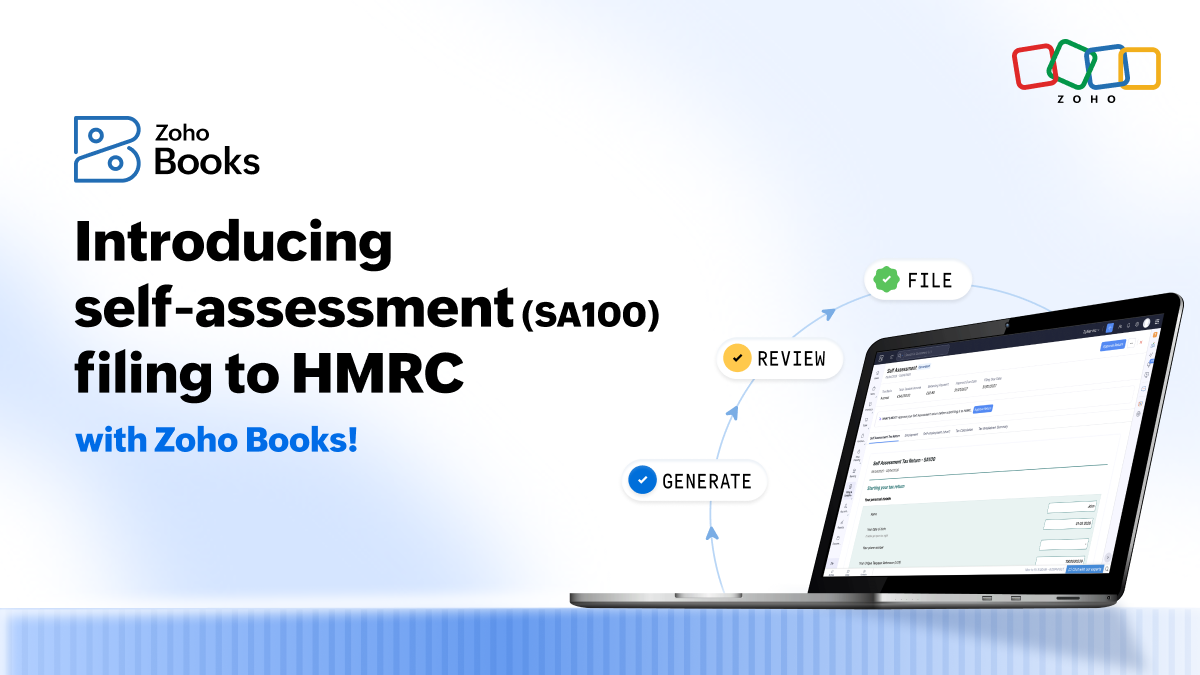
Now, we are happy to announce the launch of self assessment (SA100) filing in the UK edition of Zoho Books.
With this launch, Zoho Books is now a one-stop shop for taxpayers to stay compliant whether they fall under the MTD scope or not.
If you're a sole trader, landlord, director of a limited company, or an individual who receives income from other sources such as dividends, pensions, and the like, you can generate tax returns, review values in the required government format (pre-populated for sole traders and landlords), view tax calculations, and file your self assessment tax return directly to HMRC.
Self assessment tax filing (SA100) will be available starting from the free plan of Zoho Books.
What forms are covered?
SA100: Main return
SA102: Employment income
SA103S: Self-employment short
SA105: UK property income
SA110: Tax calculation summary
SA302: Tax breakdown
Self assessment (SA100) filing made simple with Zoho Books
With the SA100 filing capability, say goodbye to the tax season stress and save hours of manual work usually spent calculating dividends, exporting logs, and copying values to HMRC's portal.
Avoid expensive errors when copying values to the HMRC's portal from your accounting solution.
No more dreading how much you owe to HMRC. You gain visibility of your tax liability through the SA110 (tax calculation summary) and SA302 (tax breakdown) before you submit.
How to submit SA100 in Zoho Books
You can generate and submit your SA100 tax filing by following these steps:
In your Zoho Books org, navigate to Filing & Compliance -> Self Assessment.
From the top-right corner, click Generate Self Assessment Return.
Fill in the necessary forms (some of the supplementary forms are auto-populated based on the accounts you map), preview the final values and approve.
Click Submit to HMRC and fill in the required Government Gateway User ID and password to send your self-assessment filing to HMRC.
Next steps
While running a small business can be incredibly challenging and time-consuming, your tax season doesn't have to be stressful. Choosing Zoho Books to do your self assessment (SA100) filing bridges the gap between your everyday bookkeeping and tax filing.
Log in to your Zoho Books account and explore the SA100 filing capability or sign up for the free plan of Zoho Books to start managing your books and handle tax compliance smoothly. As mentioned earlier, SA100 filing is available from the free plan.
What's included in our free plan?
Invoices & expenses (1,000 each per year)
Receipt autoscans (50 scans per month)
Automatic bank feeds (1 bank account)
Mileage tracking
Self assessment filing (SA100)
MTD for Income Tax (Quarterly updates, end-of-year submissions, tax return)
Self-service customer portal
MTD for VAT (if you are VAT registered)
Please check out our pricing page to explore more features available in the free plan.
Sign up today. It's free forever.

Comments