- HOME
- All Products
- Collaboration
- Managing access, permissions, and visibility for stakeholder collaboration
Managing access, permissions, and visibility for stakeholder collaboration
- Published : March 31, 2026
- Last Updated : June 1, 2026
- 542 Views
- 6 Min Read
A key project slams to a halt because an external collaborator doesn’t have access to an important deliverable. An audit trail has gaping holes due to improper access or permissions management, jeopardizing your SOC 2 certification.
These are the stakes when managing access, permissions, and visibility for stakeholder collaboration. Overly limited access at the wrong time can get in the way of that collaboration, while a loose approach can cause significant security issues.
IT teams and enterprises with robust, pre-established frameworks (and supporting architecture) don’t just have better security; they move more quickly on essential projects and have stronger relationships with collaborators.
Here’s how it’s done.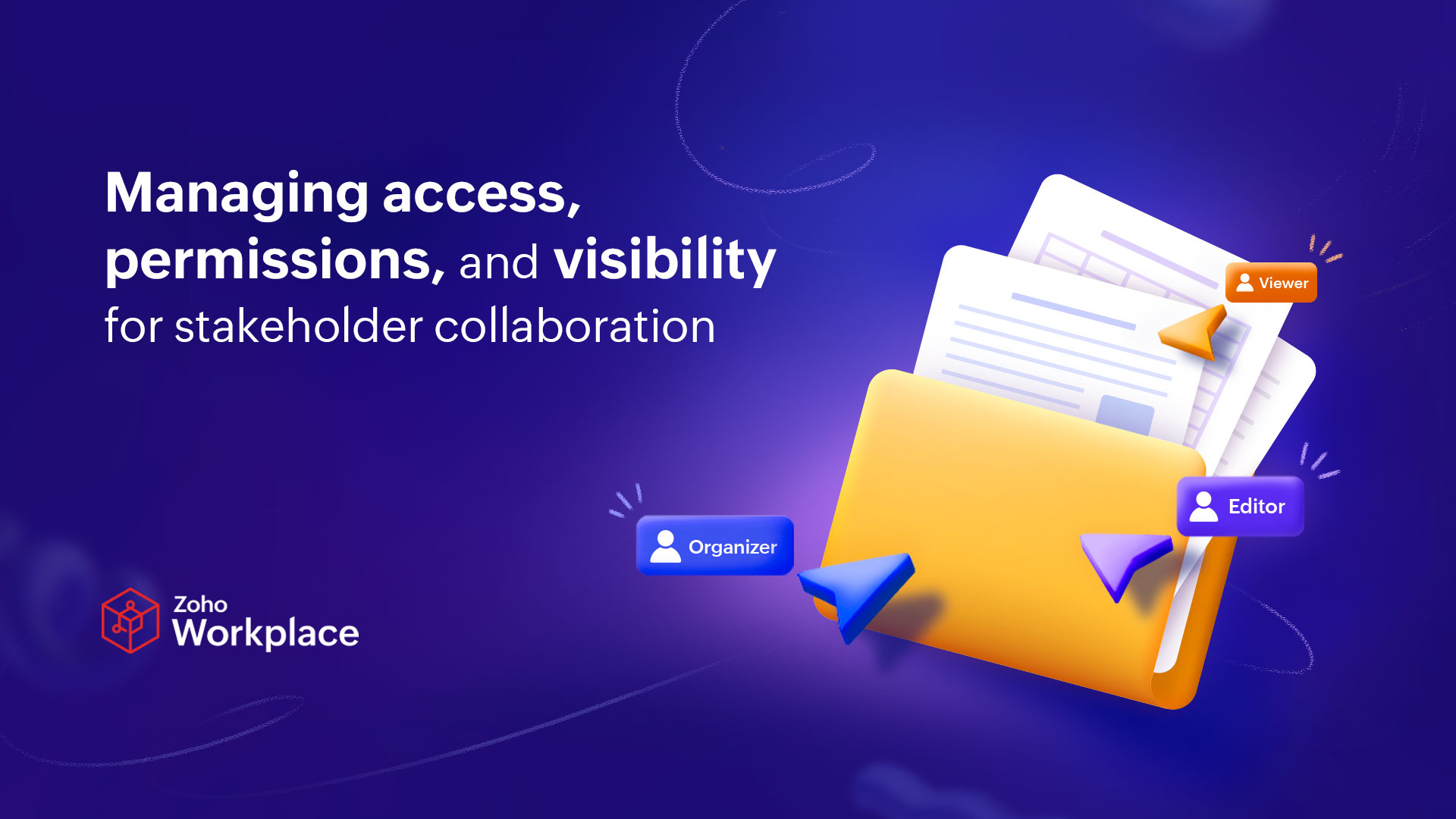
Why access management is a strategy decision (not just an IT policy)
In too many organizations, access and permissions management is handled in one of two ways—a single overarching policy that’s far too broad or an unsustainable, tool-by-tool review. Both approaches create significant costs at the extremes of over-restriction and over-permissioning.
The cost of over-restriction
Over-restriction creates a significant productivity cost for most teams. Having to jump through hoops or put in tickets every time an essential deliverable or document is trapped between obscure security layers means that projects frequently start and stop, causing unnecessary drag that quickly becomes expensive—especially when working with external stakeholders.
This often lies behind the prevalence of shadow IT (i.e., data storage or app usage beyond IT’s visibility and policy), which can itself lead to data breaches and other risks. In fact, 83% of IT professionals report that employees store company data on unsanctioned cloud services, a risk that increases with over-restriction.
The cost of over-permissioning
Over-permissioning comes with one significant cost: decreased security. But that cost manifests across multiple dimensions:
- Security exposure: Providing excess access by default creates security risks that outweigh any potential productivity gains.
- Compliance liability: Staying compliant with data privacy regulations like GDPR and maintaining certifications like SOC 2 requires stringent access control, which over-permissioning can threaten.
- Data leakage and breaches: With data breaches costing an average of $4.4 million, the perceived convenience of over-permissioning can come at a significant cost.
These two extremes create a false dichotomy, with many enterprises choosing one or the other. But a strategy based on the right framework can allow you to balance security and access in stakeholder collaboration.
The CLEAR access framework: Architecture for stakeholder collaboration governance
CLEAR stands for Categorize, Limit, Enable, Audit, and Review. Here’s how these five pillars allow you to build foundational architecture for smoother, more secure collaboration with stakeholders both internal and external.
Don’t treat this framework as a checklist, to be reviewed once and discarded. It’s the foundation for your ongoing access control and permission management governance. When you encounter new systems or situations that challenge your existing policies, refer to this framework.
How to categorize stakeholders and the access they need
The first pillar of the CLEAR framework prompts IT teams to categorize stakeholders to streamline access control and permission management. Not every stakeholder needs the same level of access, and managing this on a case-by-case basis can be both time-consuming and excessively restrictive. That’s why you should create tiers for the stakeholders both in and out of your organization to facilitate this. Here’s an example of this system in action.
These tiers don’t just determine who has access to which system; they describe distinctly different collaboration needs. Executives rarely need to edit files or change systems, but full-time employees in operational roles don’t have time to wait for access to be doled out individually for systems they use in their day-to-day work.
Collaborate effectively without sacrificing security
Stakeholders need varying levels of access depending on the role they play, but they all have one thing in common; overly-restrictive access control brings their contributions to a screeching halt. IT teams and cybersecurity officers need a clear, established governance strategy that balances stakeholder needs and the organization’s security. A framework like CLEAR is foundational to that strategy, covering evolving needs for different types of stakeholders, limiting access to the necessary minimum, creating audit trails, and proactively reviewing access and permissions. There can be a balance between access and security, and finding that balance will keep projects moving smoothly while keeping sensitive data secure.
FAQ: Stakeholder collaboration
What is the difference between access control and permissions management in enterprise collaboration?
Access control regulates who has access to a platform, a file, or a subset of data. It also regulates how they get that access, where they can get that access from, and how long they can have that access for. Permissions management regulates what users can do once they get that access.
For example, when you share a Google Doc with Google Drive, you can choose to share it with all members of a specific organization or only specific email addresses. That’s access control. Determining who has editor, commenter, or view-only access is permissions management.
How should enterprises manage external stakeholder access without compromising security?
The CLEAR access framework establishes five pillars for stakeholder collaboration that help IT teams and cybersecurity experts to balance access and security:
- Categorize: Defining stakeholders and their needs in tiers, both in access and security needs.
- Limit: Restrict access and permissions to the lowest necessary level by default, according to stakeholder tiers.
- Enable: When access and permissions are granted, collaboration is frictionless.
- Audit: Build visibility and audit-readiness into permissions and access control.
- Review: Review permissions, roles, and access regularly to prevent potential security gaps.
What is role-based access control, and how does it apply to stakeholder collaboration?
Role-based access control uses jobs and responsibilities instead of individual identity to regulate access. This can streamline access control and permissions management while enhancing security. Instead of managing a large amount of individual credentials, access is managed through a more limited list of roles and default settings for each.
How often should enterprise teams review and audit stakeholder permissions?
Enterprise teams should regularly review and audit stakeholder permissions, but this regular schedule shouldn’t prevent incident-based reviews. Start with regular quarterly reviews and implement event-triggered reviews around events like completing projects, ending contracts, and offboarding stakeholders.
What are the risks of over-permissioning external collaborators in cloud sharing platforms?
Granting an excess of permissions to external collaborations can have a range of consequences:
- Data leaks and breaches: Properly limiting access and permissions can prevent abuse by malicious actors or potentially costly mistakes.
- Compliance exposure: Staying compliant with regulations like GDPR and security certifications can be difficult when external collaborators are regularly given too much access.
- Access restriction challenges: While access to some cloud platforms can be restricted retroactively, the same can’t easily be done with files and data. Once an external collaborator has access, they can easily make copies or otherwise keep that access.
 Genevieve Michaels
Genevieve Michaels is a freelance writer based in France. She specializes in long-form content and case studies for B2B tech companies. Her work focuses on collaboration, teamwork, and trends happening in the workplace. She has worked with major SaaS brands and her creative writing has been published in Elle Canada, Vice Canada, Canadian Art Magazine, and more.