Certifications, not claims.
Each one represents a standard that Zoho's infrastructure and Zoho Forms are assessed against.
GDPR
Full compliance with the EU's General Data Protection Regulation for collecting and processing respondent data.
Learn more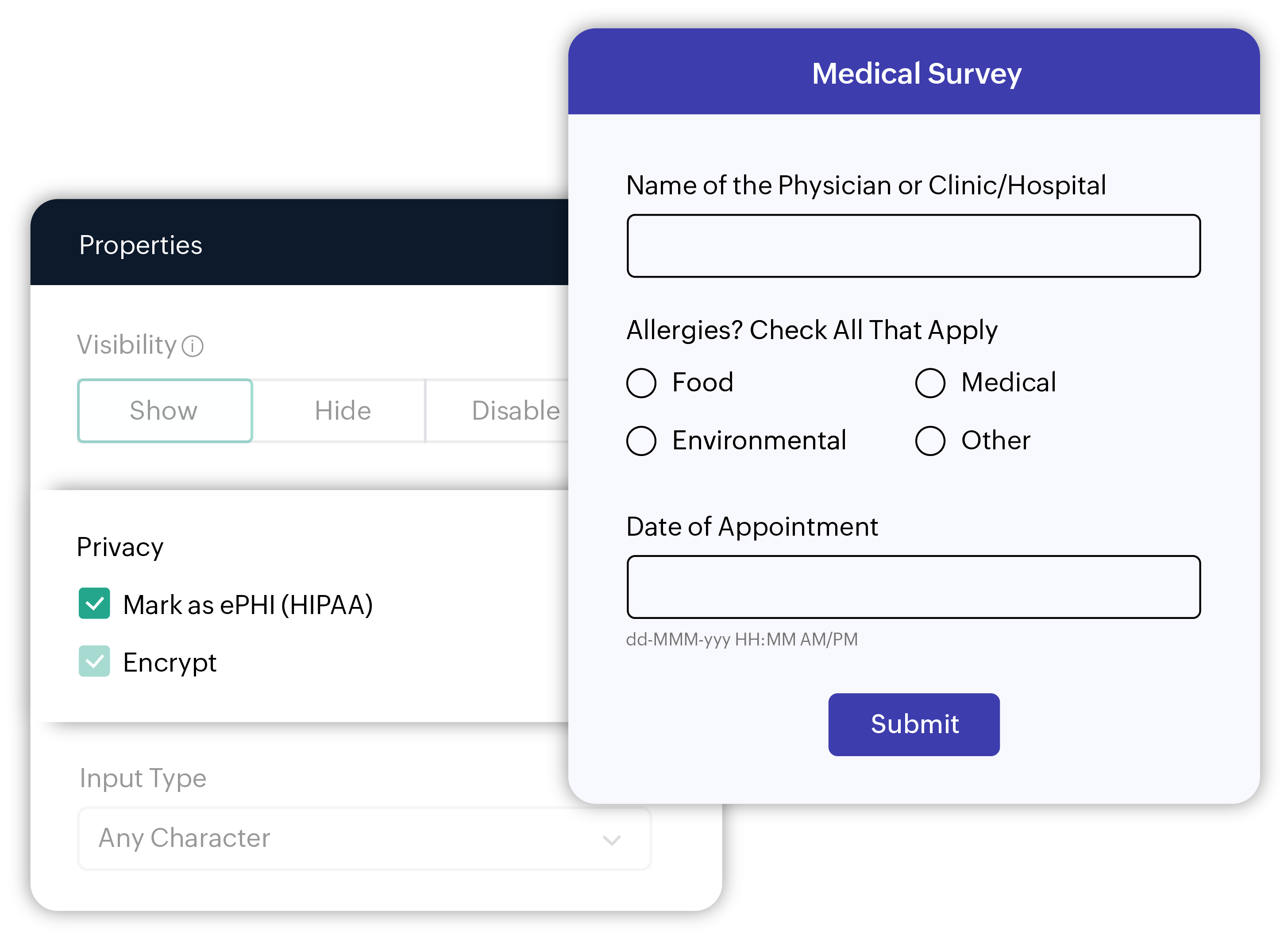
HIPAA
Built-in ePHI handling, encryption, and audit trails so covered entities can collect health data responsibly.
Learn more
CCPA
Respects the access, deletion, and opt-out rights of California residents whose data passes through your forms.

WCAG 2.2 AA
Forms can be built to meet accessibility guidelines, so no respondent is discriminated based on their disabilities.
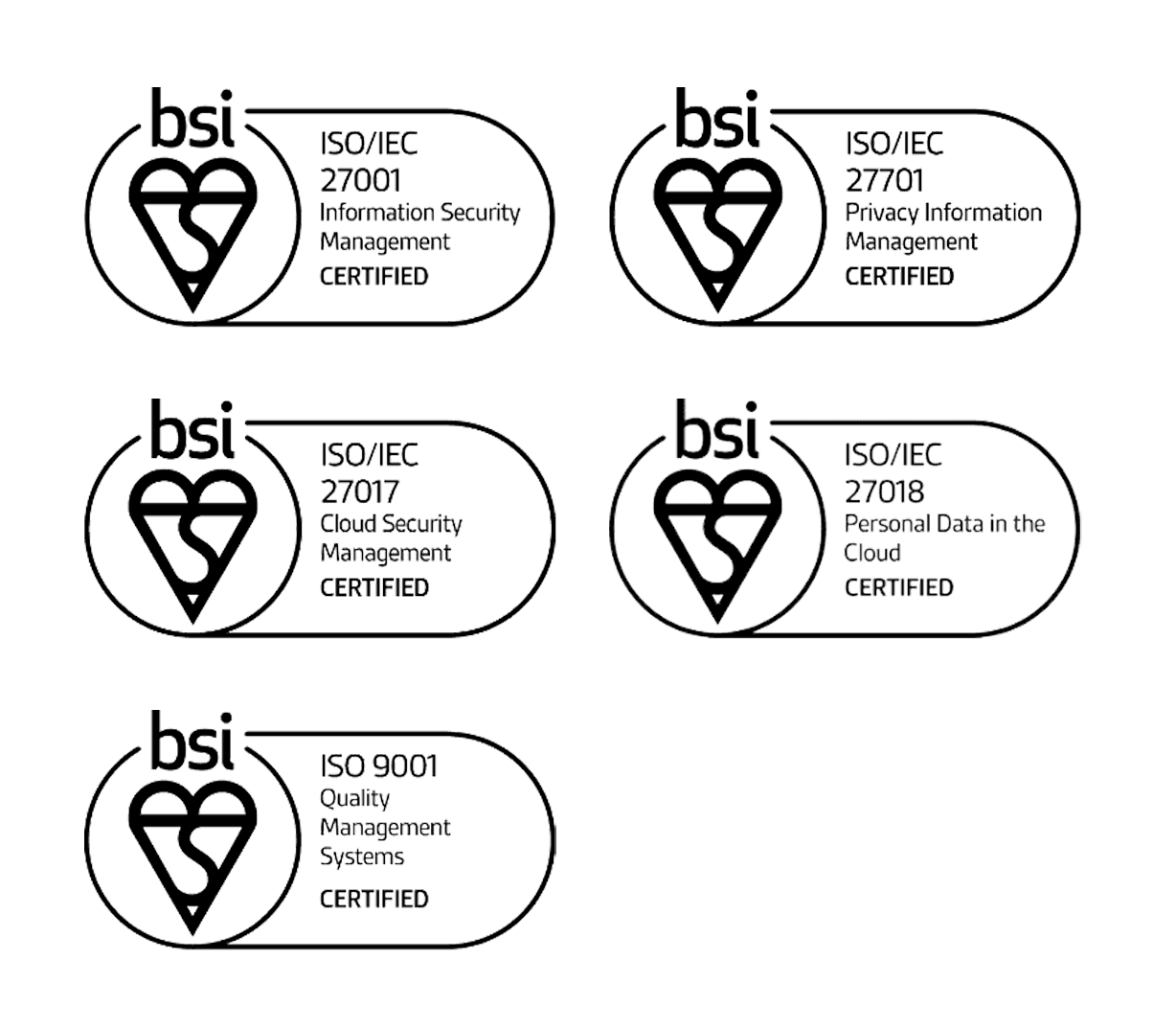
ISO/IEC standards
Zoho Forms adheres to globally recognized standards to ensure the highest levels of data security, privacy, and quality.
SSL certification
All data transferred between users and Zoho Forms is encrypted using secure sockets layer (SSL) certification.

AES-256 encryption
Zoho Forms encrypts data at rest using the AES-256 standard. This is the baseline for high-security environments.
TLS 1.2/1.3
Every form is protected by TLS 1.2/1.3 (Transport Layer Security). This ensures that data moving from the respondent’s device to Zoho Forms' servers is unreadable to anyone trying to intercept it.
Best practices to build secure online forms
Collecting data securely is only half of the battle. How you handle, transmit, and store that data after submission is equally important.
Secure file uploads
Restrict allowed file types to what is necessary. Enable field-level encryption for sensitive files like proof of ID.
Data retention
Only collect what is essential. Removing unnecessary fields reduces your security liability. Periodically delete old entries that are no longer needed.
Enable HIPAA before collecting PHI
If your forms will collect Protected Health Information (PHI), activate HIPAA mode before a single response comes in
Include a Consent field
This gives respondents meaningful transparency about how their data will be used.

Frequently Asked Questions
The forms created or the data collected would still be accessible and will not be lost or deleted unless the same is deleted manually on your end when the account is downgraded to the Free plan. We do not have a time boundary for our Free plan. However, if you do not access Zoho Forms for a year, you would receive three email notifications from our end and your free Zoho Forms account would be eligible for cleanup. To avoid deletion of your free Zoho Forms account, we recommend that you log in to Zoho Forms at least once a year.
All Zoho products are secure by design. Our framework ensures that each customer's data is logically separated from other customers' data. Individual sensitive fields can be independently encrypted via field-level encryption. Our data centers (DCs) are physically secure with strict access control.
There is no universal rule. Retention periods depend on the purpose of the form. As a general rule, delete entries that are no longer needed, especially for forms collecting personal or sensitive information.
Field-level encryption lets you apply a dedicated layer of encryption to individual form fields (separate from the database-level AES-256 encryption that already covers all stored data). It is recommended for fields that capture particularly sensitive information, such as national ID numbers, financial account details, or health-related data, where you want that field's contents encrypted independently even within the same database.
Zoho Forms retains record audit logs for 90 days, after which they are automatically deleted.
When you delete data, it enters a Trash state. Once purged from the trash, it is removed from active databases immediately.