- HOME
- Email archiving
- Email archiving for remote and hybrid teams
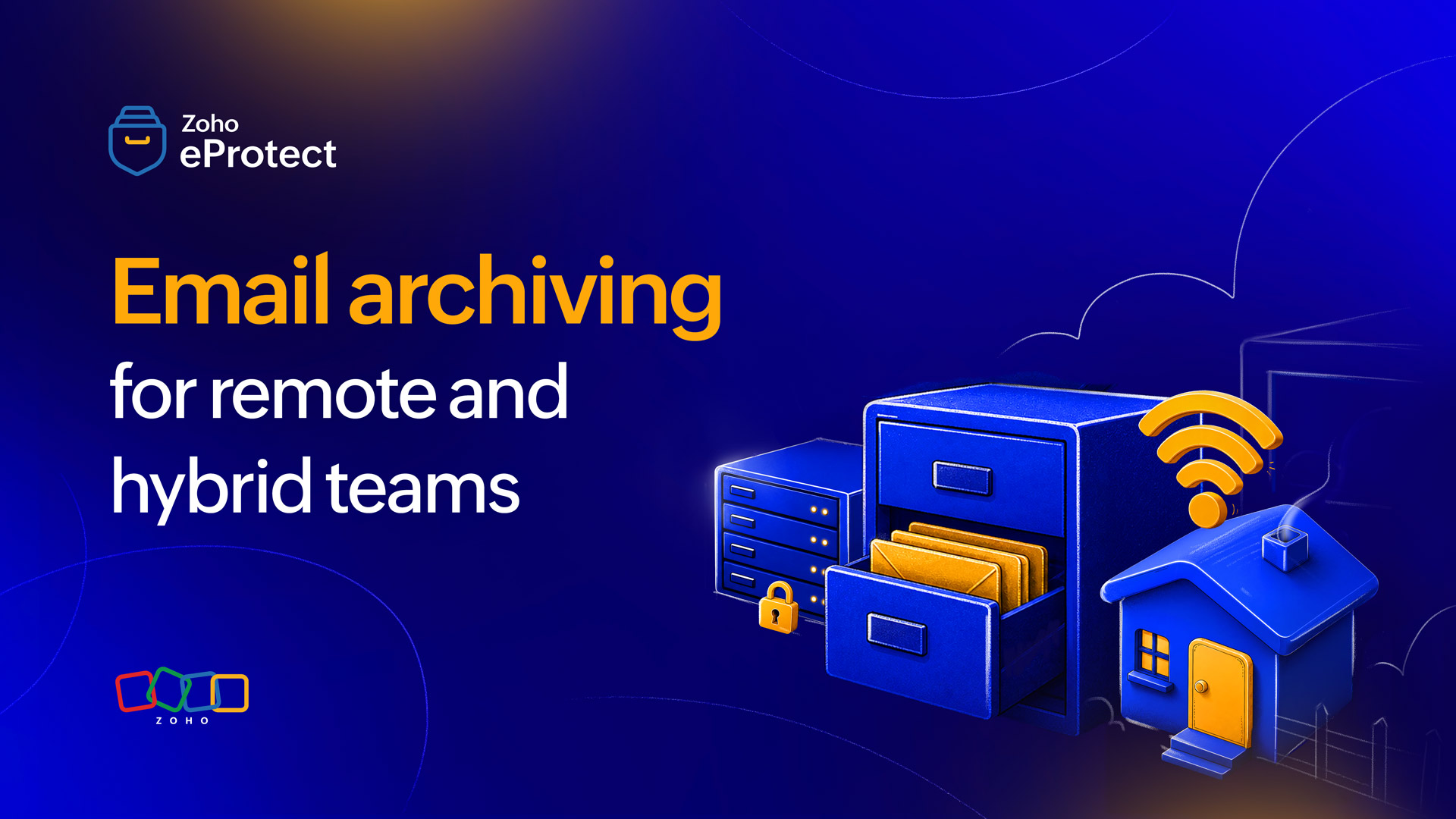
Email archiving for remote and hybrid teams
- Last Updated : July 27, 2026
- 62 Views
- 4 Min Read

When teams worked from a single office, email oversight was a manageable problem. IT teams knew which devices were in use, which accounts were active, and how to trace a message trail when something went wrong. Distributed work changed that. Emails now flow across home networks, personal devices, unmanaged laptops, and a sprawl of cloud apps. For many organizations, the audit visibility that once felt reliable has eroded.
Email archiving is the practical fix to this problem. A properly configured archive captures every inbound and outbound message, stores it in a tamper-proof, searchable repository, and makes it accessible to authorized IT staff regardless of where the sender or recipient is sitting. For remote and hybrid teams specifically, it turns an unmanageable visibility challenge into an easily manageable one.
Why distributed work creates new archiving risks
Offboarding gaps
Offboarding a remote employee is a different exercise to walking someone out of an office and collecting their laptop. When a remote employee leaves, that too with a time crunch, their email history can be difficult to recover. If archiving was tied to their local machine or to an account that gets immediately deprovisioned, that data may be gone. A centralized archive captures messages independently of the endpoint, so offboarding stops being a data risk event.
Shadow IT and workaround tools
Remote workers who feel friction in the tools they're given will find their own. Personal Gmail accounts, WhatsApp threads, and consumer file-sharing apps are commonly used as workarounds in distributed teams. While archiving can't capture messages sent outside company email entirely, having a clear archiving policy and enforcing it at least draws a line between what's on record and what isn't. That line matters enormously during an audit or legal review.
Inconsistent retention across locations
Without centralized archiving, retention depends on individual user behavior. Some employees delete aggressively; others keep everything locally. Neither produces the consistent, policy-driven record that compliance frameworks or legal discovery processes require. Remote teams amplify this inconsistency because IT has no physical access to intervene.
The compliance case for archiving in hybrid environments
Regulatory obligations don't adjust for working arrangements. Whether a business falls under GDPR, HIPAA, financial services regulations, or sector-specific data retention rules, the requirement to retain, protect, and produce business records remains constant regardless of where employees are based.
For hybrid organizations, in which some staff work on-site and others remotely, this creates a straightforward problem: If archiving is inconsistent across the workforce, compliance is inconsistent too. An audit that finds complete records for office-based staff but patchy records for remote employees becomes a compliance failure.
A cloud-based archive solves this by applying the same retention policies uniformly, regardless of which network a message passes through or which device it originates from.
What to look for in a cloud archiving solution for distributed teams
Centralized capture regardless of location
The archive should capture messages at the mail server level, not at the endpoint. This means retention happens before a message ever reaches a user's device. Therefore, it doesn't matter whether they're on a managed laptop in the office or a personal machine at home.
Tamper-proof, indexed storage
Archived messages should be immutable. The moment a message is captured, it should be locked against modification or deletion by any user, including administrators. This is what makes an archive legally defensible. Alongside immutability, full-text indexing is essential. Without complete indexing, retrieving specific messages during an eDiscovery request or internal investigation becomes an impractical manual exercise.
Role-based access for distributed IT teams
In a remote environment, the people responsible for compliance and oversight aren't always in the same place. A well-designed archiving solution allows IT administrators to access and search the archive from anywhere, with access controls that limit what each role can see. A help desk agent doesn't need access to executive correspondence; a legal reviewer doesn't need to browse the full message store. Granular role-based permissions make this manageable.
Consistent retention policy enforcement
Retention policies should apply at the account level, not the device level. Every user, regardless of where they work, which client they use, or which device they're on, should fall under the same retention rules. This removes the inconsistency that creates compliance gaps in distributed teams.
Fast search and eDiscovery readiness
When a legal hold or regulatory inquiry arrives, the ability to respond quickly matters. A cloud archive with robust search options such as filtering by sender, recipient, date range, keyword, or attachment, reduces the time and cost of responding to eDiscovery requests significantly. For remote-first organizations that may lack dedicated legal operations teams, this is often the difference between a manageable response and a disruptive one.
How eProtect handles archiving for distributed teams
eProtect's archiving capability is built for exactly the kind of environment most hybrid organizations are running: geographically distributed, cloud-dependent, and operating under real compliance obligations.
Email is captured at the server level and stored in a tamper-proof, indexed archive which is accessible to authorized IT administrators from any location. Retention policies are applied uniformly across all users, removing the inconsistency that comes with device-level or locally managed archiving. Role-based access controls let IT teams delegate archive access appropriately, and the search functionality is designed to support eDiscovery requests without requiring any special tooling.
Because eProtect is cloud-native, there's no infrastructure to manage and no on-site dependency, which means it's as effective for a fully remote team as it is for a hybrid one.
Wrapping up
The archiving setup that worked when everyone was in the office is almost certainly not adequate for a distributed workforce. The risks are different, the compliance surface is wider, and the potential for gaps in the record is significantly higher. A cloud archiving solution that captures messages at the server level, enforces policy uniformly, and gives IT teams remote access to a searchable, immutable archive becomes the baseline for hybrid organizations.
eProtect is a cloud-based email archiving and security solution that provides email archiving for cloud and on-premise email providers. The solution offers secure email archiving, quick eDiscovery, and comprehensive audit trails to ensure that organizations stay compliant and are prepared for all kinds of email threats. eProtect is the archiving solution powering Zoho Mail, a platform trusted by millions of users.