- HOME
- Know Your Tech
- The eight best low-code dashboard builders in 2026
The eight best low-code dashboard builders in 2026
- Last Updated : March 5, 2026
- 1.5K Views
- 10 Min Read
Your business generates data constantly. Sales transactions, inventory movements, customer interactions, and operational metrics pile up every hour. The challenge isn't having data. It's seeing patterns, spotting problems early, and making decisions quickly.
Highlights
- Low-code dashboard builders let you create interactive visualizations and real-time KPIs using drag-and-drop interfaces without writing code or relying on developers.
- Data integration capabilities determine how easily you connect databases, APIs, CRMs, and ERPs to power your dashboards with unified information.
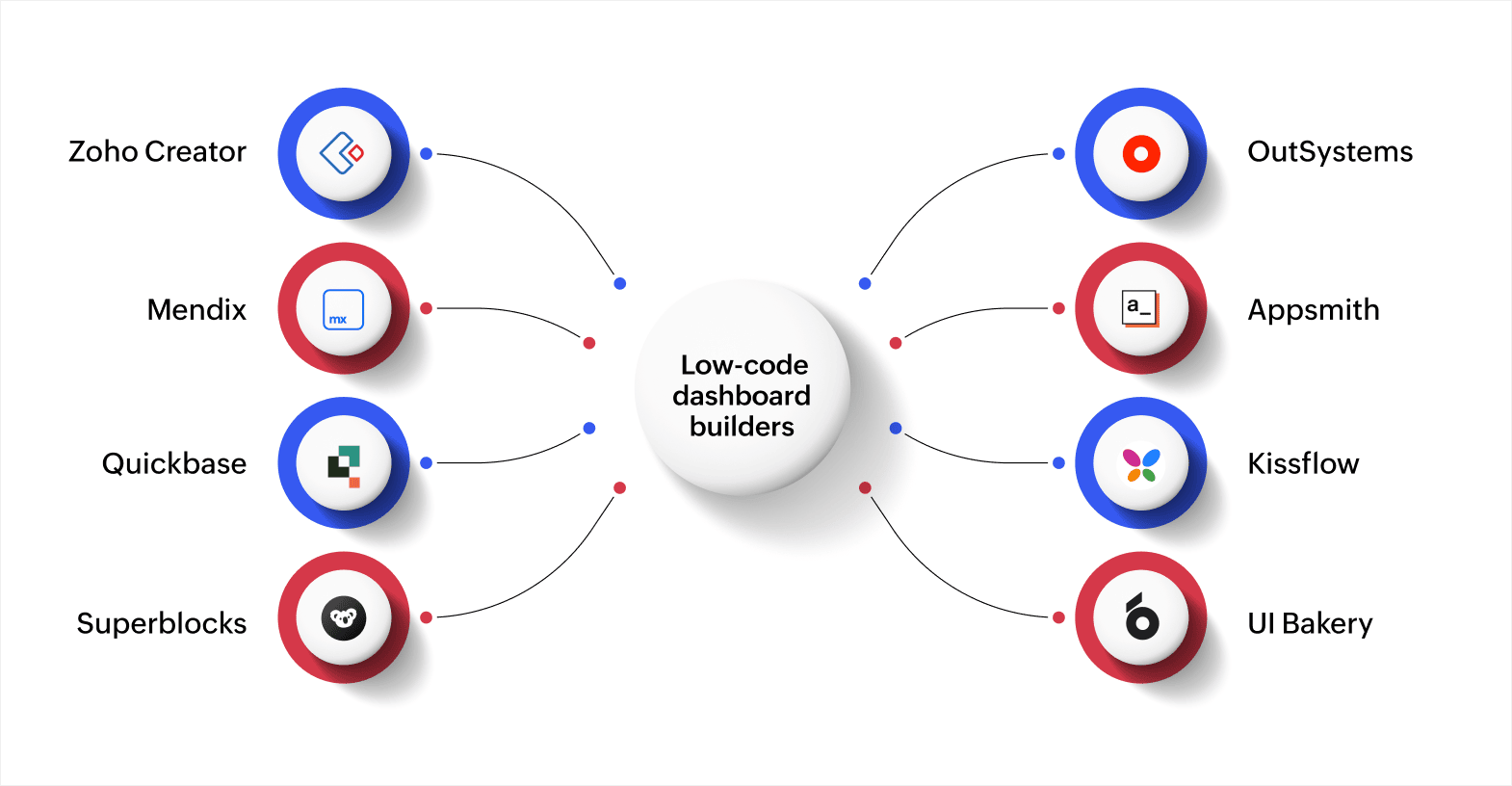
- Platforms like Zoho Creator, OutSystems, Mendix, Appsmith, Quickbase, Kissflow, Superblocks, and UI Bakery offer different strengths for various business needs and technical comfort levels.
- Role-based customization lets you create different dashboard views for sales, finance, operations, and other teams without rebuilding from scratch.
- Mobile accessibility ensures team members can check dashboards from phones and tablets, improving responsiveness for field teams and remote workers.
With dashboards, you can turn raw numbers into visual insights, but traditional approaches create new problems. Custom development takes months and costs too much. Off-the-shelf business intelligence (BI) tools require training and technical knowledge.
Low-code dashboard builders help you build a custom solution for your needs without requiring long development time, huge costs, or complex coding. This blog post breaks down the eight best low-code dashboard builders, along with their key features and pricing.
What to look for in a good low-code dashboard builder
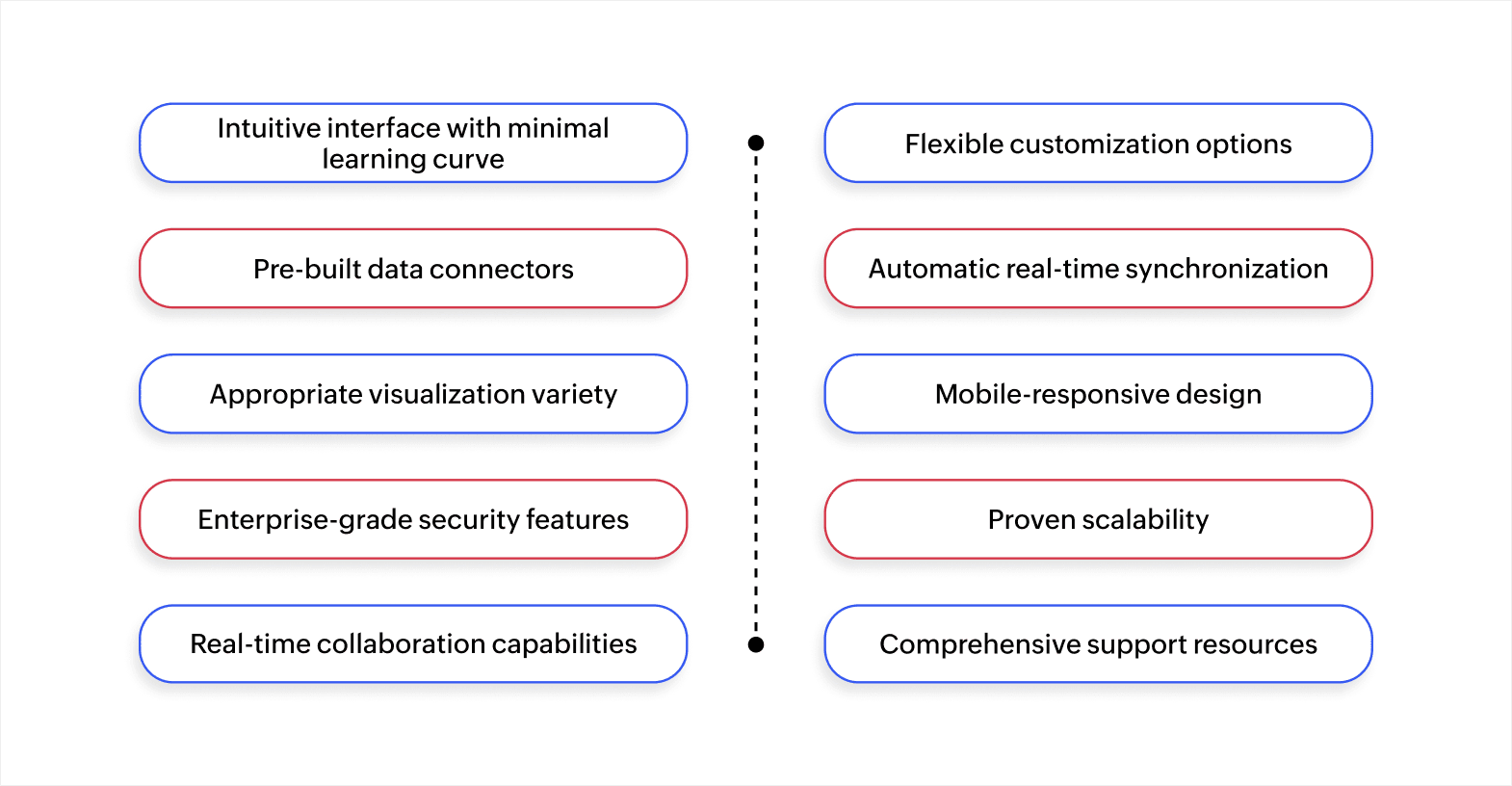
When choosing a low-code dashboard builder, it's essential to select a platform that aligns with your business needs and is flexible, scalable, and user-friendly. Here are the key features and factors to consider when evaluating your options:
- Intuitive interface with minimal learning curve: New users should create basic dashboards within minutes using drag-and-drop functionality and ready-made templates.
- Flexible customization options: The freedom to design layouts, choose visualizations, and configure displays that match specific workflows without requiring code for basic changes.
- Pre-built data connectors: Seamless integrations with databases, CRMs, and marketing platforms determine how easily you unify data from different sources.
- Automatic real-time synchronization: Live data updates keep visualizations current without manual refreshes, critical when tracking inventory, sales, or time-sensitive operations.
- Appropriate visualization variety: Access to charts, graphs, heatmaps, tables, and gauges lets you display different data types in formats that make patterns immediately clear.
- Mobile-responsive design: Field teams and remote workers need full dashboard functionality on phones and tablets, not just desktop access.
- Enterprise-grade security features: Encryption, role-based access controls, and compliance certifications protect sensitive information and ensure only authorized users see specific data.
- Proven scalability: The platform must handle increasing data volumes, more concurrent users, and growing complexity without performance issues as your business expands.
- Real-time collaboration capabilities: Multiple team members should view identical dashboards simultaneously, add comments, and share insights to improve communication and speed up decisions.
- Comprehensive support resources: Access to documentation, training materials, responsive customer support, and active user communities reduces friction when implementing new features or fixing issues.
Once you know what key features to look for, it becomes easier to pick the right platform that matches your needs and goals.
Also read: Understanding low-code vs no-code development platforms
The top 8 low-code dashboard builders to try in 2026
Low-code dashboard builders are changing the way businesses see and use their data. They make it faster and easier to track performance, spot trends, and take action, all without needing a team of developers. Below are the top low-code dashboard builders to try in 2026.
1. Zoho Creator
Zoho Creator is an AI-powered, low-code application development platform that helps you build web and mobile apps without complex coding. If you’re a business user, analyst, or developer, Zoho Creator makes it easy to turn ideas into fully functional apps.
It’s ideal for teams or organizations that want end-to-end internal apps where anyone—not just developers—can explore, create, and interact with dashboards and reports.
Key features:
- Drag-and-drop app builder: The drag-and-drop tools let you assemble forms, pages, and layouts quickly, with Deluge scripting available for custom validation, application programming interface (API) calls, and business logic when visual tools need extension.
- Automation workflow: Triggers run automatically when records change, with scheduled tasks and custom functions keeping dashboards updated without manual work.
- Smooth connections: REST APIs, webhooks, and pre-built connectors let you pull data from CRMs, ERPs, and third-party platforms into unified dashboards.
- Built-in analytics: Application data flows directly into analytics automatically, creating charts, pivot tables, and dashboards without additional setup or exports.
- Easy collaboration: Multiple users can explore data, modify reports, and build dashboards together without SQL knowledge, keeping teams synchronized across technical and business roles.
- Flexible embedding options: Reports and dashboards can be embedded into applications, portals, websites, or blogs with white-label capabilities, access controls, and the ability to combine data from different sources.
- Security, governance, and scale: Role-based access, record-level security, audit trails, and encryption are all built in. Plus, it’s strong and scalable, trusted by huge customers worldwide.
Pricing:
- Standard: $8 per user per month (billed annually)
- Professional: $20 per user per month (billed annually)
- Enterprise: $25 per user per month (billed annually)
- Flex: Custom pricing for specific requirements
2. OutSystems
OutSystems is a low-code platform that helps teams build enterprise-level apps quickly using visual tools and reusable components, with full software development lifecycle (SDLC) support.
Key features:
- Visual dashboarding within applications: Interactive dashboards for web and mobile apps connect to data queries and APIs, with filtering behaviors added through the visual logic editor.
- Extensible chart library: Built-in chart options and community components like ApexCharts provide visualization choices beyond default widgets.
- Performance monitoring dashboards: System availability, response times, and error trends display in near real-time so operations teams can detect and resolve issues before users experience problems.
Pricing:
- Personal Edition: Free
- Developer Cloud: Starts at $36,300 per year
3. Mendix
Mendix, part of Siemens, is a low-code platform for building web and mobile applications using visual modeling and microflow logic, with dashboards that live directly within your applications. It also emphasizes full software development lifecycle controls.
Key features:
- Atlas UI and building blocks: Page templates and components provide a standardized dashboard design while allowing style extensions without rebuilding widgets.
- Marketplace chart widgets: Chart components support common visualizations with tuning options and filters that update multiple charts simultaneously, maintaining connections to application data.
- Data Hub catalog: Centralized API and entity catalogs help developers discover and use external data consistently across dashboards without manual connection work.
Pricing:
- Free: $0 per month
- Standard: $998 per month
- Premium: Custom pricing
4. Appsmith
Appsmith is an open-source low-code platform for building internal tools, dashboards, admin panels, and other data-driven apps. It combines drag-and-drop widgets with code where needed and offers flexible deployment options through self-hosting or cloud hosting.
Key features:
- Pre-built connectors: Database and API connections work out of the box, letting developers fetch data from multiple sources and connect it directly to interface widgets.
- Interactive widget library: Charts, tables, and forms respond to filters and controls, with custom JavaScript available for extending functionality when needed.
- Granular access controls: Permissions can be set per user or team to control page, widget, and data access so each person sees only appropriate information.
Pricing:
- Free: $0 per month (up to 5 users for cloud)
- Business: $15 per user per month
- Enterprise: $2,500 per month for 100 users
5. Quickbase
Quickbase is a cloud-based low-code platform (or hybrid no-code/low-code) that helps teams build custom business applications with data models and logic, all without heavy coding. It brings together teams in one unified environment, making it easier to manage work effectively.
Key features:
- Visual application builder: Fields, forms, relationships, and logic can be defined visually through drag-and-drop, with templates helping create applications and dashboards quickly.
- Automated workflows: Logic, notifications, and business rules run automatically when data changes or on schedules, keeping dashboards updated without manual intervention.
- Integrated reporting: Charts, summary reports, dashboards, filters, and KPIs work directly inside applications to track and visualize data effectively.
Pricing:
- Free trial: $0 for 30 days
- Team: Starts at $35 per user per month (annually)
- Business: Starts at $55 per user per month (annually)
- Enterprise: Custom pricing
6. Kissflow
Kissflow is a low-code/no-code platform that lets organizations build custom business apps, dashboards, and automations. It offers business process management (BPM) capabilities with visual analytics, so dashboards can be embedded directly inside process apps.
Key features:
- Workflow analytics: Workflow metrics including cycle times, bottlenecks, service-level agreement (SLA) adherence, and throughput to help teams identify and resolve process delays.
- Visual process builder: Forms, workflows, logic, and screens can be assembled visually by non-developers, making it faster to build applications that include embedded dashboards.
- Governance and audit features: Role-based permissions, audit trails, and usage logs help control dashboard and process access while maintaining compliance requirements.
Pricing:
- Basic: $2,500 per month
- Flexible: Custom pricing
7. Superblocks
Superblocks is a modern AI-native low-code platform for building internal tools, dashboards, and business applications, letting teams combine drag-and-drop editing with full-code control when needed.
Key features:
- Hybrid visual and code editing: Interface screens can be generated using natural language through Clark AI, with React code accessible for custom logic and styling when needed.
- Real-time data support: Dashboards receive live updates automatically, making them effective for monitoring, alerts, and live metrics.
- Multi-source integration: Connections to SQL databases, APIs, external services, and systems like Airtable and Snowflake let you create dashboards from existing data infrastructure.
Pricing:
- Customized pricing
8. UI Bakery
UI Bakery is a low-code/visual platform for building internal tools, dashboards, and admin UIs, with the ability to add custom code when needed.
It connects easily to databases, APIs, and other services, letting dashboards display live or near-live data, and supports collaboration between non-technical users and developers.
Key features:
- Visual interface builder: Charts, tables, forms, and controls in the drag-and-drop editor help users quickly assemble pages and layouts for dashboards.
- Flexible logic layer: Built-in visual actions handle common workflows, with JavaScript and Python support for complex logic, validations, or transformations when needed.
- Auto-generated components: Interface elements can be created automatically from pre-built components to reduce dashboard setup time.
Pricing:
Cloud:
- Free: $0 per month per developer
- Builder: $20 per developer per month (annually) or $25 per month (monthly)
- Team: $35 per developer per month (annually) or $40 per month (monthly)
- Enterprise: Custom pricing
Self-hosted:
- Free: $0 per month per developer
- Team: $35 per developer per month (annually) or $40 per month (monthly)
- Enterprise: Custom pricing
How to make your low-code dashboards work smarter for your business
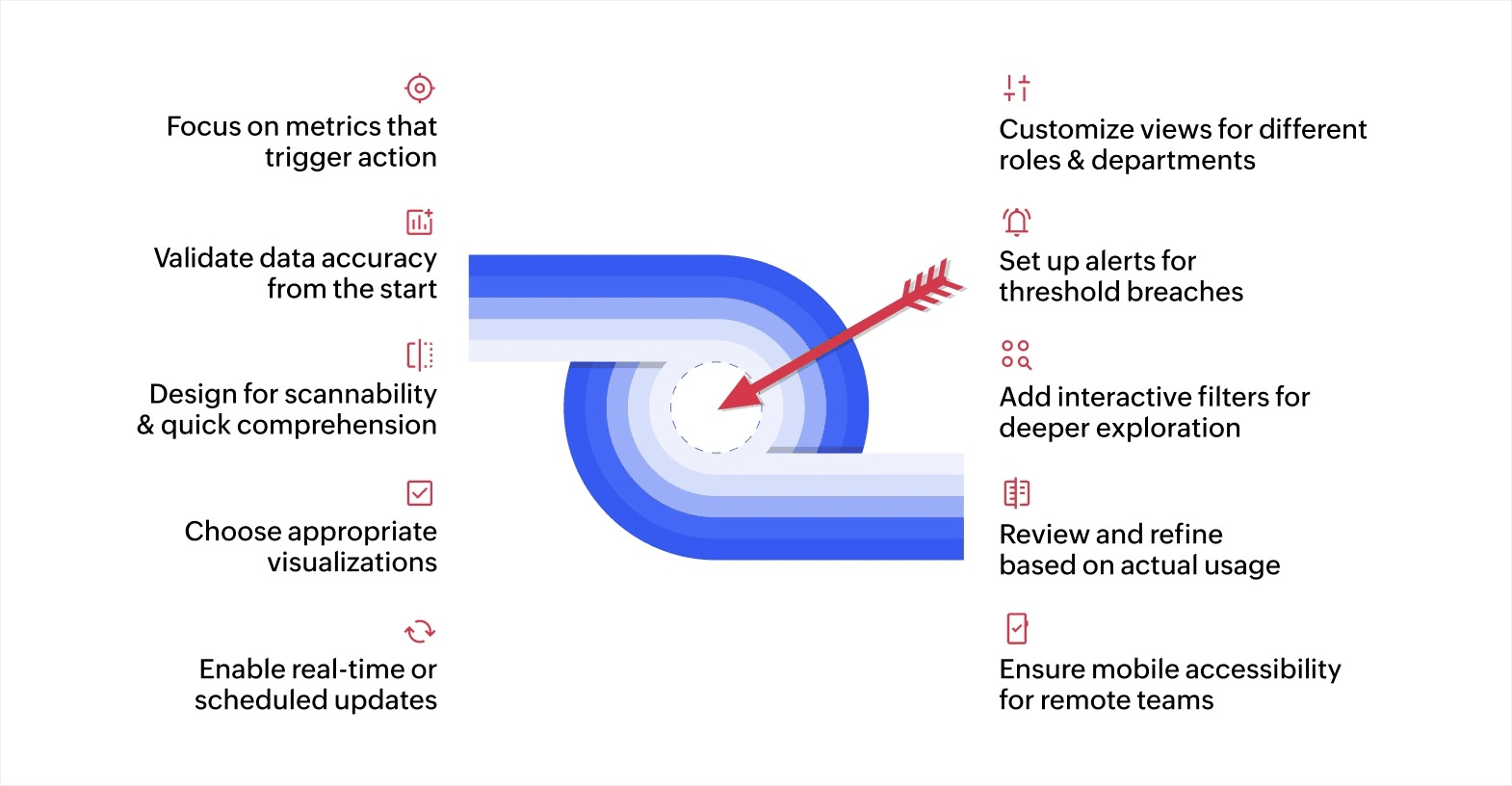
A dashboard is only as good as the decisions it helps you make. While low-code platforms make it easy to design and customize dashboards, the real magic happens when those dashboards work smarter, turning data into meaningful insights. Here’s how you can make that happen:
1. Focus on metrics that trigger action
Select KPIs that directly influence business decisions rather than tracking everything possible. A sales dashboard showing revenue, conversion rates, and pipeline value helps managers allocate resources. Adding dozens of tangential metrics creates clutter without adding value.
2. Validate data accuracy from the start
Dashboards built on incorrect or inconsistent data undermine trust and lead to poor decisions. Set up validation rules and automated data feeds from primary systems like CRMs to ensure reliability. Test connections thoroughly before sharing dashboards widely.
3. Design for scannability and quick comprehension
Group related metrics together logically. Use clear labels and intuitive layouts so users can find information without searching. Break complex dashboards into focused sections for sales, marketing, operations, and other functions rather than cramming everything onto one overcrowded screen.
4. Choose appropriate visualizations for each data type
Bar charts work well for comparing quantities across categories. Line graphs show trends over time effectively. Heatmaps reveal patterns in geographic or categorical data. Tables display detailed records when users need specifics. Match the visual format to what the data actually shows.
5. Enable real-time or scheduled updates
Configure automatic data synchronization based on how quickly information changes. Financial dashboards might update hourly. Inventory systems might refresh every few minutes during peak times. Setting appropriate update intervals keeps data current without overloading systems.
6. Customize views for different roles and departments
Sales teams need pipeline visibility and conversion metrics. Finance requires profit margins and expense tracking. Operations want efficiency and throughput data. Creating role-specific dashboards ensures everyone sees relevant information without unnecessary complexity.
7. Set up alerts for threshold breaches
Configure notifications when metrics cross important boundaries. Alert procurement when inventory drops below reorder points. Notify managers when project budgets exceed limits. Instant notifications enable quick responses before small issues become larger problems.
8. Add interactive filters for deeper exploration
Let users adjust time ranges, filter by region or product category, and drill into specific data subsets. Interactive elements help people answer follow-up questions without requesting custom reports or waiting for analyst support.
9. Review and refine based on actual usage
Collect feedback regularly about what works and what creates confusion. Track which dashboards people actually use and which get ignored. Update layouts, add missing metrics, and remove unhelpful elements based on real patterns rather than assumptions.
10. Ensure mobile accessibility for remote teams
Test dashboards on phones and tablets to verify layouts adapt properly and remain readable on smaller screens. Field teams, remote workers, and traveling executives need dashboard access regardless of their current device or location.
Turn your data into actionable insights in real time with Zoho Creator
Data scattered across multiple systems slows decisions. You need dashboards that bring everything together, update automatically, and adapt to different team requirements without requiring developers for every change.
AI-powered low-code platforms like our own Zoho Creator help you build interactive dashboards alongside complete business applications. You can create visualizations, connect data sources, and configure workflows without extensive coding knowledge.
Start your 15-day free Zoho Creator trial today to build dashboards that update automatically, connect your data sources, and help teams make faster decisions.
FAQ
What is a low-code website and web app builder?
A low-code website or web app builder is a platform that helps you create websites and applications with minimal code. It comes with drag-and-drop tools, ready-made templates, and pre-built components so you can design, build, and launch fully functional web apps or sites.
Why are businesses considering low-code solutions?
Low-code platforms reduce both time and cost by enabling teams to build and customize apps quickly, without waiting for developers to make every change. They help businesses move faster, experiment more, and deliver solutions in days instead of months.
What are the types of low-code builders?
There are three primary types of low-code builders: website builders, web app builders, and dashboard builders.
How do I manage dashboard permissions for different team members?
Most low-code platforms make managing the dashboard super simple through role-based access controls (RBAC). You can easily assign roles to your team, like viewer, editor, or admin, and decide who can see, edit, or share specific dashboards.
How can I use my low-code dashboard for forecasting and trend analysis?
Low-code dashboards can predict what’s coming next. By connecting your dashboard with machine learning or predictive analytics tools, you can forecast sales, spot customer behavior patterns, and even anticipate demand changes based on past data.
 Rohith Krishnan S
Rohith is a product marketer at Zoho. He writes about low-code, workflow automation and follows the latest digital transformation trends. Outside work he enjoys spending time with family, watching football matches and reading about futuristic trends, in no specific order.