- HOME
- Know Your Tech
- Why extending your ERP is a smart approach to evolving your IT landscape
Why extending your ERP is a smart approach to evolving your IT landscape
- Last Updated : August 14, 2026
- 282 Views
- 6 Min Read
This is a guest post by Sam. K, CEO of Office Hub Tech, a Zoho Authorized Partner.
Highlights
- ERP systems don’t need replacement but extension, as they still handle core operations but lack flexibility for modern needs like integrations, automation, and real-time access.
- An extension layer acts as a bridge between ERP and other systems, reducing integration complexity and enabling connected, end-to-end workflows.
- Building customizations inside ERP creates long-term issues, making updates harder and gradually turning the system into a bottleneck.
- Using a low-code extension layer allows businesses to build custom apps, automate workflows, and integrate tools without disrupting the ERP core.
- Extending ERP incrementally helps modernize systems safely, improving flexibility, scalability, and real-time operations without large, risky transformations.
For years, ERP modernization has been treated as replacing the system altogether. But for most organizations, that’s not practical.
ERP systems still run finance, inventory, and core operations reliably, and replacing them means high costs, long implementation cycles, and disruption.
At the same time, expectations have changed. Teams now need real-time integrations, cloud-ready apps, automation, and AI-driven insights. Most ERP systems weren’t built for this.
That’s where the gap shows up—not a need to replace the ERP but a need to extend it. And that’s exactly where an extension layer comes in.
So why does ERP need an extension layer?
Today’s business environment is no longer centered around a single system.
ERP systems now coexist with CRM tools, analytics platforms, automation systems, and cloud applications. The challenge isn’t managing these systems individually, but making them work together.
Without a structured approach, integrations become complex, data becomes fragmented, and workflows break across tools.
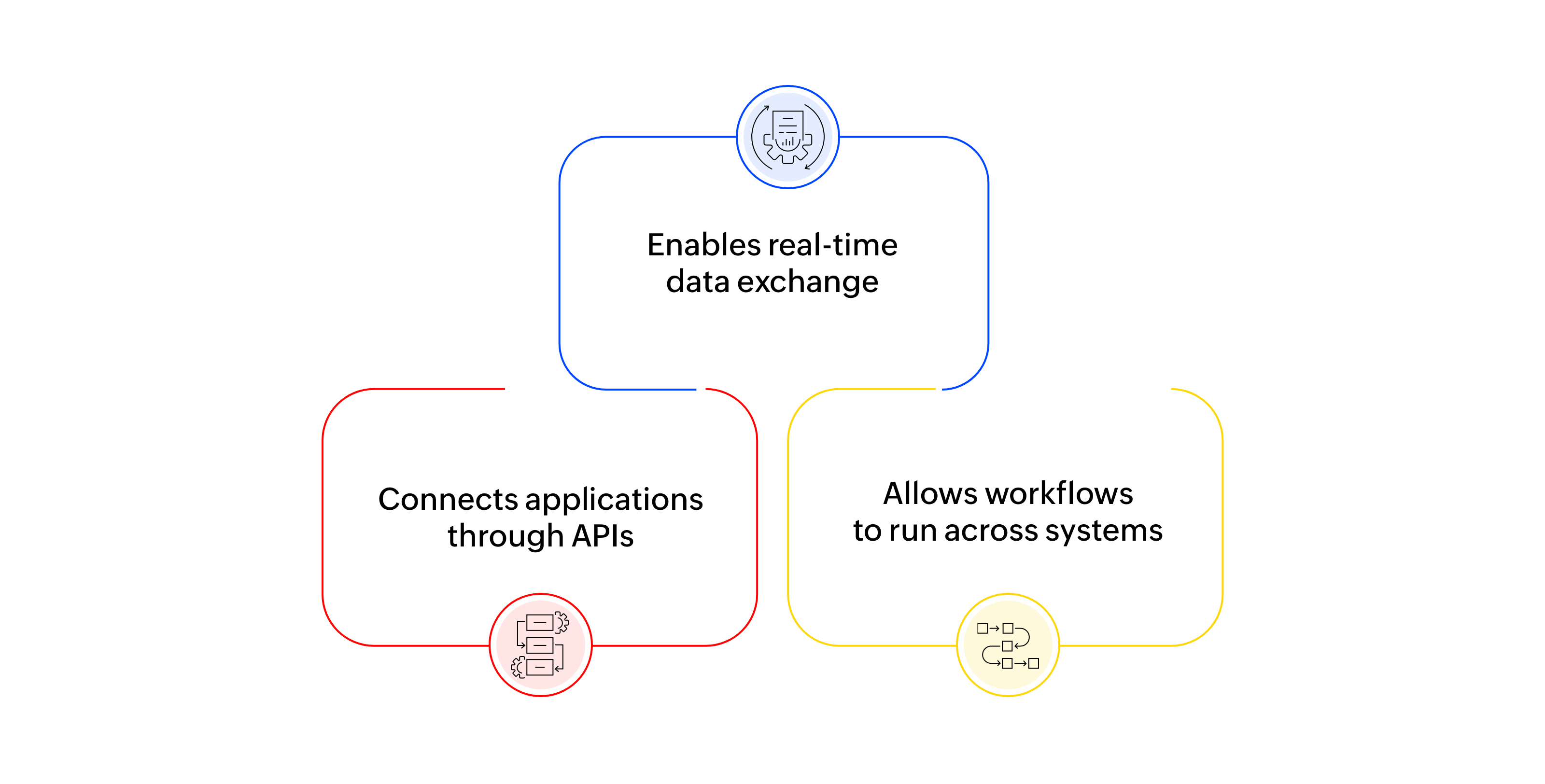
An extension layer solves this by acting as a bridge between systems. Instead of connecting every tool directly to the ERP, it creates a central layer that:
Cloud ERPs like SAP, Infor, or Acumatica are powerful, but building customizations like customizations like full-fledged custom apps, portals, and complex workflows inside the ERP core adds makes updates harder.
However, building these custom apps, portals, and workflows as extensions simplifies the architecture. It allows businesses to extend ERP capabilities without modifying the core system, making the entire setup more flexible and easier to scale.
What happens when you build customizations inside the ERP
Most organizations don’t notice the problem immediately. They show up gradually, in everyday operations.
Let's say a sales team needs real-time inventory data but has to request it from operations. Finance teams wait for reports because data needs to be exported and consolidated manually. Operations teams rely on spreadsheets to bridge gaps between systems that don’t communicate with each other.
Individually, these seem manageable. But over time, they add up.
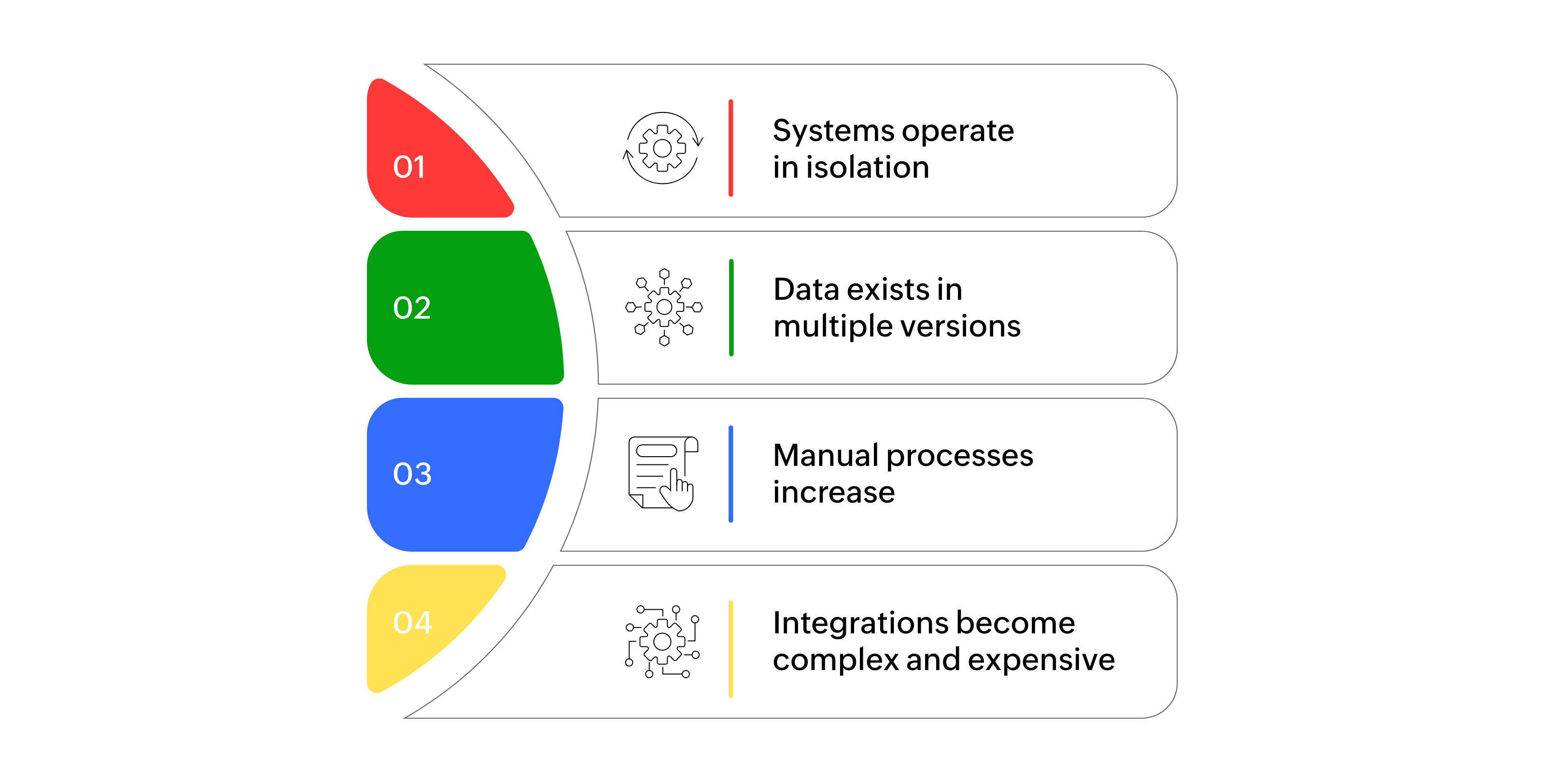
Eventually, even simple changes start requiring significant effort—and that’s when ERP shifts from being a foundation to becoming a bottleneck.
Using Zoho Creator as the extension layer
Once the need for extensions becomes clear, the next question is simple: What should the layer that houses the extensions look like?
It needs to integrate with ERP systems, support modern applications, and handle workflows without adding complexity.
This is where Zoho Creator comes in.
Instead of replacing ERP or modifying it heavily, Zoho Creator sits on top of existing systems, connecting and extending them without disruption.
It allows businesses to:
- Build custom applications on top of ERP data
- Connect your ERP with other tools through APIs
- Automate workflows across systems
This changes how ERP systems are used. They move from being isolated back-end systems to becoming part of a connected ecosystem.
With Zoho Creator, teams can build applications outside the ERP to extend processes without adding complexity to the core.
ERP continues to handle core operations while Zoho Creator adds flexibility and control around it.
What changes with Zoho Creator in place
The shift becomes clear in how teams work with data and systems.
Information is no longer locked inside the ERP; it becomes available in real time across applications, so teams don’t have to wait for reports or depend on manual updates.
Workflows begin to move on their own. Approvals, updates, and notifications flow across systems without constant follow-ups or coordination. There's also more flexibility in how customizations are built.
Instead of adapting processes to fit ERP limitations, for requirements like new applications, complex workflows, external portals, or mobile experiences, teams can build them on Creator.
And as new requirements come up, systems can be connected without heavy development or rework. Integration becomes part of the process, not a separate challenge.
Also, because all of this happens outside the ERP, the core system remains stable and clean while the business continues to evolve around it.
How you can use Zoho Creator as an extension layer
With Zoho Creator in place, the next step is putting it to use across everyday operations.
Here’s how you can use it with different teams:
Operations and supply chain
You can build real-time dashboards and operational apps connected to ERP data, giving teams visibility into inventory, orders, and production without relying on complex ERP interfaces or delayed updates. This helps improve coordination across warehouses, suppliers, and internal teams.
Finance and approvals
You can automate approval workflows and build real-time financial dashboards, reducing the need for manual reporting and follow-ups. This makes processes faster while improving accuracy and compliance.
Sales and customer management
By connecting CRM and ERP data, you can give sales teams access to inventory, order status, and customer history within a single interface, helping them make more informed decisions and respond better to customers.
Procurement and vendor management
You can streamline procurement by building vendor portals and automating purchase workflows. This makes it easier to track requests, approvals, and vendor interactions while improving transparency.
Field teams and remote operations
You can enable mobile apps connected to ERP systems, allowing field teams to update data, track activities, and stay aligned with operations from anywhere.
A smarter way to modernize ERP systems
ERP systems were never designed to do everything—and they don’t need to.
They're built to manage core operations and store critical data. The challenge has always been extending that value into modern use cases, like automation, integrations, and custom applications.
That’s where the extension approach makes the difference.
Zoho Creator acts as the extension layer that connects applications, enables workflows across systems, and provides real-time access to data without modifying the core, making modernization more practical.
Instead of large, high-risk transformation projects, organizations can take an incremental approach. They can build applications, improve processes, and connect systems step by step, based on what the business actually needs.
Over time, this creates a connected setup that evolves without disrupting what already works.
And just as importantly, it ensures that ERP systems continue to stay relevant as business needs change.
Frequently asked questions (FAQ)
Q1: What are extensions in regards to ERP system?
Extensions, with regards to an ERP system, are customizations like external portals, custom apps, and complex workflows that connect to the ERP, but are built outside the ERP on a dedicated layer so as to maintain a clean ERP core.
Q2: How does Zoho Creator act as an extension layer?
Zoho Creator acts as an extension layer by connecting ERP systems with modern applications through APIs. It allows businesses to build custom apps, automate workflows, and access ERP data in real time without replacing the ERP system.
Q3: Can Zoho Creator integrate with other ERP systems?
Yes, Zoho Creator supports integration with major ERP systems like SAP, Oracle ERP, and Microsoft Dynamics using APIs and custom integration frameworks.
Q4: What are the benefits of using Zoho Creator for ERP integration?
Zoho Creator enables:
Seamless ERP integration with other systems
Faster application development using low-code
Workflow automation across departments
Real-time data access and visibility
Scalable and cloud-ready applications
Q5: Is low-code ERP modernization secure?
Yes, Zoho Creator provides enterprise-grade security, including data encryption, role-based access control, and secure API integrations, ensuring safe ERP data handling.
Q6: Can Zoho Creator replace an ERP system?
No, Zoho Creator is not meant to replace ERP systems. It's designed to extend and enhance ERP capabilities.
Q7: What industries benefit from using Zoho Creator to extend their core systems?
Industries like manufacturing, logistics, healthcare, retail, finance, and distribution benefit significantly by extending their ERP systems with Zoho Creator.
Q8: How long does it take to extend your ERP with Zoho Creator?
Implementation timelines vary depending on complexity, but many organizations can start building and deploying applications that connect with their ERP within weeks using Zoho Creator’s low-code capabilities.
Q9: Can AI and automation be integrated using Zoho Creator?
Yes, Zoho Creator supports AI-powered automation, workflow triggers, and integrations with external tools, enabling intelligent business processes on top of ERP systems.
 Zoho Creator
With over 20 years of experience, Zoho Creator is an AI-powered low-code development platform used to build custom business applications. It enables users to create powerful, scalable solutions with minimal coding expertise. Stay tuned for more insights on low-code and digital transformation.