- HOME
- Know Your Tech
- The top 15 advantages of workflow management systems
The top 15 advantages of workflow management systems
- Last Updated : March 2, 2026
- 244 Views
- 10 Min Read
Manual coordination consumes significant time in growing businesses. Teams spend hours tracking task statuses, chasing approvals through email, and updating stakeholders about progress. This work produces no direct business value but becomes necessary as operations scale.
Highlights
- Workflow management systems coordinate task flow across teams through automated assignment, rule-based routing, and progress tracking without manual coordination.
- Standardized processes and validation rules reduce errors by checking data quality, enforcing required fields, and preventing incomplete work from moving forward.
- Real-time dashboards provide visibility into task status, bottlenecks, and team performance, enabling managers to make data-driven decisions quickly.
- Automated workflows reduce operational costs by eliminating manual steps, optimizing resource allocation, and reducing rework from errors.
- Systems scale with business growth by handling increased volume through the same processes, adapting workflows easily, and supporting distributed teams.
Workflow management systems solve coordination challenges by automating repetitive tasks, standardizing processes, and providing real-time visibility into operations. These advantages translate to measurable improvements in efficiency, accuracy, and scalability.
According to industry data, the workflow management system market, valued at $9.54 billion in 2022, is estimated to grow annually by 33.3% during 2023 to 2030. This growth indicates the rising adoption of workflow management systems as companies move from manual processes to automated workflows.
This article covers the top 15 key benefits of adopting a workflow management system for your business. Whether you’re a small business owner or part of an enterprise team, workflow automation can help improve your operations and support long-term growth.
15 key advantages of workflow management systems
Knowing how workflow management systems improve operations helps you evaluate which capabilities matter most for your business and identify areas where automation creates the biggest impact.
1. Reduced errors through standardization
Standardized processes and validation rules minimize human mistakes by checking data quality before work moves forward. The system enforces required fields, validates formats, and prevents incomplete information from advancing through workflows.
For instance, when employees submit expense reports, the system can require receipt attachments, validate expense categories against company policies, check amount limits, and flag unusual entries for review before approval routing begins.
2. Faster task completion through automation
Automated workflows remove manual coordination steps that slow operations. Tasks move forward immediately when previous steps are complete, and automatic routing eliminates delays waiting for someone to assign next actions.
For example, customer onboarding can progress through document collection, account setup, system access provisioning, and welcome communications automatically based on completion triggers rather than manual handoffs between teams.
3. Better coordination across teams
Centralized platforms provide shared visibility into task status, clear ownership, and automatic handoffs between departments. Team members see what others are working on, understand dependencies, and receive work when previous steps are complete.
For instance, when support teams escalate technical issues, the system can automatically assign cases to engineering teams based on issue type, attach relevant customer histories, set priority levels, and notify stakeholders about status changes throughout resolution.
4. Real-time visibility into operations
Dashboards and reporting show the current task status, identify bottlenecks, and track performance metrics. Managers see which approvals are pending, where work accumulates, and how quickly teams complete different task types.
For example, a project manager can view which vendor approvals are delayed across multiple initiatives, see average approval times by department, identify recurring bottlenecks, and adjust resource allocation based on actual workload data.
5. Lower operational costs
Reduced manual labor time, fewer errors requiring rework, and optimized resource allocation cut operational expenses. Teams process more work without proportional staff increases because automation handles repetitive coordination.
For instance, finance teams can process significantly more invoices monthly through automated routing, validation, and approval workflows compared to manual email-based processes, handling growth without adding accounting staff.
6. Easier compliance and documentation
Automatic activity logging, enforced procedures, and timestamped records improve compliance and audit readiness. The system documents who took actions, when decisions occurred, what information was reviewed, and tracks approvals through required steps.
For example, healthcare providers can maintain required approval chains for patient records, document access timestamps, enforce privacy procedures, and generate audit reports showing compliance with regulations without manual record-keeping.
7. Scalability for business growth
Handling increased volume without proportional coordination overhead supports business expansion. The same workflows process 100 or 1,000 tasks with minimal additional management because automation scales efficiently.
For instance, a retail company expanding from 100 daily orders to 1,000 can use the same order processing workflows by adjusting rules and capacity rather than rebuilding entire coordination processes or multiplying staff proportionally.
8. Consistent process execution
Standardized workflows ensure that tasks follow the same steps every time, regardless of who handles them. This consistency improves quality, makes training easier, and reduces variations that create confusion or errors.
For example, employee onboarding can follow the identical steps for documentation, system access, training schedules, and equipment provisioning across all departments, ensuring that new hires receive complete preparation regardless of their hiring manager.
9. Faster decision-making with data
Access to real-time performance data, completion metrics, and bottleneck identification helps managers make informed decisions quickly. The system provides evidence about where problems occur and which changes improve results.
For instance, operations managers can see that specific approval steps consistently take days while similar steps are completed in hours, identifying process improvements or resource allocation needs based on actual performance patterns.
10. Improved accountability and ownership
Clear task assignment with deadlines and visibility creates accountability. Everyone knows who owns each task, when completion is expected, and who reviews work at each stage.
For example, procurement workflows can show exactly which team member is reviewing vendor proposals, how long reviews typically take, and when escalation occurs if deadlines pass, making responsibility transparent across the purchasing process.
11. Better resource utilization
Workflow automation helps distribute work evenly across teams by showing workload levels and automating assignment based on capacity. This prevents some team members from becoming overwhelmed while others have spare capacity.
For instance, customer service systems can route new cases to representatives with lighter workloads automatically, ensuring that response times stay consistent and work distributes fairly without manual intervention from supervisors.
12. Reduced task handoff delays
Automatic notifications and task routing eliminate waiting time between process steps. When one team completes their work, the next team receives notification and access immediately rather than waiting for manual handoffs.
For example, content approval workflows can notify reviewers instantly when drafts are ready, route approved content to publishing teams automatically, and trigger social media scheduling without coordination emails between marketing team members.
13. Enhanced customer experience
Faster processing, consistent service quality, and reliable completion improve customer satisfaction. Automated workflows ensure that customer requests move through your operations predictably without delays from coordination failures.
For instance, loan application processing can provide applicants with real-time status updates, complete credit checks and verification steps in consistent timeframes, and deliver approval decisions faster through automated workflows rather than manual review coordination.
14. Support for remote and distributed teams
Cloud-based workflow systems let team members access tasks, approve requests, and coordinate work from any location. Geographic distribution doesn’t create coordination barriers when workflows operate through centralized platforms.
For example, approval workflows can route requests to managers regardless of their location, let remote team members submit and track work through the same interface as office staff, and maintain coordination across time zones through automated notifications.
15. Easy workflow modifications and improvements
Low-code platforms let you adjust workflows without technical expertise. You can add approval steps, modify routing rules, update notifications, or change forms as business requirements evolve.
For instance, when regulatory requirements change, compliance teams can update approval workflows to include new verification steps, add required documentation fields, and modify routing logic without waiting for developers or extensive system changes.
Workflow management systems deliver these advantages across different business sectors. Industries ranging from manufacturing and healthcare to IT and finance implement these platforms to solve coordination challenges based on their operational requirements.
Industries that benefit from workflow management systems
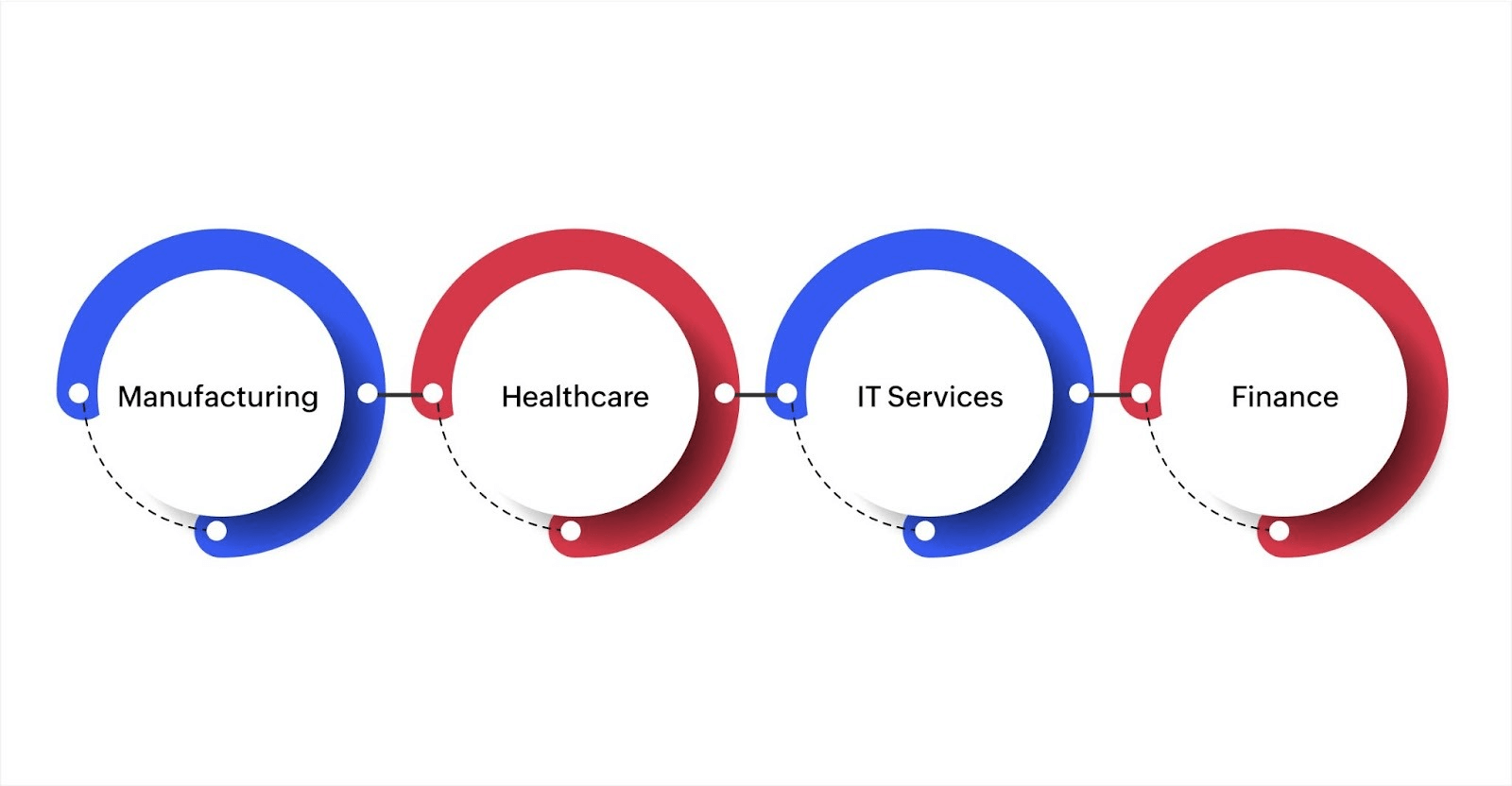
The global workflow management systems market is projected to reach $60.2 billion by 2030. This surge highlights the growing demand for automation across industries. By integrating workflow management systems (WMS), businesses can simplify operations, reduce human error, and improve overall efficiency. Below are some of the industries benefiting from these systems.
1. Manufacturing
In manufacturing, where efficiency and precision are important, a workflow management system automates various tasks such as inventory tracking, order processing, and production scheduling.
This results in smoother operations, fewer manual errors, and more efficient resource utilization. In manufacturing, a workflow management system improves production schedules by allowing real-time monitoring of raw materials and finished products, which helps reduce bottlenecks.
2. Healthcare
Healthcare organizations often deal with numerous administrative responsibilities, including patient scheduling, claims management, and billing. A WMS can help automate these tasks, minimizing human errors and ensuring adherence to regulatory requirements.
Automating routine tasks allows healthcare providers to focus more on patient care, leading to a better overall experience. Additionally, integrating workflow management systems with Electronic Health Record (EHR) systems improves the coordination of patient data and simplifies operational workflows.
3. IT Services
IT service providers often deal with complex and time-sensitive issues, from managing support tickets to deploying software updates. Workflow management systems enable IT teams to automate repetitive tasks like ticket routing, project management, and resource allocation.
This automation results in faster resolution times and enhanced team collaboration. By implementing WMS, IT teams can improve response times, optimize workload distribution, and achieve higher service levels.
4. Finance
In the finance sector, workflow management systems automate time-consuming tasks such as invoice approvals, expense tracking, and compliance reporting. Automation ensures the accuracy of financial records and minimizes manual errors, reducing the risk of non-compliance.
WMS also enables real-time financial monitoring, allowing companies to make informed decisions quickly. This is especially important in a highly regulated environment where adhering to financial regulations is important.
However, to capitalize on these advantages fully, it’s important to implement the system correctly. The next step is to understand the best practices that ensure a smooth integration and maximize the effectiveness of a workflow management system within your business.
Also read: 10 must-have features and best practices to optimize your workflow management system.
Best practices for a workflow management system
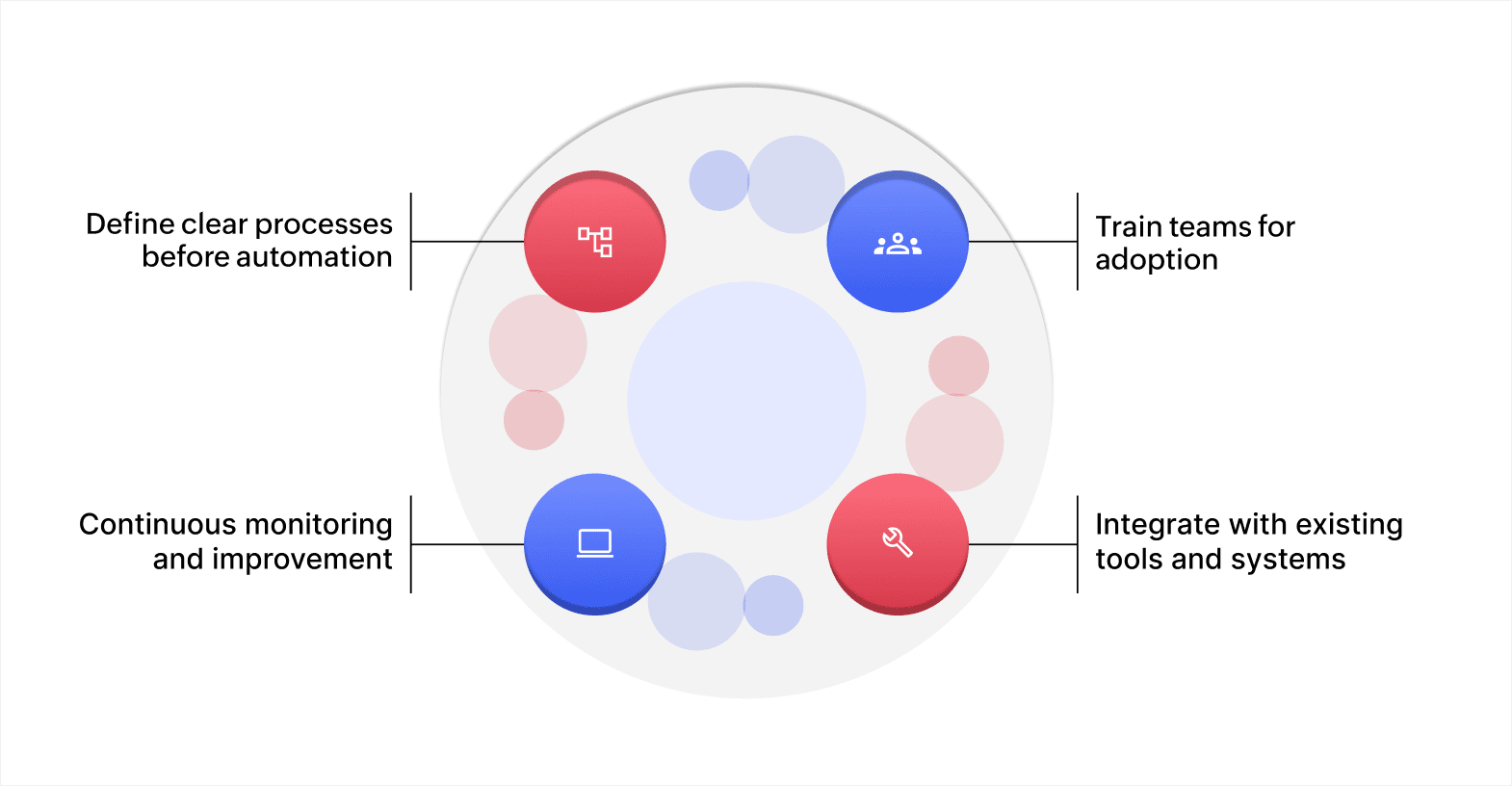
1. Define clear processes before automation
Before implementing a workflow management system, it’s essential to define and document your existing processes clearly. This step helps identify inefficiencies and ensures that the automation will address them effectively.
Mapping out workflows before automation enables businesses to identify where manual interventions can be eliminated and where automation will yield the greatest benefits.
2. Train teams for adoption
A successful WMS adoption hinges on how well teams are trained to use the new system. Proper training ensures that users understand how the system fits into their day-to-day tasks and how it can improve their workflow.
Teams should receive both theoretical training and hands-on experience to ensure they are comfortable with the system’s features. This leads to higher adoption rates and minimizes resistance to change.
3. Continuous monitoring and improvement
After the workflow management system is in place, it’s important to monitor its performance continuously. Regular monitoring helps identify areas that may need refinement or further automation. Gather feedback from end users to identify pain points or inefficiencies that weren’t initially apparent.
Based on this feedback, make ongoing adjustments and optimizations to improve the system’s performance over time. Monitoring also helps in keeping the system up to date with the evolving needs of the business.
4. Integrate with existing tools and systems
To use the advantages of a workflow management system fully, it’s crucial to integrate it seamlessly with the other tools and software your business already relies on, such as CRM systems, ERP platforms, and project management tools.
By integrating systems, data transfers effortlessly between platforms, reducing manual entry. It fosters better collaboration between teams by providing a centralized view of operations, which supports informed decision-making and enhances overall business flexibility.
By following these best practices, your organization can fully leverage the advantages of a workflow management system. As businesses increasingly adopt workflow automation, it’s clear that WMS will continue to play an important role in driving growth and operational excellence.
Build custom workflow management systems with Zoho Creator
Manual coordination through emails, spreadsheets, and status meetings creates visibility gaps and slows decision-making. As operations grow, these coordination challenges multiply. Teams spend more time tracking work status than completing actual tasks.
Zoho Creator is an AI-powered, low-code application development platform that lets you build custom workflow applications matching your specific business processes. You can create solutions for approval routing, task coordination, or process automation without extensive coding knowledge.
Design complex workflows visually using the business blueprint builder that maps out each process step through drag-and-drop interfaces. Automated task assignment and notifications ensure that work moves forward based on your business rules without manual intervention.
You can also start with ready-made application templates for common workflows like expense approvals, task management, or vendor coordination, and customize them to match your specific needs.
Sign up for free today and build your first workflow application in minutes to see how automation improves your team’s productivity.
FAQ
1. How do workflow management systems handle task prioritization?
Workflow management systems can help prioritize tasks based on predefined rules or urgency. By automating the routing of tasks according to priority, the system ensures that important work is always addressed first, improving team efficiency and productivity.
2. Can workflow management systems be customized for specific business needs?
Yes, workflow management systems can be tailored to meet the unique requirements of your business. Customization allows you to design workflows that suit your processes, whether it’s automating approval hierarchies, custom notifications, or specific task routing.
3. How does a workflow management system support scalability as your business grows?
A well-designed workflow management system adapts to your business’s growth by allowing you to modify workflows easily, add new processes, and scale resources. It ensures that as your business expands, your workflows remain efficient and continue to meet increasing demands.
4. What role does a workflow management system play in resource allocation?
By automating processes and tracking task progress, a workflow management system enables better resource allocation. It provides real-time insights into workloads and team capacity, allowing managers to assign tasks more effectively and ensure that resources are utilized in the most optimal way.
 Ann Elizabeth Sam
Hey! I'm Ann, and I work as a content writer at Zoho Creator. I'm exploring the SaaS world through various forms of content creation. Outside of work, I love dancing and would give up anything to read a good murder mystery.