
Configure the Event Listener
The default event listener in Catalyst is used to listen for events that occur in one of the Catalyst components. To listen for an event such as a user signing up for the application, we will have to create a rule in the default event listener. You can learn more about the default event listener and its rules from the Event Listeners help page.
Let's create a rule to link the user signup event with the event_app function that we configured earlier.
- Navigate to Event Listeners in the Catalyst console and click the Default Event Listener.
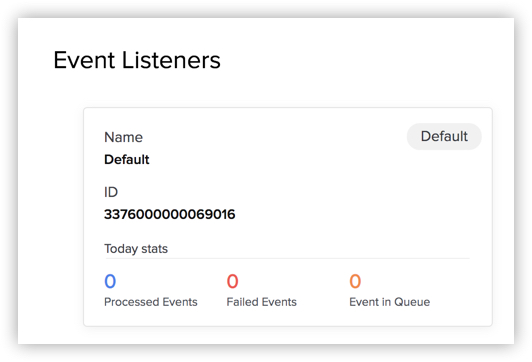
- Click Create Rule.

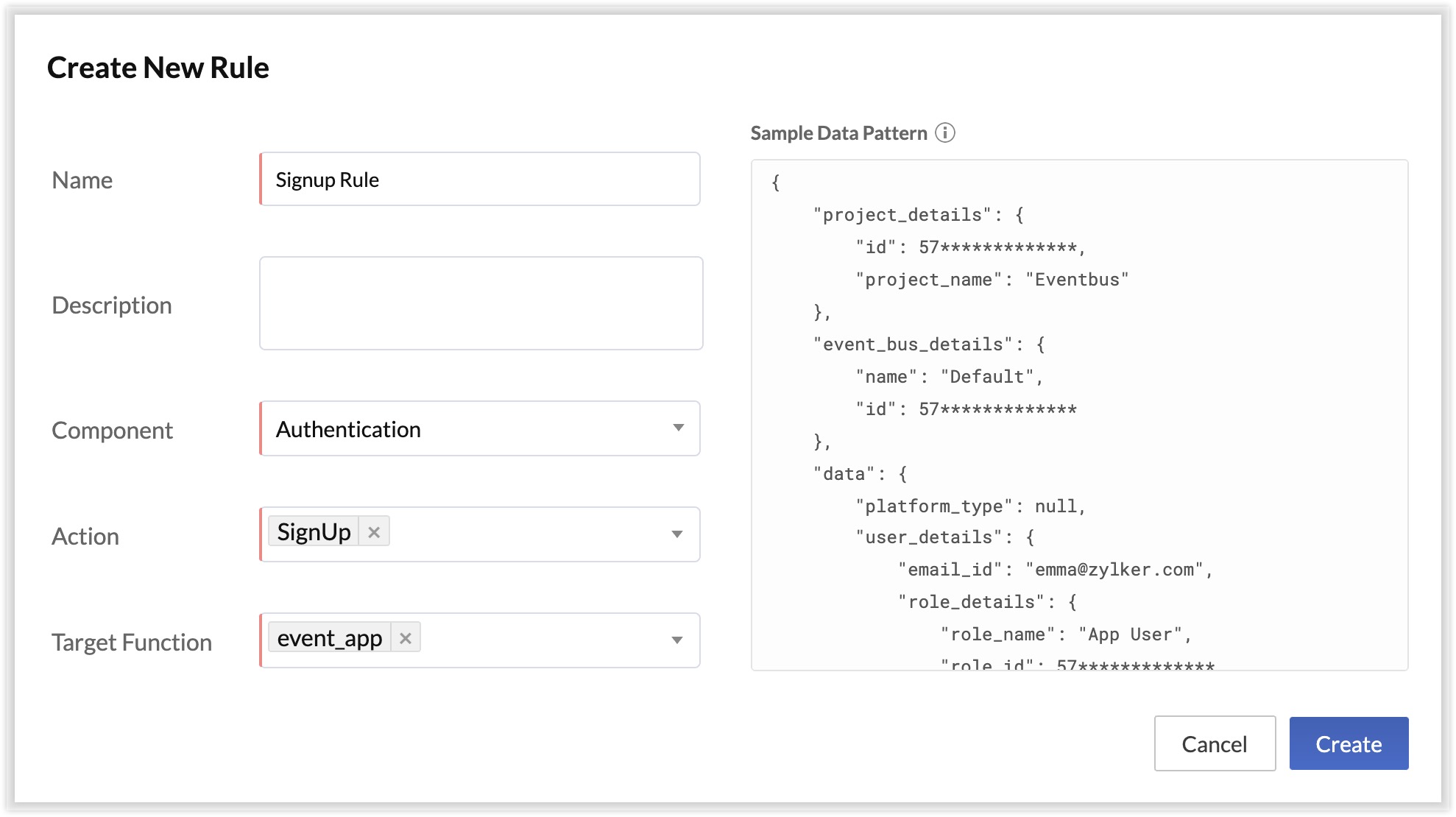
- Enter the name as "Signup Rule". Select Authentication as the component, SignUp as the action, and event_app as the target function.
- Click Save.

The setup is now complete.