
Create a Project
Let's create a Catalyst project from the remote console.
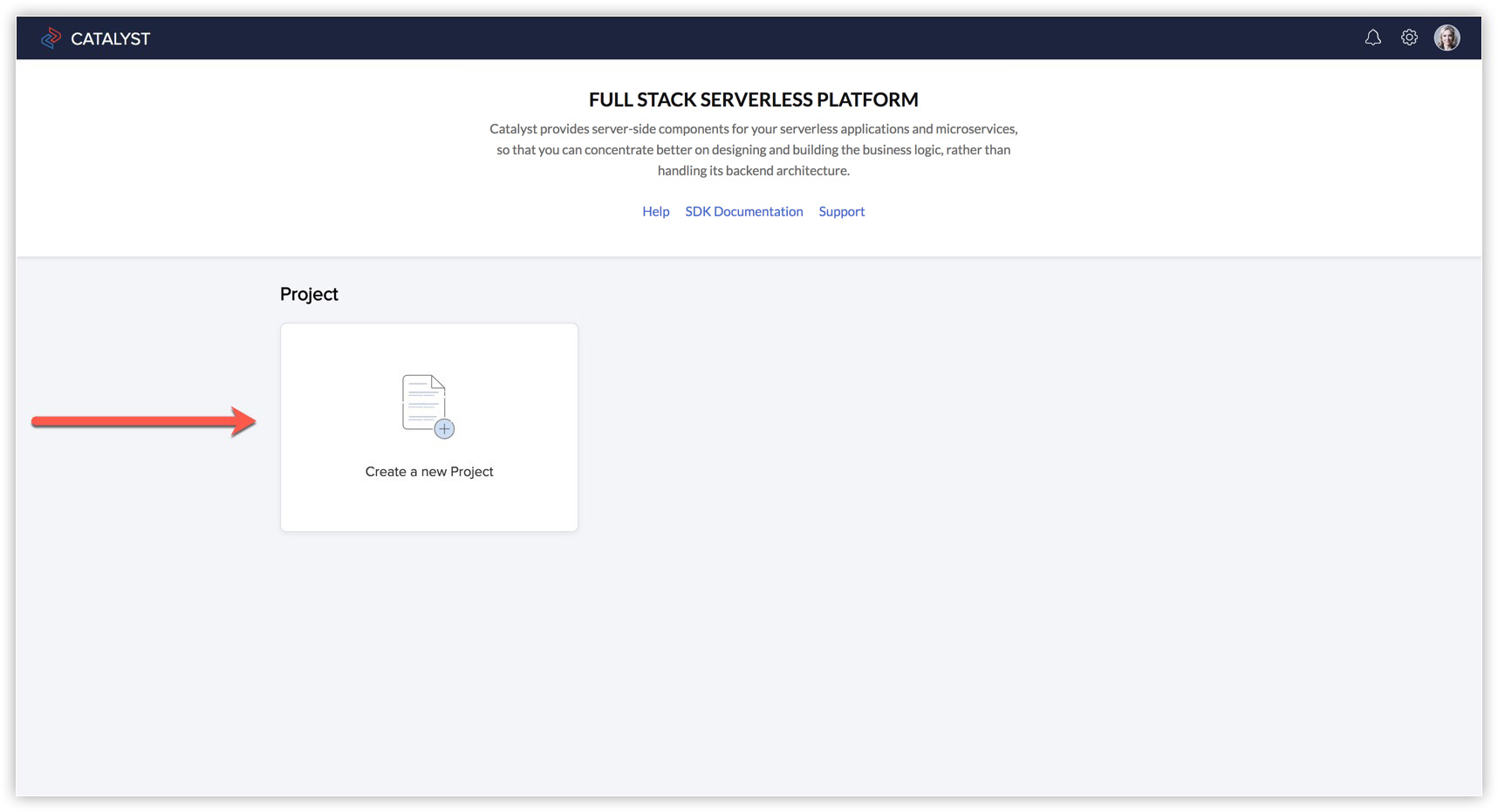
- Log in to the Catalyst console and click Create a new Project.
- Enter the project's name as 'EventApp' in the pop-up window.
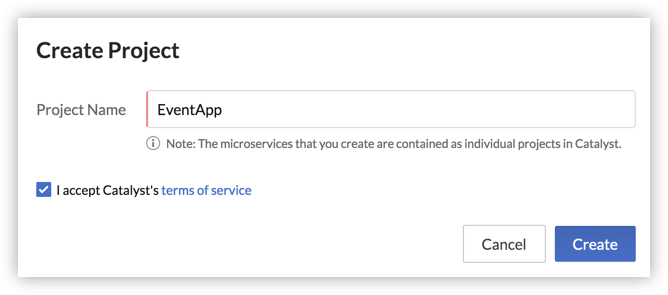
- Read and accept Catalyst's terms of service.
- Click Create.
The project will be created. You can access the project by clicking Access Project. To learn more about the Catalyst web console, refer to the General help documentation. We will use the Catalyst console to configure the project later on in this tutorial.