The wait is over: Zoho Tables is now available in Zoho One

Zoho One just got a new addition. Zoho Tables is now part of your subscription, at no extra cost.
What is Zoho Tables?
Zoho Tables is a spreadsheet-database hybrid that helps teams organize data, track work, automate workflows, and build dashboards, all in one place. It combines the familiarity of spreadsheets with the structure of a database, so your team can build systems that match how you actually work, without writing any code.
Zoho Tables is the right tool for you if:
You want a spreadsheet-styled tool with easy automation, real-time collaboration, versatile views, and dynamic relationships
You need a visually appealing, user-friendly relational database without coding and queries
You use expensive, sophisticated software for streamlining workflows but only use a fraction of its features
What you can do with Zoho Tables
Store and structure your data
Create tables with a wide range of field types: text, number, attachment, single select, link, and more. Connect tables to each other, filter and sort records, and build a structure that reflects your team's real workflow.
See your data the way you need to
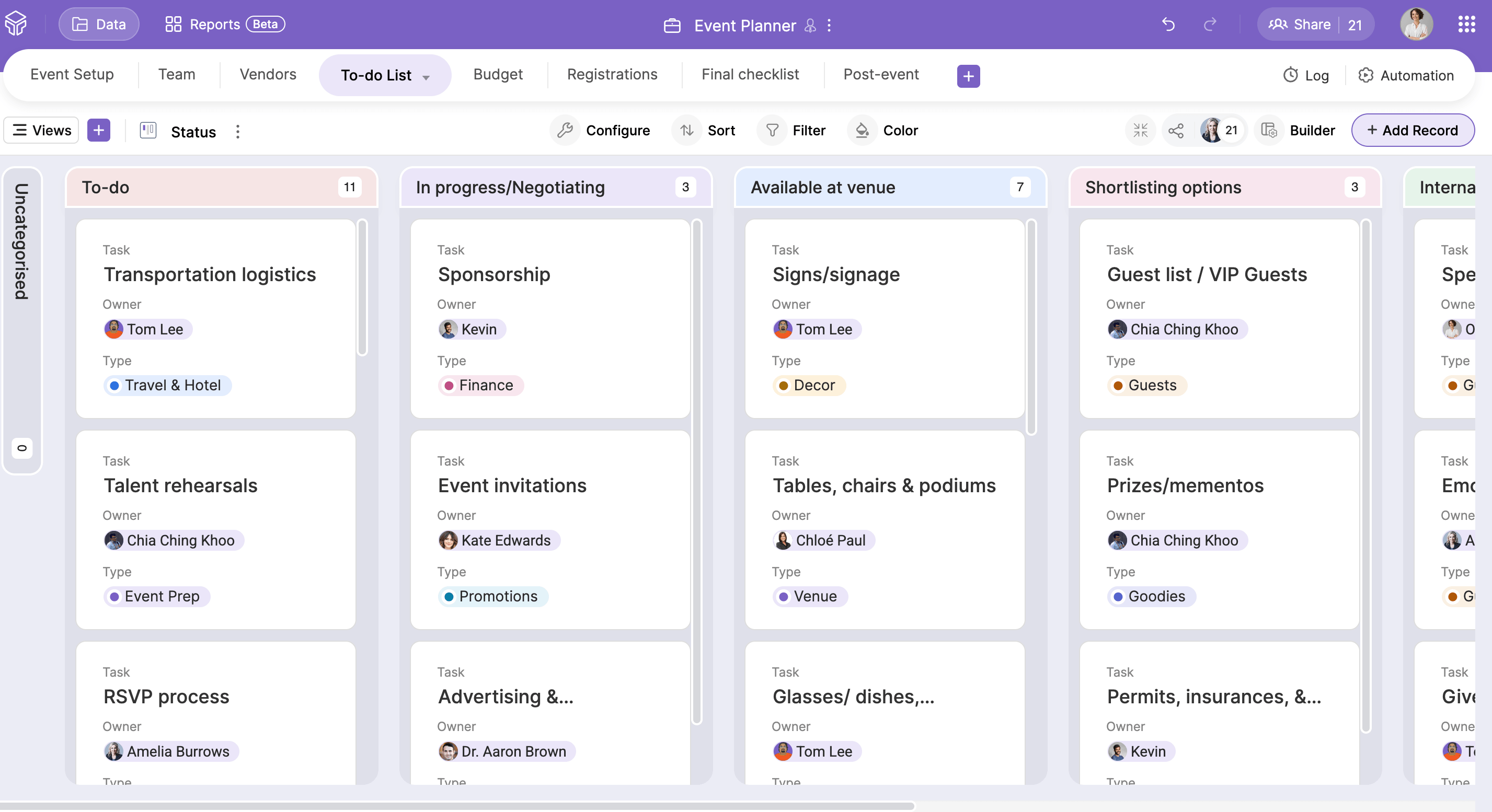
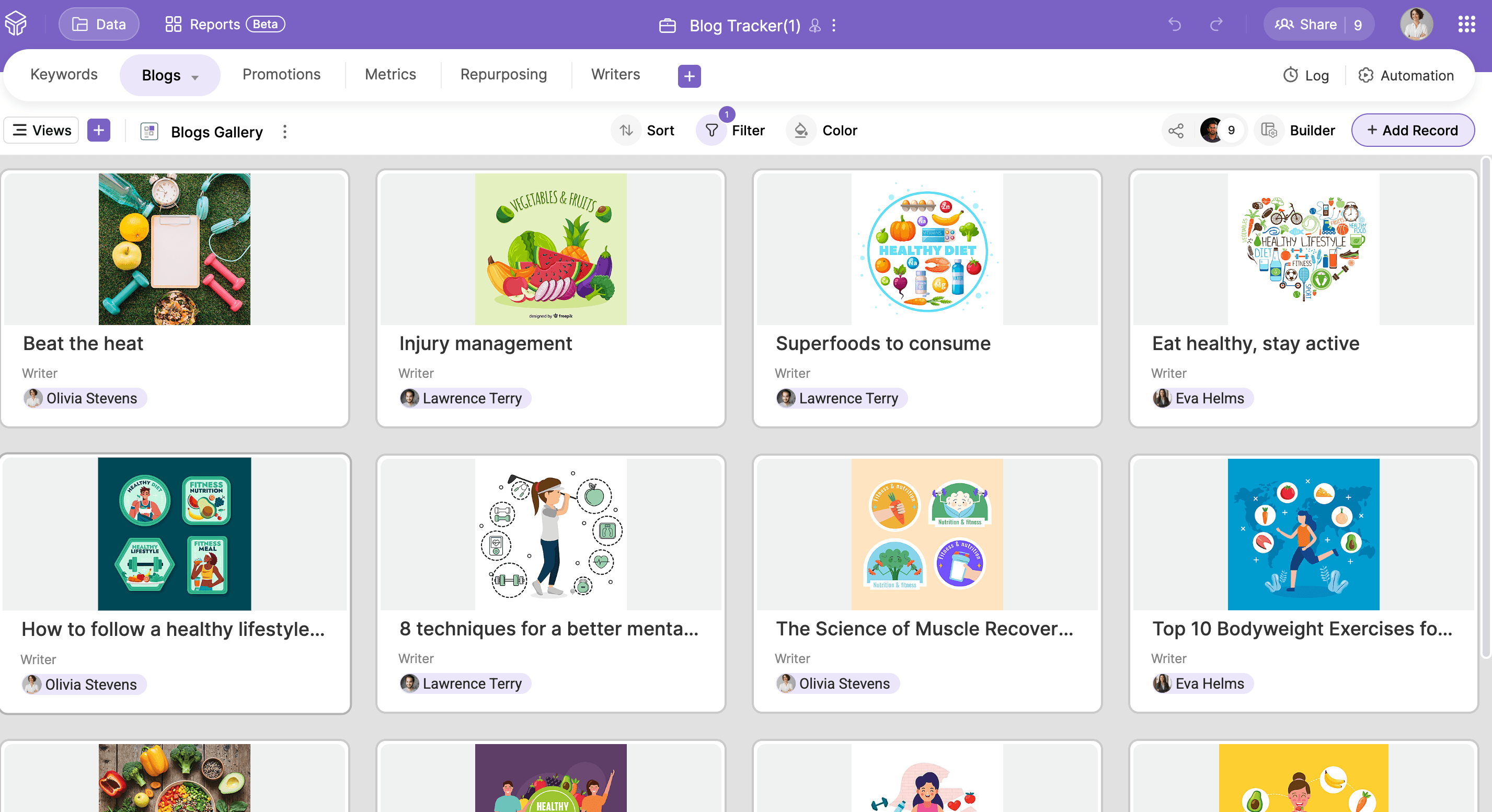
Switch between Grid, Kanban, Calendar, and Gallery views depending on what you need. Use Form view to collect information from teammates, vendors, or customers, even if they don't have a Zoho Tables account. Their responses land directly as records in your base.
Automate without code
Set conditions to trigger automatic actions whenever data is added or updated. Send a notification, update a field, or kick off a workflow. Schedule automations to run hourly, daily, or weekly. No coding needed.
Build reports
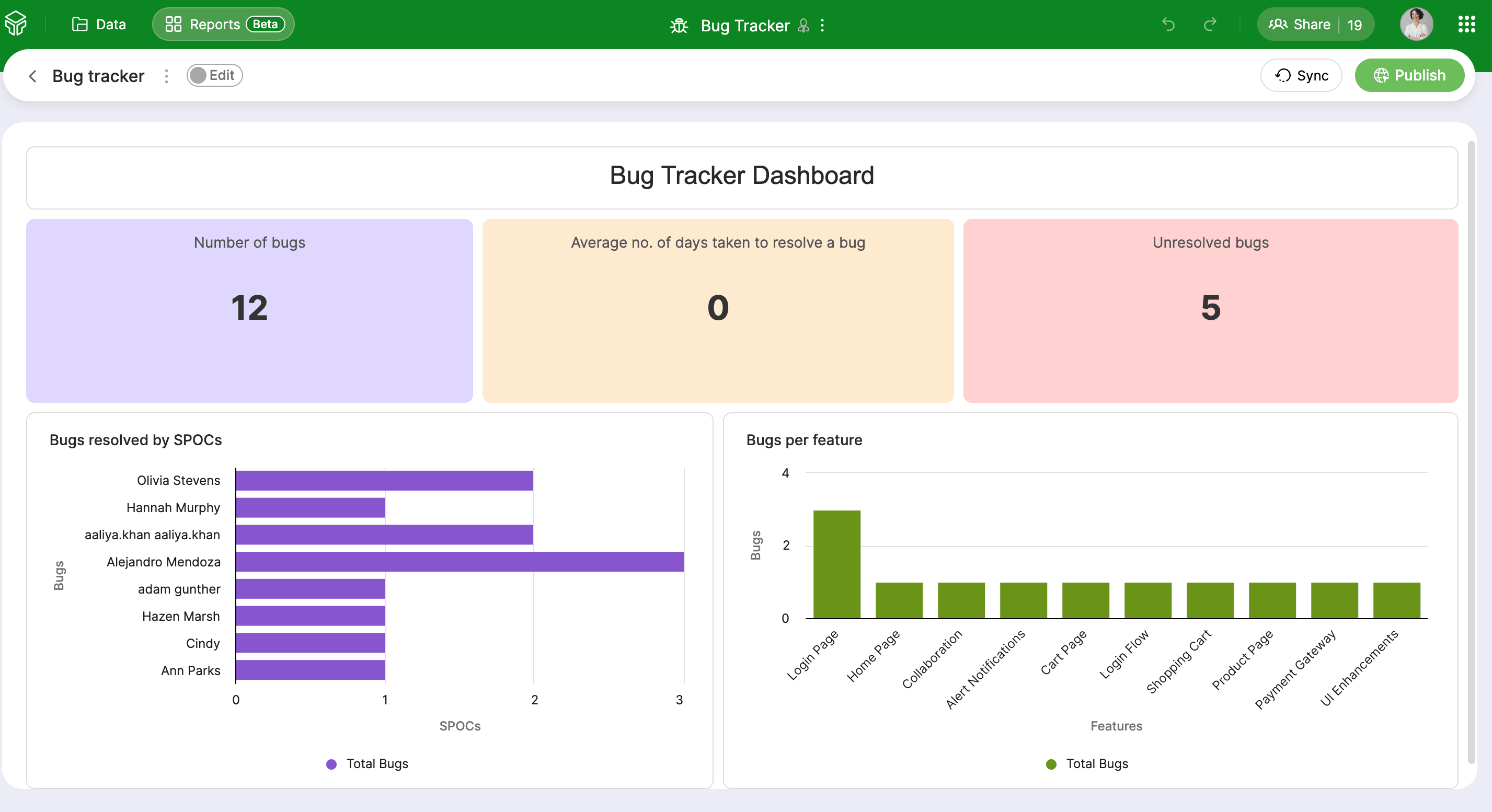
Create interactive reports with charts, KPIs, grids, and text blocks. They stay in sync as your data updates, and you can share them with your team or publish them externally.
Take it with you
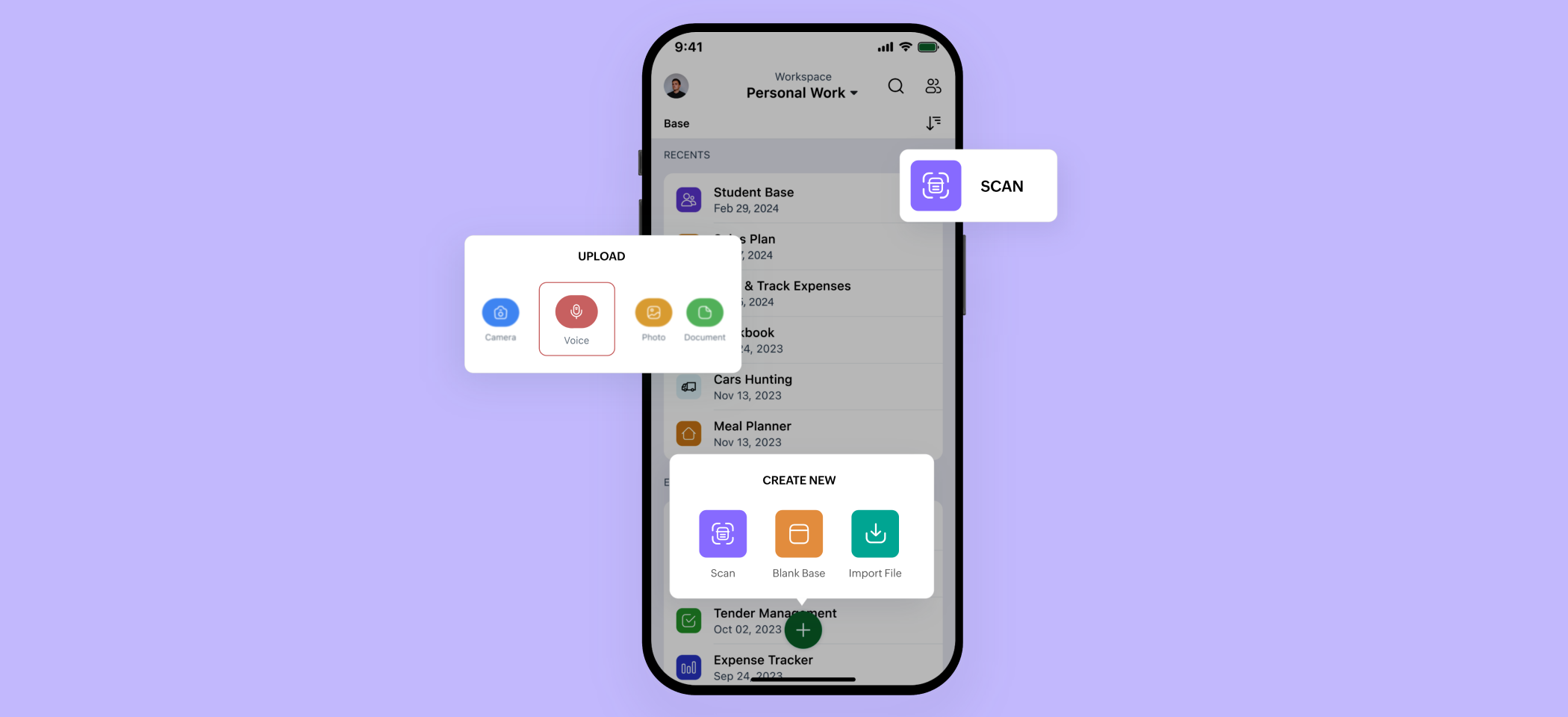
Zoho Tables has native apps for Android and iOS with the full feature set from the web, plus mobile-specific features like OCR scanning, voice attachments, video picture-in-picture, and stylus support on tablets.
See it in action: Running a campaign from Zoho Tables
Here's how a marketing team might use Zoho Tables end-to-end.
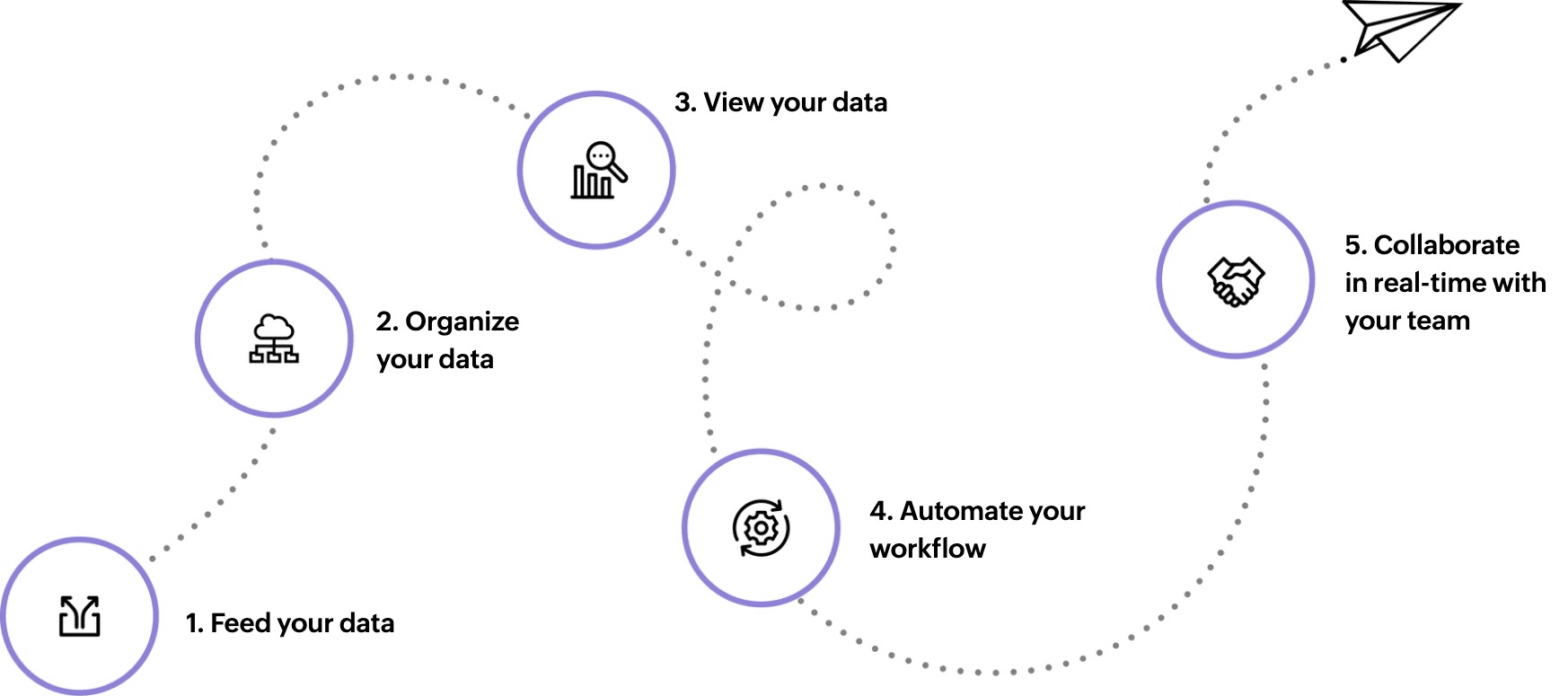
1. Build the campaign calendar
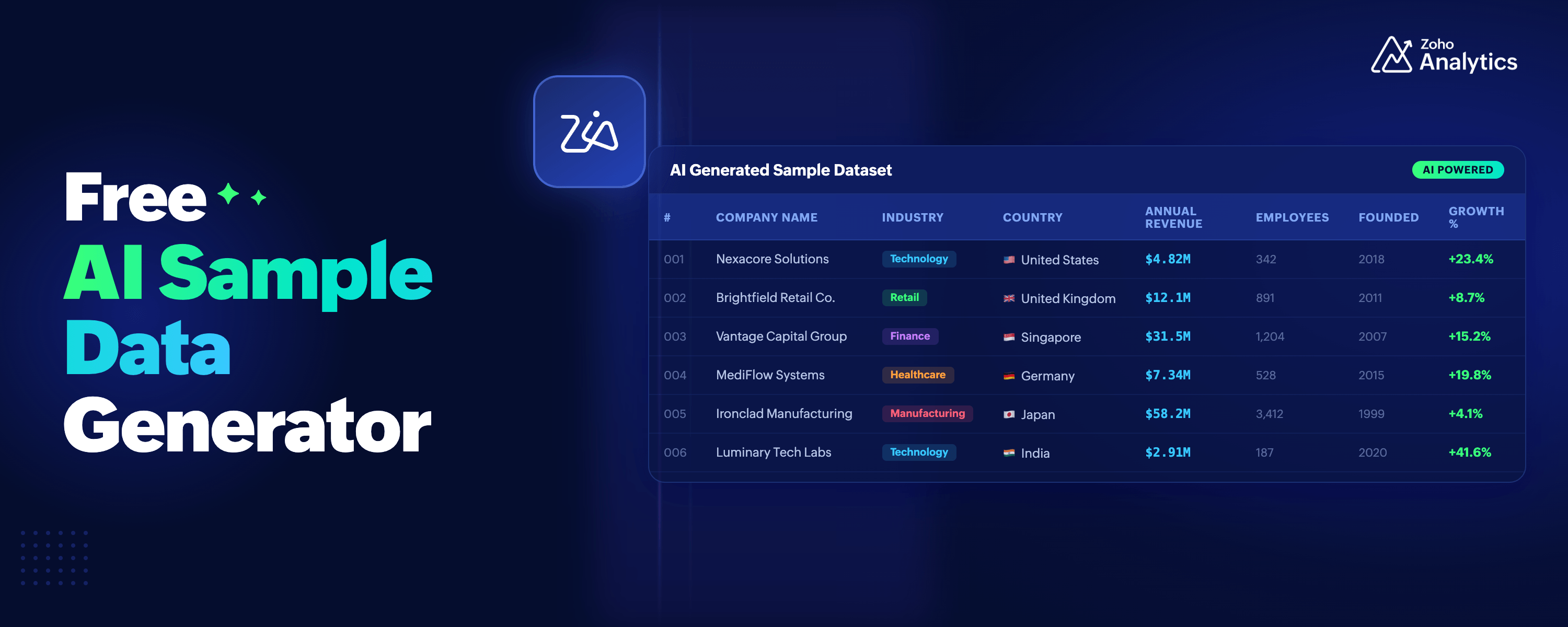
The team creates a campaign calendar base in Zoho Tables, either from a prebuilt template or by describing the use case to Zia, Zoho's AI, which generates the base with linked tables and sample data in seconds.
2. Collect inputs with a form
The campaign calendar grid is converted into a form and shared with freelance designers and copywriters. They submit their creatives and captions directly. Everything lands as records in the base.
3. Review and approve
The team lead uses the Kanban view to track which posts are in draft, in review, or approved. An automation sends a Zoho Cliq message when a record moves to Needs Review, so no one has to chase an update.
4. Automate the draft to Zoho Social
Once a post is marked Approved, an automation pushes it to Zoho Social as a draft. The SM manager does a final check and hits publish.
5. Track performance
A dashboard in Zoho Tables brings together campaign dates, post status, and key metrics in one view, shared with the wider team so everyone stays aligned.
Works with the tools you already use
Zoho CRM - Import leads and contacts to build custom trackers and manage follow-ups.
Zoho Cliq - Get notified when records are updated or approvals are pending.
Zoho Social - Automate post drafts from your campaign calendar.
Zoho Flow & Zapier - Build multi-step workflows connecting Zoho Tables with other Zoho/third-party apps in your stack.
How to get started
Pick a template
Browse 60+ prebuilt templates across verticals and choose the one that aligns with your use case.
Let AI build it
Describe what you need and Zia will generate a base with relevant tables, linked records, and sample data in seconds.
Import your existing data
Already using spreadsheets or another tool? You don't need to start from scratch—import your data directly from your device, a cloud service, or a URL.
Zoho Tables is available now in your Zoho One account. Add it from your app list and start exploring.
FAQ
Is Zoho Tables free for Zoho One users?
Yes. Zoho Tables is included in your Zoho One subscription at no extra cost. No separate plan or billing is needed.
How do I access Zoho Tables in Zoho One?
Simply log in to your Zoho One account, go to your app list, and add Zoho Tables.
I'm already using Zoho Tables on a standalone plan. What happens to my account?
If you have an active Zoho One subscription, you can access Zoho Tables through it. Reach out to our support team at support@zohotables.com to help you with the transition.
Will my existing data be affected?
No, your existing data remains intact. You can continue from where you left off, without any interruption.
Which Zoho apps does Zoho Tables work with?
Zoho Tables currently integrates with Zoho CRM, Zoho Cliq, and Zoho Social. You can also use Zoho Flow or Zapier to connect it with other Zoho and third-party apps.
Is Zoho Tables available on mobile?
Yes. Zoho Tables has native apps for both Android and iOS, including the full feature set from the web plus additional mobile-specific features.
Where can I learn more or get help?
Visit our help documentation or reach out to us at support@zohotables.com.

Comments