Generate Sample Data the Way You Want It Using AI, for Free

Finding good sample data is harder than it should be.
If you've ever tried to test a dashboard, build a demo, or train a team on an analytics tool, you know the drill. You either use real data (which creates privacy headaches), spend time hunting for a dataset that half-fits your use case, or build one manually, row by row, column by column.
There are also free sample data generators online, but most of them don't let you describe how your data should behave. You can't specify the trend, ask for seasonal drops, or control whether revenue fluctuates across quarters. You get data, but not the data you actually need.
None of these options are fast. None of them are clean. So, we from Zoho Analytics built the Sample Data Generator to fix that.
What it does?
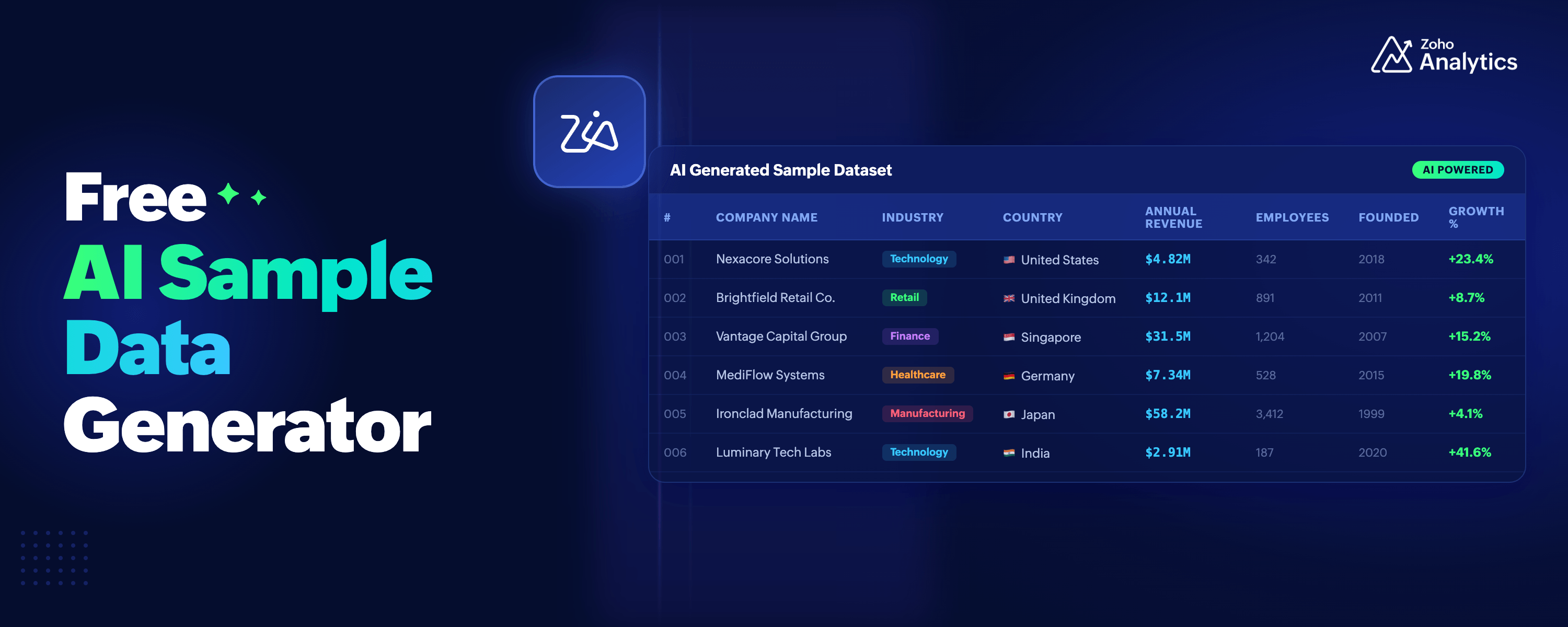
You describe what you need, and the tool generates a realistic, structured dataset for you in seconds.
No account. No signup. No credit card.
How it works?
Step 1: Set the context
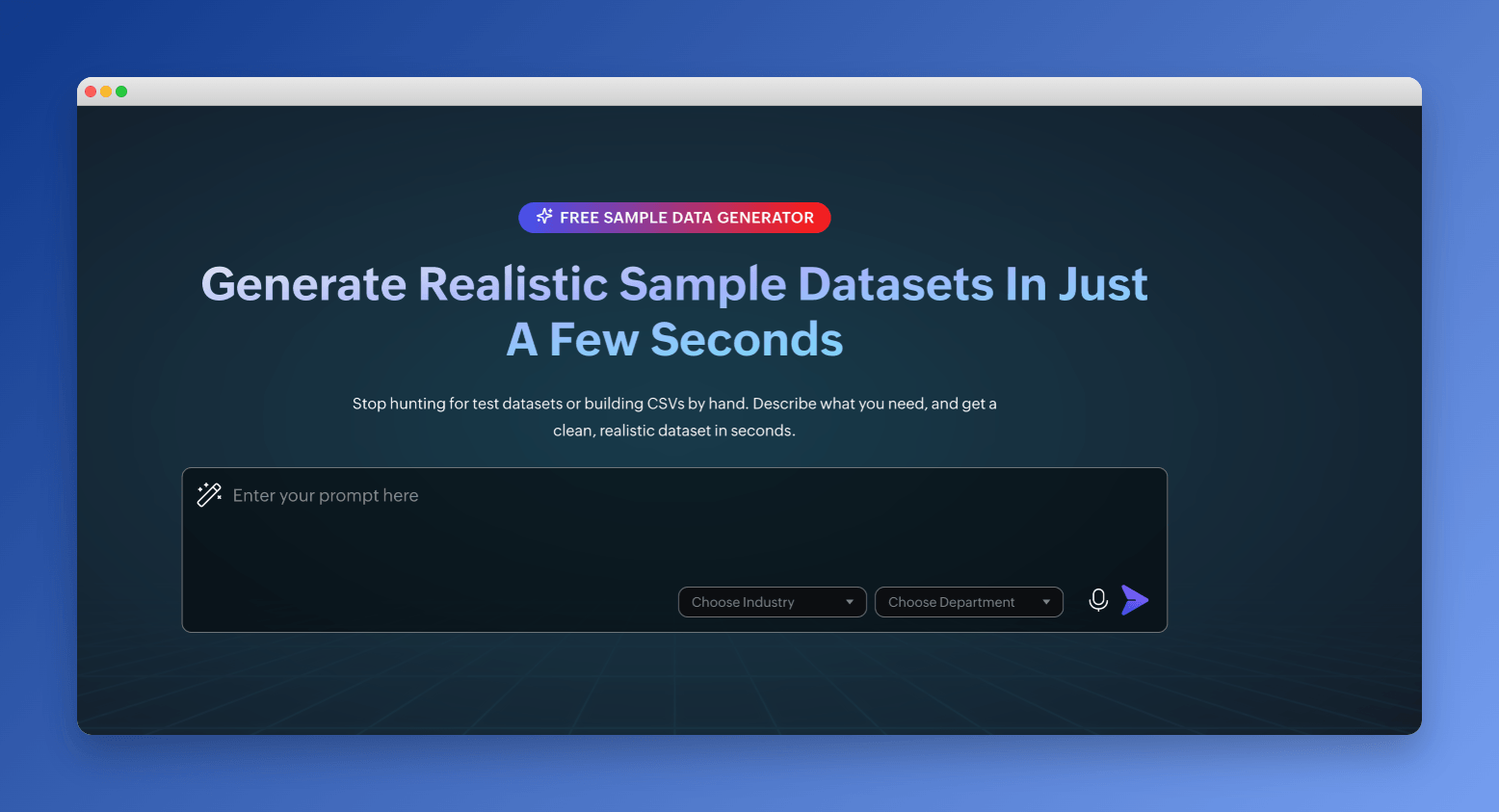
Pick an industry and department from the dropdown menus if your use case fits one. Retail, Finance, Healthcare, Ecommerce, Manufacturing, and more are available. Departments include sales, marketing, finance, and more. These help the tool generate more relevant columns and values.
Step 2: Describe your data in plain language
This is where the tool is different from most. Instead of filling out a form with field names, data types, row counts, and value ranges, you just describe what you want.
Something like: "Monthly sales data for a retail business across four regions. Revenue should show an overall increasing trend over 12 months, with seasonal dips in January and July, and a strong spike in November and December."
The tool reads your description and generates a dataset that matches it.
Step 3: Preview and refine
You get a 20-row preview first. If something looks off, or if you want to add a column, change the value distribution, or adjust the format, describe the change in plain language and regenerate. You can do this as many times as you need until the data looks right.
For example, if the sample data generated has sales values in a different currency, you can simply ask to change the currency to USD.
Step 4: Generate the full dataset
Once you're satisfied with the preview, click Generate Full Data. The tool creates 500 rows of sample data. You can then download the dataset.
Why this matters?
Most sample data tools either give you a generic dataset you have to rework, or they give you a long form with dropdowns for every field. Neither approach is fast.
The prompt-based approach here allows you to describe edge cases, specific distributions, or domain quirks that a form would never let you capture. You're not constrained by what someone else thought to include as a field option.
And because there's no account required, you can share the link with a colleague, a client, or a student and they can start generating data immediately.
What you can do with the data?
The common uses are straightforward: testing dashboards, building product demos, training on an analytics tool, populating a dev environment, creating example reports for documentation.
There is also a less obvious one worth calling out.
If you're building a dashboard and don't have real data yet, or if you want to prototype a reporting layout before going live, the sample data is clean enough to build on, with realistic field names, consistent formats, and varied values.
One more thing: turn that data into a dashboard
Once you have your CSV, you can use our free dashboard builder just by clicking a single button.
You don't need to download the data and manually upload it in the online dashboard builder. Simply click the "Create Dashboard Now" button below the dataset and your generated dataset will automatically uploaded to the tool and you'll have your dashboard generated in minutes.
Ask Zia, Zoho Analytics' AI layer, analyzes your data and generates a complete dashboard automatically, with charts, KPIs, and layouts chosen based on what's in your dataset. The whole thing takes under 60 seconds, and you don't need a Zoho account for that either.
It's a full workflow: describe your data, generate 500 rows, download the CSV, upload it, and have a working dashboard in under two minutes.
Both tools are free. No account needed.


Comments