5 ways to transform Zoho Cliq into a customer support hub

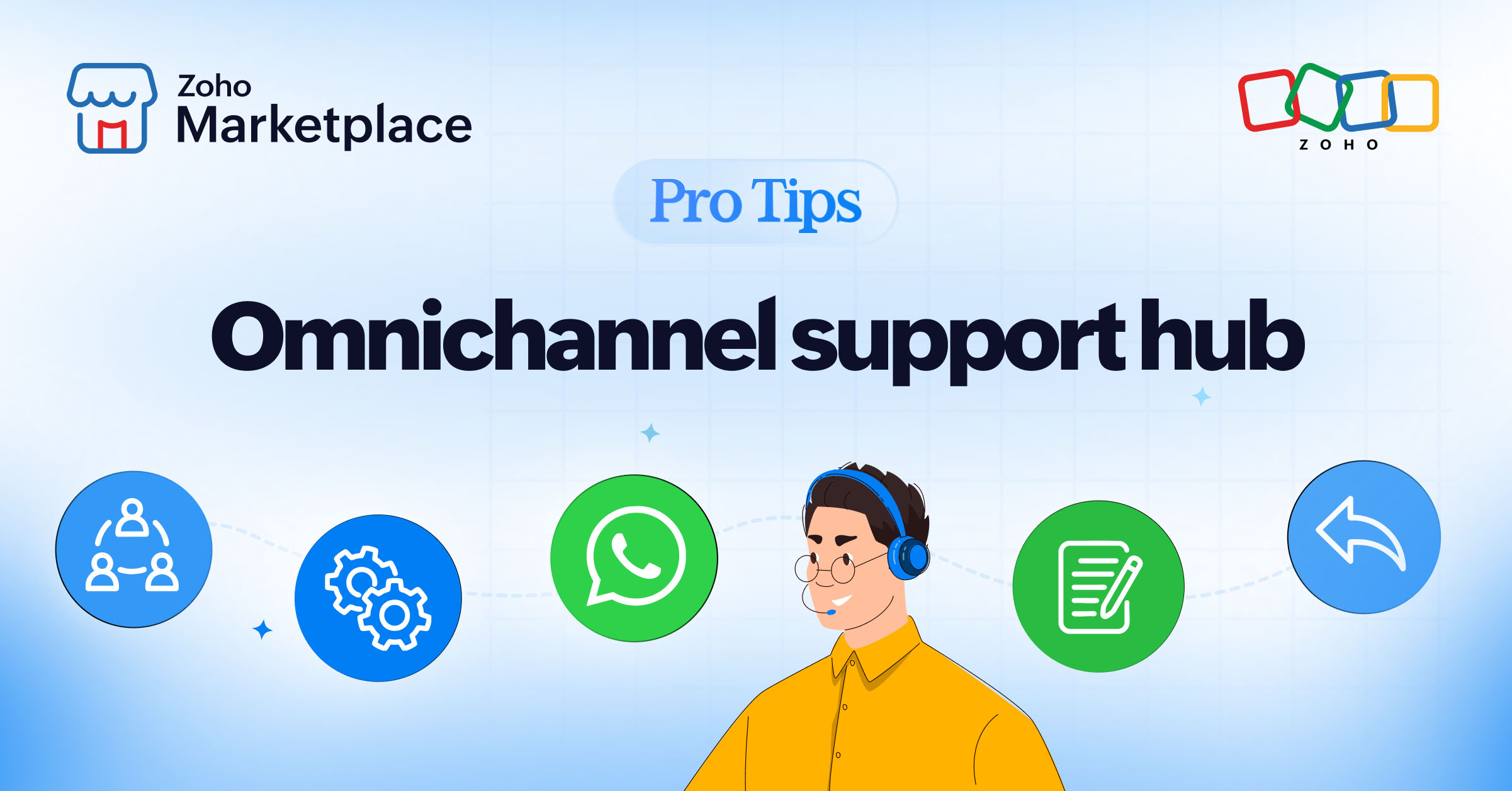
Many teams still manage WhatsApp as a standalone channel. This leads to fragmented conversations, duplicated efforts, and limited visibility across teams. By integrating WhatsApp Cloud API into Zoho Cliq, you can turn this channel into a centralized tool that allows you to receive, manage, and reply to messages from a single workspace while uniquely supporting coexistence with WhatsApp Business API and Cloud API, even on the same number.
Here are five practical ways to turn Zoho Cliq into a unified, high-efficiency customer support hub:
1. Receive WhatsApp messages directly in internal channels
Support teams juggle multiple tools: one for WhatsApp, another for internal coordination, and another for logging updates. This fragmentation slows response times and creates confusion.
Pro tip 1: Connect WhatsApp Cloud API with Zoho Cliq and route incoming messages directly into internal channels like #support, #sales, or #priority. Conversations reach the right team instantly, allowing agents to respond from a single workspace without switching tools.
2. Assign conversations automatically with a command
Manual handoffs and unclear ownership cause delayed responses and missed messages, especially during high-volume periods.
Pro tip 2: Set up automatic assignment rules so conversations are routed to the right agent based on priority, language, or channel. For quick overrides, use simple in-channel commands like "/assign @user" to reassign conversations without breaking your workflow.
3. Reply to customers without leaving Zoho Cliq
Switching between tabs to respond to customers slows agents down and increases the risk of errors or missed context.
Pro tip 3: Use the /w command to reply to WhatsApp customers directly from Zoho Cliq. Send approved templates, personalize responses using CRM data, and keep the entire conversation visible—without leaving the channel.
4. Collaborate with full context
When team discussions happen outside the original customer conversation, important context gets lost and responses become inconsistent.
Pro tip 4: Collaborate within the same thread where the WhatsApp message appears. Tag teammates, add internal notes, and view relevant CRM details—all in one place—so everyone works with complete context.
5. Log every interaction automatically
Manual CRM updates are time consuming and often skipped, leading to incomplete customer records and missed follow-ups.
Pro tip 5: Automatically log WhatsApp conversations into your CRM. Create or update leads, opportunities, and tasks based on messages without requiring agents to do any extra work.
If your team already works in Zoho Cliq, integrating WhatsApp Cloud API is the logical next step. With WOZTELL, you can activate this setup quickly, streamline customer communication, and even run WhatsApp Business API and Cloud API in parallel, making the transition seamless, scalable, and future-ready.


Comments