Email fatigue is real: Here’s how smart email tools help you regain control

Picture this: It’s Monday morning. You walk into the office feeling energized and ready to take on the week. You exchange a quick fist bump with a colleague, open your laptop, and ride that wave of optimism right up until you click open your email.
Within seconds, chaos spills onto your screen. Spam messages, endless threads, unexplained CCs, and seven emails all shouting “HIGH PRIORITY: REPLY IMMEDIATELY.” The positivity that was pulsing through your veins turns cold as you realize that your to-do list has just become a wish list.
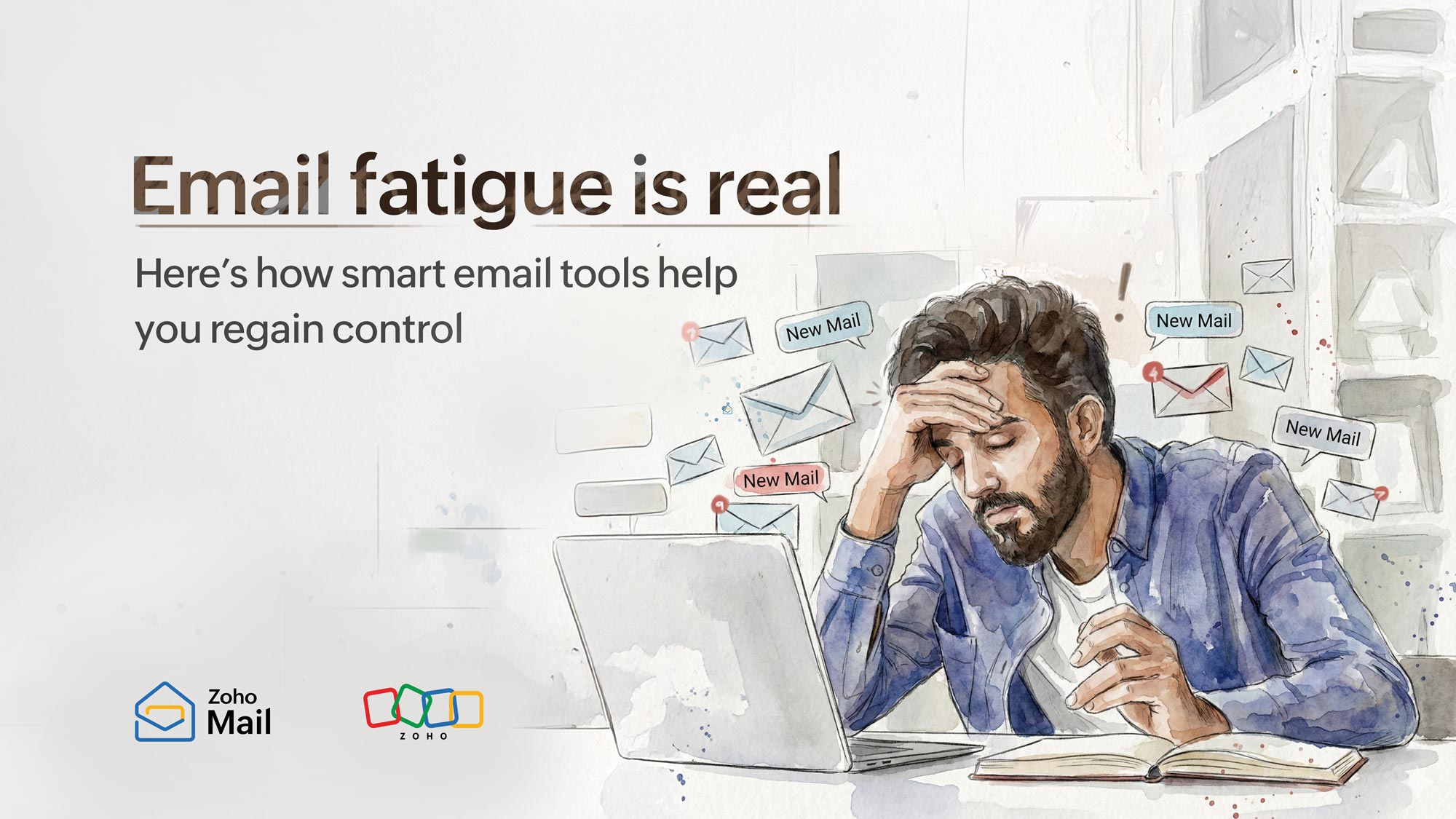
This is a classic case of email fatigue, where your inbox overwhelms your attention to create burnout and context switching, derailing productivity.
This phenomenon can sound bleak, but it’s easy to cure with the right email solution. Find out how you can take back control of your inbox with tools that work for you.
What is email fatigue?
Email fatigue is the feeling of being burnt out by the high volume of emails one receives and the pressure to monitor and respond constantly. This cultivates a culture of frustration, decreased productivity, and low job satisfaction.
Email fatigue is a result of:
Poor inbox hygiene that allows every unsolicited email inside the inbox.
A culture of “always on” that rewards prompt replies to emails.
Unwarranted use of CCs and “Reply All” that creates inbox overload.
Email fatigue has no regard for deep work time. This affects employees’ efficiency and increases the human error rate while straining their mental health by blurring the line between work and personal time.
What happens when we ignore email fatigue?
Email fatigue doesn’t disappear just because we ignore it. In fact, it grows stronger and harder to manage. Here are some ways it impacts your organization.
Cross-department collaboration suffers
Emails are usually the primary means of communication between departments, making it easier to track information and keep stakeholders informed. However, email fatigue can disrupt this process and make cross-department collaboration ineffective.
Pain: Delays responses and dilutes email context. This derails team alignment.
Cause: Excessive inbox volume due to a lack of filters and overuse of CC.
Impact: Stalls project progress and creates friction between teams.
Important emails get lost or ignored
In most business settings, emails contain crucial information like a due date, project file, or the client onboarding document. Missing these can create serious problems for the business. Email fatigue contributes to this by flooding the inbox with spam emails and burying crucial ones.
Pain: Unwanted follow-up emails and clutter after losing important messages.
Cause: Unsolicited spam emails piling on top of emails that matter.
Impact: Loss of important information and missing time-sensitive emails.
Employee burnout and lower morale
A high volume of emails floods the inbox and also the mind. This forces employees to be reactive and constantly multitask, leaving no room for deep work. The constant mental stress causes mental fatigue and lowers employee morale.
Pain: Loss of focus for employees, making them less effective and increasing burnout.
Cause: Non-stop email notifications and the expectation to respond promptly.
Impact: Increased attrition and lower job satisfaction for employees.
Security risks when employees ignore phishing red flags
A burnt-out employee is a bigger threat to IT than any malware out there. Inbox overload will subconsciously rush employees to reply and clear inboxes promptly, making them miss the telltale signs of phishing emails and fall victim to them.
Pain: Ignoring scam emails and compromising enterprise security.
Cause: Inbox overload preventing employees from spotting fishy emails.
Impact: A data breach in the organization incurs hefty fines and damages your reputation.
Decreased productivity due to context switching
The current digital age is rife with distractions that pull our focus away from focused work, with email being the biggest culprit. Constant context switching forces your brain to jump between tasks, draining mental energy and killing productivity.
Pain: Unable to stay productive with constant email interruptions.
Cause: The urge to respond to every email immediately due to insignificant notification controls.
Impact: A decline in employee innovation and the company’s overall performance.
What’s the cure for email fatigue? Smart emailing features
Email fatigue is a modern epidemic hindering the productivity of employees. Zoho Mail is the antidote to eliminate this widespread issue, with its smart features that give inbox control back to you. Explore them in detail below.
More time to undo your send | Email recall
Ever send a wrong email to the wrong person? We’ve all been there and done that. Recall those emails up to 30 minutes after sending them. No more “Apologies about my previous email” messages that add clutter to the inbox. With Zoho Mail, you’re in control.
Feature: Email recall.
Problem solved: The hassle of apologizing after sending the wrong email.
Example: You announce a product launch to the internal sales team via email. After 10 minutes, you realize that you’ve sent it with the outdated pricing. Simply recall that email and replace it with the updated pricing.
Visually verify the authenticity of the sender | BIMI
Still manually confirming email authenticity? Zoho Mail takes that burden off your shoulders. With Brand Indicators for Message Identification (BIMI) authentication in Zoho Mail, you can see the authentic brand logo and the verified check mark on the emails. Easily distinguish between spam and authentic emails in an instant.
Feature: BIMI authentication.
Problem solved: The confusion between genuine emails and spoofed ones.
Example: On launch day, you receive two similar emails from your vendor with the payment link. One has a verified logo and the other one doesn’t. You open the one with the verified logo and archive the other. Minimize IT escalation emails, link hovering checks, or email header inspection.
Turn emails into actionable tasks | Integrated task management
Keeping track of tasks we receive in our emails is a task in itself. With the seamless integration of Zoho ToDo in Zoho Mail, this is no longer a hassle. Simply select the text and click “Create Task.” You can also break them into subtasks and add separate task owners to tackle that action item with ease.
Feature: Zoho ToDo integration with Zoho Mail.
Problem solved: Siloed information and losing action items in our emails.
Example: A customer reports a bug via email. Instead of letting it fall through the cracks, you instantly turn it into a task with the ToDo integration. You break it into sub tasks, add task owners, and create due dates with reminders to address it efficiently.
Collaborate without the “Reply All” chaos | Streams
Accidentally hitting “Reply All” with a quick “Thanks” can unintentionally disrupt focus across the entire organization. Eliminate that fuss entirely with Streams, a social media-styled email collaboration feature. Create tasks or events, involve only the relevant people, and add comments or react to them without the hassle of unending email threads.
Feature: Streams.
Problem solved: A cluttered inbox and unwanted email threads without context.
Example: Your marketing team is gearing up for a major campaign launch that involves design, product, and legal. Normally, this turns into a messy email thread. Create a task in Streams, @mention only the stakeholders, attach design layouts, discuss in comments, and track progress with transparency and ease.
Only let in what matters | Smart email filters
Sorting through unsolicited emails can be frustrating and unproductive. Not anymore, with the powerful built-in spam filters in Zoho Mail. Take this further by creating customized filters with allow and block lists. The result is a focused inbox with only emails that deserve your attention.
Feature: Email filters.
Problem solved: Missing crucial emails because your inbox is flooded with spam messages.
Example: You often miss crucial emails because they’re buried under promos and newsletters you never subscribed to. Create custom filters and add important domains to your allow list so they go straight to your inbox. Block unwanted newsletters and they’ll never see your inbox.
Drafts, replies, and long emails made easy | AI-powered emailing
Cut down the time you spend on your inbox with Zia, the AI assistant in Zoho Mail. It completes your sentence while typing, generates tailored replies, and summarizes long emails to help you grasp key points in seconds.
Feature: Zia, Zoho's AI assistant.
Problem solved: Manually drafting emails and replies, and summarizing lengthy messages.
Example: You’re a customer support executive and you receive hundreds of customer queries via email. Instead of manually writing every single word, you can seek help from Zia to analyze the email content and draft a response for you. Zia also helps you instantly extract key information from long customer emails and understand the issue.
How do these features help you regain control ?
All these features sound good in theory, but how do they translate in real life? Let's explore them in detail below.
Collaborate with clarity, not chaos
Email fatigue starts with a chaotic inbox. However, with dedicated features like Streams and email comments for collaboration, you can drown out unwanted email clutter and make room for important emails. This ensures information clarity and encourages a productive emailing experience.
Break fragmentation with an integrated experience
Information that’s living in other applications such as your CRM, calendar, or tasks can feel disjointed. Helpful integrations in Zoho Mail bring them together in one place. This enhances your emailing workflow by saving time and eliminating app-switching friction.
Only receive emails that respect your time
An inbox overrun with spam steals valuable time you could spend on meaningful tasks. Powerful spam filters keep your inbox clear of unwanted emails. The compounding benefit of starting your day with a clean inbox adds up to a consistent habit of clarity and control.
Healthier email boundaries for work-life balance
Emails creeping into your personal time is another reason for email fatigue. Helpful AI features help you speed through your inbox by assisting with mundane tasks like sending replies, drafting emails, and summarizing dense emails.
Secure and stress-free emailing
Stop worrying about your email security after hitting send with robust features like PGP encryption and BIMI. You can rest assured of the integrity of the information contained in the emails you send and receive, adding to your overall peace of mind.
The ROI of tackling email fatigue for your enterprise
Forward-thinking organizations are rethinking their email solutions to combat email fatigue. It’s not about fancy features, but about the measurable ROI they get in return.
More impactful employees
It takes 23 minutes for a person to regain focus after checking their email each time. Think about the loss in focus time compounding throughout the entire day. Just by eliminating this, you can ensure a productive environment for your employees.
Productive employees directly elevate the bottom line of their company. Equipping them with a powerful emailing solution removes email fatigue and frees up valuable time for focused work. This lets them create impactful work that moves the needle.
Faster response to critical emails
Not all emails deserve immediate attention, but critical emails do. In the absence of email fatigue, employees spot and take action on these emails promptly. Chances of losing business-critical emails also fall drastically.
Think of an overflowing physical mailbox: Important mail gets buried under a pile of clutter, and finding it is like searching for a single needle in a haystack full of needles.
Reduced risk of email compromise
More than half of today’s employees tune out cybersecurity warnings due to digital fatigue. This is an alarming statistic that underlines the seriousness of email overload.
A fatigued employee overlooks classic phishing signs and compromises your enterprise security. But they won’t when the powerful emailing tool brings clarity to your inbox. An investment in enterprise security is an investment in your organization’s future.
High morale and less burnout
Employee burnout and fatigue is a widespread issue that continues to rise due to factors like email fatigue, amongst others. This leads to employee attrition, which carries a hefty price tag. U.S. organizations lose $2.9 trillion annually to voluntary turnover.
This ordeal can be avoided by addressing email fatigue, which creates an immediate boost in employee morale. This helps with employee retention, sustained organizational growth, and lower resignations over work-related stress.
Wrapping up
Cutting down a massive tree with a dull saw is a waste of time, and so is managing today’s inbox without the right tools. Smart email tools slice through the clutter so you can work faster and combat email fatigue.
Empower your team with a powerful solution that turns emails from draining to empowering.

Comments