The psychology behind app uninstalls
- Last Updated : April 2, 2026
- 356 Views
- 5 Min Read

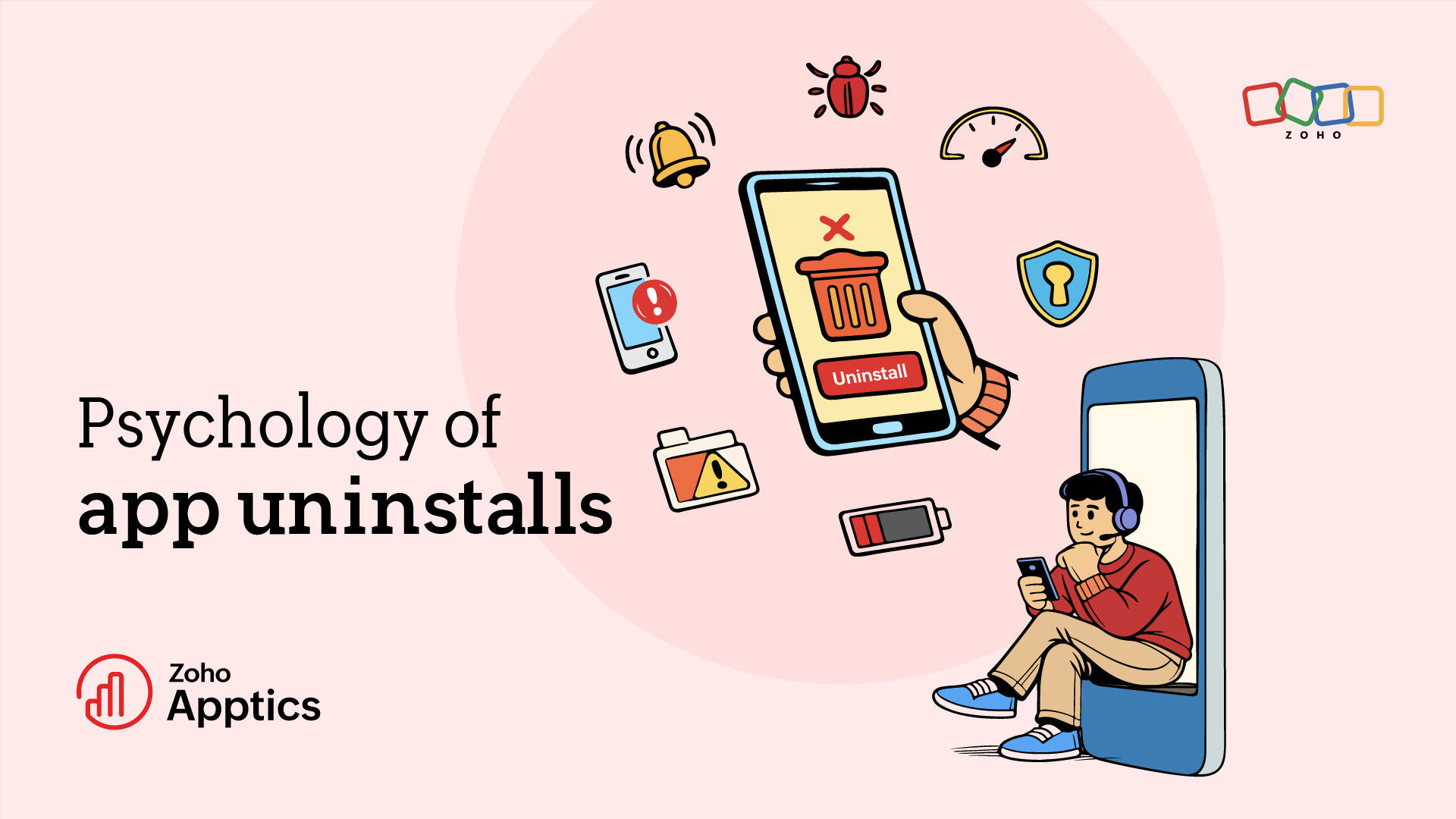
Getting someone to install your app might be easy, but trying to keep it on their phone is harder.
Most app uninstalls happen in ordinary moments: while clearing storage, tidying up a crowded home screen, or removing apps that no longer feel useful.
And that is what makes app uninstalls so frustrating.
You can spend months crafting an app that solves a real problem, refines the experience, and brings users in, but if the app feels confusing, unnecessary, intrusive, or disappointing, users won't hesitate to wipe it off their phone.
The market may see billions of app downloads every year, but staying installed is a different story. According to AppsFlyer’s 2025 uninstall report, more than 1 in 2 installed apps are uninstalled within 30 days, and the average Android uninstall rate in 2024 stood at 46.1%. In that sense, the app market often feels like survival of the fittest.
If you want your app to stay, it needs to give users a reason to keep it.
That starts with understanding why people uninstall apps in the first place, what pushes them toward that decision, and what you can do to stop it.
It's not rocket science, but it does require care. In this blog, we'll look at the reasons behind app uninstalls and six practical ways to reduce them.
Six reasons users uninstall apps
1. Not living up to to user expectations
Most apps are marketed as solutions to specific problems. Your product descriptions in the app store might promise useful features, smooth workflows, and great value.
If users install the app and it doesn't deliver on its promises, trust is lost right away. False or exaggerated claims might lead to a sudden growth spurt, but they rarely last. When trust is lost, users simply delete the app.
2. The app makes them think too hard
A confusing interface is one of the easiest ways to lose users. If something feels frustrating and too complex to navigate, then it doesn't stay around for a long time.
Even if your app solves a real problem, a poor experience will frustrate users and push them to search for alternatives.
3. Storage and technical issues
One of the main reasons for app uninstalls is simple: low storage. Today, smartphones carry lots of apps, photos, and media. As soon as a user sees the low storage warning, they start removing apps that take up space. Technical problems make it worse: constant crashes or app hangs will eventually lead the user to uninstall the app.
4. Something makes the app feel suspicious
Nothing raises red flags faster than an app asking for too many permissions too soon. Asking permission isn't wrong, but if an app requests access to location, contacts, photos, microphone, or tracking before users understand why, it can instantly create doubt.
Mandatory social logins can also push users away. Many people simply don't want to link their social accounts unless it’s necessary. Asking for permissions without context often leads to uninstallation.
5. App security
Today’s users are more privacy conscious than ever. Most users uninstall apps if they aren't secure.
If an app seems careless with personal data or raises concerns about security, it won't stay on a user’s phone for long.
6. Too many notifications
Notifications are a powerful way to keep users engaged, but there's a fine line between engagement and annoyance.
If your app keeps sending tons of notifications or emails, it overwhelms the users. Some disable the notifications, but others will simply uninstall the app altogether.
Six ways you can reduce uninstallation
1. The first impression is the best impression
The first impression or experience you give your users when they use your app matters more than you think. The best way to make a good one is to create a smooth onboarding flow that is easy to navigate and user friendly.
Think from the user's POV while creating it and test it with a person that has no idea what your app is. When the UI is well crafted and simple to use, it creates a good impression, boosting user retention.
2. Deliver what you promise
If your marketing promises something, the product must deliver it. Avoid exaggerating features in your app store listing or promotional content.
Don't make false claims in your product description. Be transparent with your users. If there's something lacking, tell them up front. Being honest with users builds trust.
3. Gather insights about your app
Understand how users interact with your app. In-app events and funnels can help you track the user journey and user behavior within your app. Every user is unique, so the way they use your app might be different. These insights help you identify patterns, design better experiences, and guide each user properly through your app.
4. Act on user feedback
User feedback is another important tool for improving retention. Not everyone will leave positive feedback. There will be negative reviews, but these reviews can help you improve your app. Make it a point to look at your user feedback—regardless of whether it's positive or negative—and work on it.
5. Personalize push notifications
A notification should feel relevant and timely, so instead of sending generic notifications that spam your users, send personalized notifications. The smartest way to do this is to segment your users based on their behavior and send relevant notifications to each group.
Sending the right message at the right time can help you bring your users back without annoying them.
6. Take security measures
Respect your users' privacy. Ask for permissions or social logins only if they are crucial, and convey to the users why you need them. When users feel that an app respects their privacy and protects their data, they are far more likely to keep it on their phone. That means security shouldn't exist only in the backend—it should also be communicated clearly to users.
Regular security updates, proper data encryption, and secure payment processing (if your app handles transactions) are essential. When users know that your app takes privacy seriously, it builds trust—and trusted apps are the ones that stay installed.
Final thoughts
Keeping your app on a user’s phone comes down to three simple things: being useful, being reliable, and not getting in the user’s way.
People keep apps that make life easier, load quickly, feel simple to use, respect privacy, and show up at the right moment for the right reason. It's the small things that tip the balance: a smoother onboarding flow, a well-timed notification, a cleaner interface, or a quicker fix when something goes wrong.
Bit by bit, those details add up.
That's why reducing uninstalls is not about chasing one magic solution; it's about putting yourself in the user’s shoes and asking a simple question: is this app still earning its place on their phone?