Project management software built for increased productivityyou
- Plan your projects
- Track work efficiently
- Collaborate with global teams

“Zoho Projects is one of the easiest-to-use project management apps with a lot of built-in features.”
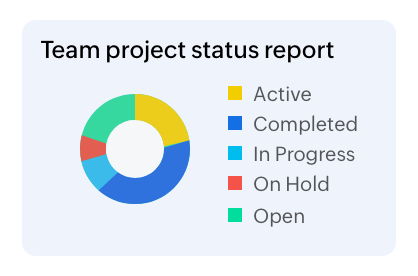
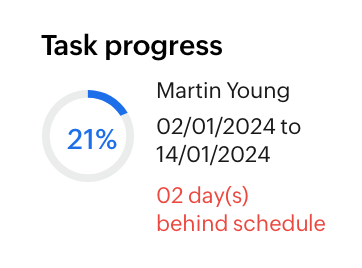
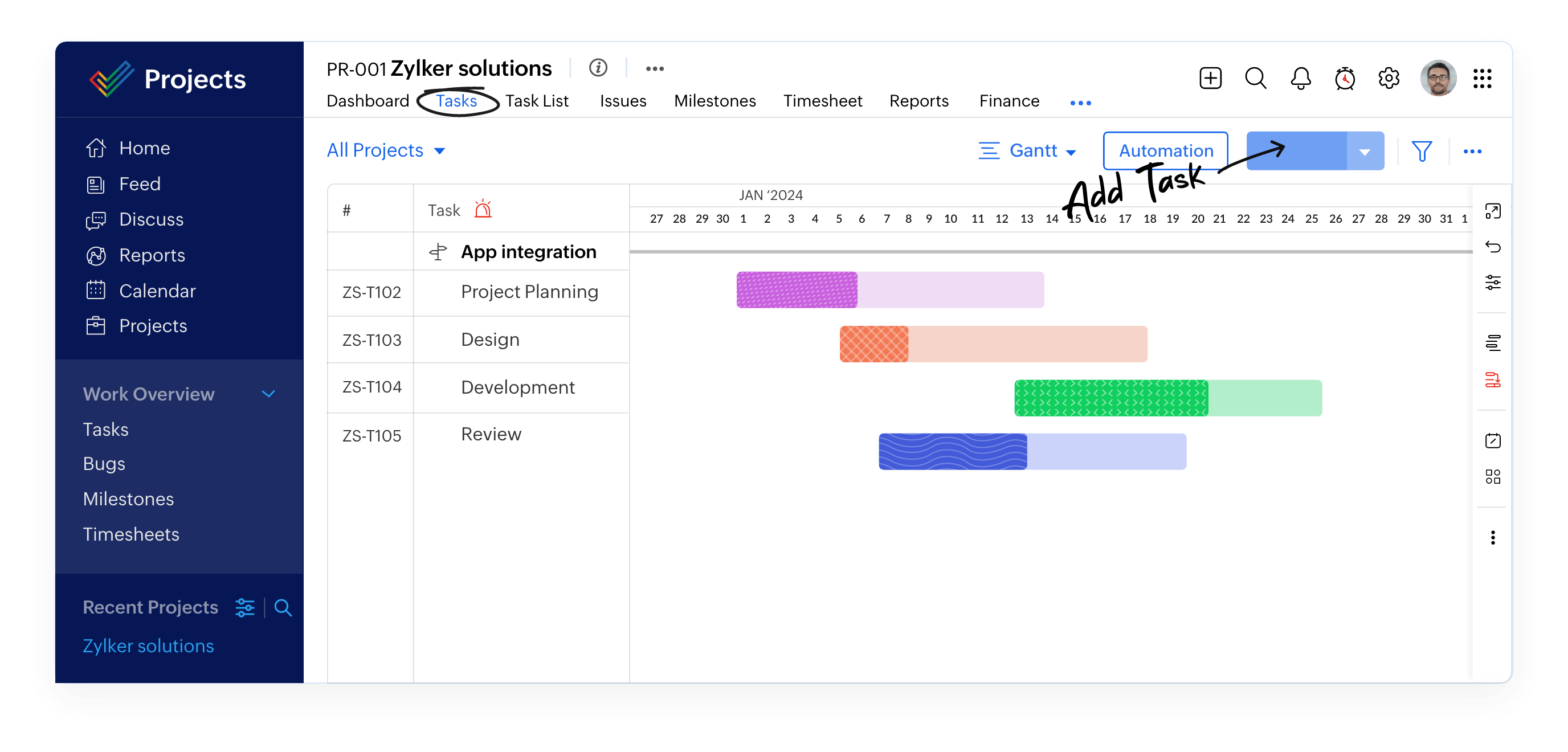
See the big picture with Gantt charts
Use Gantt charts to build your project plan and track your task schedule. Zoho Projects keeps you aware of your critical tasks and their dependencies, and immediately shows any deviations between your planned and actual progress.
Learn more about Gantt charts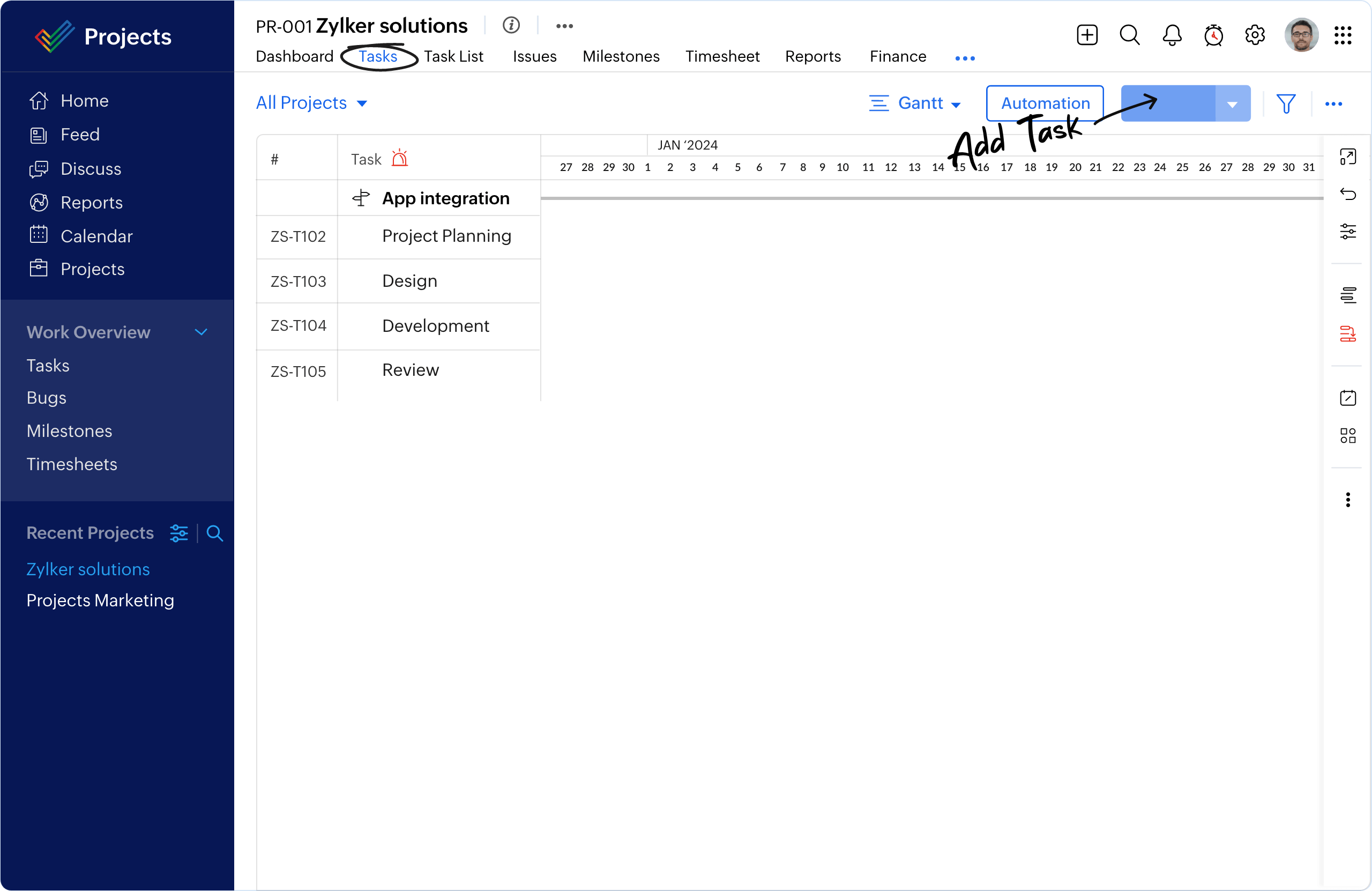





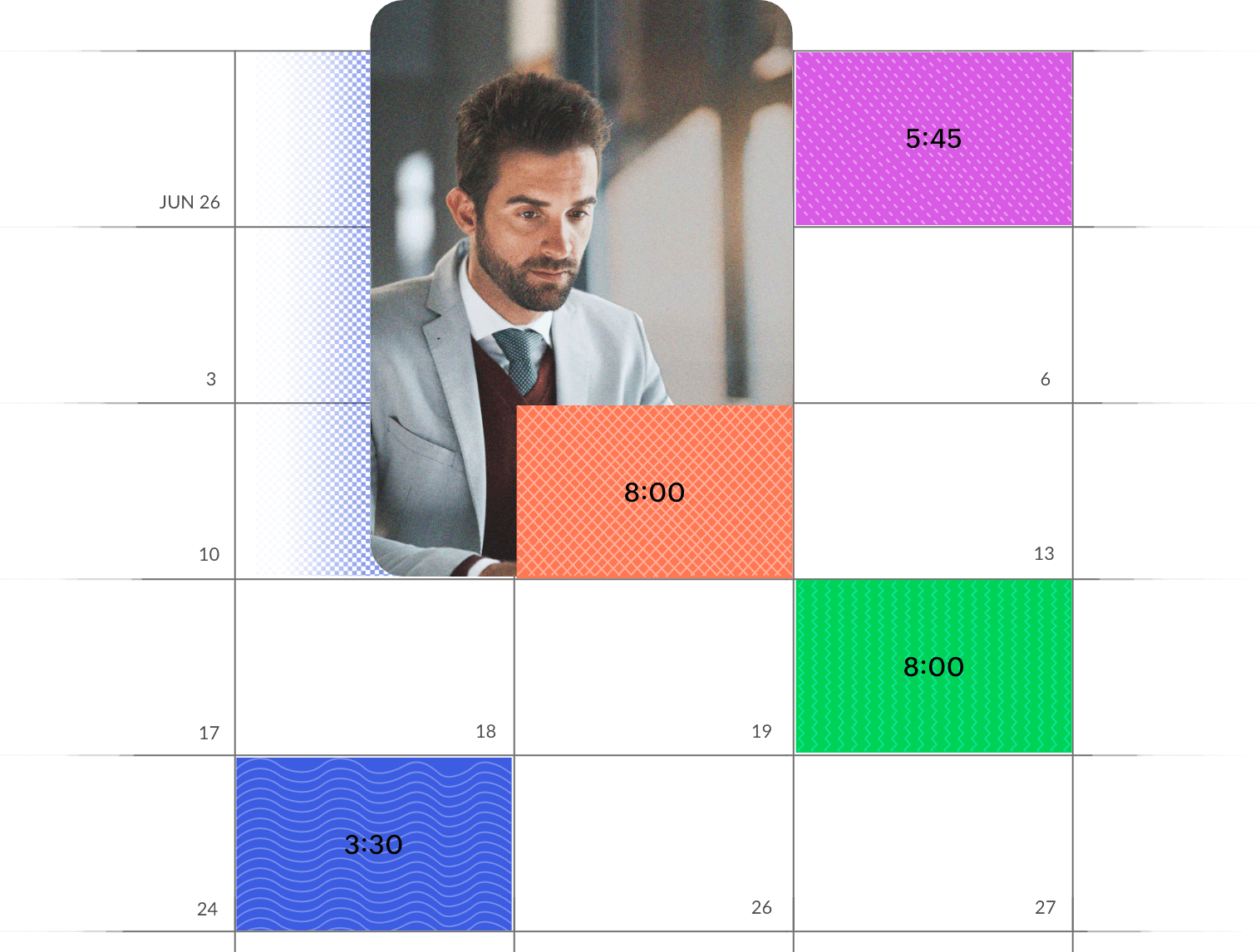
Log every minute with timesheets
Log billable and non-billable hours with the Projects timesheet module. Record every minute of your hard work, either manually or with timers, and our built-in integration with Zoho Invoice will automatically generate invoices from your timesheets.
Learn more about time tracking“Working remotely was challenging until we found Zoho Projects.”

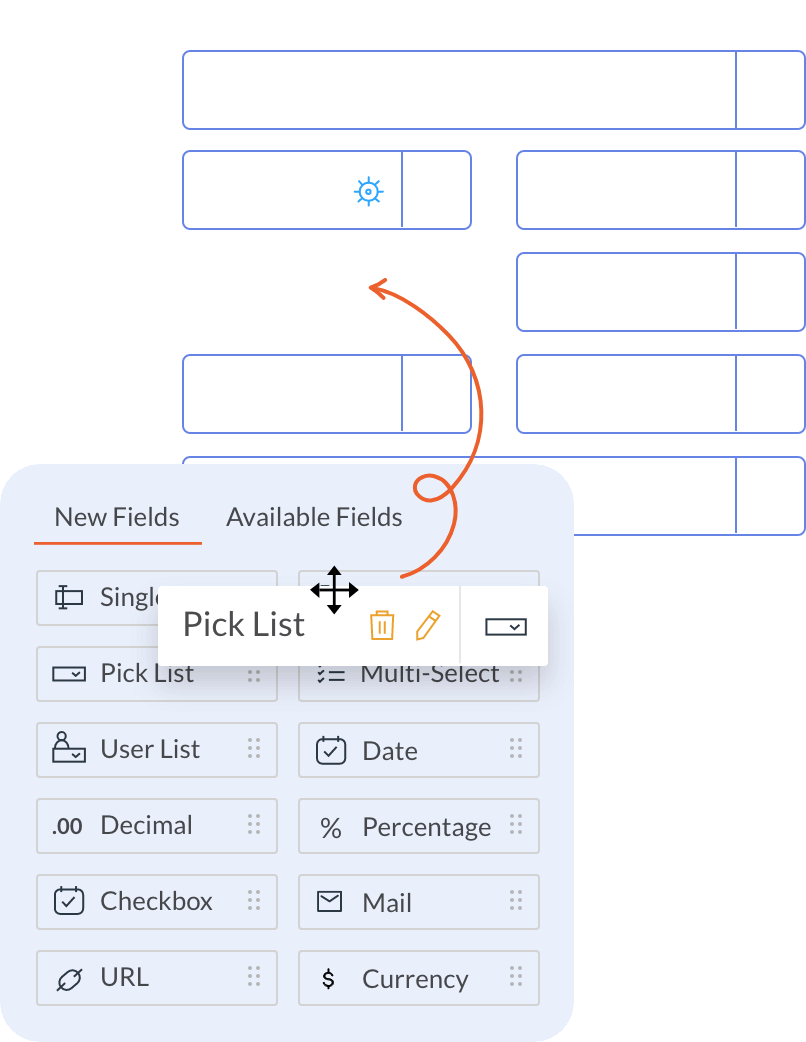
Customize your experience
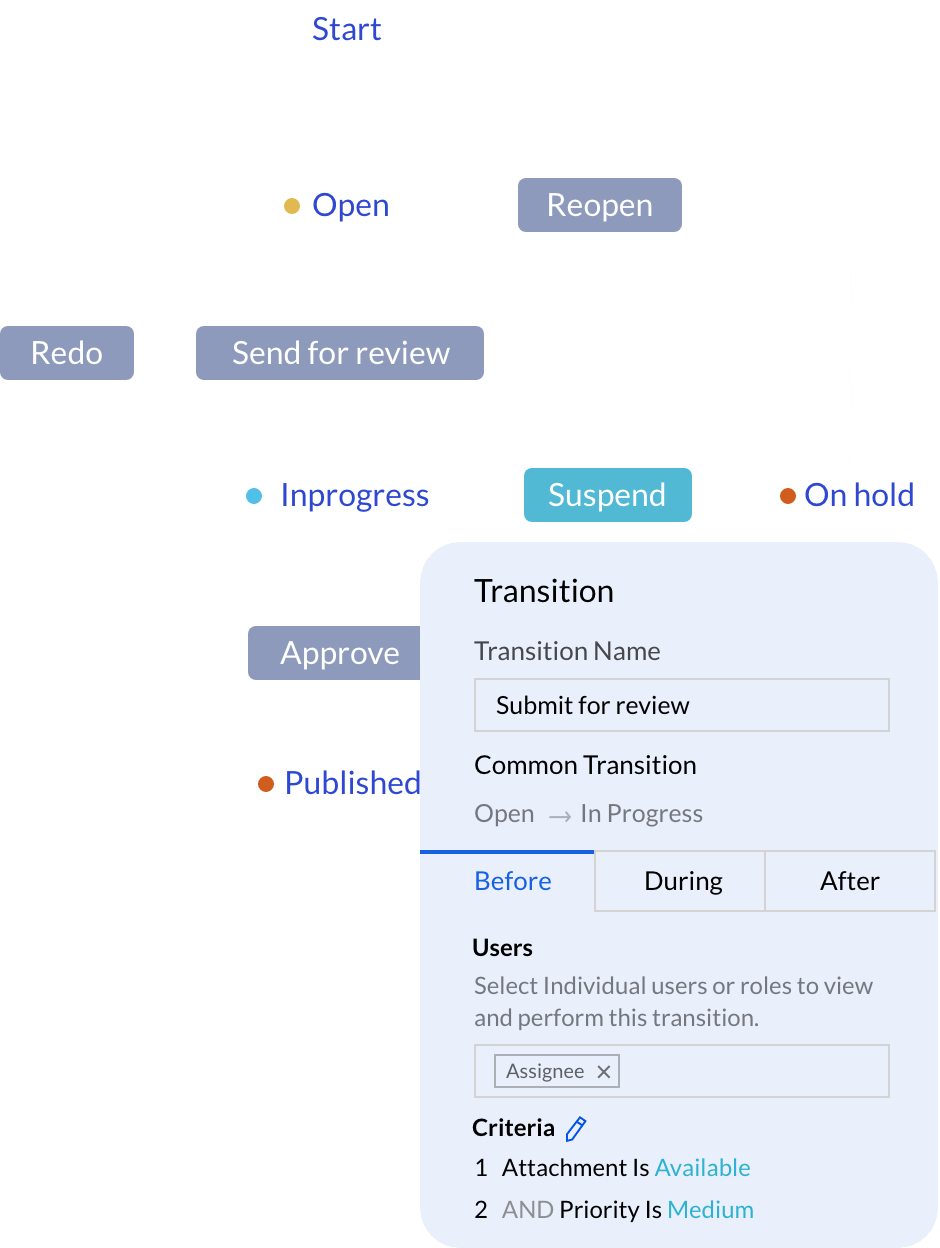
Build your projects from end-to-end to capture unique requirements. Create personalized fields, modules, statuses, and workflows to manage and track industry-specific work metrics.
Learn more about project customization"Zoho Projects helped us to achieve about 300% growth rate for our business."

Automate your workflows
Save time on routine tasks. Whether you have a simple process or a complex workflow, our online project management platform has a drag-and-drop interface that makes new automations easier to visualize and deploy.
Learn more about task automation"We have managed to save 10% of our workforce time using Zoho Projects."


AI that works hand-in-hand with your team
Intelligent Assistant
Get more done with AI that can fully understand the context of your business.

Maximize Productivity
Save time by finding and understanding the right information faster.

Communicate Effectively
Enhance ideas and remove miscommunications to create great work, together.

Smart Analytics
Get an intelligent breakdown of reports and charts to understand key takeaways.

Connected Intelligence
Make Projects and other apps agent- ready by connecting them to your favorite AI providers. Search, monitor, forecast, and execute work across apps.
Integrate with your favorite apps
Zoho Projects gives you the added advantage of several other Zoho apps and third party apps through seamless integrations.
More Integrations













4.5M+
Projects on Zoho Projects50+
Integrations via marketplaceISO
27001 enterprise-grade security"Our presence is now completely virtual. We save a ton of money using Zoho Projects and appreciate that Zoho continues to evolve and improve."
Read full storyRated by the finest.
Leading project management solution among customers and critics.

- App Store



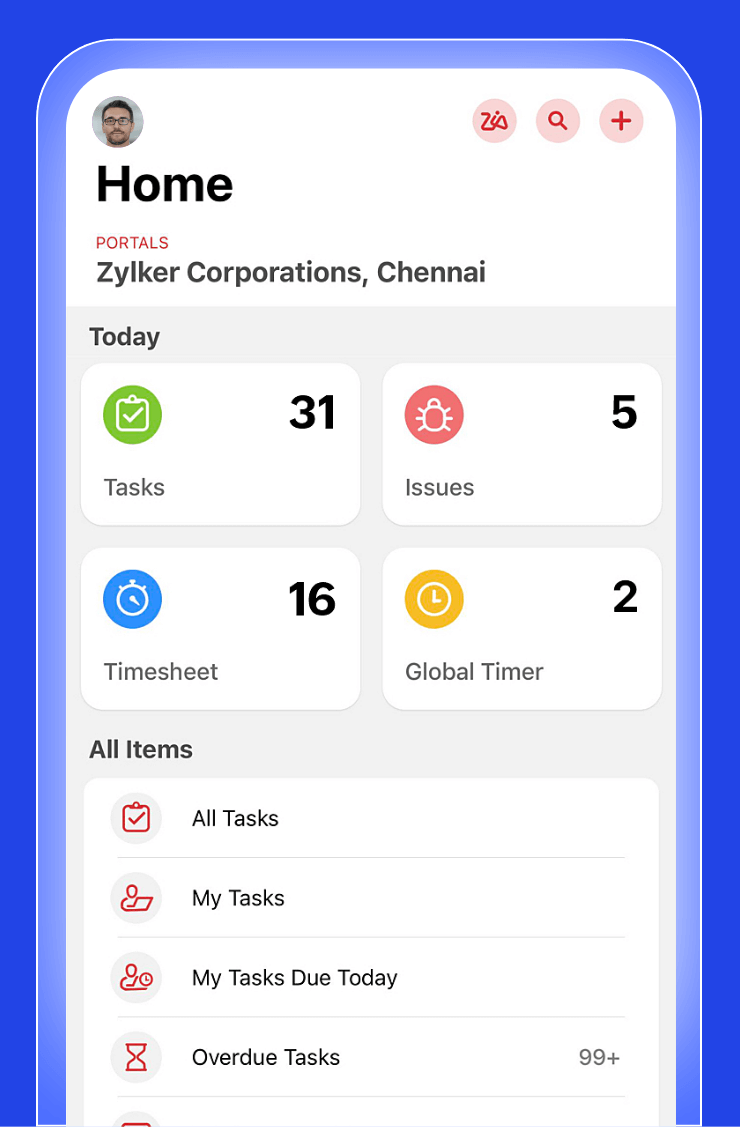
Mobile projects for mobile teams
Zoho Projects gives you the added advantage of several other Zoho apps and third party apps through seamless integrations.