Customize your project management software
Every business is different and so are its requirements. This means that using a one-size-fits-all project management tool is not your best bet. It's essential that every tool you choose for your business is flexible and can be tuned to match your specific demands.
Layouts and fields
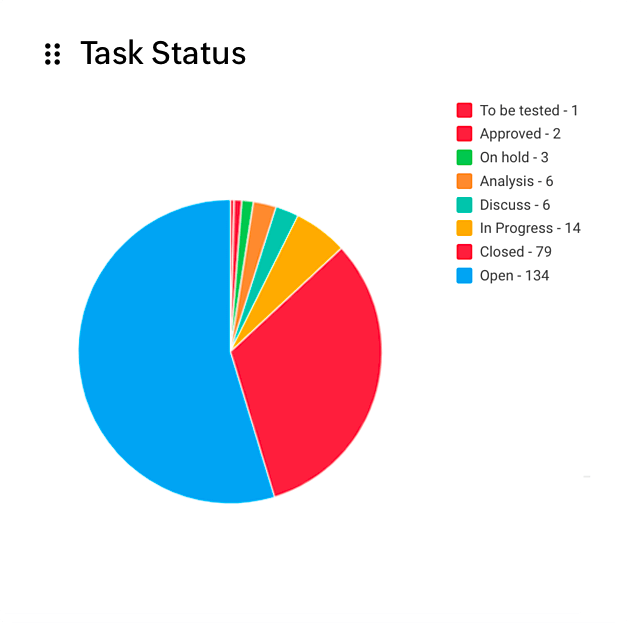
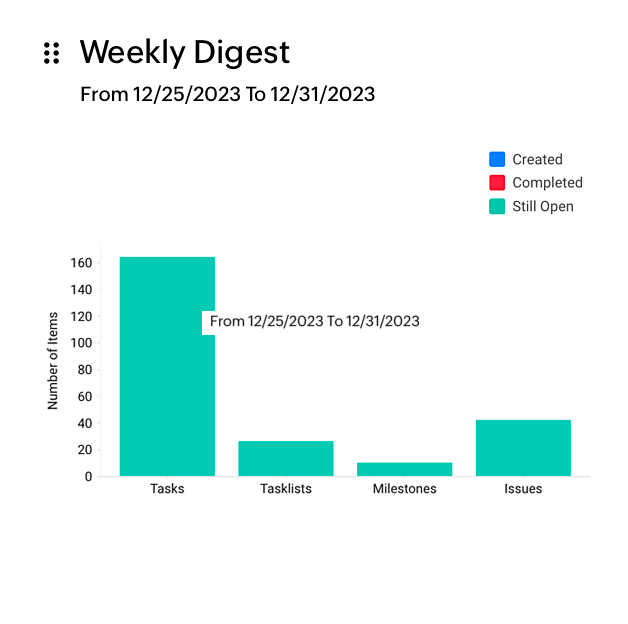
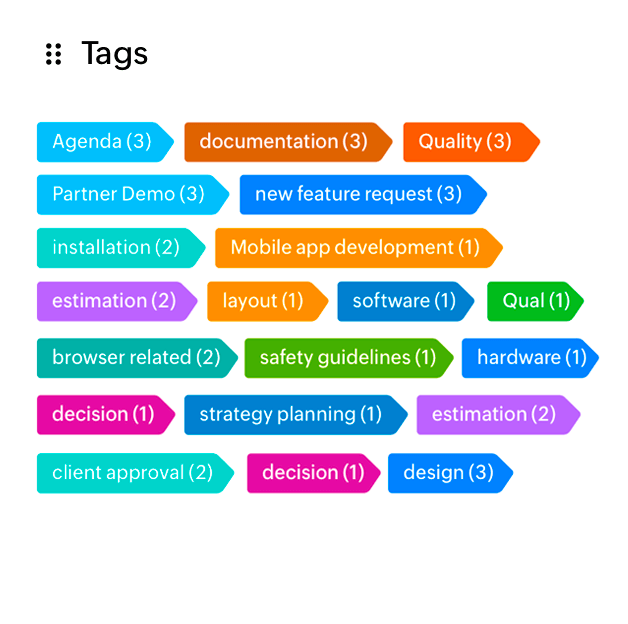
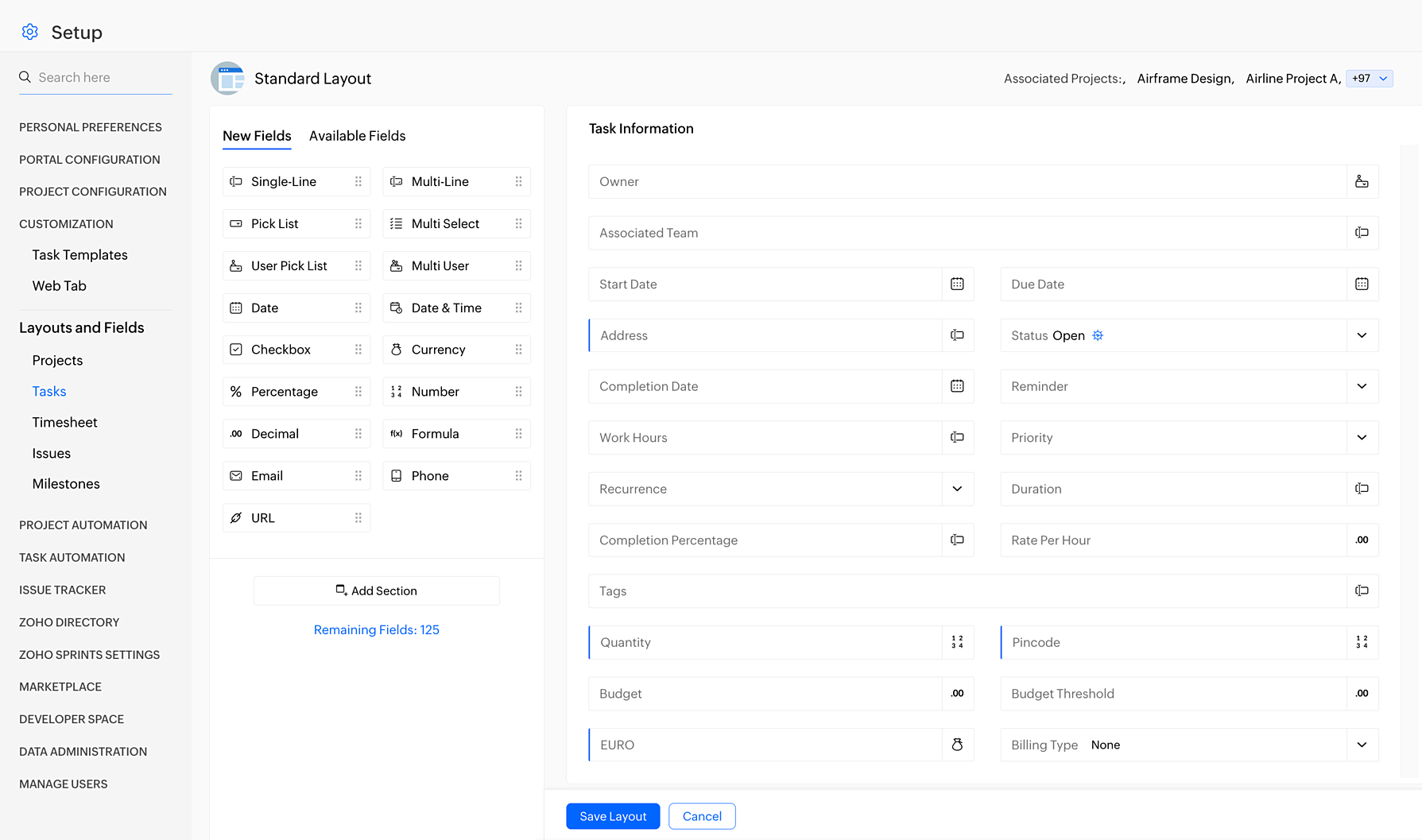
Create custom layouts for projects, tasks, and issues depending on varying project requirements with the help of custom fields. These fields help you capture the right information, and can be a line, picklist, multi-user, multi-select, date, number, email, phone number, or a URL field.
Service Level Agreements
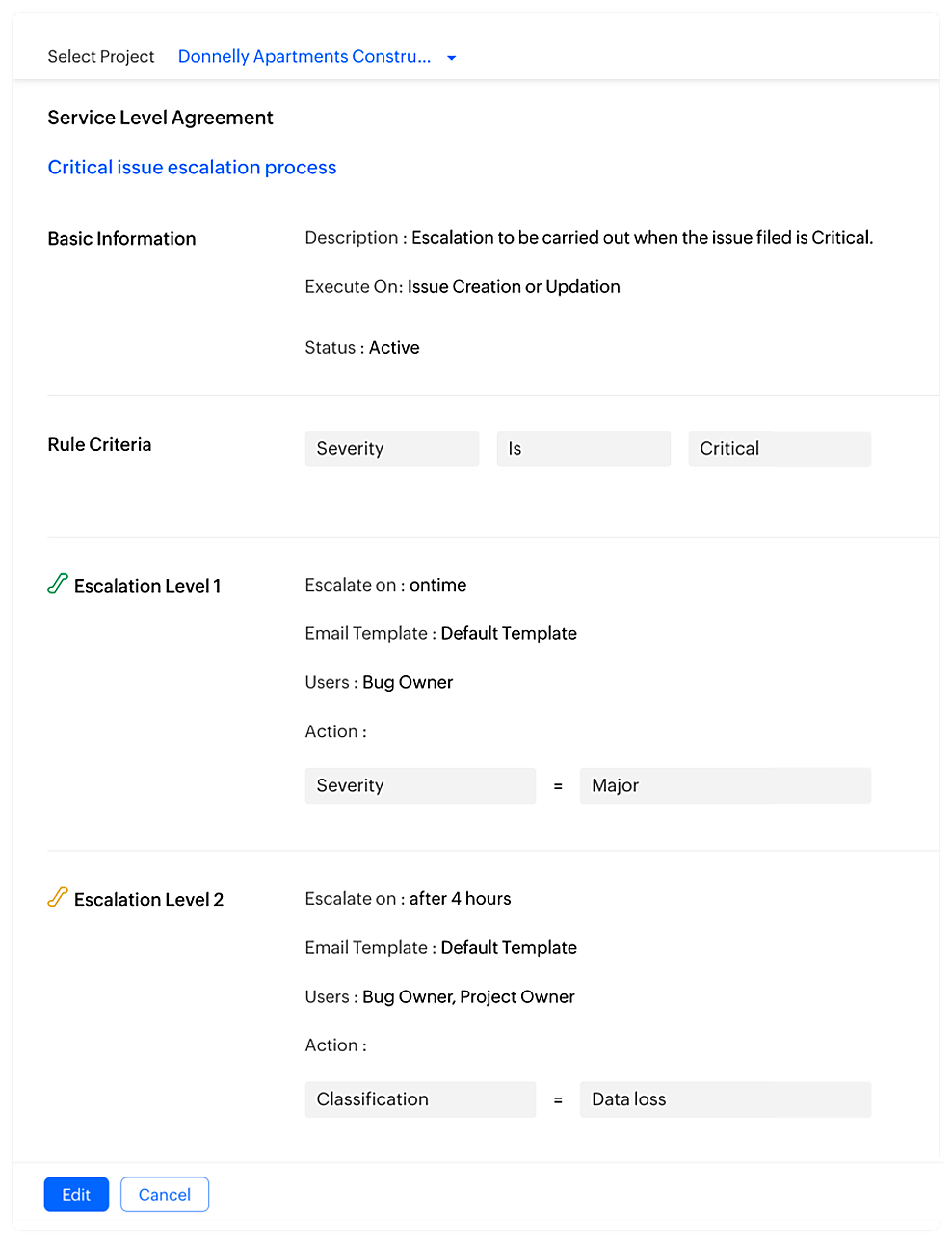
Support your customers more efficiently by setting up an escalation procedure so that issues are tracked closely and fixed on time. Define the criteria under which an issue is to be escalated, create different levels of escalation, and alert the right people at the right time.
Templates
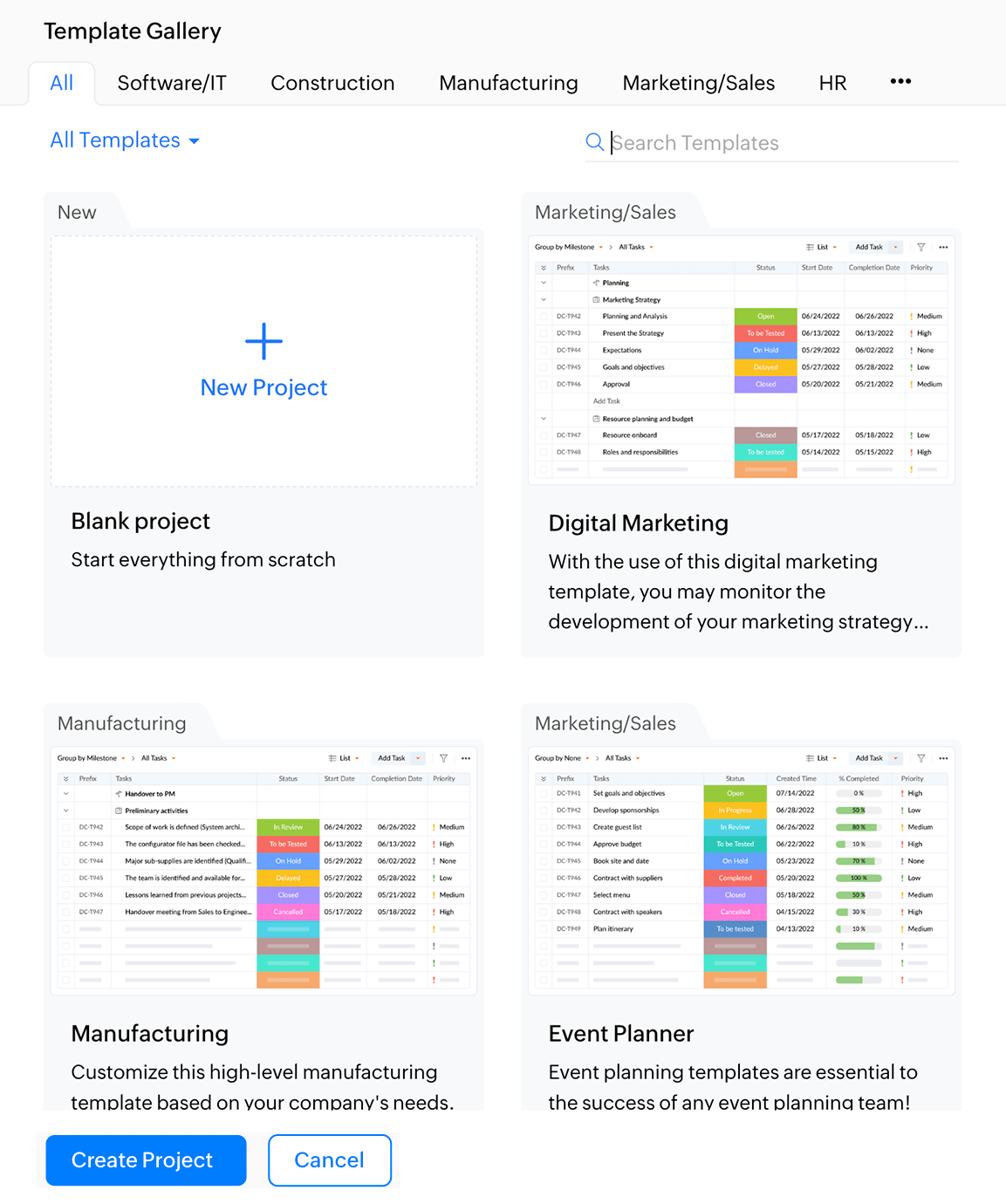
Have similar projects that follow the same list of tasks? Create custom templates for such projects and tasklists, instead of recreating project schedules from scratch. Create a common template for similar projects, convert an existing project into a template, or choose from more than 20 industry specific templates that we've created for you.
Workflows
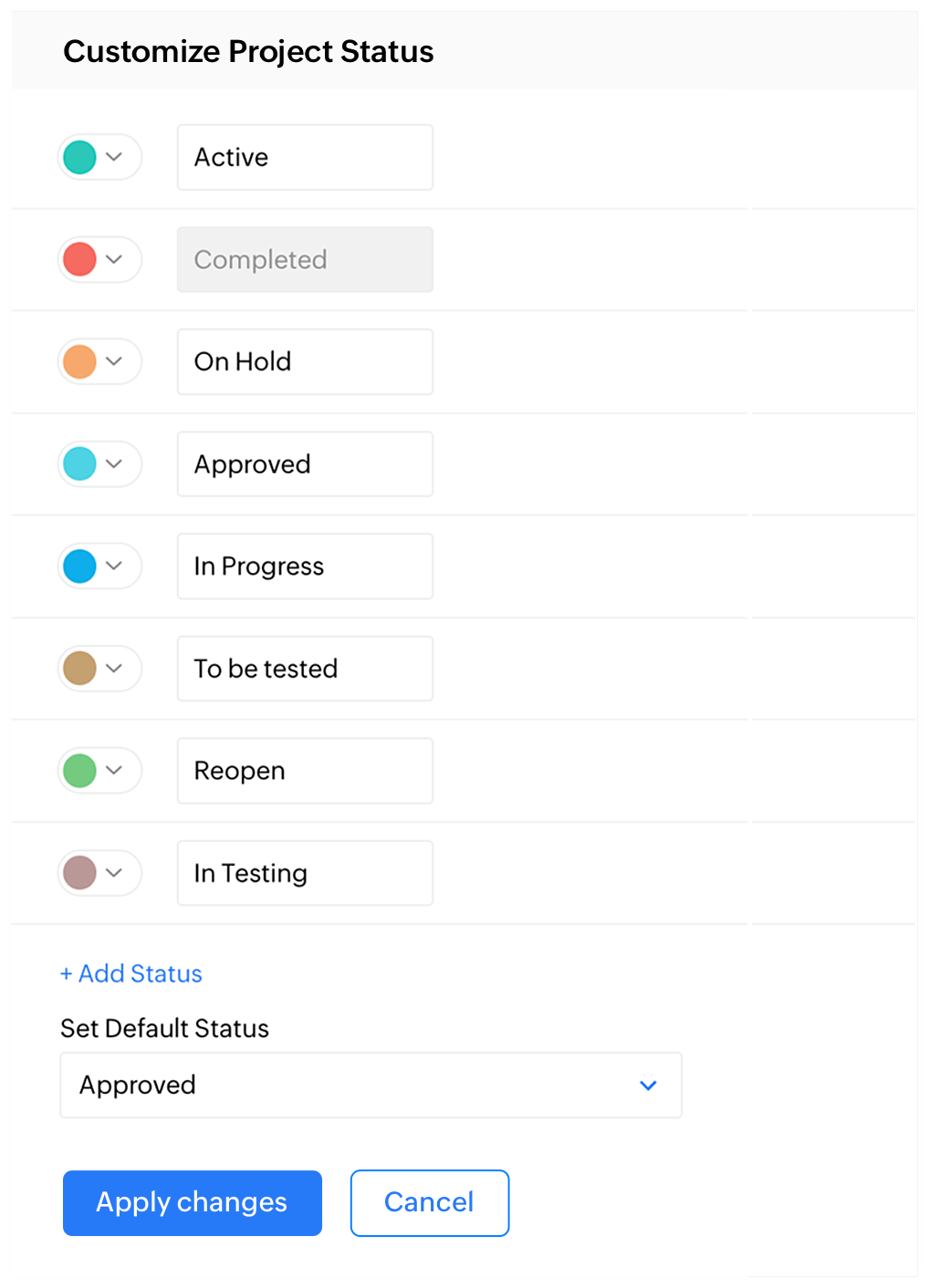
Help your team better understand how your issues are progressing with the help of custom workflows. Workflows define the next status an issue can progress into. Customize statuses and workflows by either editing an existing one or creating a new one.
Why is customization important?
Customized projects
There is no one solution that fits all needs. Every business is unique in its demands and needs a flexible project management tool to accommodate those needs. Use custom fields, views, and templates to capture the right information, get more accurate reports, and keep everyone better informed.
Informed employees
Custom fields and workflows not only provide a more accurate record of information but also help employees be better informed about ongoing projects even if they aren't directly involved in a particular project. More information also means a smaller space for mistakes and ultimately, a higher success rate for projects.
Better customer satisfaction
With the right amount of information available to clients, they can better understand exactly how a project is progressing and what the status of a specific issue is, without having to wait for weekly updates. Transparency and timely escalations contribute greatly to instilling trust among customers.
Increased productivity
Features such as custom templates and workflows are built with the aim of helping teams get more done in less time. Reduce the time spent on repetitive and mundane work by automating your job with the help of customizations, so you can devote more of your hours to fulfilling, creative work.