- HOME
- More
- Best Practices
- How to write a booking confirmation email (Best practices and mistakes to avoid)
How to write a booking confirmation email (Best practices and mistakes to avoid)
- Published : July 31, 2026
- Last Updated : July 31, 2026
- 157 Views
- 5 Min Read

There are a few emails that draw instant attention from the customers; one such email is booking confirmation emails. The moment a customer clicks “Book Now,” “Reserve,” or “Purchase,” their subconscious countdown begins. They immediately open their inbox, waiting for that digital nod of reassurance that everything went through perfectly.
In this article, you’ll learn what booking confirmation emails are, why they matter, what they should include, and some best practices for writing them.
What is a booking confirmation email?
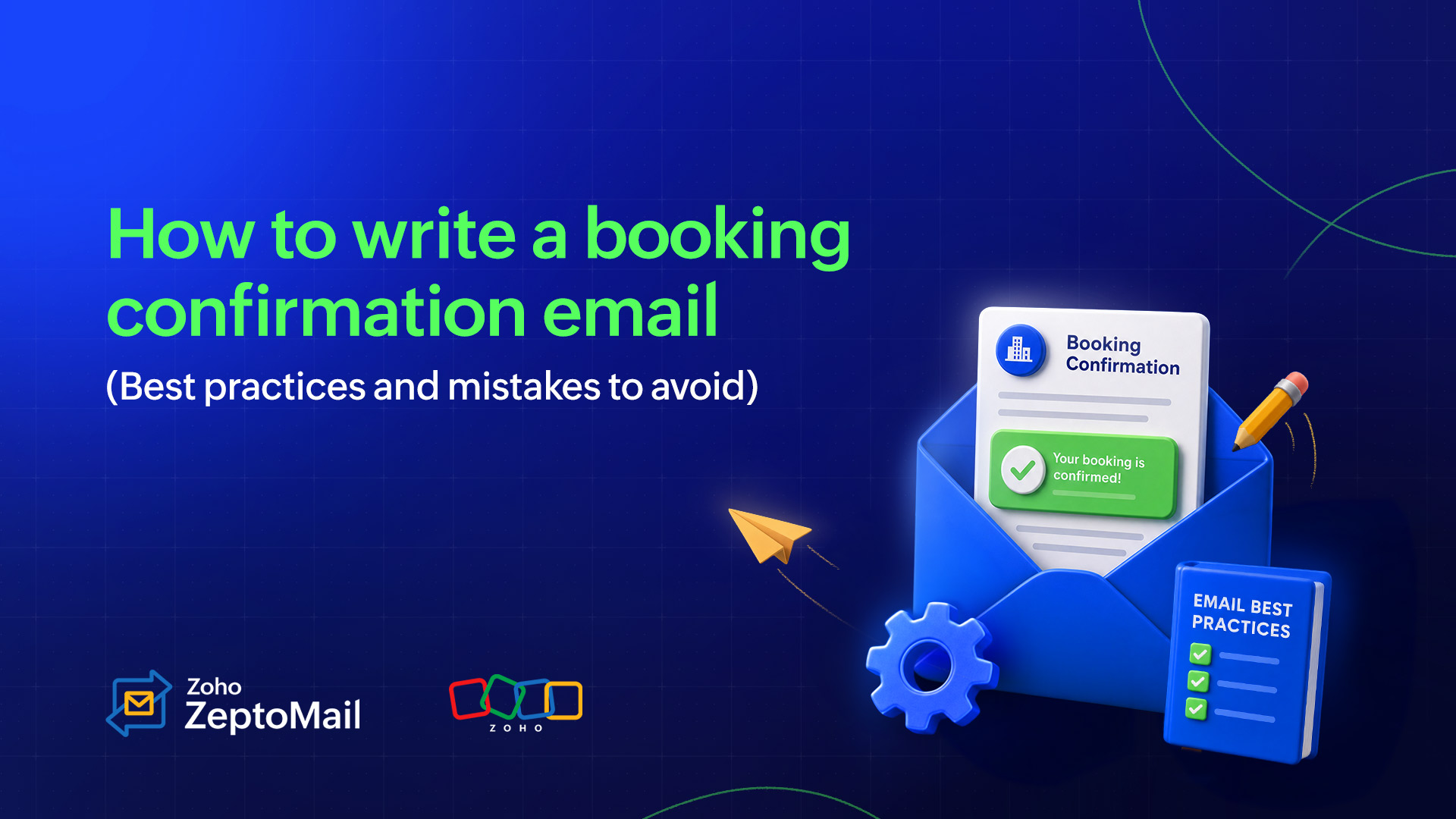
A booking confirmation email is a transactional, automated email sent immediately after a customer successfully makes a reservation, schedules an appointment, or purchases a ticket.
Its primary purpose is to confirm that the booking has been successfully recorded and reassure the customer that their reservation is secure. It also serves as an official record of the transaction, providing essential details such as the booking reference, payment confirmation, date and time, location, and any important next steps.
Are booking confirmation emails transactional or marketing emails?
Booking confirmation emails are transactional emails, not marketing emails. They’re automatically sent when a customer completes an action, such as booking a hotel room, reserving a table, scheduling an appointment, or purchasing a ticket. Their purpose is to confirm the transaction and provide essential information related to the booking.
Unlike marketing emails, booking confirmation emails aren’t designed to promote products or encourage sales. Instead, they deliver information customers expect after completing a transaction.
Why are booking confirmation emails important?
Booking confirmation emails are often one of the most frequently opened emails a customer receives. Many customers return to them multiple times before their booking date to verify details. Here’s why they matter.
They give customers instant reassurance
Customers want reassurance that their booking was successful. An instant confirmation removes uncertainty and increases trust.
They reduce the “Where can I find...?” support requests
When customers can easily find booking IDs, addresses, timings, and cancellation policies in one email, they don’t have to contact support for basic questions.
They act as a permanent record
Customers frequently search their inbox instead of visiting the original booking website. The confirmation email becomes their reference document.
They improve customer experience
A clean, well-organized email helps customers prepare ahead of time by reminding them what to bring, where to go, and what to expect.
They create opportunities for relevant follow-ups
Once the confirmation has been sent, businesses can trigger reminder emails, itinerary updates, feedback requests, or post-service surveys at the right time.
Best practices to follow for writing an effective booking confirmation email
Now that we know the importance of a booking confirmation email, let’s learn how to write it for your business. Here are some quick tips to remember while crafting these emails.
1. Use a clear subject line
Your subject line is the first thing customers see in their inbox, so make it simple and instantly recognizable. Avoid clever phrases or vague wording. Instead, clearly state that the booking has been confirmed and, if possible, include the booking type or business name.
Examples:
Your movie ticket booking is confirmed!
Booking Confirmation: Hotel Blue
Your reservation for June 15 is confirmed
2. Keep important information above the fold
Customers open confirmation emails to verify their booking details quickly. So make sure to place the most important information such as the booking ID, date, time, venue, and payment status at the top of the email. By doing this, your recipients don’t have to scroll to find what they’re looking for.
3. Make the email easy to scan
A wall of text can make customers miss important information. Use headings, bullet points, tables, icons, and adequate spacing to organize the email into sections that are easy to skim. The easier it is to read, the better the customer experience.
4. Personalize the email
Address customers by their name and include booking-specific details to make the email feel relevant and reassuring. Personalization not only improves the customer experience, it also helps recipients quickly identify which booking the email refers to.
Example:
Hi {{{{Sarah}}}},
Your reservation for {{{{Movie Name}}}} has been confirmed.
5. Include actionable CTA buttons
Help customers take the next step without searching for additional information. Depending on the type of booking, include buttons that let them easily access or manage their reservation.
Examples:
View booking
Download ticket
Get directions
Add to calendar
Modify booking
Contact support
6. Optimize the email for mobile devices
Many customers access confirmation emails on their phones while traveling or on the move. Use a responsive email layout, readable font sizes, and tap-friendly buttons so the email looks great and functions smoothly on any screen size.
7. Provide contact information
Sometimes customers need to reschedule, cancel, or ask questions. Include your support email address, phone number, or help center link so they know exactly how to reach you when they need assistance.
8. Avoid unnecessary promotions
A booking confirmation email is primarily meant to inform, not sell. While it’s fine to include relevant recommendations or upsell opportunities, they should never overshadow the confirmation details. Always keep the booking information as the main focus of the email. Keep everything else below the fold.
Mistakes to avoid
Here are some common mistakes to avoid while writing a booking confirmation email.
Sending the email late
Booking confirmation emails should be sent immediately after the booking is completed to reassure customers that their reservation has been confirmed.
Leaving out essential details
Always include key information, such as the booking reference number, customer name, date and time, location, payment status, and any relevant instructions.
Using vague or misleading subject lines
Choose a clear subject line like “Your booking is confirmed” or “Booking Confirmation – {{Business Name}}” so recipients instantly understand the purpose of the email.
Including incorrect or outdated information
Double-check booking details before sending. Incorrect dates, times, or customer information can lead to confusion and support requests.
Writing lengthy or cluttered emails
Keep the email concise and well-structured so customers can quickly find the information they need.
Not including next steps
Inform customers about what they should do next, such as checking in, bringing required documents, joining an event, or contacting support if they need to make changes.
Missing contact information
Include your business’s contact details so customers know whom to reach if they have questions or need to modify their booking.
Failing to test before sending
Test the email for formatting, broken links, merge tags, and rendering across different email clients to ensure a smooth customer experience.
Can booking confirmation emails be automated?
Yes, booking confirmation emails can and should be automated. Most booking systems, CRMs, and transactional email services allow you to automatically send a confirmation email as soon as a customer completes a booking.
Automation ensures that customers receive timely and accurate confirmation details without manual effort. It reduces errors, improves the customer experience, and saves time for your business. You can also personalize these emails with booking details, payment information, and relevant next steps using dynamic fields.
Wrapping up
A booking confirmation email is much more than a receipt. It’s the first post-purchase interaction your customer has with your business. A clear, timely, and informative confirmation reassures customers, answers common questions, and sets the tone for a positive experience before the event/booking even begins.
By including all of the essential details, following email best practices, and automating booking confirmation email delivery with a reliable transactional email service like ZeptoMail, you can provide a seamless experience while reducing manual work and support requests.