- HOME
- More
- Best Practices
- Confirmation emails: Examples, templates and best practices
Confirmation emails: Examples, templates and best practices
- Published : April 28, 2026
- Last Updated : April 28, 2026
- 675 Views
- 10 Min Read

You just placed an order, booked a ticket, or signed up for something important and within seconds, an email lands in your inbox confirming it. That small moment does a lot more than you think.
Confirmation emails aren’t just “receipts.” They reassure users, set expectations, and quietly build trust with your brand. Now that users expect instant clarity and confirmation, these emails become one of the most important transactional touchpoints. Here’s everything you need to know about a confirmation email.
What is a confirmation email?
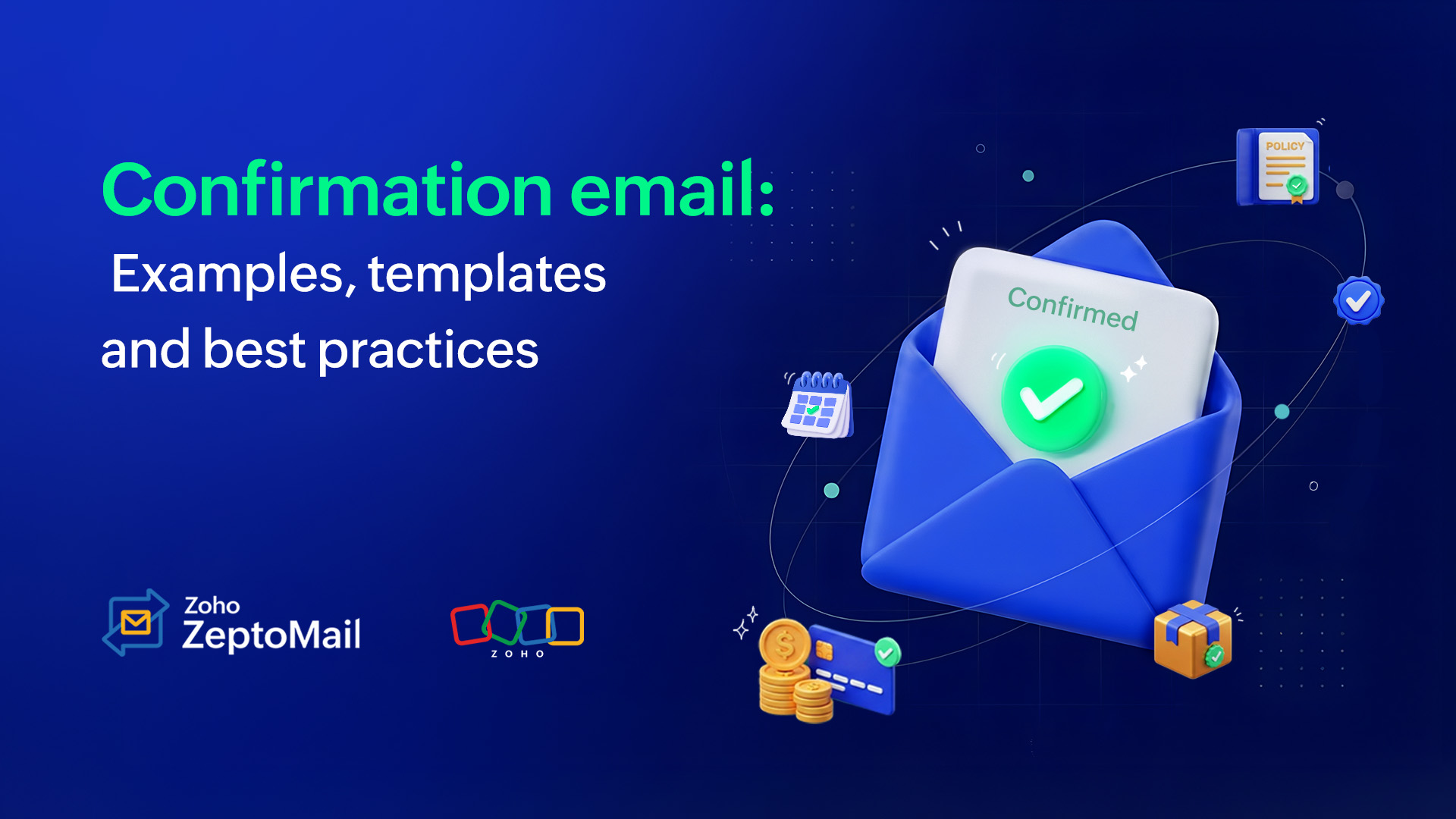
A confirmation email is a type of transactional email sent automatically after a user completes a specific action. This could include making a purchase, signing up for an account, booking an appointment, or subscribing to a service. Its primary purpose is to acknowledge the action and provide relevant details.
Why are confirmation emails important?
Confirmation emails are a crucial touchpoint in a customer’s journey. They don’t just confirm an action, they have several important functions.
1. Reduce customer anxiety
When users complete an action like placing an order or booking a service, they want immediate reassurance that everything went through successfully. A confirmation email with clear, timely information eliminates doubt and gives them peace of mind.
2. Acknowledge an action
Confirmation emails act as a digital receipt. They validate that the user’s action has been recorded, whether it’s a purchase, signup, or request, making the interaction feel complete and reliable.
3. Minimize support tickets
By proactively sharing key details of order summaries, timelines, and next steps, confirmation emails minimize the need for customers to reach out to support teams. This reduces repetitive queries and improves operational efficiency.
4. Protect brand reputation
Silence after a user action can create confusion or mistrust. Sending a prompt confirmation shows professionalism and reliability, helping maintain a strong and trustworthy brand image.
5. Provide a great customer experience
A well-crafted confirmation email goes beyond just sharing information. It enhances the overall experience. With thoughtful design, clear messaging, and helpful next steps, it leaves a positive impression and sets the tone for future interactions.
Components of a confirmation email
An effective confirmation email comprises several critical components that will help you gain your customers’ trust—and keep their business.
Clear subject line: Set expectations right away with a straightforward subject line.
Confirmation message: Start with a clear statement that the action was successful.
Key details: Include all relevant information: Order ID, booking ID, transaction ID, items or service details, amount paid, and date and time.
Personalization: Make the email more relevant with details like the customer’s name, email or account info, and delivery address.
What’s next: Guide users on the next steps by adding delivery timelines, check-in instructions, or account activation steps.
Call to action (CTA): Provide a single, clear, and helpful CTA button.
Support information: Make it easy to get help by adding a support email and help center link.
Branding: Reinforce your brand with your logo, consistent voice, and signature.
Legal details: Include terms and conditions, refund policy, or compliance information especially for payment and subscription confirmations.
Closing note: End on a positive and friendly thank-you note.
8 types of confirmation emails
Different industries require different types of confirmation emails based on their function and relevance.
Order confirmations
Shipping confirmations
Booking confirmations
Payment confirmations
Appointment confirmations
Registration confirmations
Account sign-up confirmations
Subscription confirmations
1. Order confirmations
Order confirmation emails are commonly sent by eCommerce businesses, food delivery services, and quick commerce platforms. They play a key role in the customer journey by instantly reassuring users that their order has been successfully placed. Beyond just confirmation, they create a small moment of delight giving customers a sense of satisfaction and excitement as they see their order come to life.
Pro tip: Always include a personalized thank-you note to make their day.
Use case: Sent after a customer places an order.
Key elements: Order summary, payment details, delivery timeline.
Subject line:
Your order {{abc}} is confirmed 🎉
Your {{food delivery app}} order from {{restaurant name}} is confirmed!
Template example:
Hey {{First Name}},
Woohoo! Thank you for shopping at the {{Store Name}}! We’re happy to let you know that your order is confirmed. Please expect the delivery by {{Date}}. We’ve provided all of your confirmation details here:
Order ID: {{Order ID}}
Order Summary:{{Product Name}} × {{Qty}} – ₹{{Price}}
Total Paid: ₹{{Total Amount}}
Delivery Address: {{Address}}
Estimated Delivery: {{Date}}You can track your order here: {{Tracking Link}}
Have questions? Reach us at {{Support Email}} and we’ll be happy to help.
Thanks for shopping with us!
Team {{Store Name}}
2. Shipping confirmations
A shipping confirmation email is sent to keep users informed about their order as it moves from the warehouse to their doorstep. Sharing timely updates at every stage of the journey, keeps customers in the loop and reduces the need for them to contact support to check their order status.
Pro tip: Always include an accurate ETA in these emails to set clear expectations and build trust with your customers.
Use case: Sent right after the order is shipped from the warehouse or store.
Key elements: Tracking details, courier info, ETA.
Subject line:
Your order is shipped!
Your order is on the way 🚚
Template example:
Hi {{First Name}},
Good news! Your order has been shipped.
Order ID: {{Order ID}}
Courier: {{Courier Name}}
Tracking ID: {{Tracking ID}}
Estimated Delivery: {{Date}}Track your shipment here: {{Tracking Link}}
Have questions? Reach us at {{Support Email}}.
We’re happy to serve you!
{{Brand Name}}
3. Booking confirmations
Booking confirmation emails are widely used across industries such as travel, ticketing, hotel reservations, and bus or flight booking platforms. They play a crucial role in the customer journey by clearly confirming that a booking has been successfully completed. More than just an update, these emails act as an official acknowledgment, reassuring users and giving them peace of mind that everything is in place.
Pro tip: Always include essential details like date, time, location, and booking ID upfront, so users can quickly find what they need without scanning the entire email.
Use case: These emails are usually sent after a user completes a booking such as flights, hotels, events, or transport.
Key elements: Booking ID, date and time, location and venue details, customer name, payment summary, check-in or access instructions, support or contact information.
Subject line:
Your hotel booking is confirmed 🎉
Your reservation is confirmed ✅
You’re registered! 🎟️
Template example:
Hey {{First Name}},
Your stay is confirmed with us! We’re excited to host you.
Booking information:
Booking ID: {{Booking ID}}
Hotel Name: {{Hotel Name}}
Check-in: {{Date and Time}}
Check-out: {{Date and Time}}
Guests: {{Number of Guests}}
Room Type: {{Room Type}}
Hotel Address: {{Full Address}}
Total Amount Paid: ₹{{Amount}}
You can manage your booking here: {{Booking Link}}
Check-in instructions:
Please carry a valid ID and present this confirmation at the front desk.Note: If you need to modify or cancel your booking, visit: {{Modify Link}}
For assistance, contact us at {{Support Email}} or {{Phone Number}}.
We look forward to your stay! 😊
Team {{Hotel Name}}
4. Payment confirmations
Payment confirmation emails are essential for any business. They serve as a reliable acknowledgment that a transaction has been successfully completed. Because every payment matters to the user, sending a clear confirmation reassures them that their money has been processed correctly, which builds trust in your business.
Pro tip: Always include essential details like date, time, location, and booking ID upfront, so users can quickly find what they need without scanning the entire email.
Use case: These emails are usually sent after a user completes a booking, such as flights, hotels, events, or transport.
Key elements: Customer name, booking ID, date and time, location and venue details, payment summary, check-in or access instructions, support or contact information.
Subject line:
Your payment has been confirmed ✅
Payment received – thank you!
Confirmation: Payment successful 💳
Template example:
Hi {{First Name}},
Your payment has been successfully processed.
Transaction summary:
Transaction ID: {{Transaction ID}}
Amount Paid: ₹{{Amount}}
Payment Method: {{Payment Method}}
Date: {{Date and Time}}
Payment for: {{Product/Service Name}}Sit back and relax. Your payment was successful and we’ve begun preparing your order right away.
{{View order details}}
If you have any questions or notice anything unusual, please contact us at {{Support Email}}.
Thank you for your payment!
{{Brand Name}}
5. Appointment confirmations
Appointment confirmation emails are commonly used by hospitals, wellness and beauty centers, and for scheduling meetings or consultations. They play an important role in helping users plan their time effectively. By clearly confirming the appointment details, these emails reassure users that their booking is secured while respecting the value of their time.
Pro tip: Include clear instructions like arrival time, documents to carry, or pre-appointment guidelines to help users prepare and avoid last-minute confusion. Always give an option to reschedule.
Use case: Sent after a user books an appointment with a hospital, clinic, or wellness center to confirm the schedule and provide necessary details.
Key elements: Appointment ID, patient/customer name, assigned doctor/therapist name, date and time, location details, appointment type (e.g., consultation, therapy), pre-appointment instructions (if any), reschedule/cancel link, and support/contact information
Subject line:
Your appointment is confirmed ✅
Confirmation: Appointment on {{Date and Time}}
Template example:
Hi {{First Name}},
Your appointment has been successfully scheduled.
Appointment ID: {{Appointment ID}}
Doctor/Therapist: {{Name}}
Date and Time: {{Date and Time}}
Appointment Type: {{Consultation/Treatment}}
Location: {{Clinic/Center Address}}Before your visit: Please arrive 10 minutes early and carry a valid ID and any relevant reports .
Need to reschedule or cancel? Click here: {{Reschedule/cancel}}
If you have any questions, feel free to contact us at {{Support Email}} or {{Phone Number}}.
We look forward to taking care of you!
{Clinic/Wellness Center Name}}
6. Registration confirmations
Registration confirmation emails are especially useful for event organizers—whether it’s a marathon, stand-up show, exhibition, or webinar. These emails confirm that a user’s registration is successful and ensure that they have all of the necessary details to attend the event smoothly. These emails help build excitement among the fans and gives a good overall customer experience.
Pro tip: Always add the selected seat number and add a calendar link so users don’t forget the event.
Use case: Sent after a user registers for an event, webinar, or workshop.
Key elements: Event name, date and time, access link, venue details, registration ID, calendar link, and support contact.
Subject line:
You’re successfully registered! 🎉
Registration confirmed—see you there!
Your spot is secured ✅
Template example:
Hey {{First Name}},
You’ve successfully registered for the {{Event Name}}.
Event: {{Event Name}}
Date and Time: {{Date and Time}}
Access Link: {{Link}}
Add to calendar: {{Calendar Link}}Note: If you have questions, contact us at {{Support Email}}.
We look forward to seeing you!
{{Organizer Name}}
7. Account sign-up confirmations
Account sign-up confirmation emails are essential for SaaS companies and online businesses. They serve as the first point of reassurance after a user creates an account, confirming that the signup was successful. More importantly, they help build trust by validating the user’s action and guiding them on what to do next—whether it’s verifying their email, logging in, or getting started with the product.
Pro tip: Keep it quick and action-driven. Guide users to their first step immediately.
Use case: Sent after a user creates an account to confirm registration and prompt login or verification.
Key elements: User email/username, verification or login link, next steps, and support contact.
Subject line:
Welcome {{First Name}}! Your account is all set! 🚀
Your account is ready, {{First Name}}!
You’re in, {{First Name}}! Let’s get started
Template example:
Hi {{First Name}},
Welcome to {{Brand Name}}. You’re all set and your account has been created successfully.
Here’s a quick summary:
Email: {{Email ID}}
Account ID: {{Account ID}}Next step:
Get started by exploring your dashboard: {{Dashboard Link}}If you need to verify your email, click here: {{Verification Link}}
Didn’t sign up for this account? Please let us know at {{Support Email}}.
We’re excited to have you with us!
{{Brand Name}}
8. Subscription confirmations
Subscription confirmation emails are sent when a user signs up for or renews a subscription plan. They confirm that the subscription is active and provide key details like the plan type, billing cycle, amount charged, and next billing date. These emails help set clear expectations, avoid billing confusion, and build trust by keeping users informed about their ongoing commitment.
Pro tip: Clearly mention the billing cycle and next billing date to avoid confusion or disputes.
Use case: Sent after a user subscribes to a plan or renews their subscription.
Key elements: Plan name, billing cycle, amount, next billing date, manage subscription link, and support contact.
Subject line:
Your subscription is now active ✅
Subscription confirmed—you’re all set!
Welcome! Your plan is live 🎉
Template example:
Hi {{First Name}},
Your subscription has been successfully activated. You can now watch your favorite movie without any interruption.
Plan details:
Plan: {{Plan Name}}
Billing Cycle: {{Monthly/Yearly}}
Amount Paid: ₹{{Amount}}
Start Date: {{Start Date}}
Next Billing Date: {{Next Billing Date}}You can manage your subscription here: {{Account Link}}
If you have any questions or need help, feel free to reach out at {{Support Email}}.
Thanks for choosing us!
{{Brand Name}}
Downloadable confirmation email templates
To make it easy, here’s a downloadable file of the ready-to-use confirmation email templates.
Best practices for writing confirmation emails
Keep the message short and sweet
Start with a direct confirmation message. Confirmation emails are functional. Avoid unnecessary fluff and focus on clarity. Users shouldn’t have to search to know if their action was successful.
Include key details above the fold
Place key information details (IDs, dates, amounts, next steps) at the top so it’s easy to scan, especially on mobile. Set clear expectations by telling users what happens next—delivery timelines, check-in instructions, or next steps.
Use a helpful CTA
Include relevant actions like Track order, View booking, or Manage account, but keep the focus on a single primary CTA. If additional actions are needed, keep them subtle or as hyperlinks so the primary CTA stands out.
Make it mobile-friendly
Most users check emails on their phones. Use short paragraphs, bullet points, and clean formatting. Ensure that your CTA is easily tappable and key information is visible without excessive scrolling.
Personalize where it matters
Use the customer’s name and contextual details to make the email feel relevant and trustworthy. Because this involves personal data, use a reliable email service like ZeptoMail to ensure secure and consistent delivery.
Add support information
Always include a way for users to reach out in case something goes wrong. This reassures them that support is available whenever they need help.
Mistakes to avoid while sending confirmation emails
Delayed means denied
Late confirmation emails can create doubt and may even prompt users to repeat actions (like making duplicate payments). Always send confirmation emails instantly after the action to avoid confusion and anxiety.
Missing out on key details
Leaving out important info like order ID, date, or amount leads to confusion and support tickets. Always include all essential details upfront so users can quickly verify their action.
Overloading with promotions
Avoid turning confirmation emails into marketing emails. Keep them primarily transactional, and avoid adding coupons, discounts, or promotional banners that distract from the main purpose.
Vague subject lines
Subjects like “Update” or “Notification” don’t set expectations. Be specific. Clear subject lines improve open rates and reduce confusion. Long paragraphs and cluttered layouts make it hard to scan.
Ignoring edge cases and adding next steps
Users should know exactly what to do (or expect) after receiving the email. Not including instructions for cancellations, rescheduling, or support can lead to confusion and frustration.
Lack of trust signals
Missing branding, contact info, or consistency can make emails feel unreliable or even suspicious. Also, avoid long paragraphs and cluttered layouts that make it hard to scan. Use headings, spacing, and bullet points to improve readability.
Wrapping up
Confirmation emails may seem simple, but they play a powerful role in shaping the customer experience. From reassuring users to reducing support queries and building trust, a well-crafted confirmation email goes a long way.
By keeping your emails clear, timely, and user-focused and avoiding common pitfalls, you can turn every confirmation into a positive, confidence-building moment for your customers.