Booking confirmation format with samples and templates
- Published : July 31, 2026
- Last Updated : July 31, 2026
- 334 Views
- 6 Min Read

In our previous article, we covered the essentials of booking confirmation emails, including what they are, why they matter, and the best practices and common mistakes to keep in mind when writing them. Once you understand the fundamentals, the next step is creating emails that are clear, professional, and easy to reuse.
In this article, you’ll find ready-to-use booking confirmation email templates and samples for different industries, along with tips on customizing them to suit your business. We’ll also show you how to send automated booking confirmation emails effortlessly using ZeptoMail.
What is a booking confirmation email?
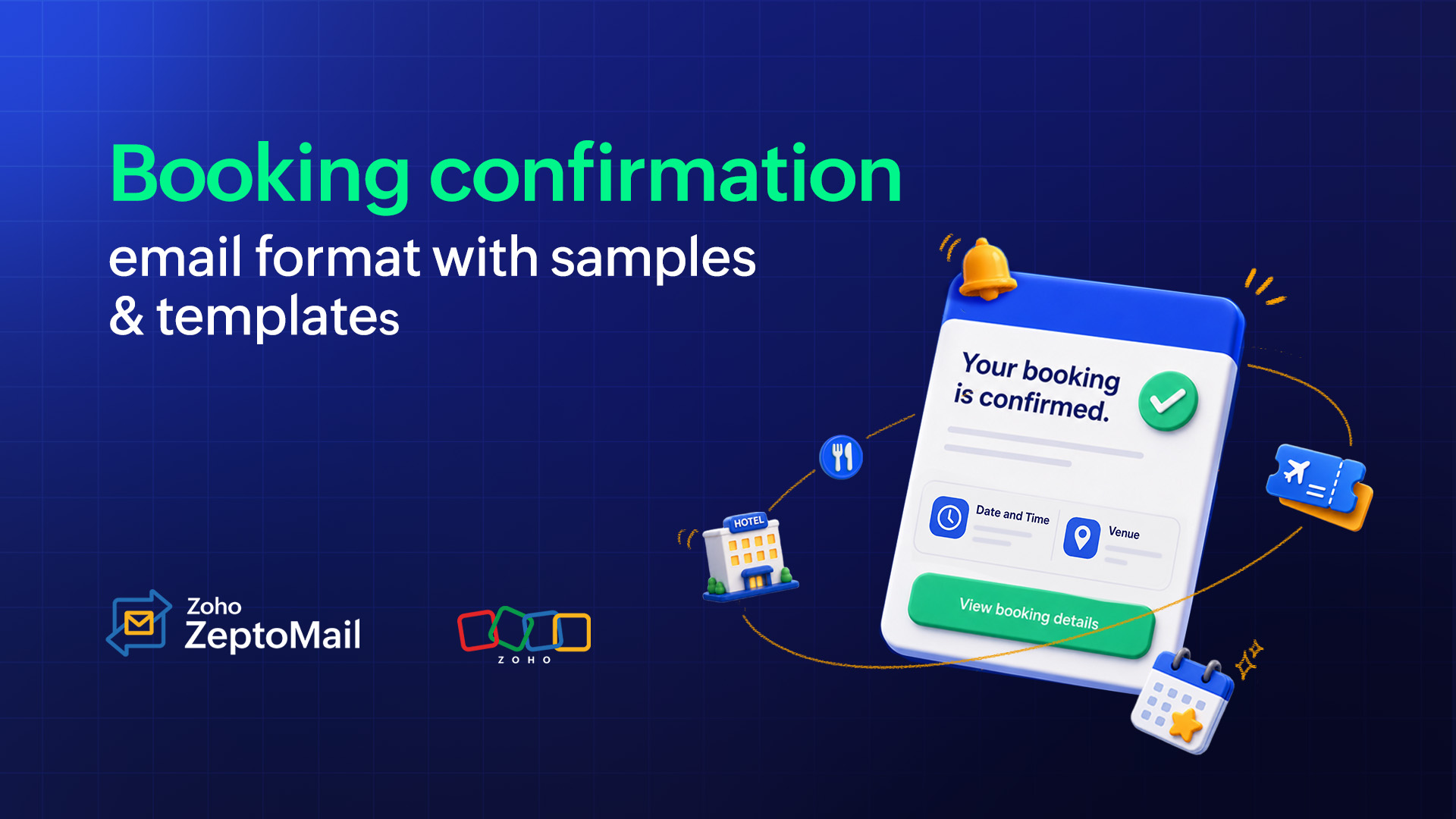
A booking confirmation email is an automated transactional email sent after a customer successfully books a service, appointment, event, or reservation. It confirms that the booking has been received and includes essential details such as the booking reference, date and time, location, payment information, and any next steps the customer should know.
For example, after booking a hotel stay or reserving an event ticket online, customers typically receive a booking confirmation email with their reservation details and further instructions.
What should a booking confirmation email include?
The exact information varies by industry, but most booking confirmation emails include the following elements.
1. A clear confirmation message
Start with a reassuring headline.
Examples:
Your booking is confirmed!
Reservation confirmed!
You’re all set!
2. Booking reference number
Include a unique booking ID or confirmation number for future communication.
Example: Booking ID: BK-483920
3. Customer details
Confirm who the reservation was made for:
Customer name
Email
Phone number
4. Booking details
This is the most important section. Include the:
Date
Time
Duration
Venue or location
Room, seat, or table number (if applicable)
5. Payment summary
Some reservations are partially paid. In those cases mention:
The amount paid
Taxes
Remaining balance (if any)
Payment method
6. Cancellation or modification policy
Give your customers the freedom to cancel a booking/reservation. Customers should know:
The cancellation deadline
Refund eligibility
Rescheduling instructions
7. Helpful next steps
Depending on the booking, include:
Check-in instructions
Parking details
Required documents
Meeting point
Dress code
Equipment to bring
8. Contact information
Finally don’t forget to provide a phone number, email address, or support link for questions.
Should booking confirmation emails be plain-text or HTML?
Anything should be fine, if it reaches in the right format. The best format depends on your business and the type of booking.
Plain-text emails
Plain-text emails contain only text without images or visual formatting.
Best for:
Internal appointments
B2B bookings
Simple service confirmations
System-generated confirmations
Advantages:
Loads quickly
Compatible with every email client
Smaller email size
Simple and distraction-free
HTML emails
HTML emails include branding, colors, buttons, tables, logos, and responsive layouts.
Best for:
Hotels
Airlines
Events
Restaurants
Tours
E-commerce bookings
Advantages:
Easy to scan
Professional appearance
Better branding
Can include QR codes, maps, and buttons
Mobile responsive
6 booking confirmation email templates by industry
Here are booking confirmation email templates for different industries, along with subject line ideas to inspire your next email.
1. Hotel and accommodation booking confirmation
Subject line:
Your hotel booking is confirmed!
{{Guest Name}}, your stay is confirmed!
Your booking is all set!
Hi {{Guest Name}},
Thank you for choosing {{Hotel Name}}! We’re thrilled to host you. Below are the details of your upcoming reservation:
Booking ID: {{Booking ID Number}}
Guest Name: {{Guest Name}}
Check-In: {{Date}} at {{Time}}
Check-Out: {{Date}} at {{Time}}
Room Type: {{e.g., Deluxe King Suite}}
Number of Guests: {{Number}} adults, {{Number}} children
Property Location: {{Full Hotel Address}}
{{Manage booking}}
Note: You will need a valid photo ID matching this booking at check-in.
Need to make changes?
You can modify or cancel your booking by visiting our website or replying to this email.
We look forward to welcoming you!
Need help?
Phone number: {{xxxxxxxxxx}}
Support: {{support@abc.com}}
Warm regards,
Team {{Hotel Name}}
2. Flight and travel booking confirmation email
Subject line:
Your flight booking is confirmed!
{{Passenger Name}}, you're all set for takeoff!
Your booking is complete—see you onboard!
Hi {{Passenger Name}}
Your flight booking with the booking ID {{xx}} with {{Airline Name}} is confirmed.
Flight details:
Flight
Departure
Arrival
Seat
{{AA1234}}
{{City (Code)}} – {{Date}} at {{Time}}
{{City (Code)}} – {{Date}} at {{Time}}
{{14B}}
Want to save time and check in online?
{{Web Check-in now}}
Baggage allowance:
Carry-on: {{1 item + 1 personal item included}}
Checked bag: {{1bag up to 23kg included}}
Please note:
Arrive at the airport at least {{x}} hours before departure.
You must have a valid photo ID or passport matching this ticket.
Need help? Contact our support team at {{support@abc.com}}
Have a pleasant journey!
Team {{Airline Name}}
3. Webinar, event, and ticket booking confirmation email
Subject line:
You’re in! Your event ticket is confirmed
Your spot is reserved!
Thanks for registering! Your ticket is confirmed.
Hey {{Attendee Name}},
You’re all set for {{Event Name}}. We cannot wait to have you with us.
Here are your ticket details:
Ticket ID: {{EVT-90451}}
Date and Time: {{Date}} from {{Start Time}} to {{End Time}}
Venue/Location: {{Venue Name, Address}}
Seat Location: {{Seat Number}}
{{View my ticket}}
Note:You can also use the QR code attached to this email for quick entry at the venue.
Have questions? Feel free to reach out to us at {{support@abc.com}}.
We look forward to seeing you there!
The {{Event Name}} Team
4. Restaurant booking confirmation email
Subject line:
{{First Name}}, your table is reserved!
Your restaurant reservation is confirmed!
Your table booking is confirmed!
Hi {{Customer Name}},
Your table at {{Restaurant Name}} has been reserved. We can’t wait to serve you!
Reservation details:
Reservation Name: {{Customer Name}}
Confirmation ID: {{Reservation ID}}
Date: {{Date}}
Time: {{Time}}
Number of Guests: {{x}} people
Special Requests/Dietary Notes: {{e.g., Vegetarian, Peanut Allergy, High Chair Needed}}
{{Modify/cancel your reservation}}
Running late? Please let us know by calling us directly at {{Phone Number}} if you’re delayed by more than 15 minutes.
See you soon,
{{Restaurant Name}} Team
5. Service and appointment booking confirmation email
Subject:
Your {{Service Name}} appointment is confirmed!
Confirmed: Your {{Service Name}} appointment
Your appointment for {{Service Name}} is confirmed
Hi {{Client Name}},
Your upcoming appointment with {{Company Name}} is confirmed! Thanks for choosing us!
Appointment details:
Service: {{Dental Checkup/60-Min Massage}}
Provider: {{Name of Specialist/Doctor/Host}}
Date and Time: {{Date}} at {{Time}}
Duration: {{45 minutes}}
Location: {{Address}}
If you need to reschedule, please give us at least 24 hours’ notice by clicking the link below.
{{Reschedule Link}}
Best regards,
Team {{Company Name}}
6. Tour and activity confirmation email
Subject:
Your booking is confirmed for {{Activity Name}}!
Your spot for {{Activity Name}} is confirmed!
You're all set for {{Activity Name}}!
Hi {{Name}},
Great news! Your booking for {{Activity Name}} is confirmed. We’re excited to have you join us for an unforgettable adventure.
Booking details:
Booking Reference: {{Booking Reference}}
Date: {{Date}}
Start Time: {{Start Time}}
Meeting Point: {{Meeting Point}}{{View booking details}}
What to bring:
Sturdy hiking boots.
Water bottle.
Sunscreen.
Weather-appropriate clothing.
If you have any questions before your trip, simply reply to this email—we’ll be happy to help.
See you soon!
Team {{Tour Company Name}}
Downloadable booking confirmation email templates
To make it easy, here’s a downloadable file of the ready-to-use booking confirmation email templates.
Download file
How to send booking confirmation emails automatically with ZeptoMail
ZeptoMail is built exclusively for sending transactional emails, such as booking confirmations, OTPs, order updates, and password reset emails. With its dedicated infrastructure and features designed for high deliverability, your booking confirmation emails reach customers securely and on time.
Follow these steps to learn how to get started with ZeptoMail and automate your booking confirmation emails.
Step 1: Create your ZeptoMail account
Create your ZeptoMail account and complete the two-factor authentication (TFA) setup to secure your account.
Step 2: Verify your sending domain
Add your domain and configure the required DNS records (such as DKIM and CNAME) to authenticate your emails. Domain verification helps improve email deliverability and builds trust with receiving mail servers.
Step 3: Validate your business details
Complete the Customer Validation form to activate your account for sending emails.
Step 4: Create an Agent
Set up a dedicated Agent for booking confirmation emails. This helps you organize and manage transactional emails separately from other email streams.
Step 5: Connect your application with ZeptoMail
Integrate your business or booking platform depending on your applications requirements by using either:
Step 6: Design your email template
ZeptoMail offers three ways to create email templates.
Pre-built templates: Choose from professionally designed templates that follow email best practices for better readability and deliverability. Simply customize the content to match your brand and booking details.
Plain text editor: Create clean, lightweight emails without any coding. This option is ideal if you prefer a simple, text-based booking confirmation email.
HTML editor: Build fully customized email templates using HTML. This option gives developers complete control over the email’s layout, styling, and branding.
With ZeptoMail you can also:
Personalize with merge tags: Make every booking confirmation email unique by inserting dynamic information using merge tags. Automatically populate details such as the customer’s name, booking reference number, reservation date and time, venue or location, payment status, and other booking-specific information, without manually editing each email.
Preview your email: Check how your email appears on both desktop and mobile devices to ensure a consistent experience across screen sizes.
Send a test email: Test your template by sending it to different email providers to verify formatting, links, and personalization.
Step 7: Start sending automated booking confirmations
Once everything is configured, you can start using the platform right away.
Start sending automatically: Once your integration is live, ZeptoMail will automatically trigger booking confirmation emails whenever a booking is completed.
Track your emails: Monitor every sent email from the Processed Emails section, where you can view delivery status and troubleshoot issues if needed.
Wrapping up
A well-crafted booking confirmation email does more than just confirm a reservation. It reassures customers, provides all of the essential booking details, and sets clear expectations for what comes next.
The templates shared in this article can serve as a starting point for creating your own booking confirmation emails. Personalize them with your brand voice, include the information your customers need, and automate the sending process to ensure that every confirmation reaches the inbox at the right time.