

Stream video webcasts with Zoho Webinar's live webcasting software
Zoho's webinar software offers a wide range of livestreaming features that help you expand your global outreach with just a few clicks. Conduct a live webcast for up to 5000 attendees and tell your story in style by sharing your remote screen.


Webcast vs. webinar: What's the difference?
A webcast and a webinar are both online events that involve presenting information to a large remote audience. However, they do not mean the same thing.
What Is Webcasting?
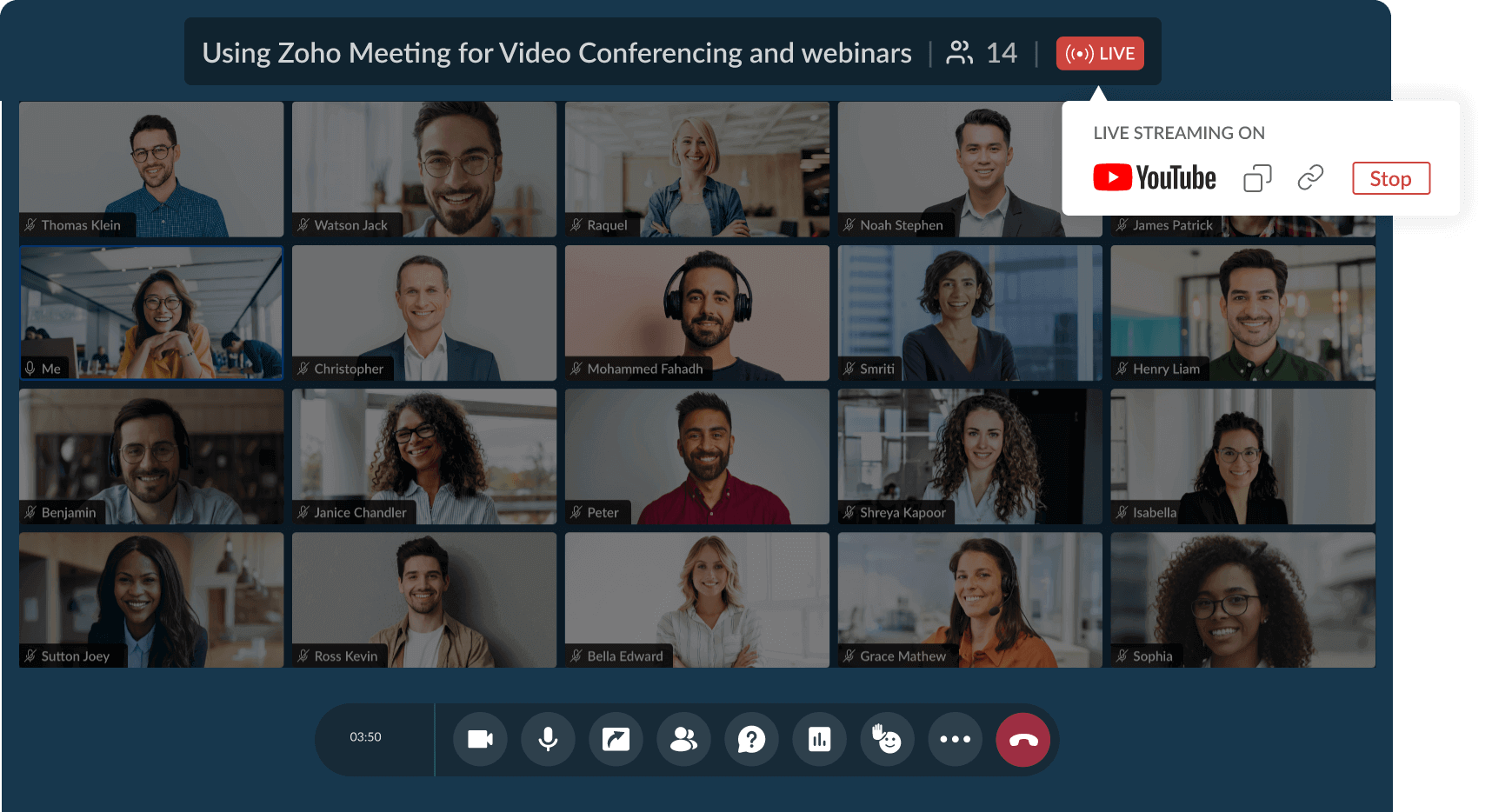
Webcasts refer to broadcasting pre-recorded or live online events to a much large audience with limited interaction from the organizer. They are ideal for events such as conference live streaming or event keynote. The main goal of online webcasting is to reach the maximum audience with minimal interaction, which can be achieved by streaming on platforms like YouTube.
Companies broadcast town halls via webcasts for real-time employee updates and Q&A, ensuring broad participation without physical venues. Webcasting transforms conferences into accessible virtual panels and keynotes, as seen in educational workshops reaching diverse audiences.
What is Webinar?
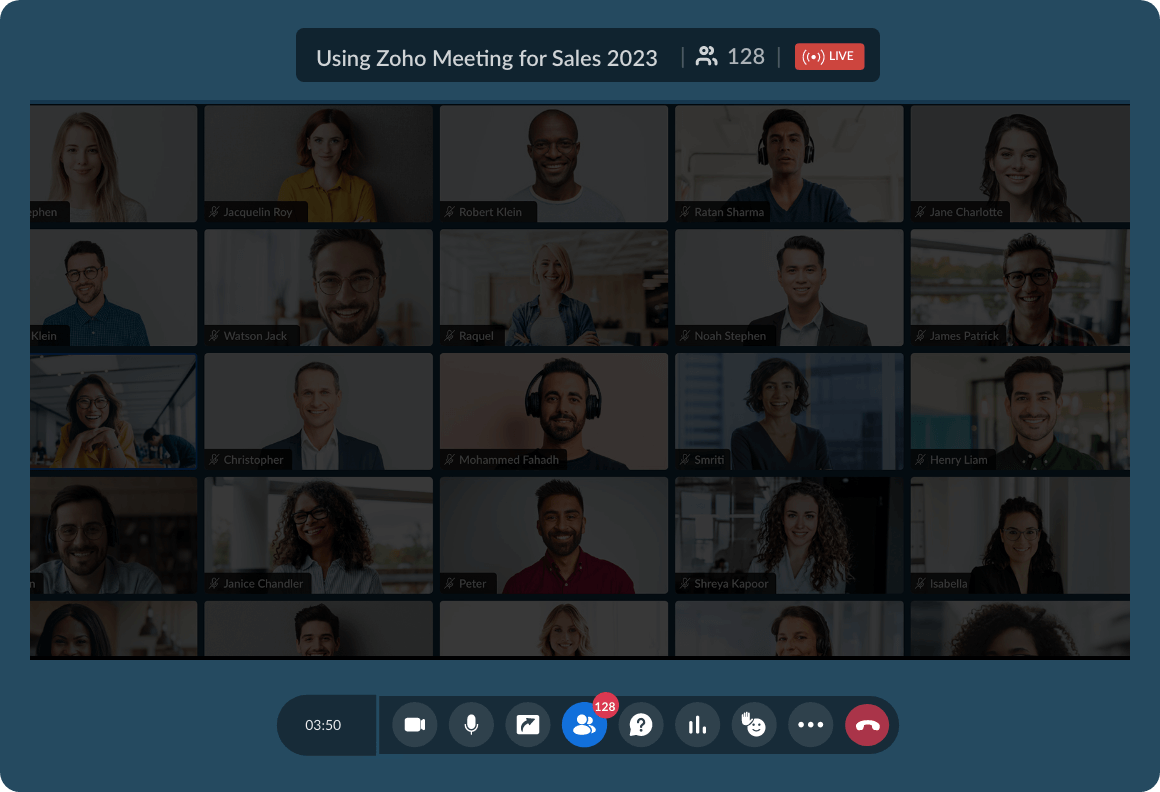
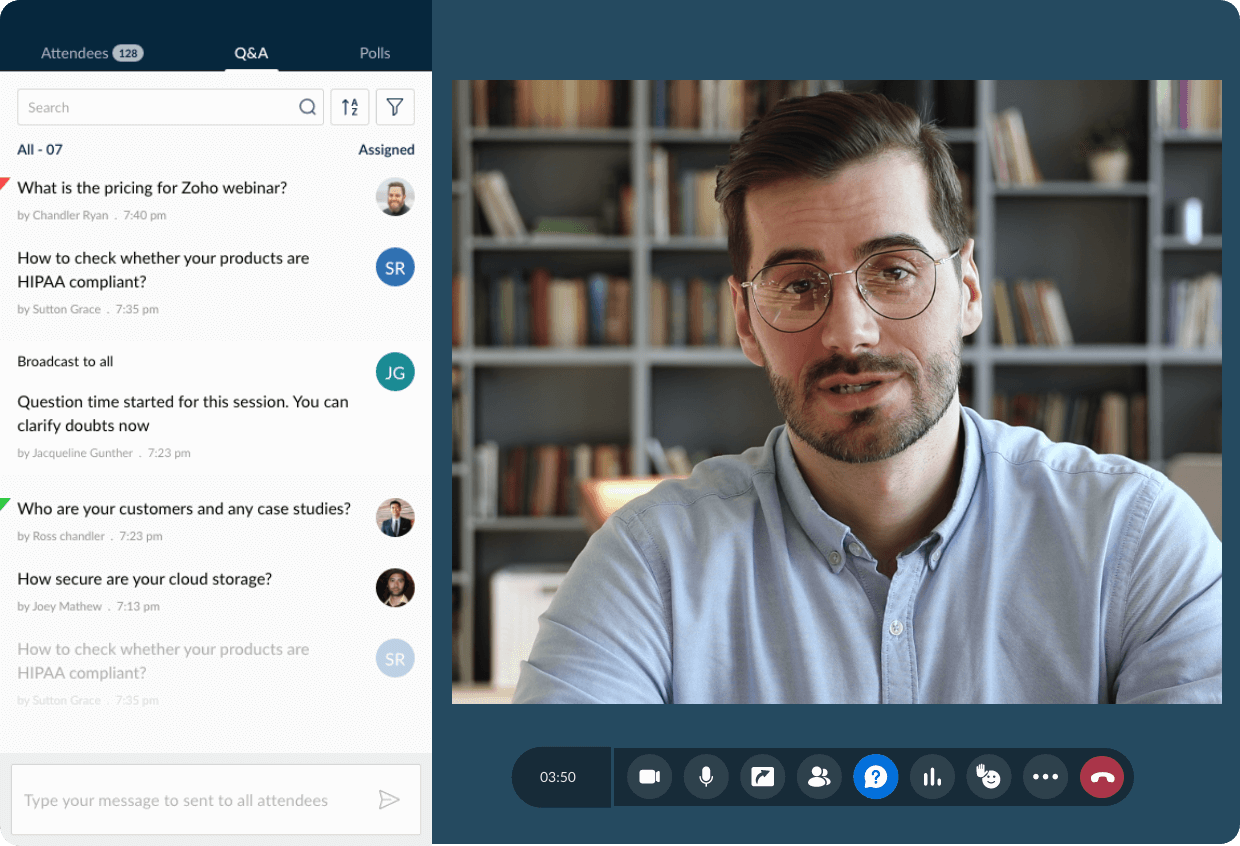
Webinars are interactive online events where organizers can present relevant information to a targeted audience. Unlike webcasting, webinars are more interactive, making them the ideal choice for organization-wide meetings, remote trainings, and Q&A sessions . Webinar attendees typically ask questions, participate in polls, and engage in discussions.
Sales teams use webinars for training and lead generation demos. Marketing runs lead-capture sessions with polls and CTAs to convert leads into customers. HR delivers onboarding sessions via interactive virtual trainings. Researchers/educators host online courses and knowledge-sharing events.

Reach a larger audience using our webcasting service
Live stream your web events with Zoho Webinar's webcasts
Live streaming your web events for a larger group might seem daunting, but our YouTube live streaming service makes live streaming your web events and conducting enterprise-level webinars a breeze.
Bigger events with better return on investments
Zoho Webinar's webcasts via YouTube live streaming keep you prepared for any challenges while conducting large events with video streaming, screen sharing, live polls, Q&A sessions, and much more. With Zoho Webinar's innovative live webcasting, you can launch products with large-scale live web events, provide training to an entire company, and conduct town hall meetings seamlessly.
Social media livestreaming
Social media livestreaming helps you maximize your reach and connect with a much larger audience. By livestreaming your webinars on social media like YouTube, LinkedIn, and Facebook, more audience can comment and interact during the live session.
Video conferencing
Communicate your thoughts and ideas more effectively through video conferencing. Use your built-in laptop camera or an external camera for video webinars and conduct your live web events with peace of mind.
Custom branding
Custom brand your webcasting by customizing the webinar registration forms for your organization. Add your brand's logo and images to maintain brand consistency. You can also use custom domain mapping for your webinar links and live stream your webinars on YouTube.
Screen sharing
Make your web conferences interactive by sharing your remote screen with just a single click over our webcast platform. Share your entire screen or just a specific application window with other participants using our screen sharing app.
24/7 technical assistance
We offer around-the-clock technical support seven days a week to help you efficiently live stream events online and quickly resolve any technical issues you face.
Advanced analytics
Generate detailed reports on attendee and registrant information using webinar analytics and use polls and Q&A sessions to track and analyze your audience engagement levels. Use your performance reports to enhance your webcasting productivity.
Webcasting your webinar on YouTube live streaming
Enable YouTube live streaming option in Zoho Webinar:
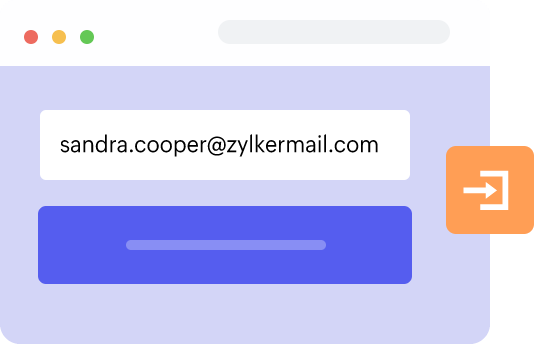
Log in to Zoho Webinar. Don't have an account? Sign up for a 14-day free trial.
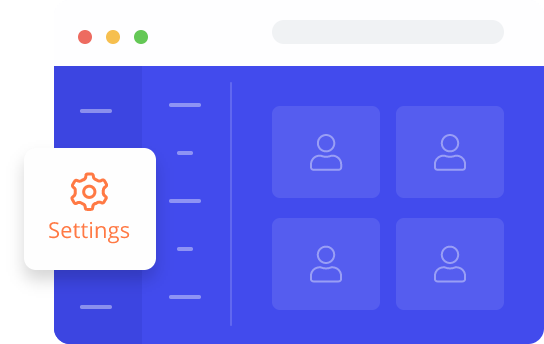
Click Settings in the left pane to enable YouTube live streaming for webinars.
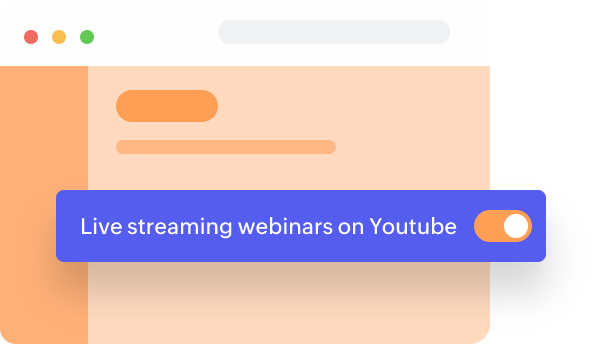
On the My Settings tab, enable the Livestreaming on YouTube option under Webinar.
How to live webcast webinars on YouTube:
Schedule the webinar as an Organizer and start broadcast.
Click the More icon on the floating toolbar and choose Live on YouTube.
Sign in with your Google account and click Next.
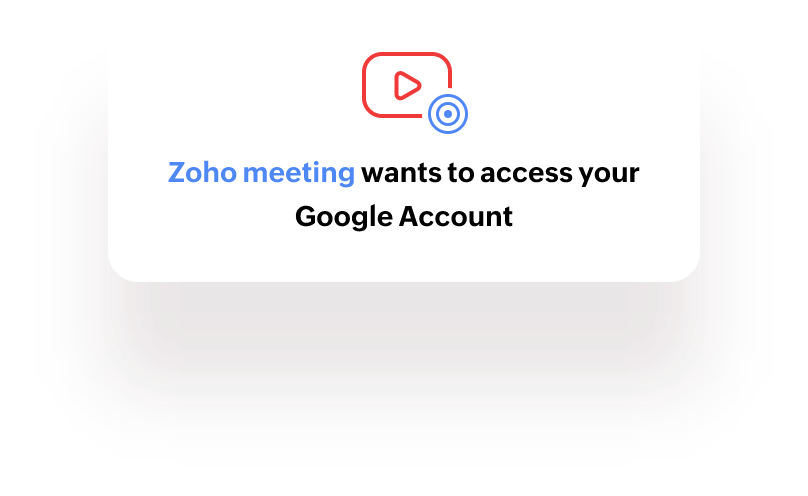
Select Allow to give permission for Zoho Webinar to access your Google account.
Enter the Zoho webinar title as you want it to be displayed on YouTube.
Verify your Account Information.
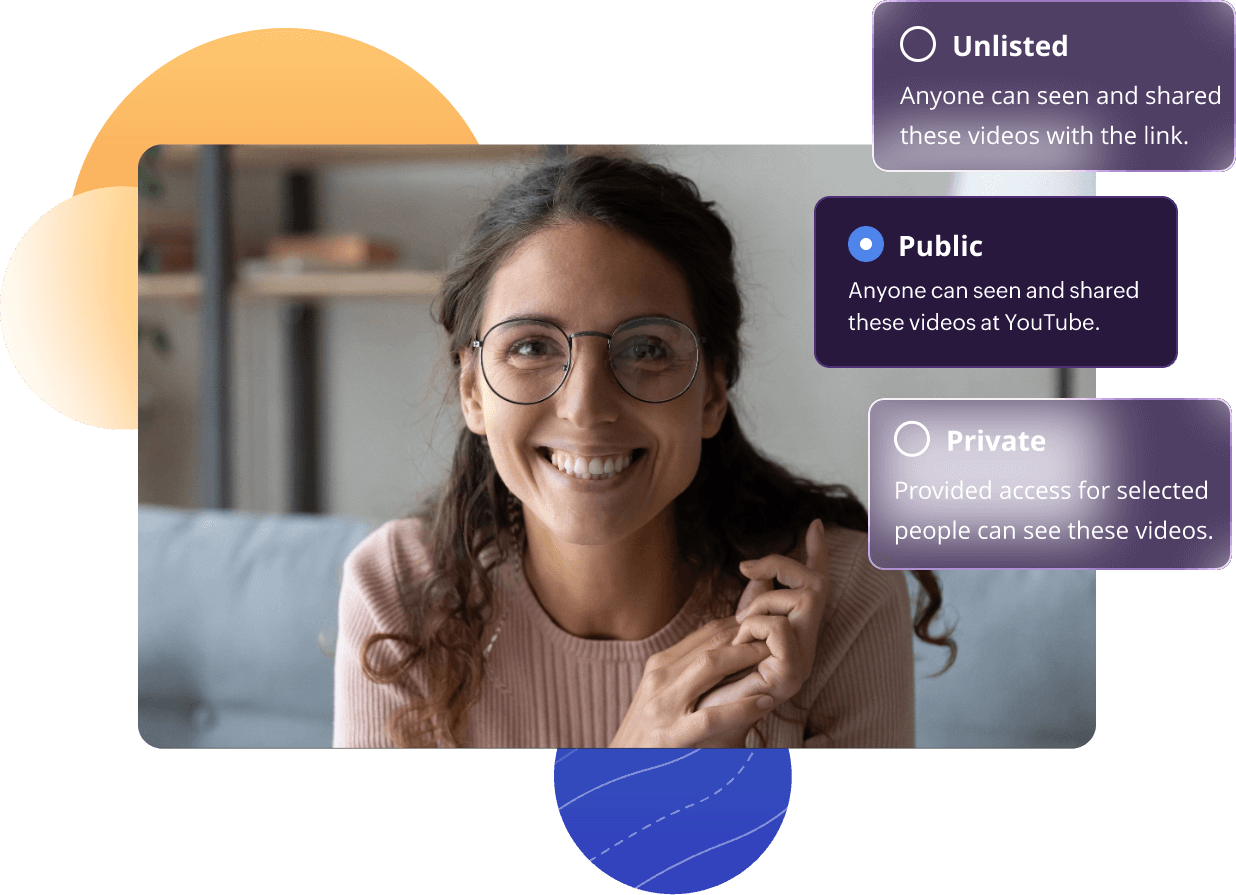
Select the video access level: Public, Unlisted, or Private.
(Note:
Public: Videos can be seen by anyone on YouTube.
Unlisted: Videos can be seen and shared by anyone with the link.
Private: Videos can only be seen by you and the people you choose to give access.)
Click the Go Live button. The progress bar will show that your session is being prepared for streaming.
Attendees on YouTube can use the YouTube comment section to share their questions or thoughts. Online conference live streaming will stop when you end the webinar.
Webcasting your webinar on LinkedIn live streaming
Livestreaming on LinkedIn using Zoho Webinar is a simple, hassle-free process:
Start a webinar as an organizer.
Click More from the webinar toolbar and choose Live Stream to start setting up livestreaming.
Choose LinkedIn from the available list of social media platforms and click Configure.
Open LinkedIn in a separate tab, create a livestream session, enter relevant details such as title and region, and click Get URL to generate the stream URL and key.
Copy the generated Stream URL and Stream Key provided for that session.
Paste the copied values in the webinar livestream's configuration window and click Save.
Once everything is in place, click Start streaming.
Go to LinkedIn and click Go Live to stream your live webinar on LinkedIn.
Webcasting your webinar on Facebook live streaming
Zoho Webinar simplifies the process of Facebook livestreaming with just a few straightforward steps:
Start a webinar as an organizer.
Click More from the webinar toolbar and choose Live Stream to start setting up livestreaming.
Choose Facebook from the available list of social media platforms and click Configure.
Open Facebook in a separate tab, create a live video session, and copy the Stream Key and Server URL provided for that session.
Paste the copied values in the webinar livestream's configuration window and click Save.
Once everything is in place, click Start streaming.
Go to Facebook and click Go Live to stream your live webinar on Facebook.
How does webcasting work?
Webcasting is a one‑to‑many online broadcast in which audio and video are captured, compressed, delivered over the internet, and played back on viewer devices with audience interaction. In Zoho Webinar platform, your camera, mic, and screen share are captured, attendees join via a link, and the built‑in player decodes and plays the stream alongside your content, resources, and branding elements inside the webinar interface.
Why choose Zoho Webinar for webcasting services?
Zoho Webinar offers seamless webcasting with live streaming to YouTube, Facebook, LinkedIN and any custom streaming platform. It delivers secure, branded broadcasts with analytics and integrations for engaging, scalable events. Zoho Webinar offers high-quality streaming with interactive features such as polls, Q&A, screen sharing and more.

"Mission ShakthiSAT brings together 12,000 girls from 108 nations with Zoho Webinar, streaming webinars across different social media platforms. The interactive Q&A and engaging polls kept everyone connected, all in a secured and optimized bandwidth."
What are the common use Cases for webcasting?
Corporate Town Halls
Leaders share updates with global teams, fostering alignment without travel.
Product Launches
Companies showcase new offerings to worldwide viewers with real-time Q&A.
Training Sessions
Businesses and education sectors deliver workshops or online programs remotely.
Conferences and Events
Virtual summits, seminars, or expos reach broader participants.
Marketing Webinars
Promote services through interactive demos and lead generation.
What are the benefits of webcasting
Brand awareness
Hosting successful video webcasts helps you level up your publicity and can positively impact your global brand awareness.
Cost efficient
Webcasting is an affordable alternative to conducting large-scale in-person events. You can use your webcast tool to generate high-value quality leads with minimal investment.
Reach a larger audience
You can stream your live webinar with up to 5000 attendees in a session using Zoho Webinar's webinar software. Our online webcast software will help improve communication with larger groups.
Train employees quickly
You can train your internal employees more efficiently by offering informative on-demand webinars. Use Zoho Webinar's webcast solution to record these training sessions and reuse them for future employees.
Frequently Asked Questions
A webcast is a live video and audio broadcast transmitted using the Internet. The process means live streaming events to more than one person simultaneously. Using a free live webcast platform like Zoho Webinar, you can host a large-scale video webcast effortlessly.
The process of broadcasting your webinars online on a social media platform is video webcasting. You can live stream your webinars on popular social media platforms like YouTube, Facebook, LinkedIn, and any platform of your choice using Zoho Webinar's webcasting software.
Yes. You can record your online webcast sessions using Zoho Webinar's video webcasting software.
You can join a webcast by registering yourself for the webinar or directly stream the webinar on the webcast platform where the webinar is broadcasted.
- Log in to your account.
- Navigate to Settings > Webinar in the left pane.
- In the My Settings tab, enable Live Streaming.
- Start the webinar as an Organizer.
- Click the More option from the toolbar >Live Stream > Select your preferred platform for live streaming.