- HOME
- Work Management
- How to manage leads with Zoho Tables
How to manage leads with Zoho Tables
- Last Updated : February 27, 2026
- 327 Views
- 3 Min Read
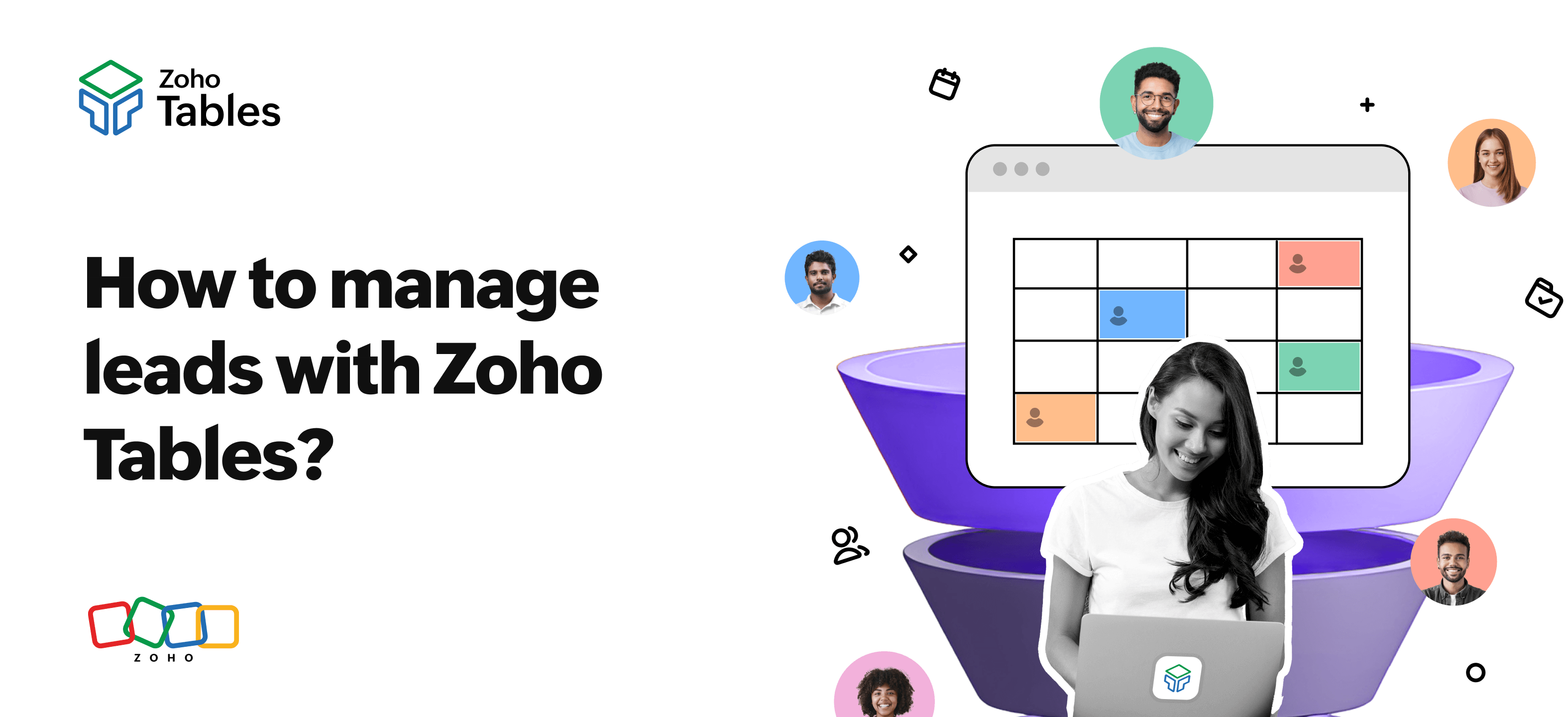
Businesses today need multiple solutions to address requirements across different verticals; sales, marketing, operations, and reporting all demand structured systems. Among these, lead management remains one of the most critical processes, because it directly impacts revenue and growth. However, for startups and small teams, continuously adding new tools for every emerging requirement is neither practical nor cost-efficient.
In this article, we'll introduce the CRM solutions offered by Zoho for structured lead management. We'll also explore how startups and small teams can adapt Zoho Tables to build multiple solutions for their operational needs across verticals, specifically exploring its role in sales operations.
CRMs offered by Zoho
Zoho offers two CRM solutions designed for teams at different stages of growth, covering a wide range of sales needs.
Zoho CRM is built for SMBs and enterprises that need to manage their end-to-end sales pipeline. From lead capture to deal closure, it acts as the system of record for structured sales execution.
Bigin by Zoho CRM is ideal for startups and solopreneurs who want a simple and lightweight sales tool, both in terms of features and pricing, without the overhead of a full-scale CRM.
If your primary requirement is end-to-end lead management, choosing one of the above products is the right approach.
Need for a spreadsheet-database hybrid
If you’re a small business and feel that adopting function-specific, heavyweight tools for every workflow is overkill at your current stage, a modern relational or spreadsheet-database hybrid offers a more flexible path. It allows you to build lightweight, custom solutions for multiple use cases from a single platform.
Zoho Tables is a function-agnostic spreadsheet-database hybrid, which means it can be used to build solutions across various verticals, including sales, marketing, and operations.
Let’s take a closer look at how Tables can specifically be used for sales operations among the many use cases it supports.
Using Zoho Tables for sales operations
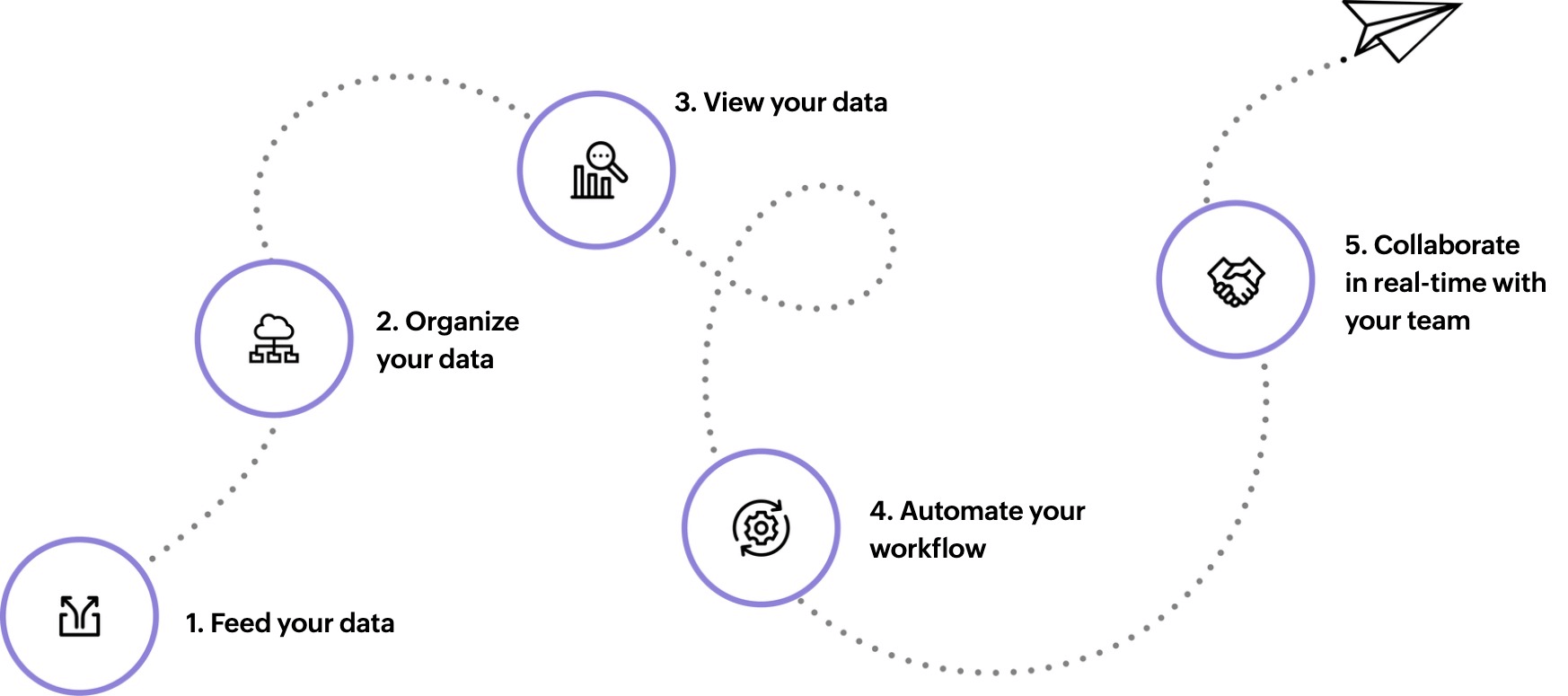
Structurally organize your lead data
Zoho Tables provides a clear hierarchy of workspaces, bases, and tables to help you manage information systematically. With 25+ field types, ranging from text and number fields to advanced options like language detection and sentiment analysis, you can capture any lead information accurately.
You can also create meaningful relationships between tables. For example, you can link a leads table to an activities table to track interactions, or connect leads to accounts to group multiple contacts under the same company. This relational structure keeps your lead data connected and contextual.
Visualize lead data in meaningful ways
Different sales tasks require different ways of looking at data. Zoho Tables supports this by offering multiple views on the same dataset.
- Grid view works well for reviewing and editing lead data in bulk.
- Kanban view helps teams track progress across custom processes like qualification or review stages.
- Calendar view is helpful for staying on top of follow-ups, demos, and scheduled meetings.
- Form view comes in handy as a data collection tool for things like client details gathered during onboarding meetings.
Set custom access controls
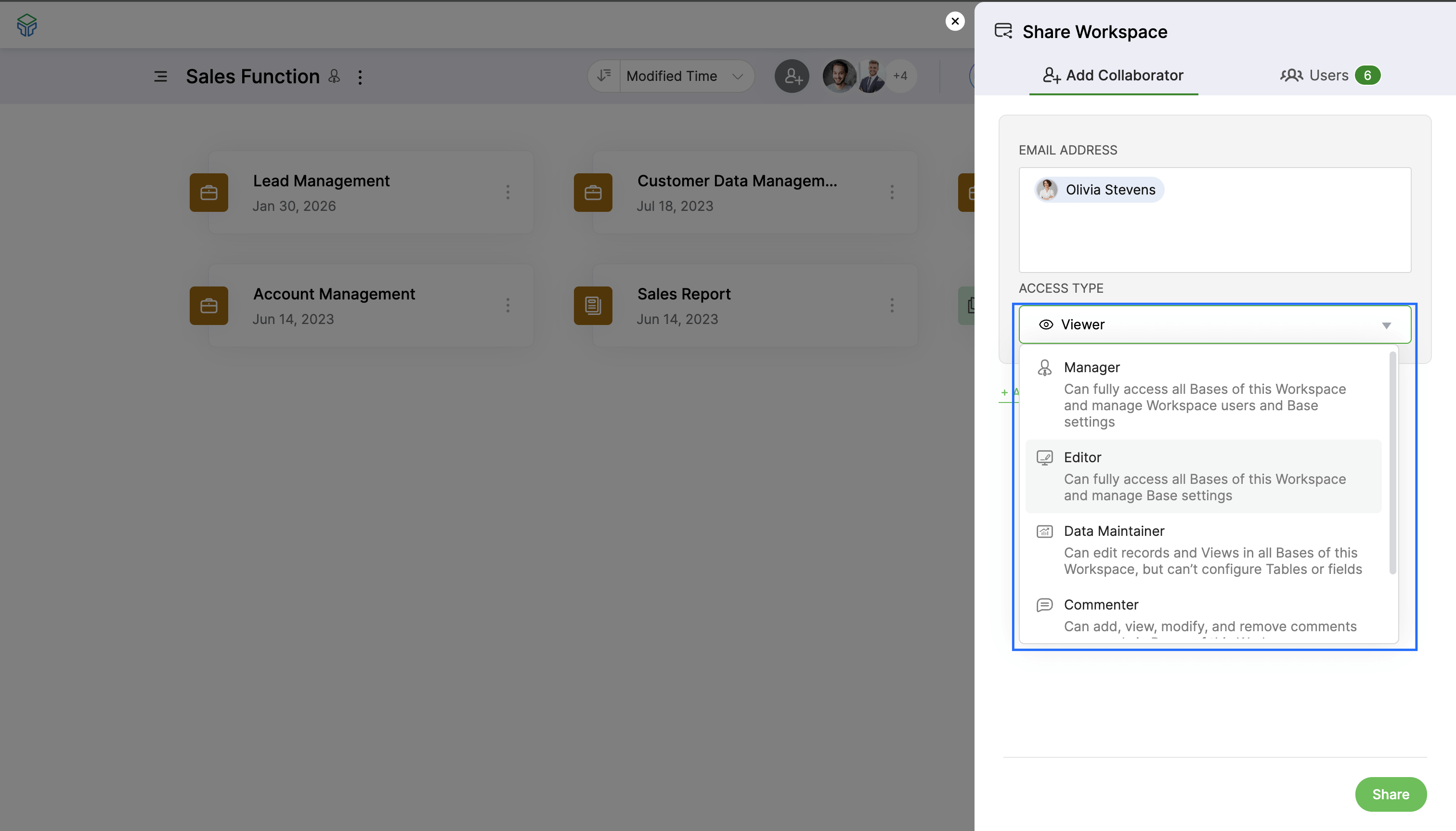
Zoho Tables allows you to define who can view, edit, or manage data based on roles. You can also create and share specific views, ensuring that everyone sees only what's relevant to their role. This reduces information overload and helps sales teams stay focused.
Automate workflows
Zoho Tables supports no-code automation using simple trigger-and-action logic. These automations help teams maintain consistent data without manual tracking. For instance, teams can automatically send daily follow-up lists to sales representatives and notify managers when a lead hasn't been contacted within a defined SLA.
Work seamlessly with the mobile app
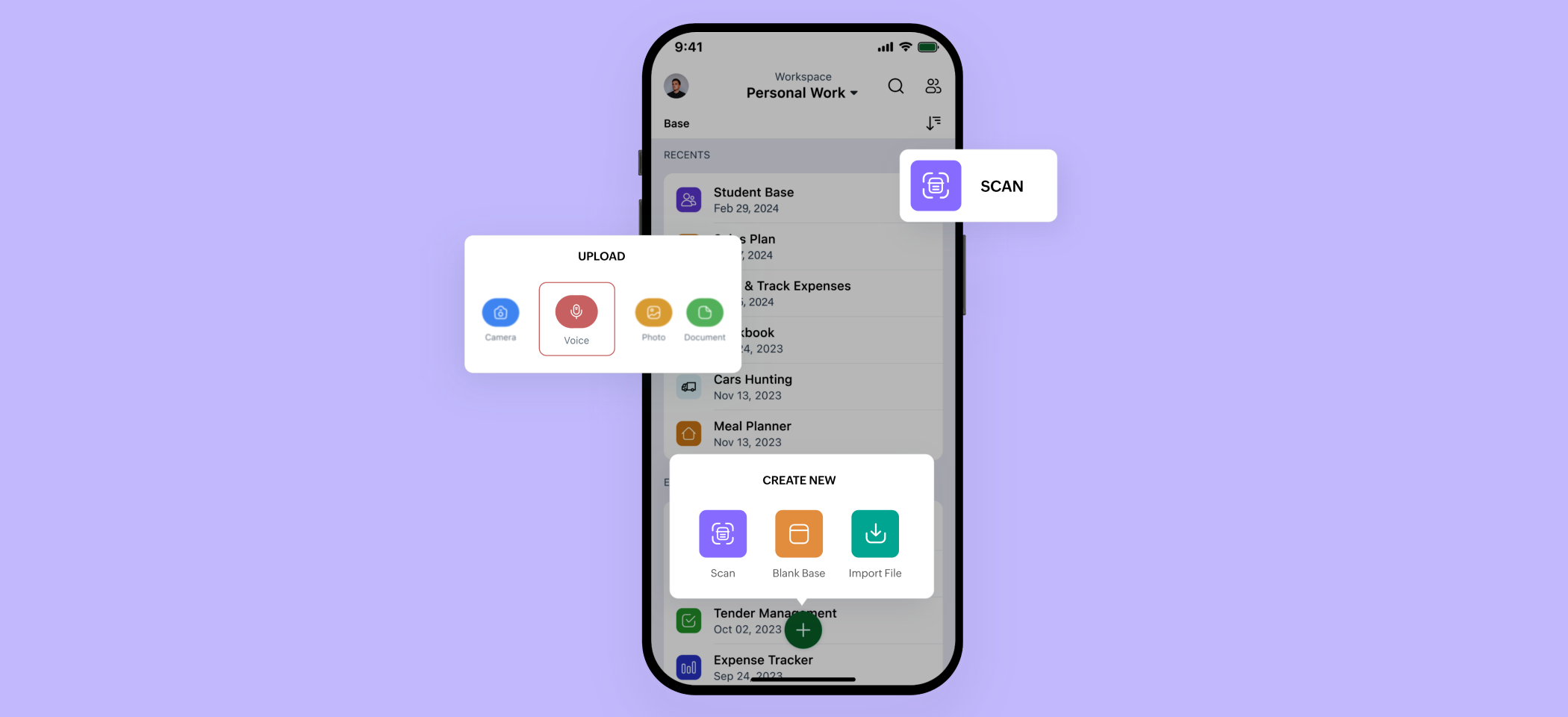
Sales teams are often on the move, and Zoho Tables supports this with native mobile apps for both Android and iOS. The mobile experience includes all features available on the web, along with mobile-specific functionality like uploading voice attachments.
Getting started with Zoho Tables
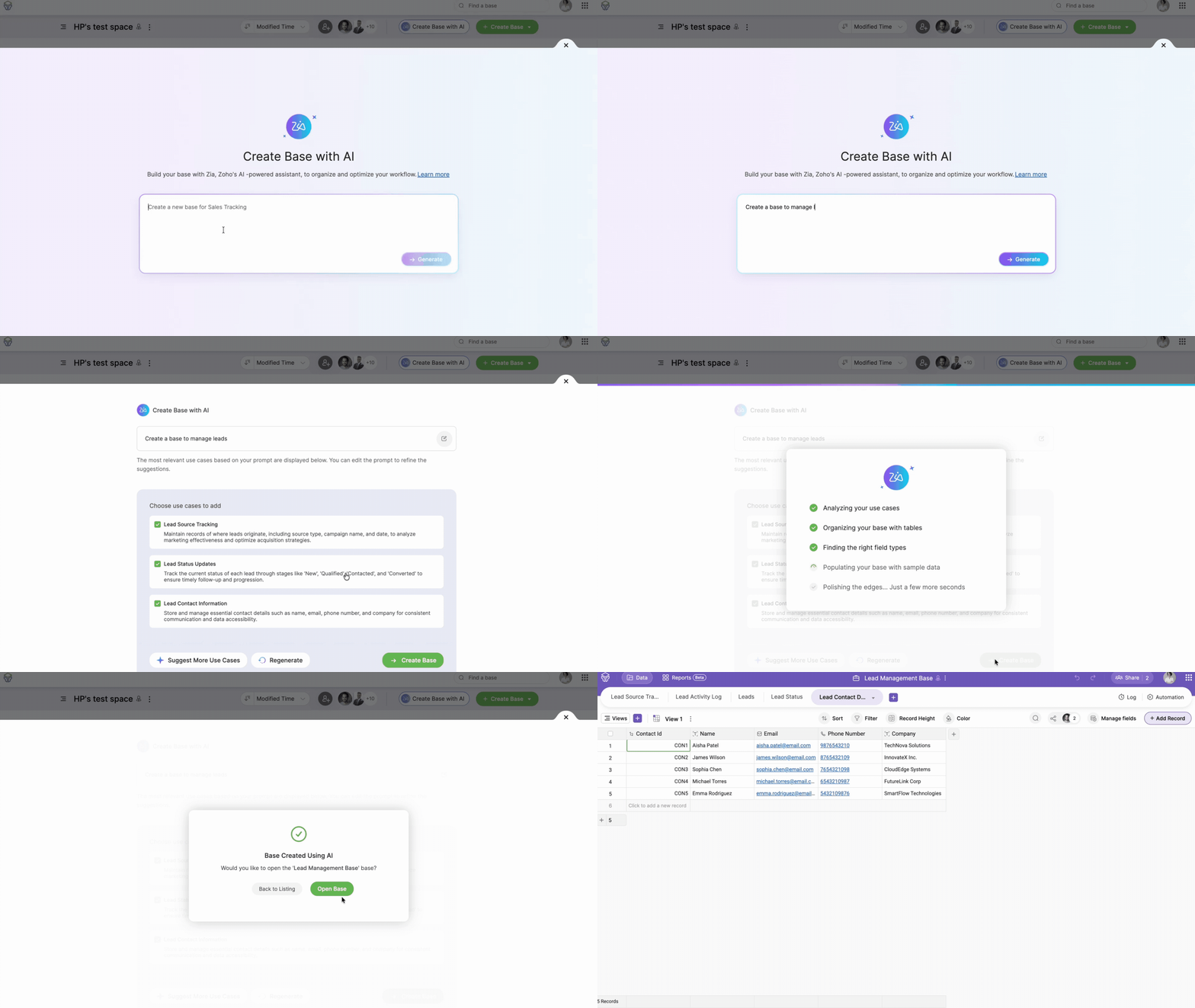
Create a base with Zia
With Zoho's in-house AI assistant, you can get started by simply describing the use case in plain language. Based on the input, Zia then generates a ready-to-use base with relevant and interconnected tables.
Template gallery
Zoho Tables also provides more than 60 predesigned templates covering common business workflows. Just browse the template gallery, pick one that matches your use case, and customize it further to suit your exact requirements.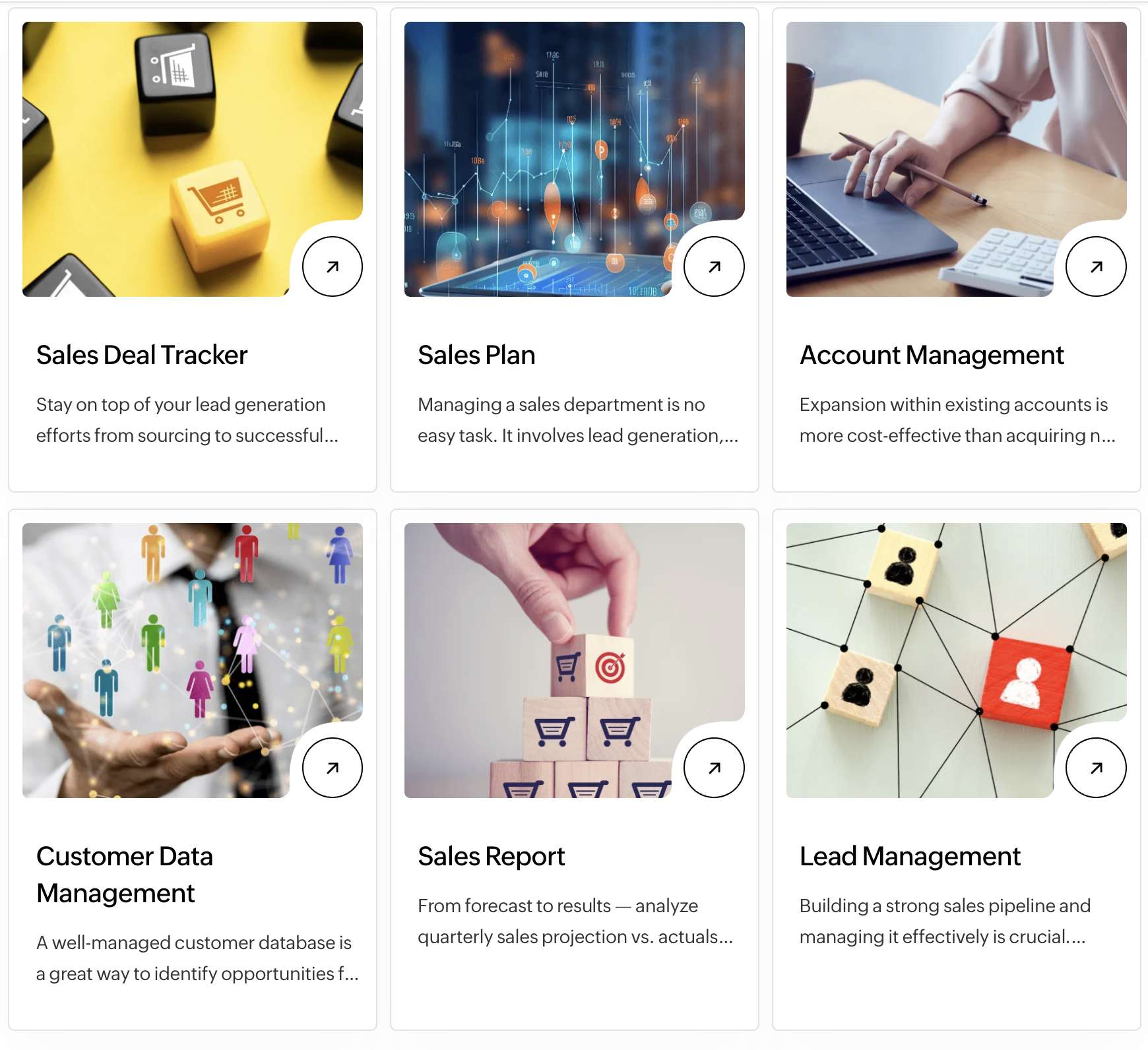
Import your existing data
For teams currently managing sales operations in spreadsheets, existing data can be imported directly into Zoho Tables from a local device, a URL, or cloud storage. This allows teams to transition without interrupting ongoing operations.
Build solutions that fit the way your team works with Zoho Tables!
 Haripriya S
Developer turned marketer. Balancing parenting and marketing, and loving every bit of it.