- HOME
- Product updates
- Introducing the Availability field in Zoho Forms
Introducing the Availability field in Zoho Forms
- Last Updated : April 1, 2026
- 1.0K Views
- 3 Min Read

Imagine a scenario where two clients show up on the same day, both holding confirmed bookings. Or your fitness class is so overcrowded that there isn't enough equipment to go around. These are the kinds of situations that damage trust, create chaos, and cost your business.
The good news? They are entirely preventable using Zoho Forms Availability Fields.
Whether you are running a dental clinic, an art gallery, a tutoring center, or an event venue, the Availability field lets you put smart booking limits directly inside your form - no third-party scheduling tools, no manual tracking, no spreadsheet juggling. Just clean, automated, real-time booking management.
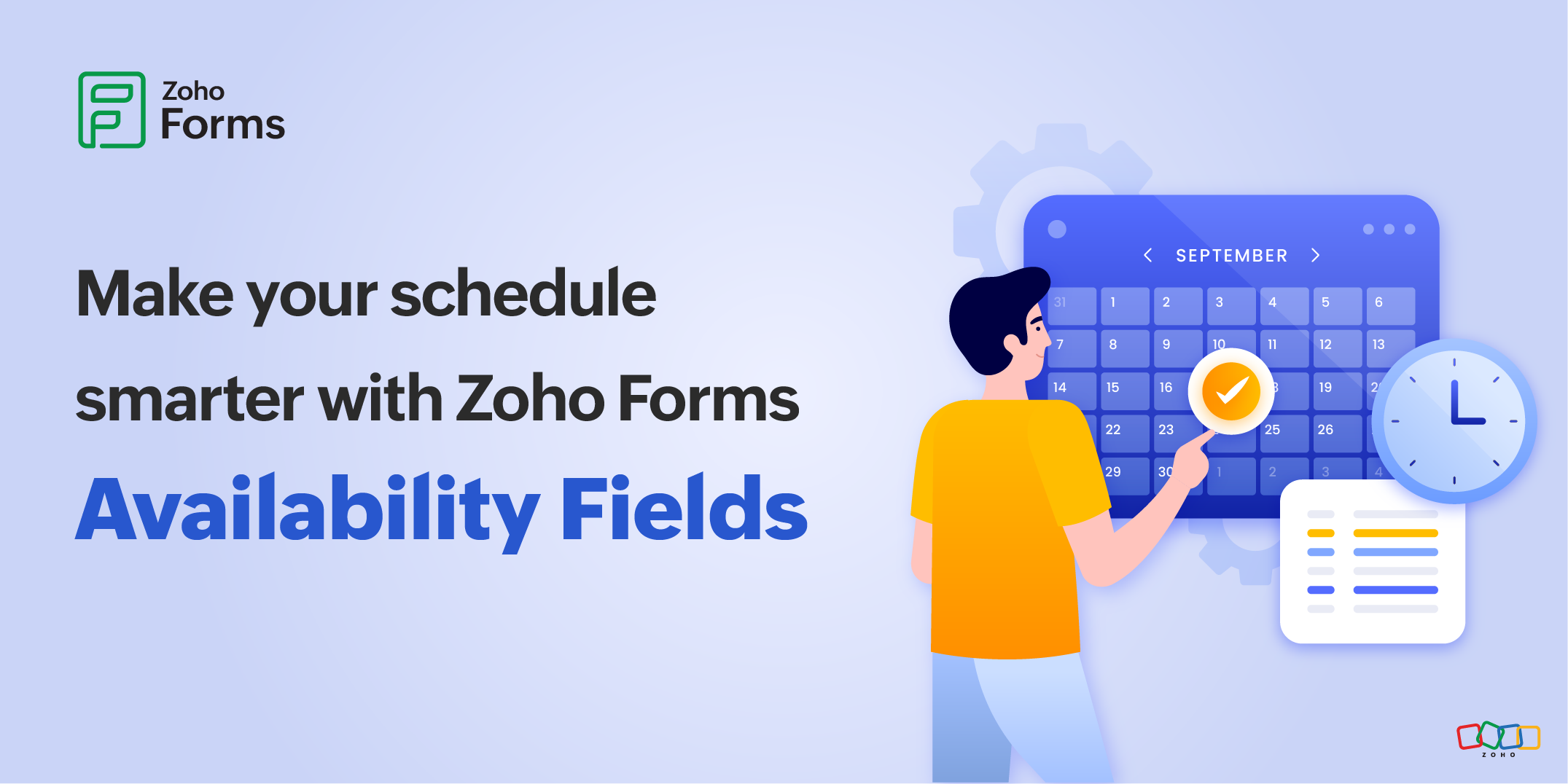
What is the Availability field?
The Availability field in Zoho Forms lets your respondents pick a bookable date or time slot while you stay in control of how many bookings each slot can accept. Once a slot hits its limit, it is automatically marked as unavailable for other respondents. No back-and-forth emails, manual intervention, or overbooking.
Zoho Forms offers two Availability fields, each designed for specific scheduling needs:
- Day Availability
- Date-Time Availability
Day Availability: For all-day bookings
The Day Availability field is designed for situations where you need to manage bookings at the day level.
Use Day Availability when:
- You need to cap the total number of bookings per day (e.g., maximum 20 visitors per day at a museum).
- You are booking something that occupies the entire day (e.g., a wedding venue or workshop space)
Use case: Eliminating venue booking conflicts
The Grand Hall, an event venue, hosts one full-day event at a time like weddings, corporate parties. With the Daily Slot Limit set to 1, the moment one client books a date, it becomes unavailable for booking for everyone else. One rule. Zero conflicts.
Use case: Smart attendance limits for better visits
An art gallery is lightly staffed on most weekdays and can only handle 40 visitors. On weekends, the additional staff allow the gallery to open more exhibit areas and accommodate up to 80 visitors.
Using the Custom Day Slot Limit, lets the gallery sets different limits for weekdays and weekends. Once the daily limit is hit, the date is automatically closed for bookings. The gallery never has to worry about overcrowding and visitors get the experience they paid for.
Date-Time Availability: For when the clock matters
For time-specific bookings use the Date-Time Availability field.
This field generates time slots based on your operating hours and slot duration, and lets you set limits per time slot, per day, or both. It's built for businesses where precise scheduling is everything.
Use Date-Time Availability when:
- You offer fixed duration appointments (e.g., a 30-minute dental check-up or a 1-hour tutoring session)
- You need to cap the number of bookings per time slot.
- You want an additional daily limit on top of individual time slots.
Use case: Automating dental clinic appointments
A dental clinic operates from 9:00 AM to 5:00 PM with 30-minutes appointment slots. Each slot is limited to one patient at a time. Once a slot is booked, it is automatically disabled on the calendar so that the patients can only see what's genuinely available. No phone calls to confirm, no double-booked chairs, just a smooth booking experience.
Use case: Flexible limits for tutoring sessions
A tutoring center runs hourly sessions from 3:00 PM to 8:00 PM, with a capacity of 10 students per slot. For a special group session at 4:00 PM, extra staff allows them to accommodate 20 students. With the Custom Time Slot Limit, the center overrides just that one slot to 20 while all others remain at 10.
Once the limits are set, the system handles everything automatically. No risk of accidentally overselling the special slot or under-filling the regular slots.
Always know where your bookings stand
Managing bookings doesn't stop once the form is live. Zoho Forms gives you a real-time window into your booking activity through the View Stats feature which lets you see exactly how many slots are filled and how many are still open, without having to dig through individual responses.
Whether you are managing a single event venue or running a full-day coaching center with dozens of time slots, the Availability field gives you the scheduling control you need, built right into your form.
No more double bookings. Just smart, automated scheduling that works as hard as you do.
Try the Availability field in Zoho Forms today.