7 ways to integrate HubSpot CRM with apps using Zoho Flow
- Last Updated : September 1, 2026
- 1.4K Views
- 5 Min Read
Key takeaways
- HubSpot CRM works best when it's connected to the other tools your team already uses, from ecommerce platforms and form builders to finance apps and communication tools.
- Zoho Flow lets you automate these connections without writing any code, so data moves between HubSpot and your other apps automatically.
Every integration you set up removes a manual step from your team's day, whether that's adding leads, sending invoices, or staying on top of CRM updates.
HubSpot CRM offers extensive customization capabilities to create custom fields, workflows, and pipelines to fit your business needs. This helps businesses streamline marketing and sales processes within their organization, increasing efficiency and productivity exponentially.
However, you'll still need to switch between HubSpot CRM and your other applications to collect and manage lead information within a single platform and ensure data consistency across applications.
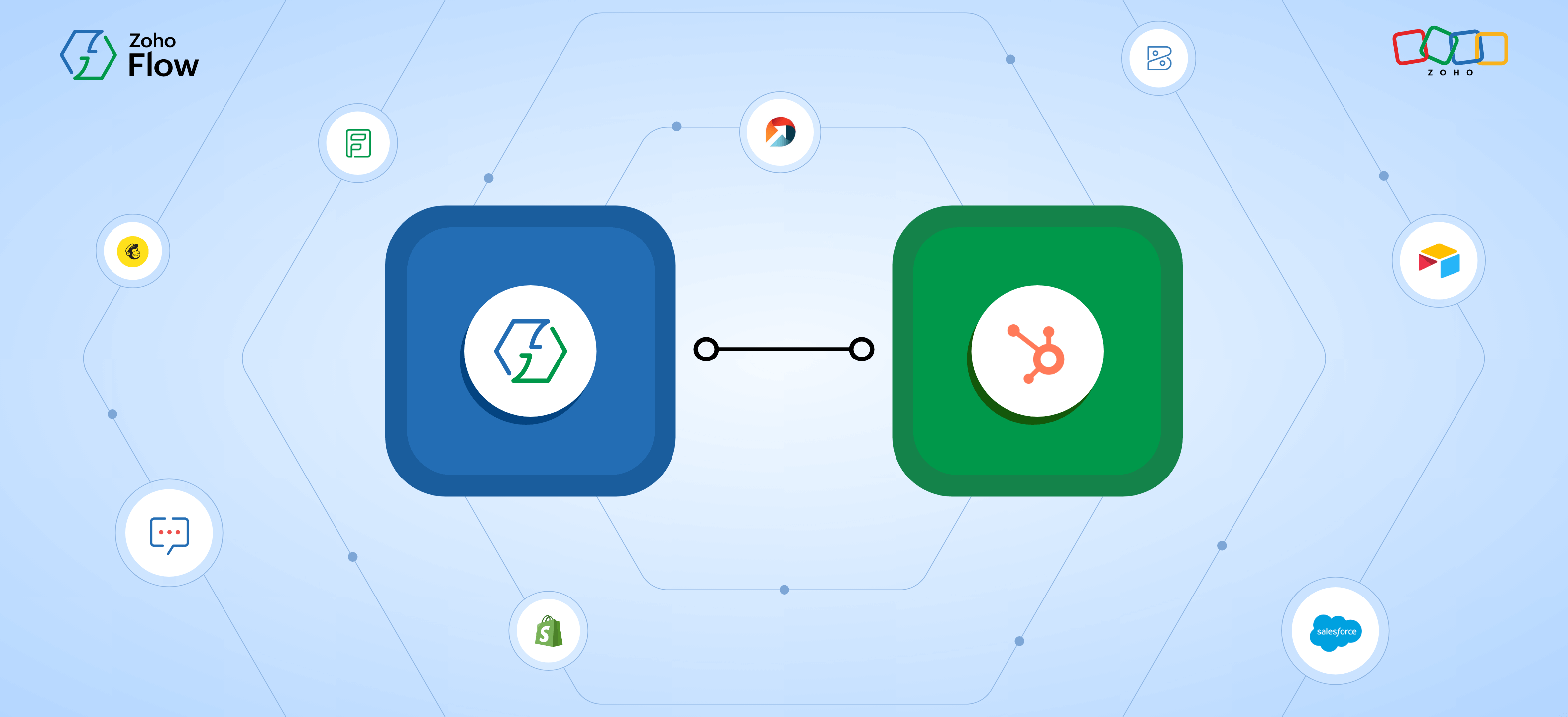
Zoho Flow helps you build automated workflows to connect HubSpot CRM with your favorite applications. Want to move lead information from different sources to your CRM? Automate it with Zoho Flow. Here are more time-saving HubSpot integration ideas.
Move leads from your ecommerce platform to HubSpot
When you integrate ecommerce platforms like Shopify with HubSpot CRM, every time a new account or order is created, it gets added as a lead in HubSpot automatically.
You can also add a Zia step to extract keywords from the order details, such as product categories, preferences, or purchase intent. That way, each lead arrives in HubSpot with context already attached, giving your sales team a clearer picture from the start.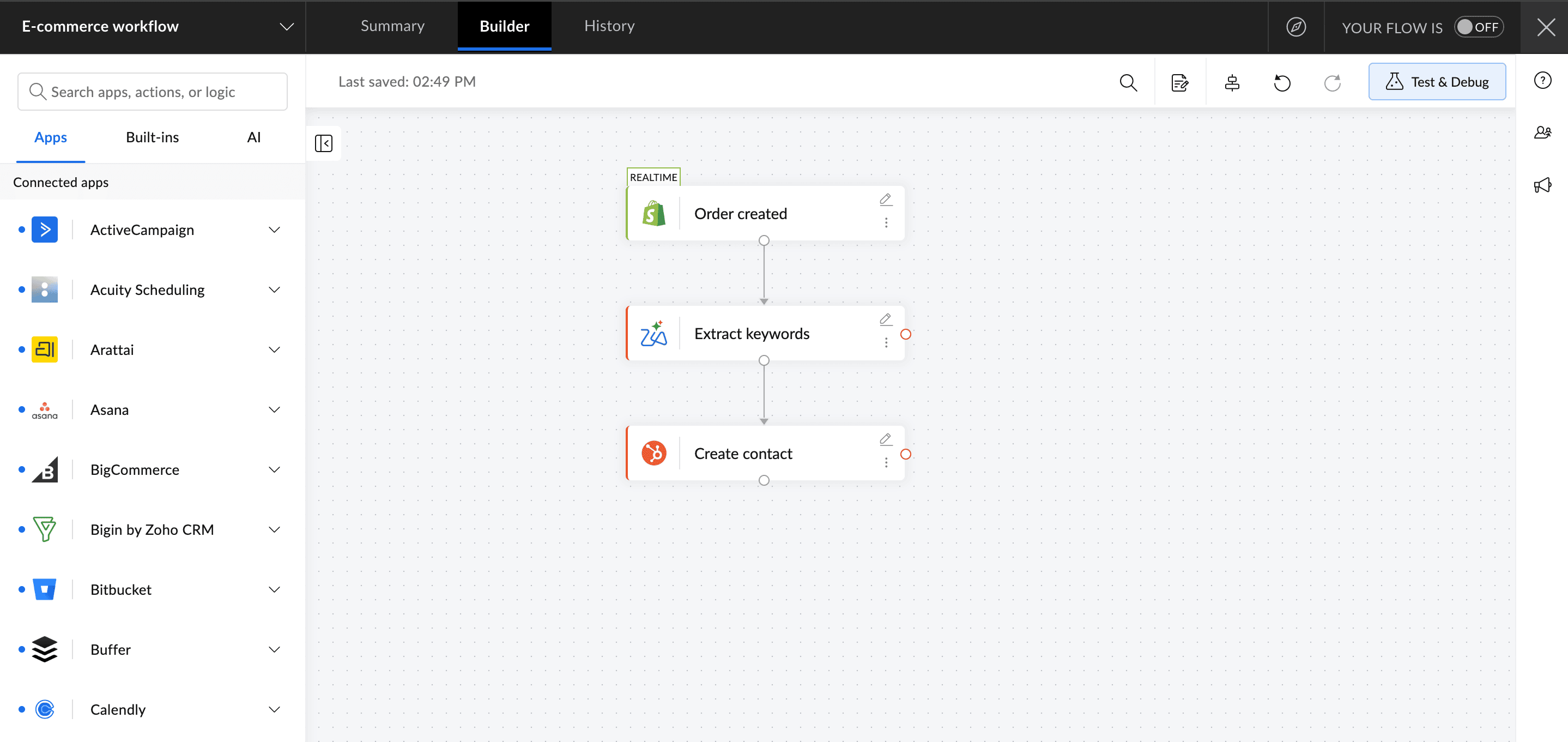
Analyze data more efficiently
While CRM platforms like HubSpot can help you categorize your leads effectively, integrating them with data management applications like Airtable can offer you ways to strategically analyze your leads and derive valuable insights based on their pattern and behavior.
A simple integration between Airtable and HubSpot will help you streamline your data transfer better. You can update information in Airtable automatically whenever you create a new lead in HubSpot, saving you valuable time.
Automatically add leads to mailing lists
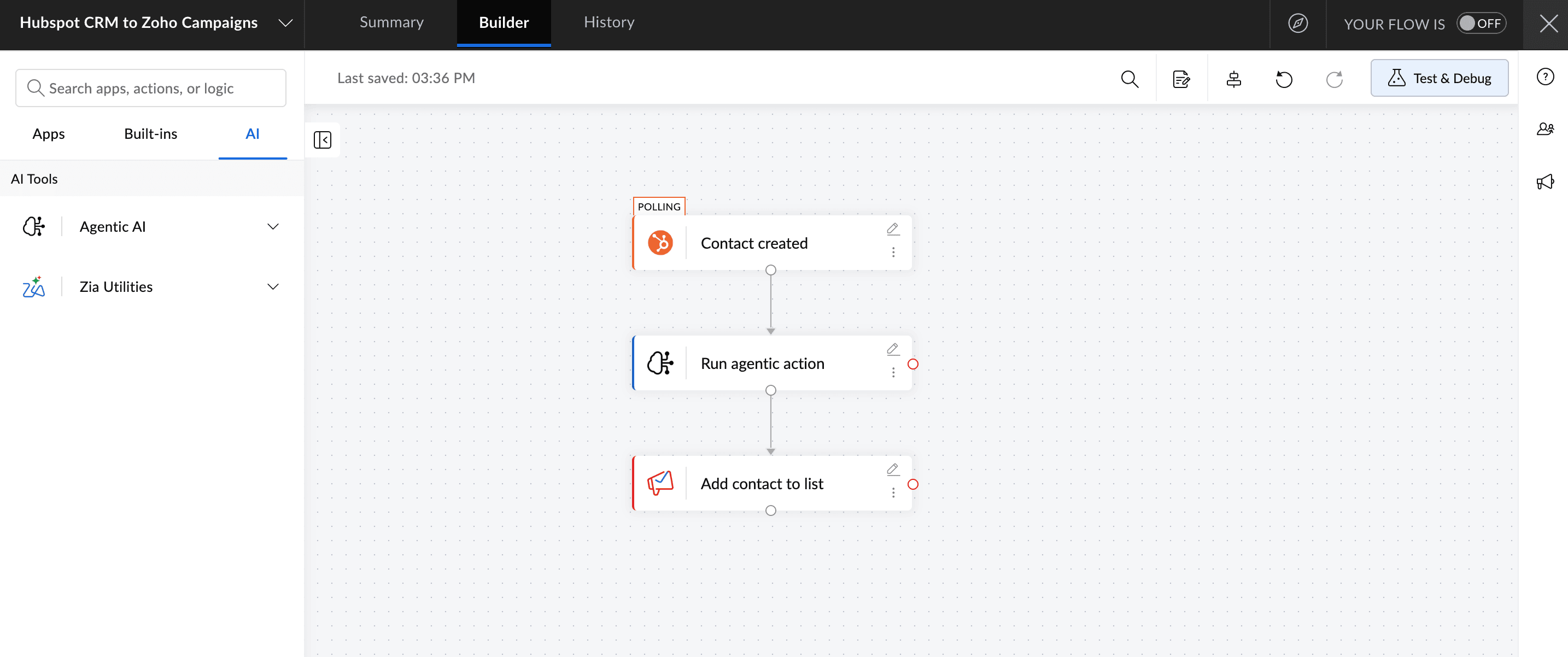
When a new user signs up for your business, you need them in your CRM and email marketing tool without delay. But not every lead belongs on the same mailing list.
When you integrate Mailchimp with HubSpot CRM, you can add an agentic action step that reads the contact's details and decides which mailing list they should go to. A high-intent lead gets added to a sales sequence, while an early stage lead goes into a nurture track. This way, the right nurture sequence starts running automatically, without anyone having to manually sort or move contacts across platforms.
Use AI to turn deal updates into rep briefs automatically
After a sales call, someone on the team has to log what was discussed, update the deal record, and figure out what the next step is. Across multiple deals in a day, that admin work adds up fast.
With Zoho Flow, you can automate that handoff. When a deal stage is updated in HubSpot, Zoho Flow picks up that change and passes the deal details to Zia, Zoho's AI assistant. Zia summarizes the context—deal name, current stage, amount, and close date—into a clean brief and sends it to the rep in Zoho Cliq automatically.
The rep opens Cliq, sees exactly where the deal stands, and knows what to do next without having to pull up HubSpot, dig through notes, or piece together context from memory.
Automate adding form entries as leads in HubSpot CRM
One of the most simple yet efficient ways to collect lead information is through online forms. Zoho Flow supports integrations for multiple form-builder applications, like Zoho Forms, 123FormBuilder, Gravity Forms, and WordPress form-builder plugins like Contact Form 7, WPForms, and Ninja Forms.
When you connect any of these with HubSpot, new form entries are automatically created as leads. You can also add a Zia step to summarize long-form responses. If your form includes a field like "tell us about your requirement," Zia condenses it into a clean brief before it reaches HubSpot, so your sales rep sees the key points without having to read through raw form text.
Automate personalized follow-up emails at every deal stage
Every deal stage change needs a follow-up. When a prospect moves to evaluation, they need a case study. When a deal moves to negotiation, they need a pricing summary. Writing a fresh, personalized email for each of these moments across multiple deals is time most reps don't have.
With Zoho Flow, you can automate the drafting. When a deal stage updates in HubSpot, Zoho Flow picks up the deal name, amount, stage, and close date and passes them to Zia's generate email action. Zia then drafts a professional, context-specific follow-up email based on where the deal stands. That email is then sent to the rep to review.
Generate invoices for your customers
When a deal is marked as won in HubSpot, the next step is getting the invoice out quickly. By integrating finance apps like Zoho Invoice or Zoho Books with HubSpot CRM, an invoice is generated and sent to the customer automatically the moment the deal closes.
You can then take it a step further by adding a Zia step to generate a personalized email to accompany the invoice, so your customer receives a professional, contextual message alongside it, without anyone on your team having to manually write it.
These are just a few HubSpot integrations that can help streamline your business. Zoho Flow supports integrations for more than 1,000 applications that you can use to create customized workflows based on your requirements. Sign up with Zoho Flow today and start integrating HubSpot with your favorite applications.
Related reading
- Top 9 CRMs that give you the best integrated tech stack
- How to automate your lead management in Zoho CRM using Zoho Flow
- 10 practical Zoho CRM workflows to get you started with automation
- 7 essential CRM integrations for your business
Frequently asked questions
1. Can I connect HubSpot CRM with apps that aren't on Zoho Flow's supported list?
If a specific app isn't available, you can use webhooks in Zoho Flow to connect HubSpot with almost any application that supports them, without writing any code.
2. Does Zoho Flow support two-way sync between HubSpot and other apps?
Yes. Depending on the apps you're connecting, you can set up flows that sync data in both directions – so updates in HubSpot reflect in your connected app and vice versa.
3. Will duplicate contacts be created when syncing HubSpot with other platforms?
Zoho Flow's create or update contact action in HubSpot checks for existing records before creating a new one, which helps prevent duplicates during sync.
4. How do I make sure the right data gets mapped across apps when integrating with HubSpot?
Zoho Flow lets you map fields manually between HubSpot and any connected app during flow setup, so you can control exactly which data moves and where it lands.
5. Can Zoho Flow handle real-time HubSpot integrations or only scheduled syncs?
Both. Some HubSpot triggers in Zoho Flow run in real time, while others use polling. You can check the trigger type when setting up your flow.
 Sooraj
Content writer for Zoho Flow. Ardent fan of sports and movies.