- HOME
- Customer Support Operations
- The Support Stack: Ticketing Tools In Customer Service
The Support Stack: Ticketing Tools In Customer Service
- Published : July 20, 2026
- Last Updated : July 20, 2026
- 46 Views
- 4 Min Read

With every business facing intense competition, what makes a service or product stand apart is the overall experience they curate for their customer. This includes the interaction before purchase, during the purchase, and importantly how they are taken care of after the purchase is made.
Hence, customer support becomes the back bone of any business to not just ensure the customers get a smooth experience but also post-sales relationship to ensure retention and repeated purchases.
Challenges without a ticketing system
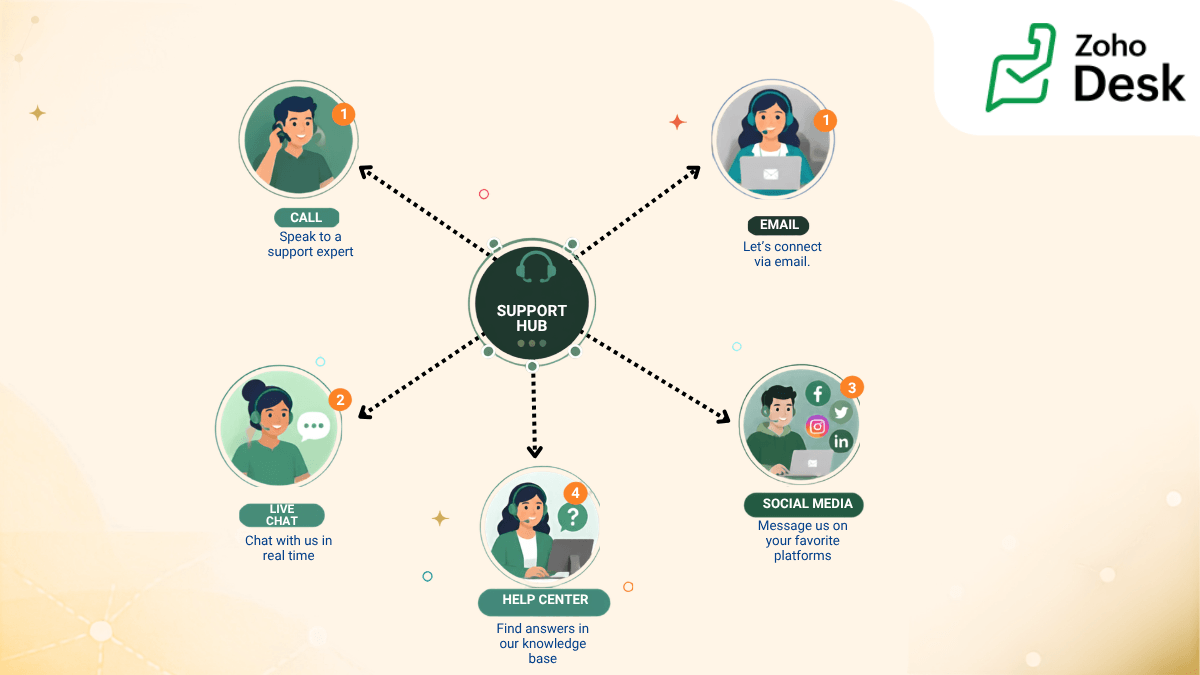
Let's take a scenario where you have started a laundry service offering pickup and drop-off in a large metro area. You've provided your customers with an email address, phone number, and your social media page so that they can get in touch with you via any source that is comfortable for them.
But this also means handling inquiries coming in from various channels around the clock. Customers in a hurry might call first and then follow up with an email or reach out on social media, all regarding the same service request.
In such a situation, what challenges might your team face that could impact the overall customer support experience?
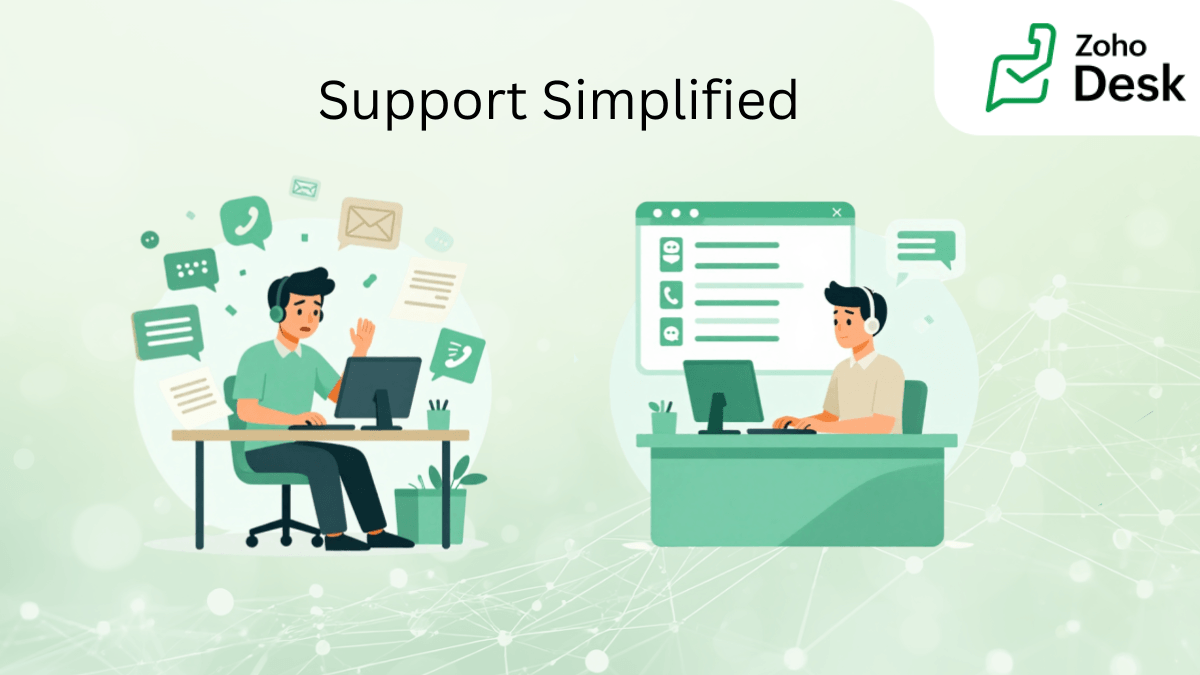
When multiple incoming queries are managed without a proper system in place, it can result in:
- Slower resolution rates
- Duplicate efforts
- Lack of defined expectations, leading to customer disappointment
- Incomplete or inconsistent information collection
How can a ticketing tool help?
A ticketing tool addresses these challenges by collecting all incoming queries in the form of structured tickets. Each ticket records relevant details in an organized manner. These tools are designed to support the day-to-day needs of customer support agents with a centralized ticketing system.
Centralized ticketing system
A centralized ticketing system provides a single view of all customer queries. Whether the enquiry comes via email, phone, or chat, everything is consolidated in one place. This ensures that the agents do not have to rely on scattered inboxes or call logs to track customer interactions.
Think of the support ticket as a case file that allows customer support reps to handle requests in a structured and efficient manner. It includes information like:
- Customer details
- Issue description
- Conversation history
- Status (open, in progress, resolved)
- Assigned agent or team
With centralized management, agents can log, track, and resolve queries systematically from a single interface, resulting in a more reliable support experience for your customers. This also brings better visibility into ticket volume and ensures that all necessary information is captured in a structured format.
Now that we have all the queries in one place, what additional features can help agents resolve tickets efficiently?
As centralized ticketing system gives as a view of the volume of incoming tickets, the next step is how efficiently your agents can handle them.
Ticket triaging
Ticket triaging is the process of reviewing, categorizing and assigning it to the right agent for faster and efficient resolution. While manual ticket triaging is time consuming and not practical as the business grows, we can automate this process by predefining a logic-based rule.
Now we can define the rule based on keywords, channels, contact or even language. Each incoming ticket gets assigned to a particular agent based on this rule. For example, as your laundry service business is expanding and you want designated teams to take care of different categories of tickets. General questions about services might be sent to a customer support team, while specialized logistic and finance teams take care of fulfillment and billing issues.
With a ticketing system, you can create a rule to assign tickets based on the keywords in the subject. For example, if the subject has words such as order, pickup, delay, status, then assign it to the logistics team. If the subject has charges, billing, refund etc., then assign it to the finance team.
This ensures that the tickets reach the right team and resolution is achieved with efficiency.
Now we have a single interface where all tickets come, with auto triaging to direct each one to the right team. In the next step, we can define the journey each ticket should undergo to reach resolution.
Ticket lifecycle
A ticket lifecycle is a journey the ticket takes from the moment it is created to a final state of resolved. The advantage of creating a predefined journey is to ensure that all the tickets go through all the required steps and do not skip any.
For example, whenever a ticket is raised requesting a refund, the ticket must strictly go through the following stages:
- Collect all details regarding the transaction and why a refund is being requested (type of service, order confirmation number, proof of payment, and images of damage (if any).
- Coordinate with the respective team to cross check information.
- If the request is valid, share the ticket with a supervisor to initiate refund.
- If the request is invalid, reach back to customer with a detailed reply explaining why the request is invalid.
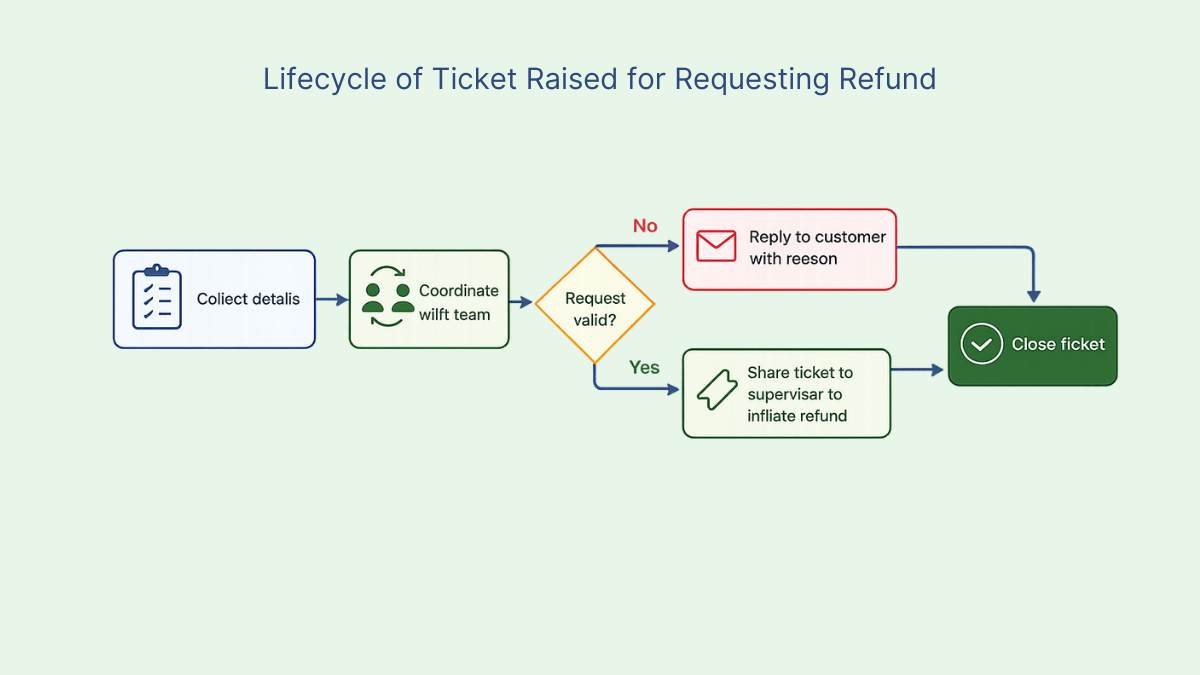
Predefining ticket life cycle ensures consistency in communication and efficiency in reaching resolution. It also helps representatives follow a structured workflow that helps to reduce errors.
When support is structured, every interaction carries context. When workflows are defined, every response carries clarity. And when systems are designed thoughtfully, every resolution contributes not just to solving a problem, but to strengthening the customer’s trust in the brand. As your business grows, ticketing tools support you in expanding your customer support by simplifying this process, bringing order, clarity, and efficiency to daily support operations.