- HOME
- Customer Support Operations
- Helpdesk solutions for businesses: how to find the perfect fit
Helpdesk solutions for businesses: how to find the perfect fit
- Published : June 3, 2026
- Last Updated : June 4, 2026
- 102 Views
- 6 Min Read
Regardless of company size, every business comes to a stage where handling customer queries through spreadsheets and shared inboxes stops working. They go through response delays, poor visibility into the resolution path, tickets piling up, etc. It all results in losing valuable customers and revenue.
Situations like this are a strong indication that you need a good helpdesk solution.
But, even if you decide to buy a helpdesk solution, the challenge lies in which one to buy. Choosing the wrong customer service software doesn't just cost you the subscription fee. It triggers a chain reaction: 66% of enterprise software replacements exceed their original budget by 30–50% (Statista).
Most businesses pick the wrong helpdesk software because they skip the right questions. This guide makes sure you do not—with a clear framework that works whether you are a five-person startup or a five-hundred-person enterprise.
What is a helpdesk solution and why does your business need one?
A helpdesk solution is a software system that helps you manage and resolve customer queries from a centralized interface. It brings customer queries from multiple channels into a unified system, where tickets are created and automatically assigned to available customer service representatives. These tickets can then be tracked, prioritized, and resolved more efficiently, resulting in a better customer experience.
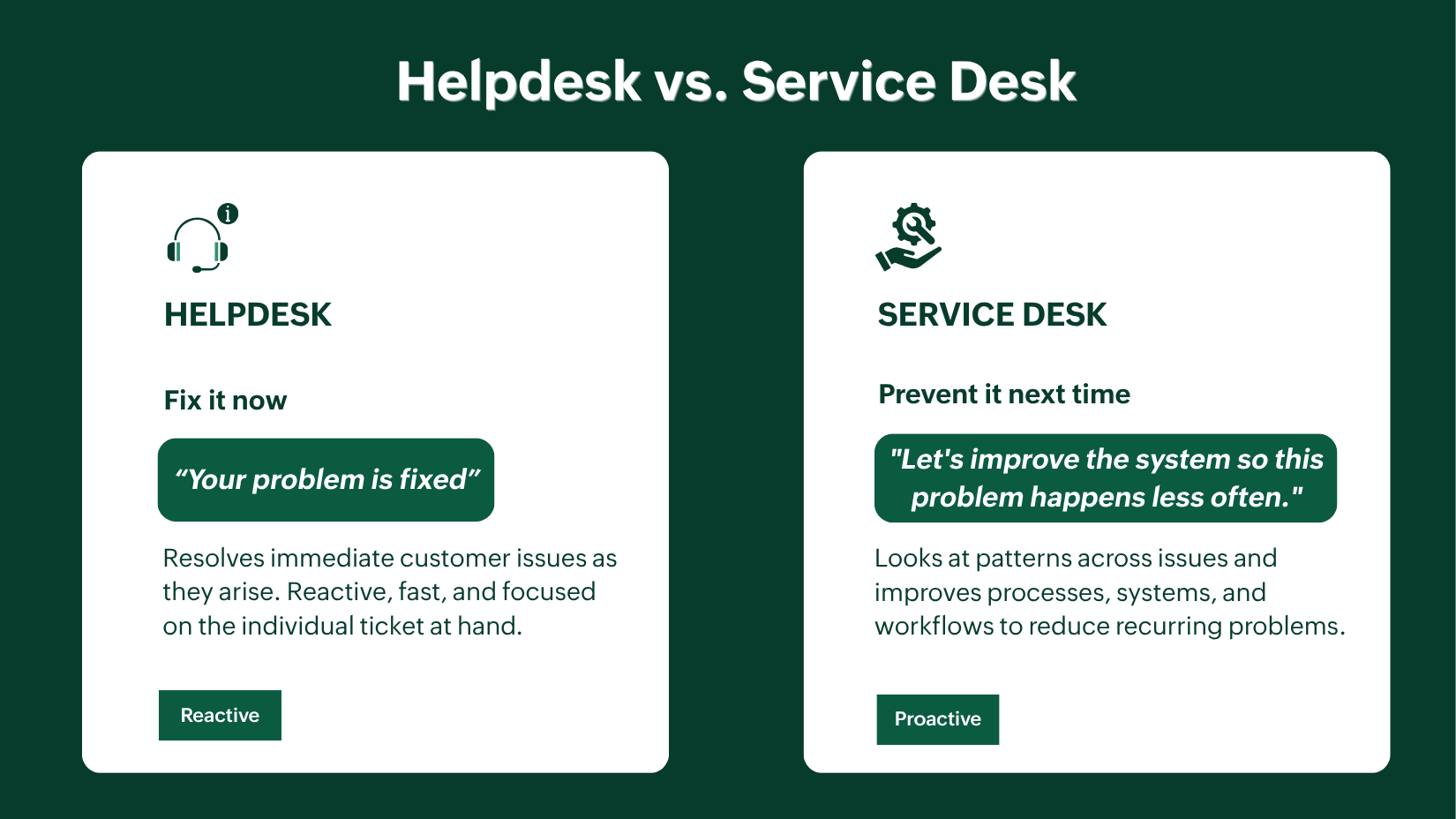
Helpdesk vs. service desk: What is the difference?
A helpdesk tries to solve an immediate problem that occurs with the customer, while a service desk takes a broader approach. A service desk tries to understand the pattern of occurrence of the problem and tries to resolve it in a way so that it doesn't occur anymore or occurs more rarely. So a helpdesk takes a reactive problem-solving approach, while a service desk takes a proactive problem-solving approach.
The problem a helpdesk solves
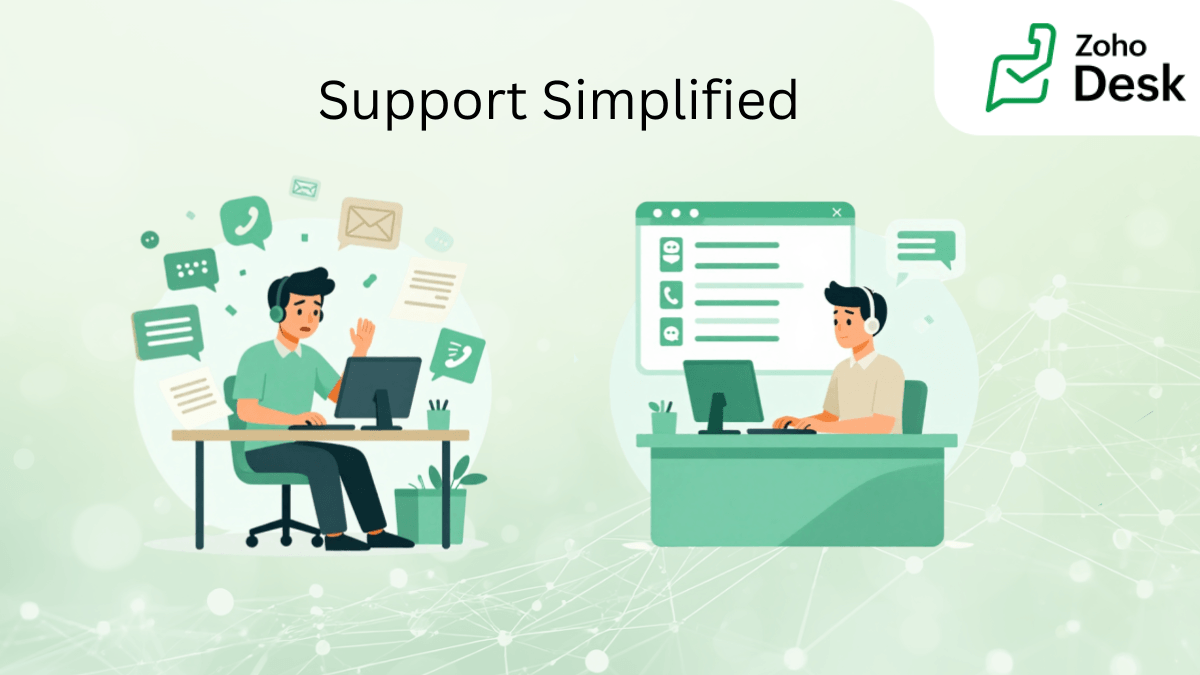
Without a helpdesk, the support team juggles between spreadsheets and shared inboxes, gets overburdened with piled-up casework, delayed responses, no context on ticket history, and no track of its resolution path. A helpdesk solution helps solve all these problems by automating ticket assignment, associating each one with the appropriate ticket history, and ensuring visibility into the ticket triage process.
The impact on revenue
The most uncomfortable truth about businesses is that their customers don't always complain. They leave if they are consistently unhappy. Qualtrics found that $3 trillion in global revenue is at risk because of poor customer experiences in 2026. A helpdesk does not just organize your support queue but also help to curb that risk.
Who needs a helpdesk solution?
If your business has customers, it has a customer service problem waiting to happen. The startup founder answering support emails at midnight knows this. So does the SMB manager watching her three-person team drown in a shared inbox. And so does the enterprise support head trying to maintain service quality across twelve countries and four support channels. The challenges look different at every stage, but the need for a system that keeps up is universal. The right helpdesk grows with you, whether you are handling your first hundred tickets or your millionth.
The 6 key features to look for in a helpdesk solution
When evaluating helpdesk options for your business, there are 6 key features that need to be part of the solution for every business.
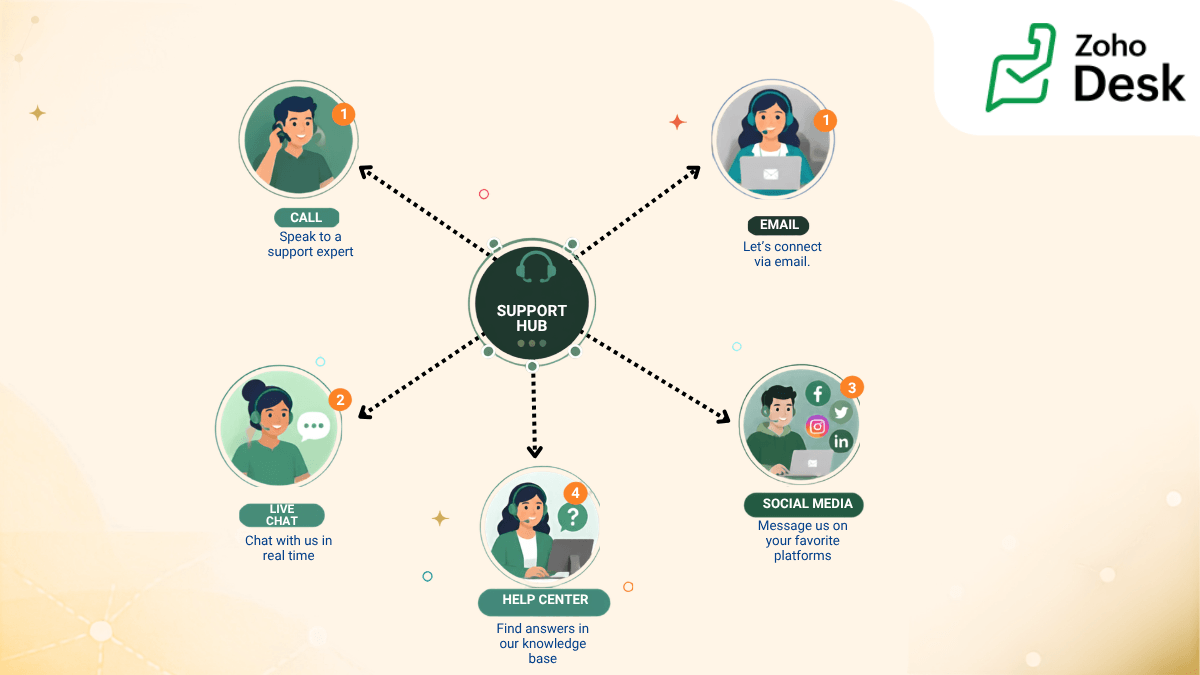
Omnichannel support: Brings customer queries from different platforms such as email, chat, social media, and phone into a unified interface, where requests are converted into tickets, assigned to the appropriate teams, and resolved efficiently without loss of context or confusion.
AI-powered ticket routing and automation: Automatically routes support tickets to the most appropriate available agent based on predefined rules and criteria, such as sequential assignment, agent workload, or skill set. Common or repetitive issues can also be handled through predefined resolution workflows, often called blueprints, ensuring standardised, faster, and more efficient ticket resolution.
SLA management and escalation rules: Help prioritize tickets based on the service level agreement (SLA), as not all tickets are of the same level of urgency. Escalation rules are configured to keep teams notified when they are nearing an SLA violation or have already violated it. This helps support teams to prioritize high-value tickets and resolve them within the promised time.
Self-service knowledge base: Helps to create and maintain a knowledge base related to your product or service, enabling your customers to help themselves with common problems without raising a ticket. This results in a reduction of support tickets and the support team's workload.
Analytics and reporting dashboard: Provides insights into the overall ticket resolution, backlogs, agent performance, and other support metrics. These metrics help businesses make data-driven decisions and develop strategies for improving support performance and efficiency.
Transparent and scalable pricing: Having a transparent pricing ensures that there are no hidden charges other than what is stated. A reliable product should not have fluctuating, unexpected price hikes every now and then. Scalable systems stay with you for longer as they adapt to your business needs as you grow.
Helpdesk solutions by business size: Which one fits?
The right helpdesk depends entirely on where your business is today and where it is headed.
Startups need simplicity: a free or low-cost plan, easy setup, and core ticketing functions without the learning curve. Mid-sized teams need automation, CRM integrations, and SLA tracking to handle growing volume without growing headcount. Enterprises need scale: advanced AI, deep reporting, high security, and customization across teams and regions.
Feature | Startup | Mid-size | Enterprise |
|---|---|---|---|
Omnichannel | Email + chat | Full omnichannel | Full + voice + social |
AI | Basic | Moderate | Advanced |
SLA tracking | Optional | Essential | Essential + custom |
Reporting | Basic | Advanced | Custom + BI |
Pricing | Free/low-cost | Per-agent | Custom |
Best edition | Free | Standard | Enterprise |
How AI is changing helpdesk software
AI is no longer a bonus feature; it has become a mandatory part of every system now.
Modern helpdesks use AI to classify and route tickets automatically, detect frustrated customers through sentiment analysis, and draft or send responses with or without human involvement. The result: faster resolutions, smaller teams, and happier customers.
AI agents vs human agents—know when to use each. AI handles the repetitive, high-volume queries like password resets, order status, and FAQs. Humans handle everything that needs empathy, judgement, or nuance. The best platforms let both work together without friction to maximize the strengths of both.
Questions to ask before committing to any vendor:
Is AI included in the base plan or a paid add-on?
How does it improve over time with your data?
What happens when AI cannot resolve an issue?
The difference between an AI feature and an AI strategy is the answer to those three questions.
Helpdesk pricing explained: What transparent really means
The price on the pricing page is rarely the price you pay.
Per-agent pricing is predictable. Per-ticket pricing gets expensive as you scale. Fixed tiered pricing is easiest to budget for. Whichever model you choose, watch for the hidden costs that inflate your bill. Many companies sell AI under premium tiers; integrations are not inclusive, and other advanced features are sold as an add-on.
Free plans are a solid starting point for small teams, but automation, SLA management, and AI mostly sit behind a paid tier. Here is a snapshot of a quick pricing comparison of popular helpdesk solutions.
| Zoho Desk | Zendesk | Freshdesk |
|---|---|---|---|
Starting price | $7/agent/month | $19/agent/month | $15/agent/month |
Free plan | Yes (3 agents) | No | Yes (unlimited agents) |
AI included | From Standard plan | Paid add-on | From Growth tier |
Best for | For all businesses | Large enterprise | Startups + growing teams |
Zoho Desk is the only one of the three where AI comes built-in from the Standard plan, with no extra purchase and no surprise invoice.
5 Questions to ask to yourself before choosing a helpdesk solution
Get these right before you sign anything.
1. How many channels do we need to manage? Email only, or email plus chat, social, and phone? Make sure every channel your customers use is covered and not sold as an add-on.
2. What will our ticket volume be in 12 months? Buy for where you are going, not where you are today.
3. Do we need CRM or third-party integrations? If your agents need customer history inside the helpdesk, check the depth of integration options before you commit, not after.
4. How technical is our team? Some platforms need an IT team to set up. Others are live in a day. Be honest about your capacity.
5. What will it cost at 2x our current size? Run the numbers at scale—include add-ons, integrations, and support costs. The cheapest plan today is rarely the cheapest platform tomorrow, so, don't fall into the trap.
Ready to find your perfect fit?
Choosing a helpdesk is not about picking the most popular name on the list. It is about finding the one your team will actually use, your customers will actually feel, and your budget will not regret in six months.
Start with what matters to you—your channels, your volume, your growth plans. The right tool will check all those boxes without asking you to compromise.

 Pallavi Sinha
Pallavi Sinha is a Product Marketer at Zoho Corporation, where she works on product positioning and messaging for Zoho Desk. With hands-on experience in both customer support software and the HR tech industry, she brings a strong understanding of how SaaS products solve real business challenges. Outside of work, she enjoys reading business stories and biographies to learn from real-world leadership and growth journeys.