- HOME
- Know Your Tech
- Secure enterprise workflow management best practices
Secure enterprise workflow management best practices
- Last Updated : March 3, 2026
- 479 Views
- 13 Min Read
Your enterprise workflows are fast, connected, and running at scale. But the real concern is how well they’re protected. As operations grow across departments, regions, and systems, every approval chain, data transfer, and automated action becomes a potential point of security risk.
Highlights
- Secure enterprise workflow management combines process automation with built-in data protection through encryption, access controls, and compliance.
- Effective platforms offer flexible deployment options, including cloud, on-premise, and hybrid configurations.
- Some of the top platforms for secure enterprise workflow management include Zoho Creator, Microsoft Power Automate, Monday.com, Asana, Trello, and Zapier.
- Choosing the best platform requires a proper evaluation of security features, integration, scalability, usability, deployment flexibility, and support structures.
- Strong implementation involves key practices such as access controls, approval processes, logging, exception handling, ongoing security reviews, and training.
For enterprise teams managing several interconnected processes, security needs to be built into how workflows are designed, deployed, and monitored. Without that foundation, essential data moves through systems with inconsistent protection, access controls stay outdated, and compliance issues go unnoticed.
This blog post covers what secure enterprise workflow management involves, how leading platforms handle it, and the best practices your teams should follow. You’ll also find a comparison of top platforms and tips for choosing the right platform for your needs.
What is secure enterprise workflow management?
Secure enterprise workflow management is the process of designing, executing, and monitoring business workflows while protecting sensitive data through built-in security features.
It handles how work moves through your organization from request to approval to completion while making sure data stays protected at every step.
For instance, when an employee submits an expense report, the workflow automatically routes it to the right approver, checks against spending policies, flags exceptions, and logs every action for audit purposes, all while encrypting data in transit and at rest.
What are the benefits of secure enterprise workflow management platforms?
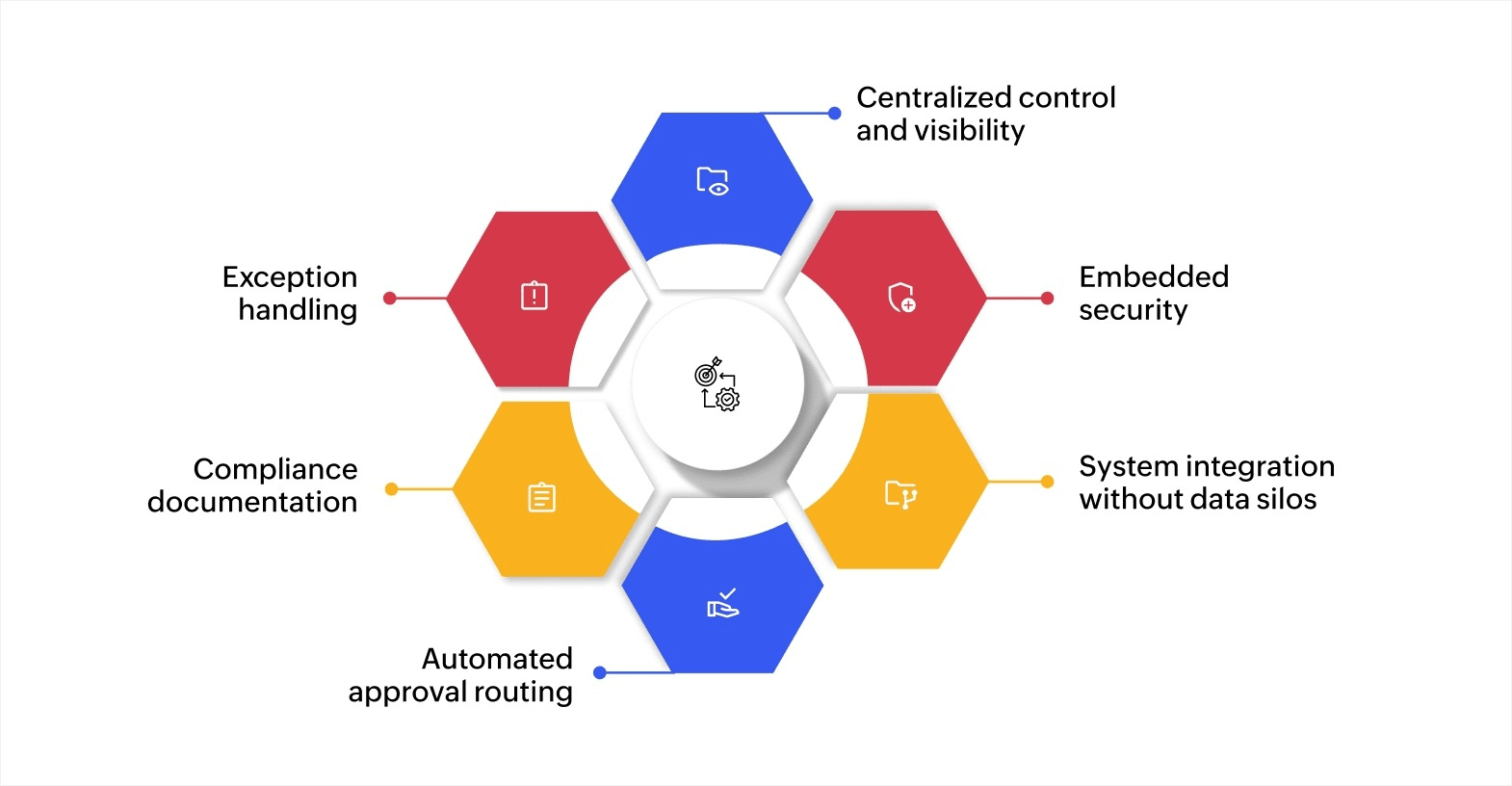
Enterprise workflow platforms provide the infrastructure that makes security easy to implement across large-scale operations. Data indicates that 25% of organizations are expected to implement secure enterprise browsers for stronger remote access and endpoint protection by 2028. This shift highlights how businesses are prioritizing security in their digital workflows and access management strategies.
Here’s how these platforms can help you:
- Centralized control and visibility: You can see all active workflows in one place, track progress in real time, and identify bottlenecks before they cause delays.
- Embedded security: Encryption, access controls, and audit logging are implemented at the platform level. Every data exchange, user action, and workflow transition is protected and recorded automatically, providing consistent security across all processes without relying on manual documentation.
- System integration without data silos: Data flows between your CRM, ERP, HR software, and other tools automatically, reducing manual data entry and errors.
- Automated approval routing: Configurable rules direct requests to the correct approvers based on criteria like amount, department, or priority level, accelerating cycle times while maintaining control.
- Compliance documentation: Every action is logged with timestamps and complete details, creating the audit trail you need for regulatory requirements.
- Exception handling: The system flags unusual patterns or rule violations, alerting managers to review edge cases before they become problems.
Best practices for secure enterprise workflow management
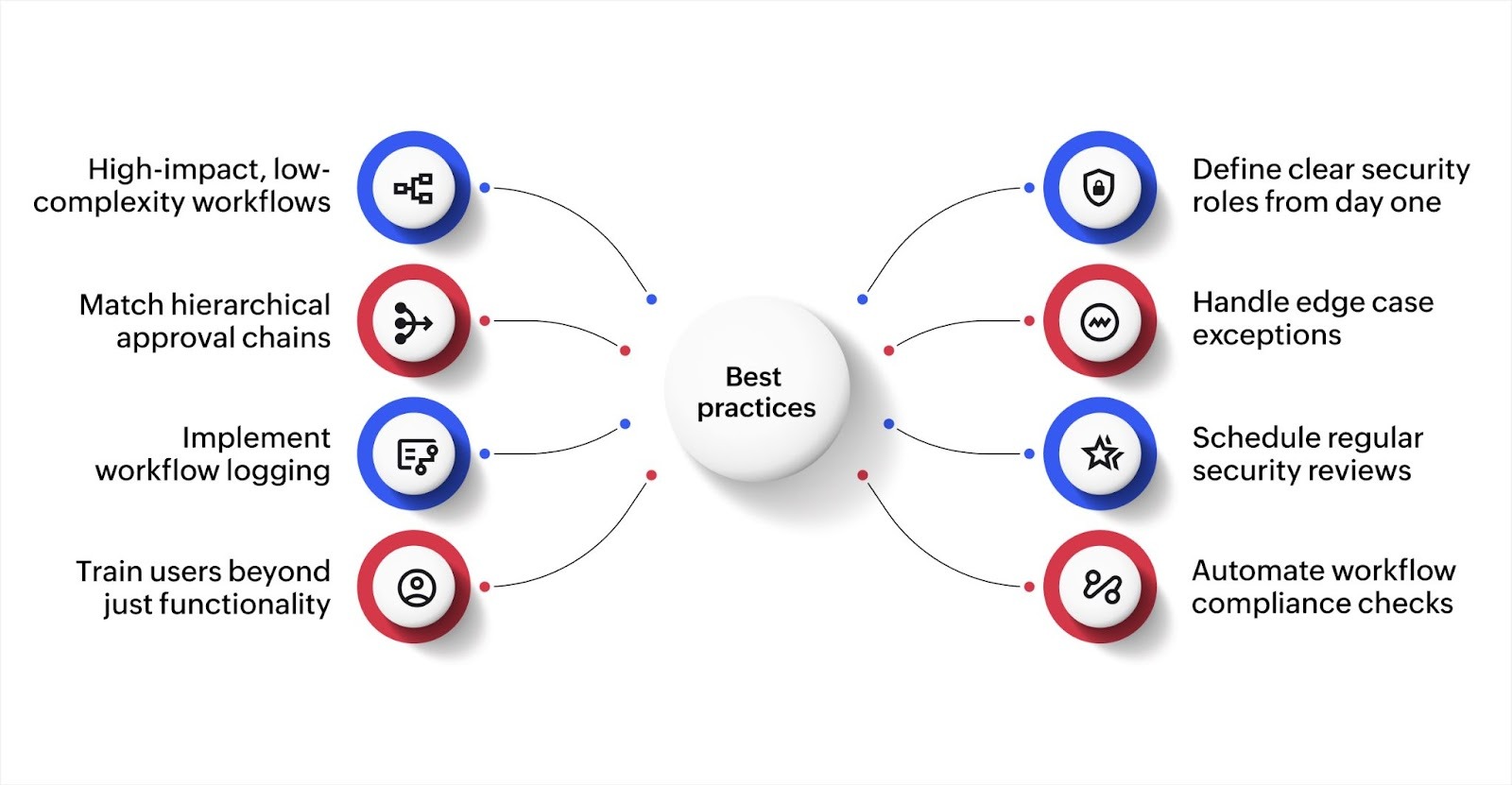
Getting workflow management right requires more than choosing good platforms. How you implement and manage these systems determines whether they deliver value or create new problems.
Here are some effective best practices that keep enterprise workflows secure at scale.
1. Start with high-impact, low-complexity workflows
Automating every process at once creates confusion and increases the chance of misconfigured security settings. Instead, pick processes that cause significant friction but don’t involve too many variables or exceptions.
For example, automating paid time off (PTO) requests gives quick wins because the logic is straightforward: employee submits a request, a manager reviews it, and HR records the outcome. Once your team gets familiar with how the platform handles security controls in a simple workflow, you can apply those same patterns to more complex processes like procurement approvals or contract reviews.
This approach also reduces implementation risk. A smaller workflow is easier to audit, test, and troubleshoot before rolling out automation to business-critical operations.
2. Define clear security roles from day one
Before building any workflow, map out who needs access to what. Create roles that match your organizational structure and assign permissions based on job functions rather than individual requests.
For instance, in a finance approval workflow, accounts payable staff may need access to submit invoices, department managers need approval rights for their cost center, and finance directors need visibility across all cost centers. Each role sees only what they need to do their job.
Review these roles quarterly as team structures change. People move between departments, take on new responsibilities, or leave the organization. If access permissions don’t keep up with these changes, you end up with users who have more access than they need, which is one of the most common security gaps in enterprise systems.
3. Build approval chains that match your hierarchy
Workflows should reflect how decisions are actually made in your organization. If purchases under a certain amount need manager approval while larger purchases need director and CFO sign-off, build that logic directly into the system.
Multi-level approvals also need clear escalation paths. Define what happens when an approver is unavailable. Does the request go to a backup approver after 24 hours? Does it escalate to the next level? Without these rules, critical approvals sit idle, and teams find workarounds that bypass security controls altogether.
Document your approval thresholds and escalation rules so that every stakeholder knows how the process works. This transparency reduces disputes and keeps workflows moving without compromising oversight.
4. Create exception handling for edge cases
Every workflow encounters situations that don’t fit the normal pattern. A purchase request that exceeds budget limits, an approval needed from someone who is on extended leave, or a data entry that doesn’t match expected formats are all real scenarios your system needs to handle.
Design clear paths for exceptions: who reviews them, how they’re documented, and when to escalate them. Without defined exception handling, teams either ignore the exception (creating compliance risk) or route it informally through email or chat (creating audit gaps).
For instance, in a vendor onboarding workflow, if a new vendor doesn’t meet standard documentation requirements, the exception path may route the request to a compliance officer for manual review with a documented justification before approval can proceed.
5. Implement detailed logging across all workflows
Log every action that touches sensitive data or changes the workflow state. The focus should be on capturing who did what, when, and why. This means recording not just approvals and rejections, but also data modifications, access attempts, permission changes, and automated actions triggered by the system.
Store logs in a tamper-proof location separate from the workflow system itself. If logs live inside the same system they monitor, anyone with admin access could potentially alter them, which defeats the purpose of having an audit trail.
Good logging practices also help with troubleshooting. When a workflow produces an unexpected outcome, detailed logs let you trace the exact sequence of events that led to it, saving hours of investigation.
6. Schedule regular security reviews
Set up quarterly reviews of workflow permissions, access logs, and security settings. During these reviews, look for patterns that signal potential risks like users with excessive permissions, accounts that haven’t been used in months but still have active access, or unusual access times that may indicate compromised credentials.
These reviews should also evaluate whether your workflows still align with current compliance requirements. Regulations evolve, and workflows built under older standards may need updates.
For instance, if your organization now handles data subject to new data privacy regulations, existing workflows may need additional consent verification steps or data retention limits.
7. Train users beyond just functionality
Teaching people how to use the system is only half the work. Users also need to know why security matters and what role they play in keeping workflows secure.
When users understand that sharing login credentials creates compliance risks or that bypassing approval steps exposes the organization to financial liability, they’re more careful with sensitive data and follow established processes more consistently.
Effective training goes beyond a one-time onboarding session. Schedule refresher sessions whenever you introduce new workflows or update security policies. Use real examples from your organization to make the training relevant. For instance, walk through a scenario where a missed approval step led to a delayed vendor payment and show how the correct workflow prevents that issue.
8. Automate compliance checks within workflows
Rather than relying on manual reviews to catch compliance issues after the fact, build automated validation directly into your workflows. Configure rules that verify data completeness, check against regulatory requirements, and flag non-compliant submissions before they move to the next stage.
For instance, in an expense approval workflow, automated checks can verify that receipts are attached, spending limits aren’t exceeded, and expense categories match company policy before routing to the approver. This catches non-compliant submissions early and reduces back-and-forth between employees and finance teams.
Automated checks also create a clear record of compliance at every stage, which simplifies audit preparation significantly.
These practices work together to create a security-first approach to workflow management. When access controls, logging, exception handling, and training are in place, your workflows consistently protect essential data across every department and process.
Top platforms for secure enterprise workflow management
Finding the right workflow management platform requires balancing security, functionality, and ease of use. Each platform takes a different approach to workflow management. Let’s look at what makes each one stand out.
1. Zoho Creator
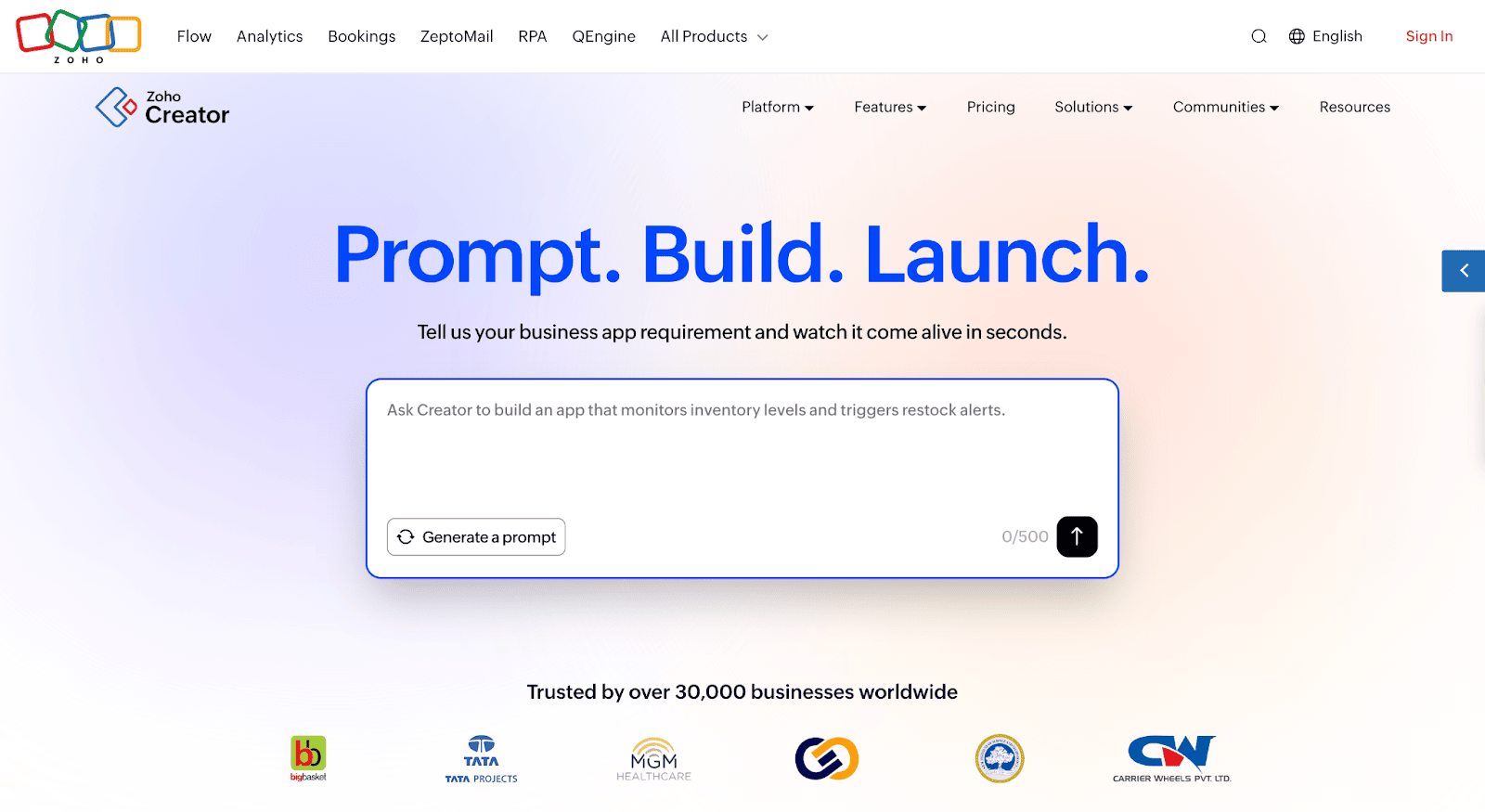
Zoho Creator is an AI-powered low-code application development platform that lets you build custom workflow applications without extensive coding. It combines visual builders with AI assistance to create secure enterprise workflows that match your exact requirements.
Key features:
- AI-powered app builder: Use Zia—Zoho’s AI assistant—to create workflows by describing what you need in plain language, with the system generating forms, logic, and automation rules automatically.
- Multi-layer security: Enterprise-grade encryption for data at rest and in transit, combined with role-based access controls, IP restrictions, and Security Assertion Markup Language (SAML) single sign-on for complete protection.
- Flexible deployment options: Run workflows in Zoho’s cloud, deploy on your own servers, or use hybrid configurations that keep sensitive data on-premise while using cloud capabilities.
- Comprehensive audit trails: Automatic logging of all user actions, data changes, and system events creates detailed records for compliance and troubleshooting.
- Visual workflow builder: Design complex approval processes and business rules using drag-and-drop tools without writing code, with stage transitions and automated notifications.
- Real-time analytics dashboards: Monitor workflow performance with customizable dashboards that show bottlenecks, completion rates, and process efficiency in real time.
- Mobile app deployment: Automatically generate native iOS and Android apps for your workflows so teams can submit requests and approve tasks from anywhere.
Best for: Organizations that need customizable workflows with strong security, especially those requiring cloud, on-premise, or hybrid deployment and industry-specific compliance.
Pricing: Starts at $8/user/month (Standard), with Professional at $20/user/month and Enterprise at $25/user/month. A 15-day free trial is available.
2. Microsoft Power Automate
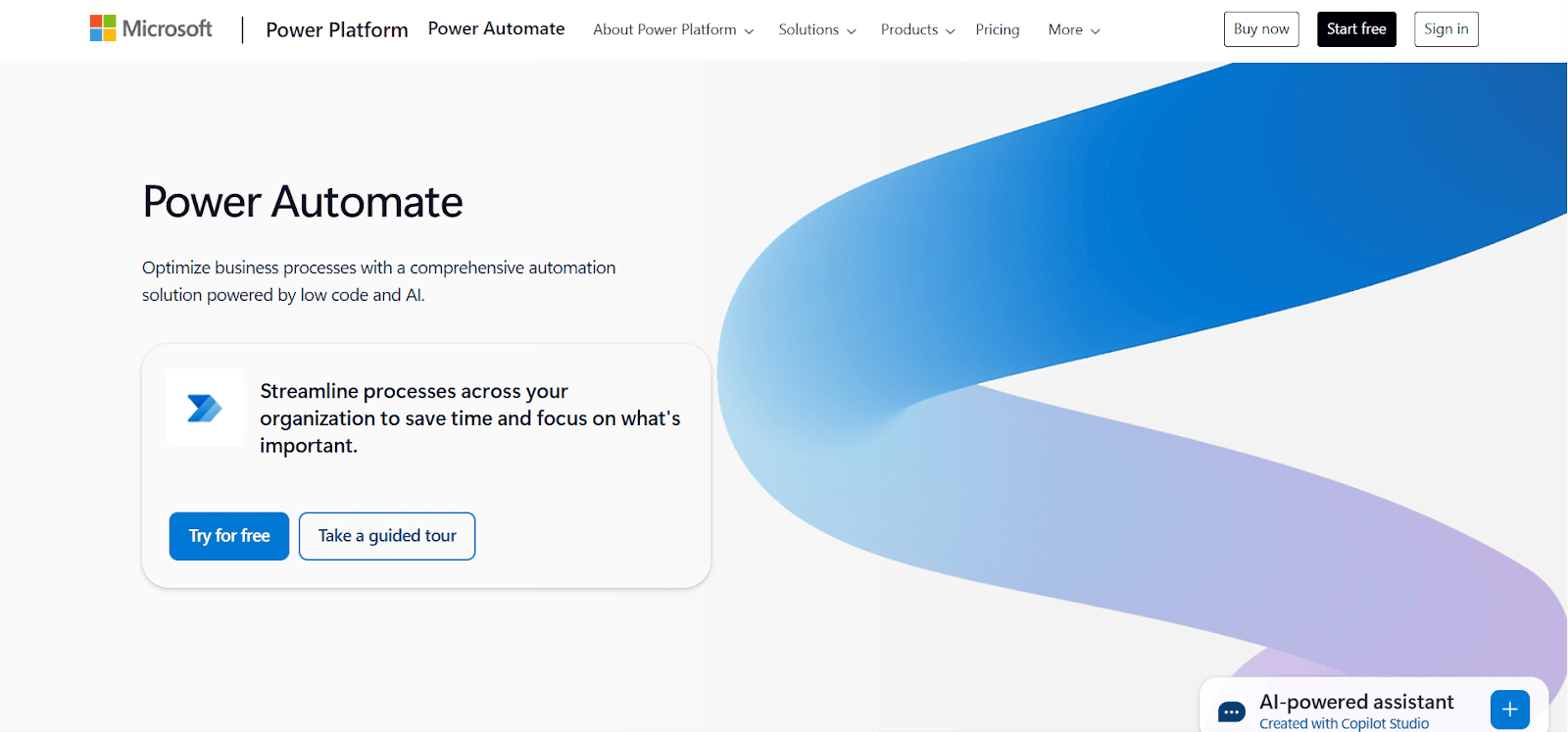
Microsoft Power Automate integrates deeply with Microsoft 365 and Azure services, making it a natural choice for organizations already invested in the Microsoft ecosystem. It offers both cloud-based and desktop automation capabilities.
Key features:
- Azure AD integration: Uses existing Azure Active Directory for authentication, permissions, and security policies without creating separate user management.
- Desktop flow automation: Automates repetitive tasks on Windows machines with attended and unattended bot capabilities for end-to-end process automation.
- Data loss prevention policies: Built-in data loss prevention that enforces security policies across workflows, preventing sensitive data from being shared inappropriately.
- Process mining: Analyzes how work actually flows through your organization to identify inefficiencies and security gaps before implementing automation.
Best for: Microsoft 365 customers wanting tight integration with Teams, SharePoint, and other Microsoft services.
Pricing: The Premium plan is $15/user/month, the Process plan is $150/bot/month. A free tier is available with limited features.
3. Monday.com
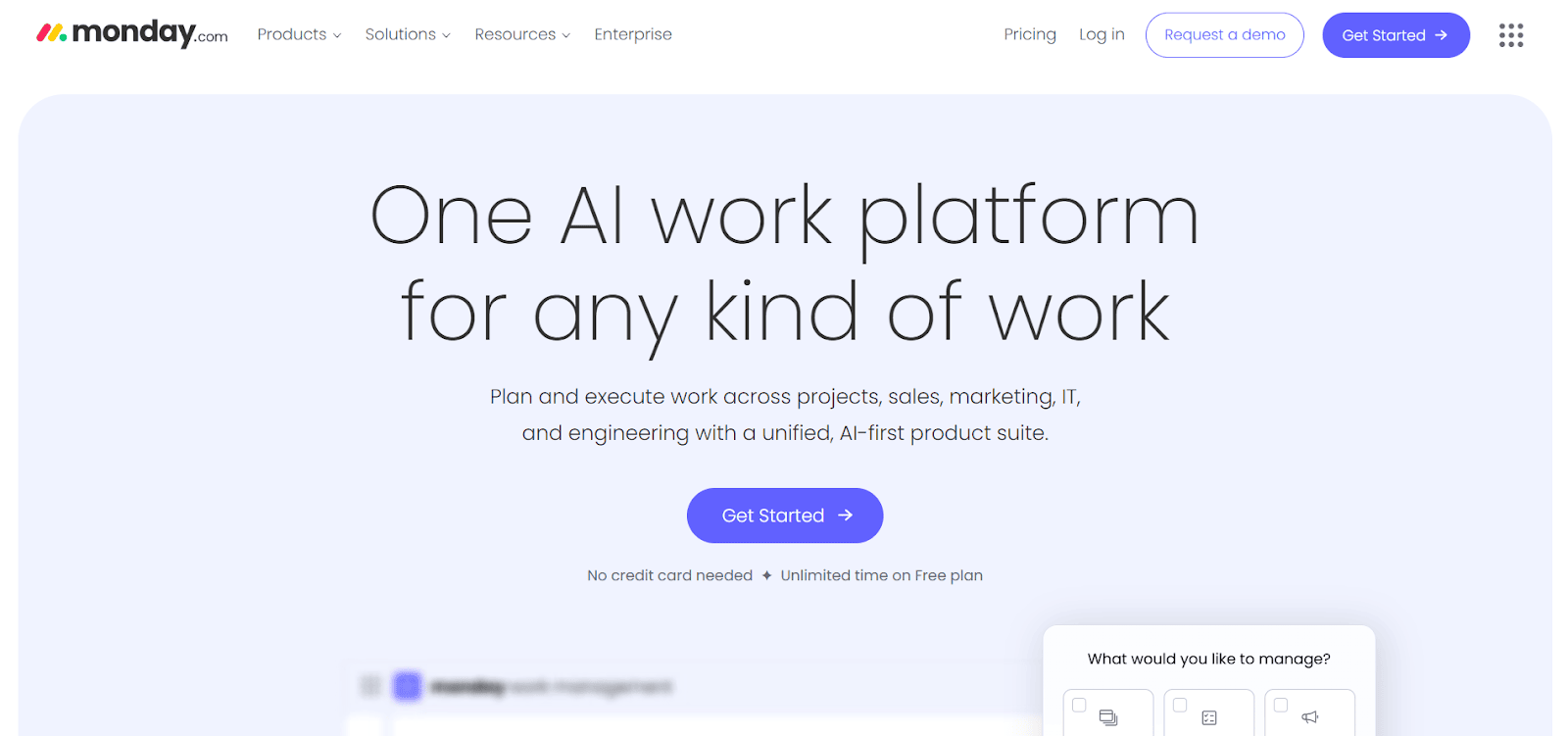
Monday.com provides visual workflow management with strong collaboration features. Its colorful, intuitive interface makes it easy for teams to adopt without extensive training.
Key features:
- Visual workflow builder: Creates workflows using boards, timelines, and Gantt charts that make process logic clear to everyone on your team.
- Custom automations: Builds automation rules without coding using a simple interface that connects triggers, conditions, and actions.
- Integration ecosystem: Connects with 200+ apps including Slack, Zoom, Microsoft Teams, and Salesforce to centralize work management.
- SOC 2 compliance: Meets security standards required by enterprise customers, with regular third-party audits and certifications.
Best for: Teams that want visual workflow management with strong collaboration features and don’t require complex conditional logic.
Pricing: Basic is $9/seat/month, Standard is $12/seat/month, Pro is $19/seat/month. A 14-day free trial is available.
4. Asana
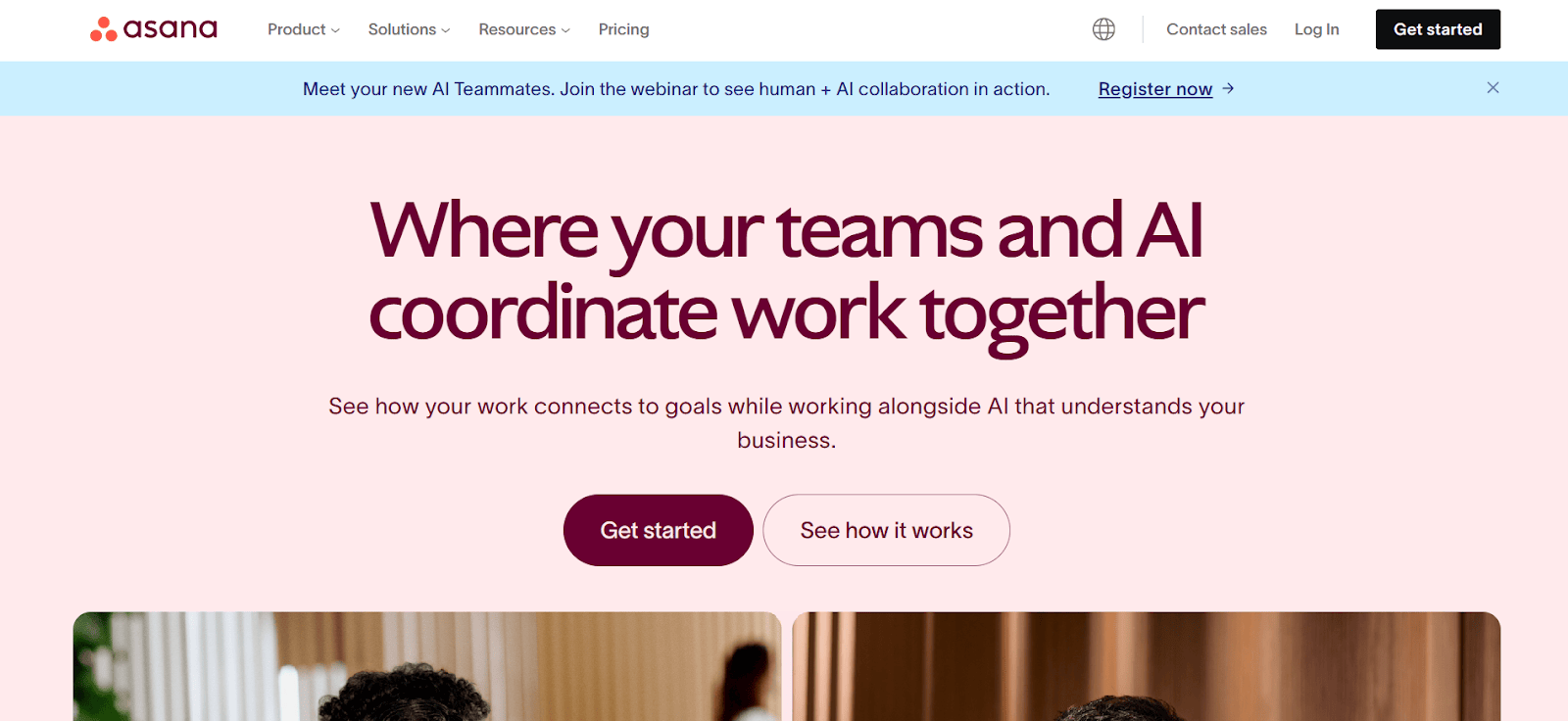
Asana focuses on project and task management with workflow automation capabilities built on top. It works well for teams managing multiple projects simultaneously.
Key features:
- Rules and automation: Automates routine tasks like assignments, status updates, and notifications based on project milestones and dependencies.
- Portfolio management: Tracks multiple projects across teams with dashboard views that show progress, resource allocation, and potential conflicts.
- SAML SSO: Enterprise plans include single sign-on through your identity provider, centralizing authentication and access control.
- Data residency options: Stores data in specific geographic regions to meet regulatory requirements for certain industries and countries.
Best for: Project-focused teams that need task dependencies, resource management, and timeline planning alongside workflow automation.
Pricing: Starter is $10.99/user/month, Advanced is $24.99/user/month. Enterprise pricing is available on request.
5. Trello
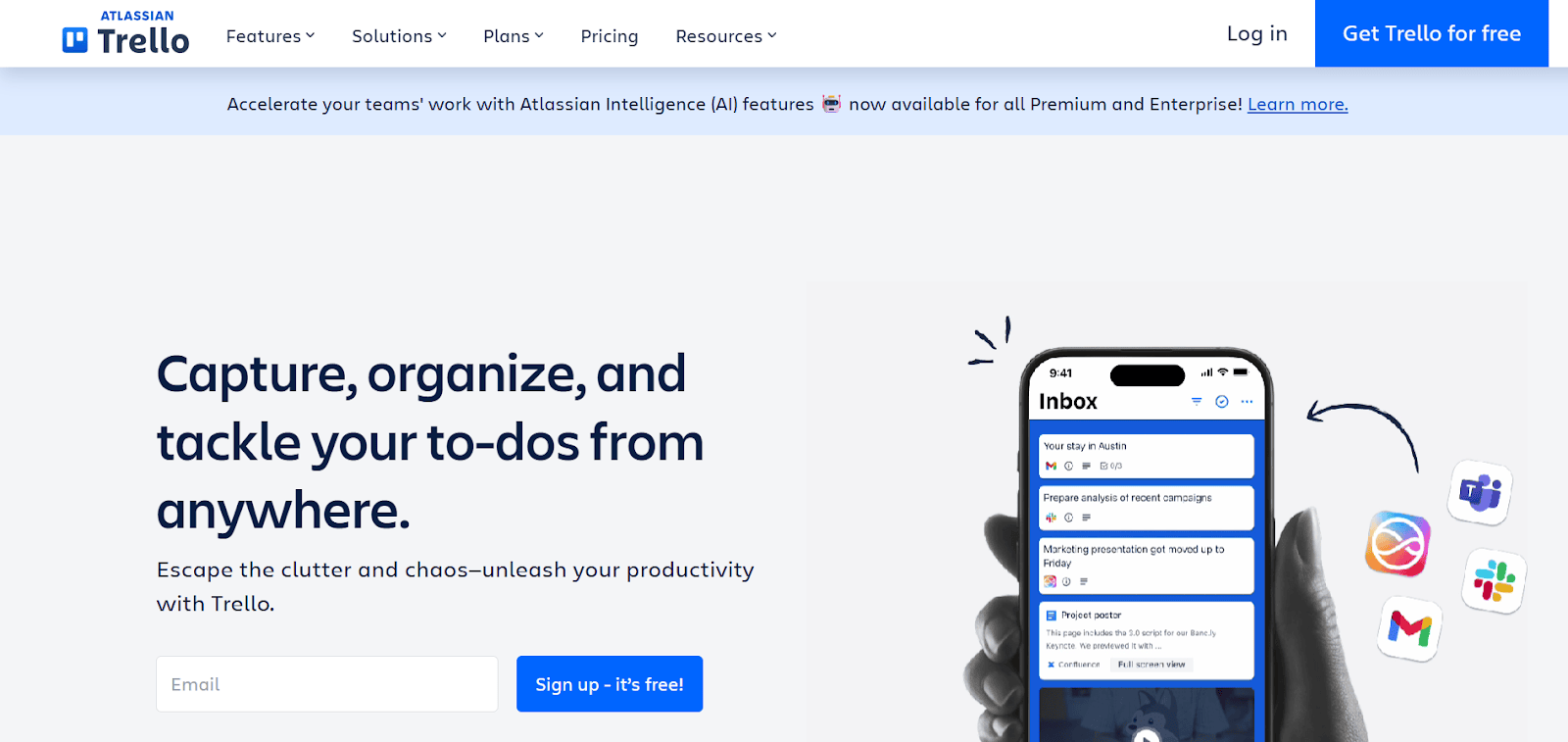
Trello uses a Kanban board approach to workflow management. Its simplicity makes it accessible to non-technical users while still offering automation capabilities.
Key features:
- Butler automation: Built-in automation uses natural language commands to create rules, buttons, and scheduled tasks.
- Power-Ups: Extends functionality with integrations and additional features without leaving the Trello interface.
- Two-factor authentication: Adds an extra security layer beyond passwords to protect account access.
- Board collections: Groups related boards together for better organization across departments and projects.
Best for: Small to mid-size teams wanting simple, visual workflow management without complex setup requirements.
Pricing: Standard is $5/user/month, Premium is $10/user/month, Enterprise is $17.50/user/month. A free tier is available.
6. Zapier
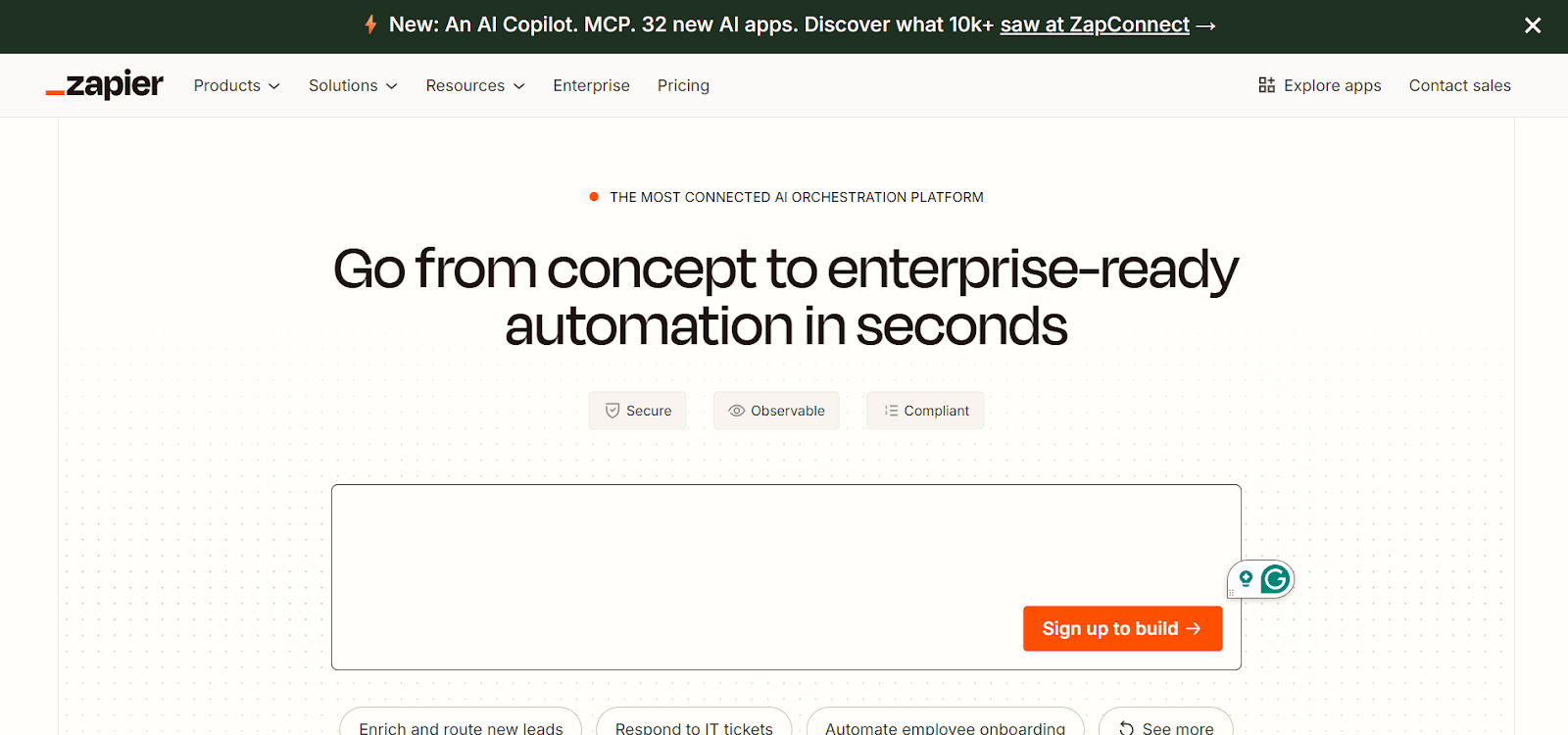
Zapier specializes in connecting apps and automating data flow between them. It works as the integration layer that ties different tools together.
Key features:
- 8,000+ app integrations: Connects virtually any business application to create automated workflows that span multiple systems.
- Multi-step workflows: Builds complex automation sequences that perform multiple actions from a single trigger event.
- Webhooks support: Creates custom integrations with any service that has an application programming interface (API), extending beyond pre-built connectors.
- Data encryption: Protects information flowing between connected apps with encryption in transit and secure credential storage.
Best for: Organizations with diverse tool stacks needing to connect applications that don’t have native integrations.
Pricing: The Professional plan starts at $19.99/month, the Team plan at $69/month, Enterprise pricing is available on request. A free tier is available with limitations.
How to choose the right secure enterprise workflow management platform
Picking a platform for secure enterprise workflow management involves more than feature checklists. You need to match the platform’s security capabilities with your organization’s regulatory environment, scale, and operational complexity.
Here’s what you need to evaluate while selecting the best platform.
1. Security features relevant to your industry
Start with the security credentials that matter most for your operations. Enterprises operate under different regulatory frameworks, and the right platform should already meet the standards your industry requires. For instance, healthcare organizations should look for HIPAA compliance, while financial services teams should verify SOC 2 Type II certification. Ask platform providers how they handle specific data protection scenarios relevant to your sector.
2. Integration depth with your existing systems
List every system your workflow platform needs to connect with, including CRM, ERP, HR, finance, and communication platforms. Check whether each platform you’re evaluating offers native integrations or requires custom development. Native integrations typically offer stronger security and easier maintenance. Custom connections need ongoing oversight to ensure they remain secure as systems update.
3. Scalability under enterprise conditions
Your platform should handle growth in users, workflow volume, and complexity without performance issues. When evaluating options, ask providers about capacity benchmarks for organizations of your size. Request documentation on how the platform performs under high-volume conditions. A platform supporting a 50-person team operates very differently from one serving 500 or 5,000 users, so verify that performance holds at your projected scale.
4. Usability with real workflows
Run a test using a workflow that represents your typical operational complexity. Involve actual users from different departments and skill levels. Track how quickly they complete tasks, where they need help, and how the platform handles your specific approval chains and business rules. This real-world testing reveals usability strengths and performance characteristics that demos alone cannot show.
5. Deployment flexibility
Determine whether cloud, on-premise, or hybrid deployment best fits your security posture. Certain industries and regulatory environments require data to stay within your own infrastructure. Other organizations benefit from cloud scalability with specific data residency controls. The right platform should offer deployment options that match your compliance and infrastructure requirements.
6. Support structures for enterprise accounts
Enterprise implementations require responsive, knowledgeable support. Check what support tiers are available, what the response time commitments look like, and whether you get a dedicated contact. Also, evaluate the provider’s onboarding process, training resources, and documentation quality. Strong support reduces implementation risk and accelerates time to value.
Build secure workflows that scale with Zoho Creator
Managing enterprise workflows securely shouldn’t mean choosing between speed and protection. Zoho Creator is an AI-powered low-code platform that lets you build custom workflow applications quickly without extensive coding while maintaining enterprise-grade security.
The platform combines visual development tools with AI assistance. Describe your workflow in plain language, and Zia generates the forms, logic, and automation rules you need. Modify anything through drag-and-drop interfaces or add custom code when you need more control. This approach lets business users and IT teams collaborate effectively.
Businesses across industries use Zoho Creator to automate procurement approvals, manage compliance workflows, and build custom systems that adapt to their exact requirements.
The fastest-growing companies are already building secure workflows that help them move faster and stay ahead. Sign up for free and start with a 15-day trial that includes full enterprise features.
FAQ
1. How do workflow management platforms maintain data security across integrations?
Secure workflow platforms often use encrypted API connections, OAuth authentication, and credential storage with encryption at rest. Data transmitted between systems is encrypted in transit using transport layer security/secure socket layer (TLS/SSL) protocols. Access tokens are managed securely and can be revoked centrally when needed.
2. What is role-based access control in workflow management?
Role-based access control assigns permissions based on job functions rather than individual users. For example, all managers may have approval permissions while team members only have submission rights. This approach simplifies permission management and reduces security risks significantly.
3. What happens to workflow data if you change platforms?
Most platforms offer data export capabilities through CSV, API access, or backup files. Plan migration carefully by documenting workflows, exporting historical data, and testing the new system before fully switching. Some platforms offer migration assistance services for complex transitions.
4. Do workflow management platforms work offline?
Most modern workflow platforms are cloud-based and require internet connectivity for real-time updates. Some offer limited offline modes where users can view data and submit actions that sync when connectivity returns. For completely offline environments, consider on-premise deployment options.
5. How do you measure ROI from workflow management implementation?
Track time saved on manual processes, error reduction rates, faster approval cycles, and improved compliance scores. For example, if a procurement workflow previously took five days and now completes in one day, calculate the cost savings from that efficiency gain across all transactions.
 Ann Elizabeth Sam
Hey! I'm Ann, and I work as a content writer at Zoho Creator. I'm exploring the SaaS world through various forms of content creation. Outside of work, I love dancing and would give up anything to read a good murder mystery.