
How do I rename a group chat?
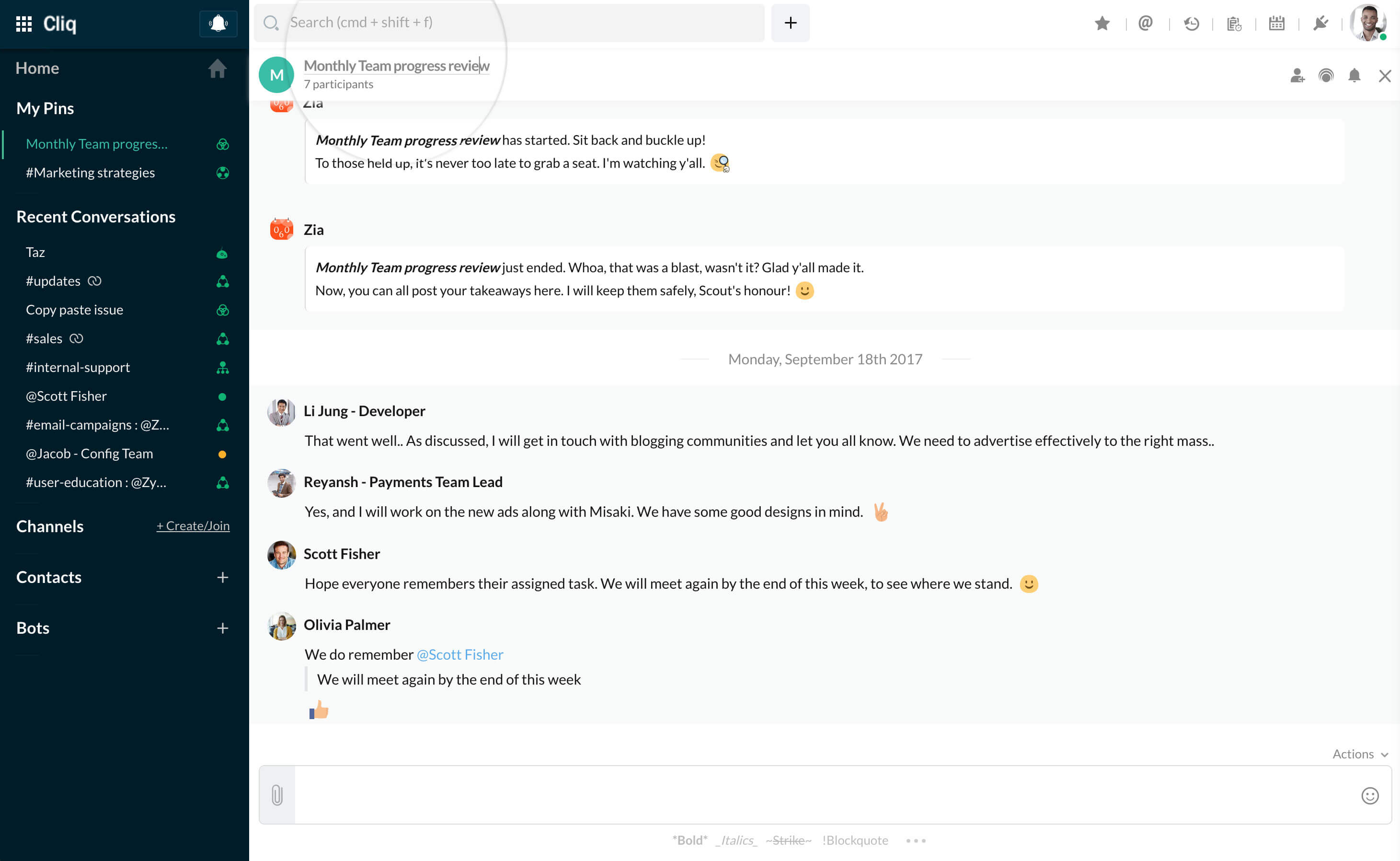
To rename your group chat, click on the chat name in chat header, edit the name (the special character # is not allowed in the chat title) and hit Enter. The chat title of your group conversation is now renamed.
To rename your group chat, click on the chat name in chat header, edit the name (the special character # is not allowed in the chat title) and hit Enter. The chat title of your group conversation is now renamed.
Write to us: support@zohocliq.com