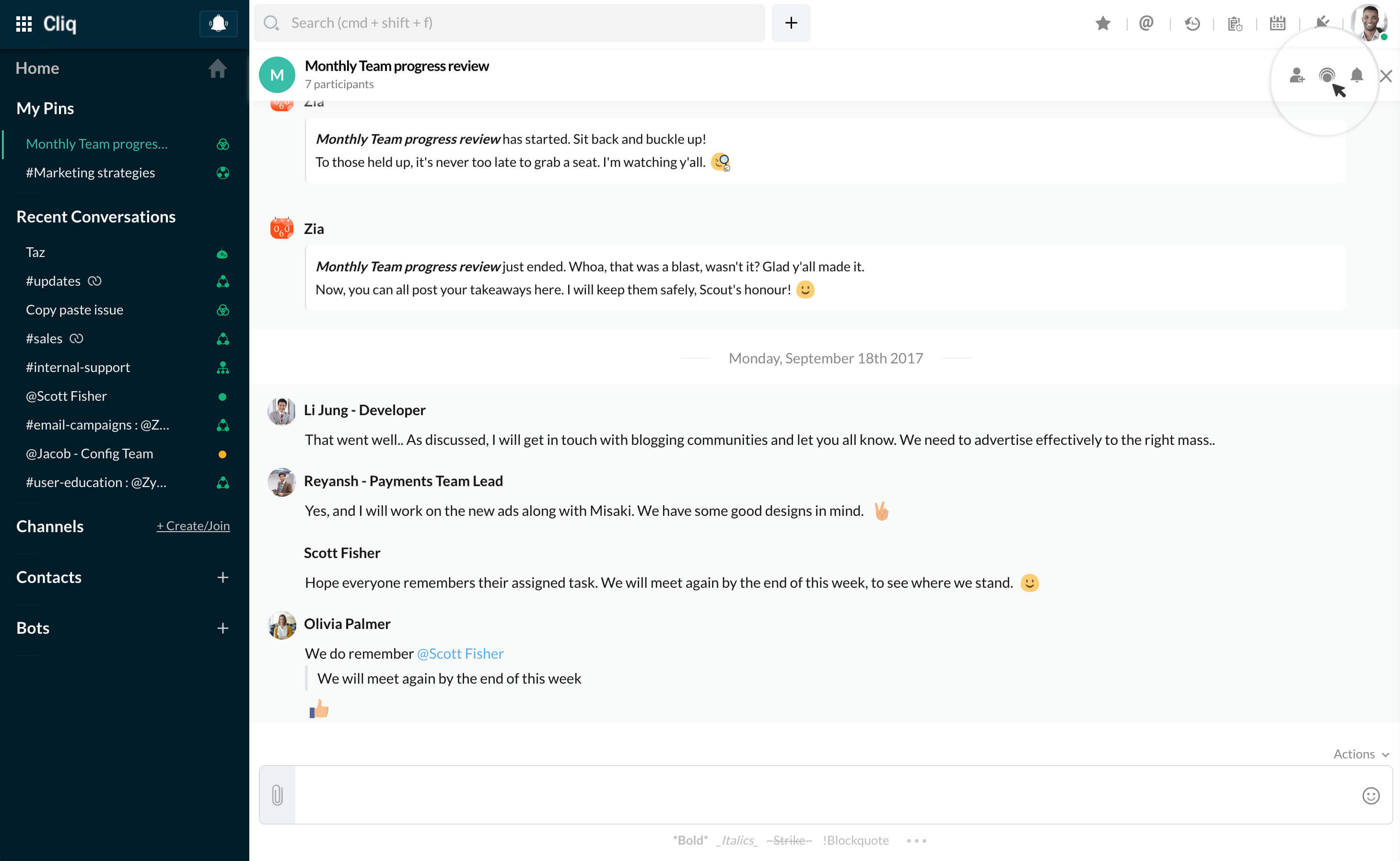
How to host a PrimeTime session in a group chat?
PrimeTime—live video streaming session for group discussions, can be accessed in all group chats and channels of Cliq. To learn more, check out the PrimeTime help pages
- In any group chat, to start a live streaming session click on the PrimeTime icon in chat header.
- A new page will open where you will be asked to give a name for your session.
- Once done, your session will be live and a message card will be posted in the chat for everyone to join.