
How do I leave a Channel?
Follow any one of the following steps to leave a channel:
- To leave a channel, click Actions -> Leave option at the bottom right of the chat window.
- Hover over the channel that you want to leave and click on the Leave icon.
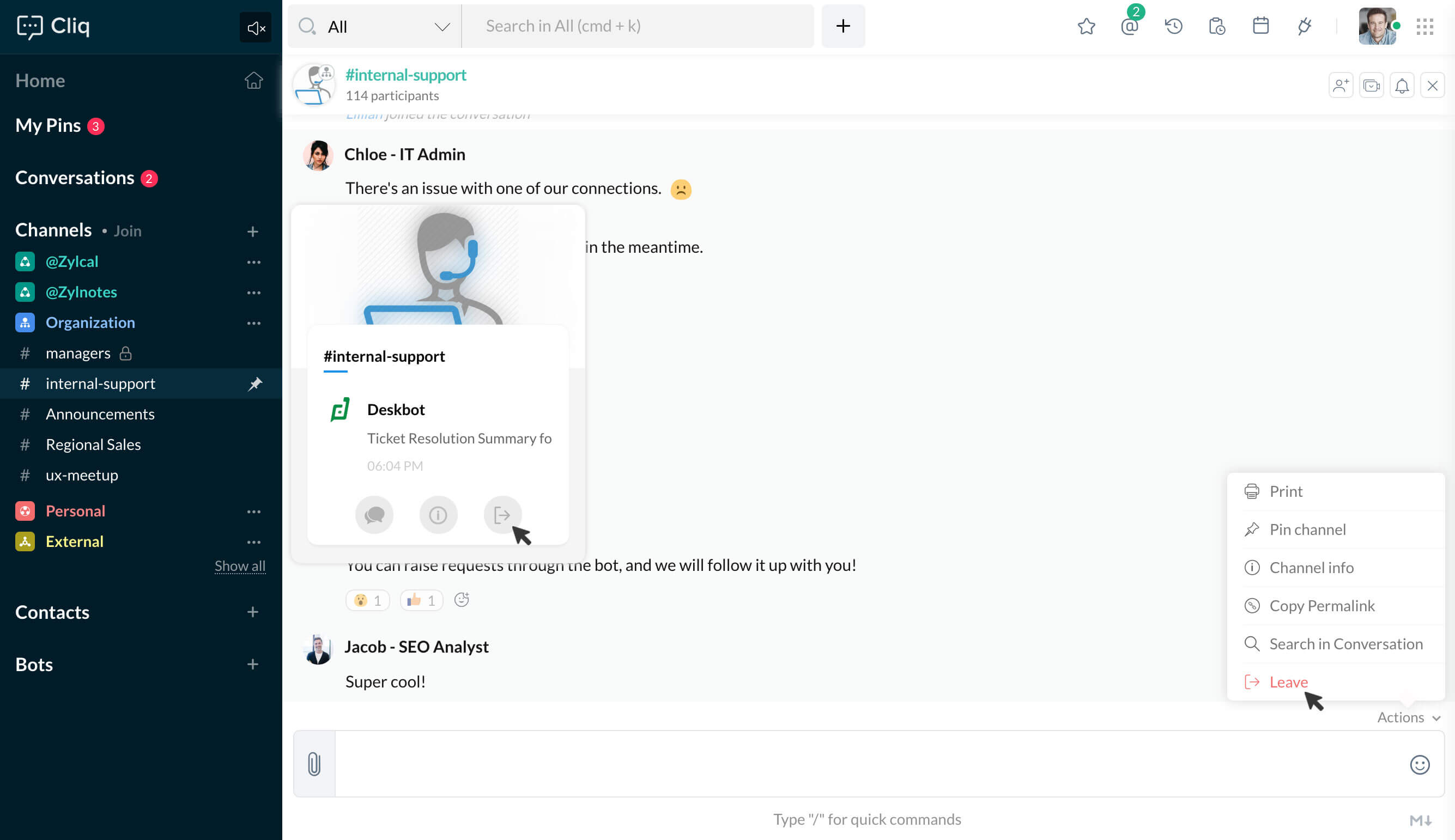
- Go to Channel Preview and select the Leave option at the bottom right corner.
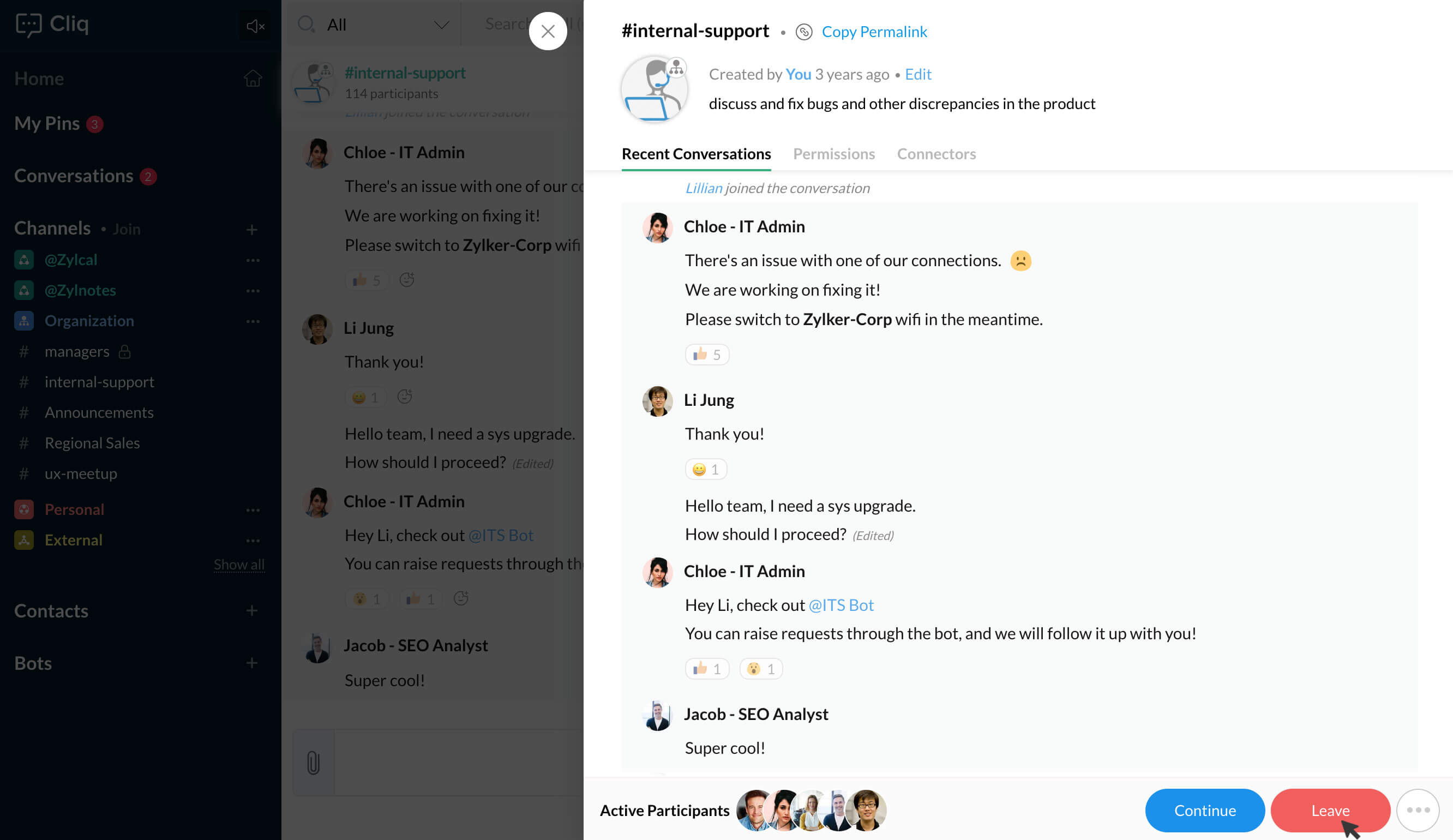
- When you click on Leave, you will get a prompt asking if you really want to leave the channel. Go ahead and select the yes option to leave the channel.
- If you do wish to join the channel again, search for the channel and click on the Join button. This applies only for organization and team channels.
- If you leave any personal, external or Invite only channels, you will not be able to search for them. A channel user must add you again to the channel.

Note:
Super Admins of private and external Channels should assign other users as super admin when they are leaving from a channel.