Introducing the Zoho Vault desktop app for Windows and Mac

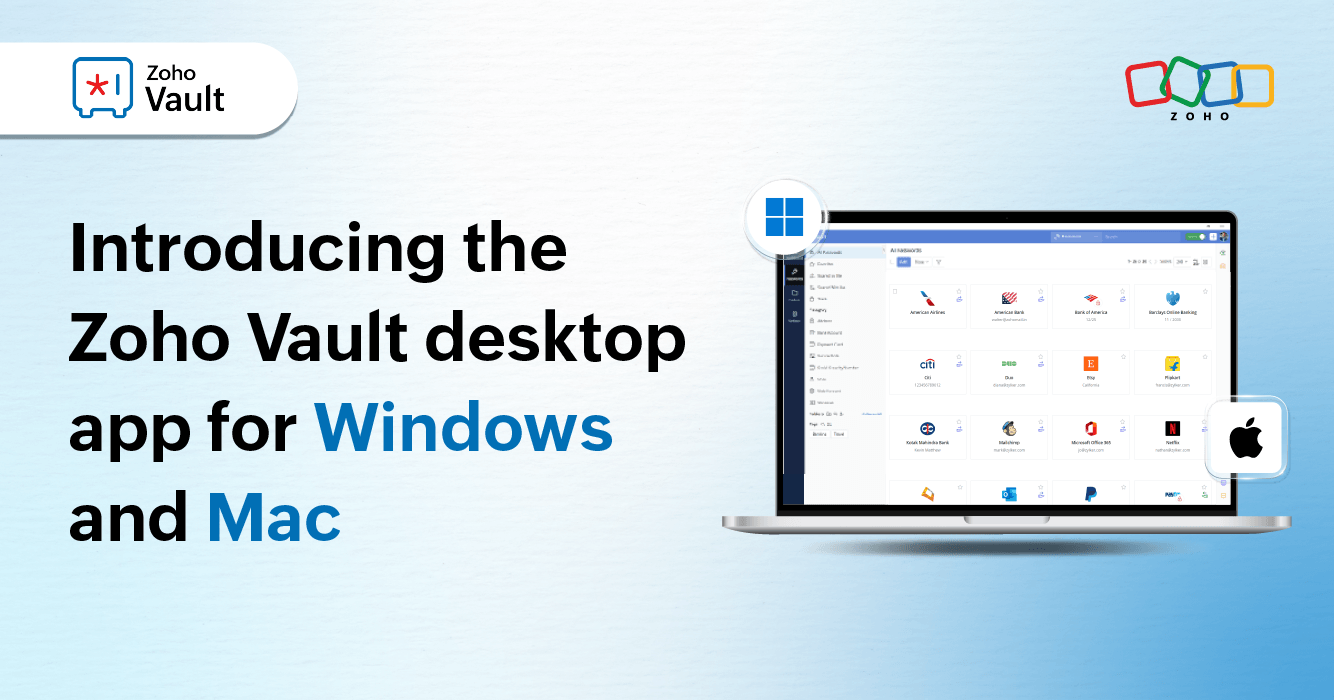
You asked—we delivered. We’re thrilled to announce the launch of the brand-new Zoho Vault desktop app for Windows and Mac. Designed with your feedback and real-world needs in mind, this powerful new addition brings seamless, secure, workforce password management straight to your desktop.
Whether you're working from home, hopping between meetings, or staying heads-down at your desk, Zoho Vault now goes wherever you do. With our sleek, native desktop experience, accessing your passwords and sensitive data is smoother, safer, and more convenient than ever.
To our incredible users—thank you for your insights, your support, and your patience. This app is the result of your feedback, and we’re excited to finally put it in your hands.
At Zoho, we’re all about making secure access simple—anytime, anywhere, and now, on any device. So, what exactly does the new desktop app bring to the table? Let’s take a closer look.
Everything you love about Zoho Vault—now on desktop
We haven’t cut any corners. Every essential feature of Zoho Vault—from creating and managing sensitive information to autofilling and secure sharing—has been thoughtfully brought into our new desktop app. It delivers the same reliable security and performance you know from our browser version, now in a sleek, native experience.
A secure, encrypted vault—built for your desktop
Your sensitive data deserves a safe, reliable home. With the new desktop app, you get a secure, encrypted space to store and organize everything from passwords and payment details to bank information and confidential documents. Every piece of data you entrust to Zoho Vault is protected with end-to-end encryption, ensuring that it remains private and secure. It's just as reliable as our web version, but with the added convenience and speed of a desktop-native application.
Password sharing with unrivaled control
Collaboration shouldn't come at the cost of security. With the Zoho Vault desktop app, you can easily share passwords and other sensitive information with individual users, predefined user groups, and even third parties. The power truly lies in your hands with customizable access permissions, allowing you to define exactly who can see what and for how long. Our access control workflows allow you to review, approve, or deny password access requests directly from the desktop app, ensuring that every share is authorized and secure.
Manage multiple accounts without the chaos
Are you constantly switching between personal and business accounts, struggling to keep track of different logins? Say goodbye to that headache! The Zoho Vault desktop app introduces robust multi-account support, allowing you to securely manage all of your credentials and other sensitive information—both personal and professional—from a single, unified interface.
Desktop-exclusive features you'll absolutely love
We didn't stop at replicating existing features; we also integrated platform-specific enhancements that elevate your Zoho Vault experience.
For Mac users
Find what you need instantly with Apple Spotlight
Imagine searching for a password or a sensitive document and having it appear instantly. With seamless integration with Apple Spotlight, your Zoho Vault data is just a quick search away. No more fumbling through folders or logging into your browser—simply type in Spotlight, and access what you need in seconds! It's efficiency redefined.
Just ask Siri
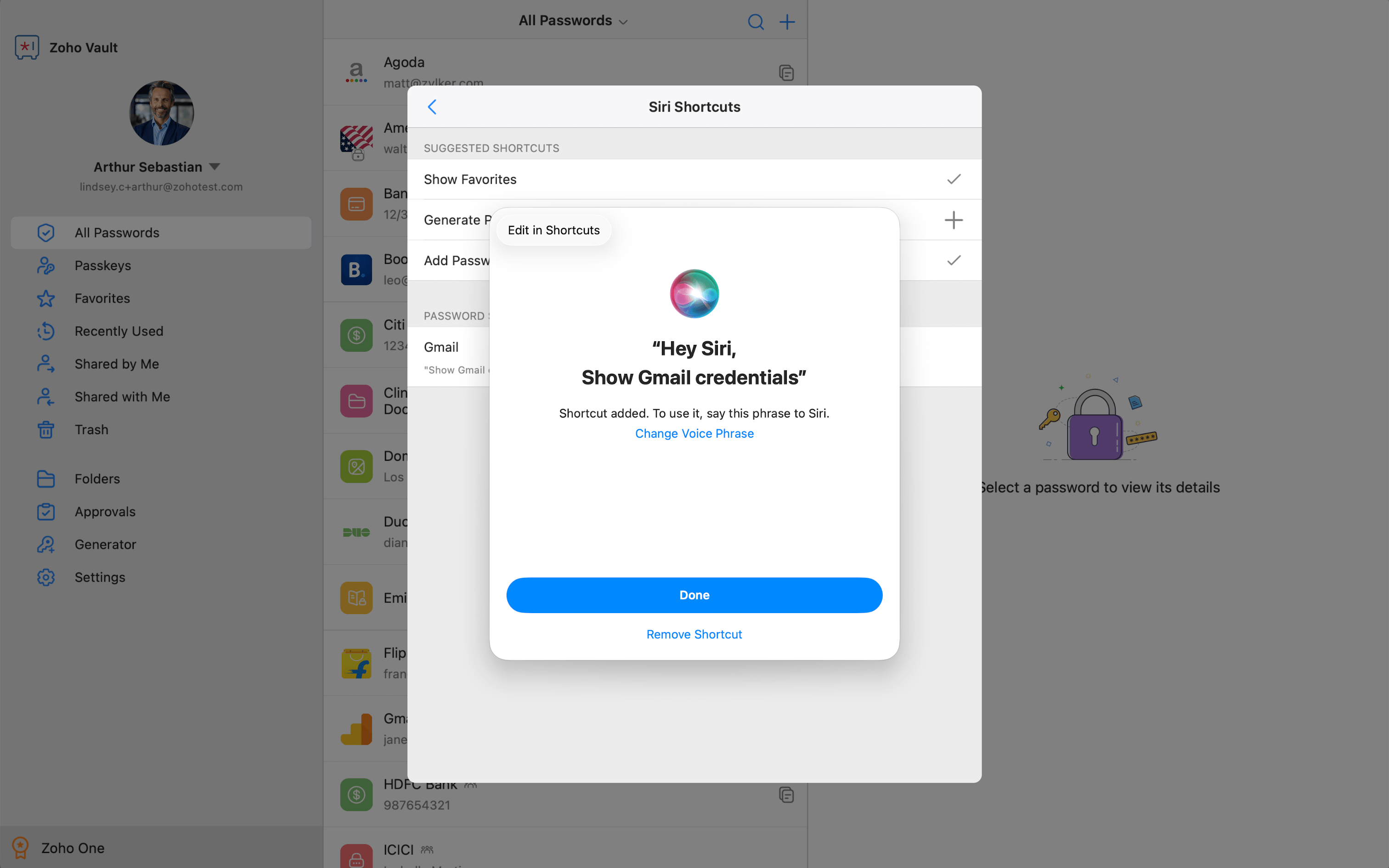
Managing passwords has never been this simple. Need to quickly view your favorite logins? Want to generate a new, ultra-strong password on the fly? Or maybe you need to save a new credential? Just ask Siri, and it's done—fast, simple, and completely hands-free. Let your voice do the work, so you can focus on what matters.
Biometric unlock
Experience truly seamless access. Skip the hassle of manually typing your master password every time you want to unlock Zoho Vault. For Mac users, you can now unlock your vault using Touch ID or Face ID effortlessly, getting you secure access in mere seconds.
For Windows users
Unlock with Windows Hello
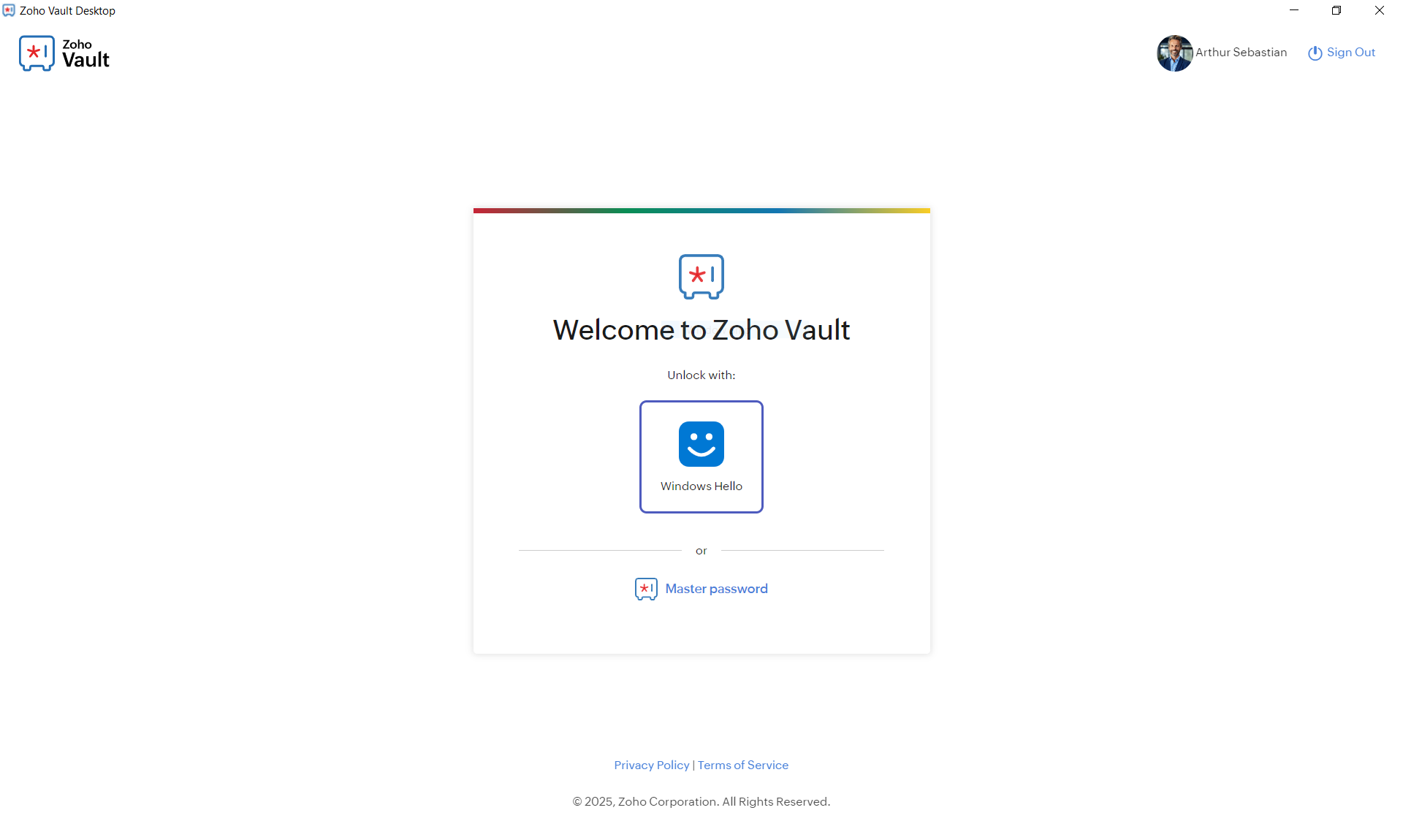
Just like our Mac users, Windows users can now enjoy frictionless access. Say goodbye to typing your master password over and over again. With Windows Hello, you can unlock Zoho Vault using your preferred Windows Hello method (like facial recognition or fingerprint) and gain secure access in seconds. It’s quick, secure, and truly modern.
Offline access
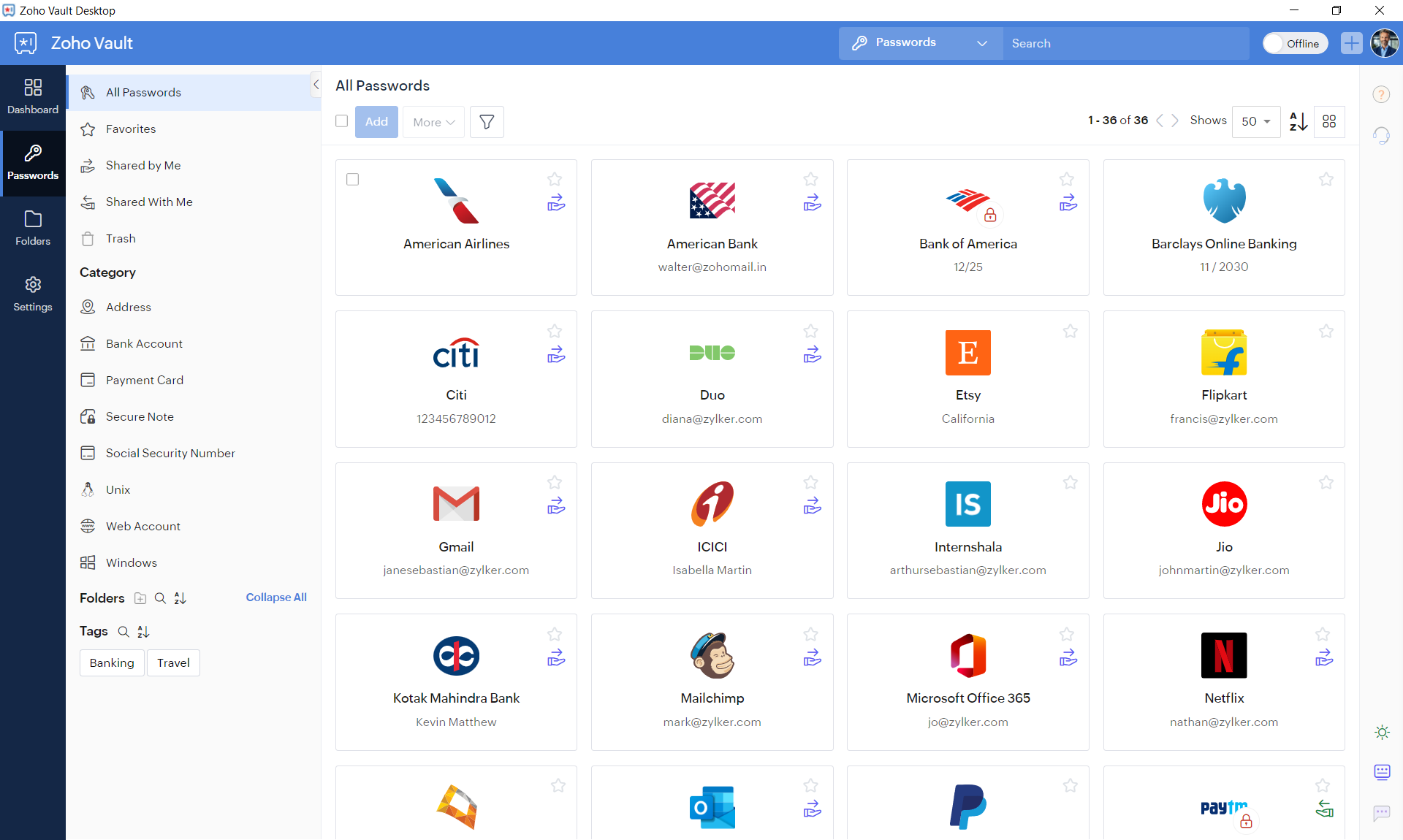
We know you're not always connected. That's why the Windows desktop app now offers offline access. You can access your stored passwords and sensitive data even without an active internet connection. Seamlessly switch between offline and online modes directly from the app interface. No matter your connection status, your critical data remains encrypted, safe, and readily available.
Security that adapts to you
No matter how you choose to access Zoho Vault—through the web, our mobile apps, or now, our brand-new desktop applications—your security remains our top priority. We've ensured that the consistent, robust security measures you trust are uniformly applied across all platforms. Your data is always protected with the highest standards of encryption and privacy, offering you complete peace of mind, wherever you are and whatever device you're on.
Ready to transform your password management experience? Download the all-new Zoho Vault desktop app for Windows and Mac today and discover the effortless security you've been waiting for!
For more details, check out our help article.
Start your 15-day free trial now or write to us at support@zohovault.com to get started on your journey today.

Comments