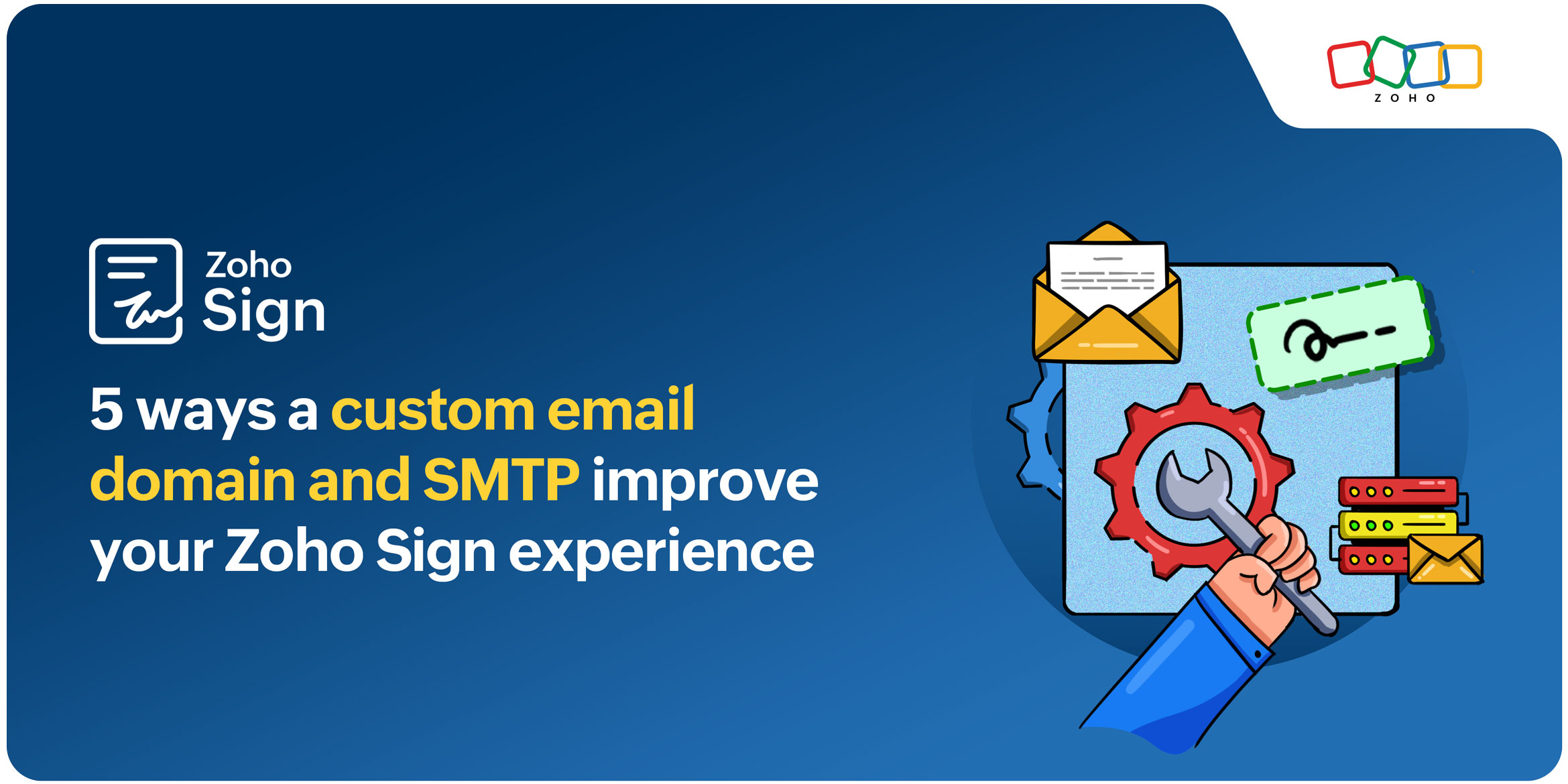
5 ways a custom email domain and SMTP improve your Zoho Sign experience

Every interaction your audience has with your brand tells a story, sometimes in ways that are subtle but incredibly meaningful. When a customer receives a document to sign, it’s more than just a transactional moment; it’s a chance to reinforce who you are as a company, the professionalism you stand for, and the consistency they can expect from you.
Zoho Sign already makes the signing experience smooth and secure. But many businesses choose to enhance that journey even further by setting up a custom email domain and custom SMTP. This simple enhancement transforms routine signature requests into fully branded touchpoints. Signature request emails look and feel like they’re coming directly from your organization, and signers experience a seamless, familiar flow from start to finish.
What is a custom email domain?
A custom email domain allows you to send Zoho Sign emails from your own email address, whether it’s your organization’s main address or a personal work email. Instead of appearing as a generic sender, your emails carry your brand’s identity, making every communication with signers more authentic and professional.
For example, say you regularly send investment agreements to clients. With a custom email domain, your Zoho Sign emails can come from contracts@[yourdomain].com instead of a generic email. Clients immediately recognize the sender, feel confident opening the document, and are reassured that the message is legitimate. Verified email domains also reduce the chances of your emails landing in spam, ensuring a smoother signing experience for everyone.
What is custom SMTP?
Custom Simple Mail Transfer Protocol (SMTP) lets you send signature request emails by routing them through your organization’s own email servers instead of Zoho’s default servers. This means every signature request and notification is delivered through the same trusted system you already use for business communication.
For some teams, especially in regulated sectors like healthcare, finance, or legal, this added control supports internal policies and strengthens trust. For example, a hospital administrator sending patient consent forms through Zoho Sign can route those emails through the hospital’s secure mail server, helping maintain compliance and improving deliverability.
Now, let’s explore five ways a custom domain and custom SMTP can elevate your Zoho Sign experience with communications that are consistent, credible, and thoughtfully crafted.
1. Enhance security and credibility
Routing all your Zoho Sign emails through your organization’s own servers ensures that every signature request, reminder, and notification comes from a verified domain. This setup reinforces the authenticity of your communications, assuring recipients that messages are legitimate and secure. By controlling email delivery, your organization safeguards sensitive information and reduces the risk of spoofing or phishing, boosting trust with every interaction.
2. Create a polished, professional experience
Sending emails from your own domain instantly adds a professional edge. Instead of generic addresses, recipients see familiar, branded messages that feel deliberate and trustworthy. Every signature request or notification becomes a polished touchpoint, reflecting your attention to detail and reinforcing the high standards your organization upholds.
3. Build trust and authenticity with recipients
When an email related to a document signature comes from your organization’s domain, recipients immediately feel more confident engaging with it. They know exactly where it’s coming from. Zoho Sign’s domain verification process ensures that every email is backed by your ownership of the domain, adding a strong layer of authenticity and reassuring signers that your messages are secure and legitimate.
4. Strengthen your brand with every signature request
Emails sent from your own domain keep your brand front and center. Recipients instantly recognize the sender, which reinforces brand cohesion. Whether it’s a partner reviewing an agreement or a client signing a contract, a branded sender address creates a memorable, polished experience. Zoho Sign’s custom domain configuration allows you to send envelopes from your verified domain, so each communication feels like a seamless extension of your brand.
5. Improve deliverability and reduce spam risk
Deliverability is critical, especially for time-sensitive documents that require action. Using a custom domain and custom SMTP helps email providers verify that your messages are legitimate and securely authenticated. This significantly reduces the likelihood of emails being flagged as spam or promotions. The result? More messages reach inboxes on time, signers respond faster, and your workflows run smoothly without unnecessary follow-ups or delays.
Getting started with Zoho Sign
So why wait? Start using Zoho Sign today to send every document securely while reinforcing your brand with every signature request. If you're not already a Zoho Sign customer, head over to zoho.com/sign and sign up for a 14-day free trial. Check out our help documentation on getting started with Zoho Sign or watch this video.
Please feel free to email us at support@zohosign.com to share your feedback or request a personalized demo.
Until next time, happy signing!


Comments