Zoho POS is now available for the Kingdom of Saudi Arabia

Today, we are excited to introduce Zoho POS for Saudi Arabia—with built-in VAT support and a fully localized Arabic interface for the region.
Zoho POS empowers retailers in Saudi Arabia to digitize their business and streamline their day-to-day operations with an easy-to-use, cloud-based point-of-sale solution.
Whether you run an apparel store, a perfume store, a supermarket, a quick-service restaurant, or a chain of retail outlets, Zoho POS is here to help you manage all your tasks, such as inventory, purchases, billing, customers, payments, analytics, and more—all in one place.
Highlights of Zoho POS for Saudi Arabia
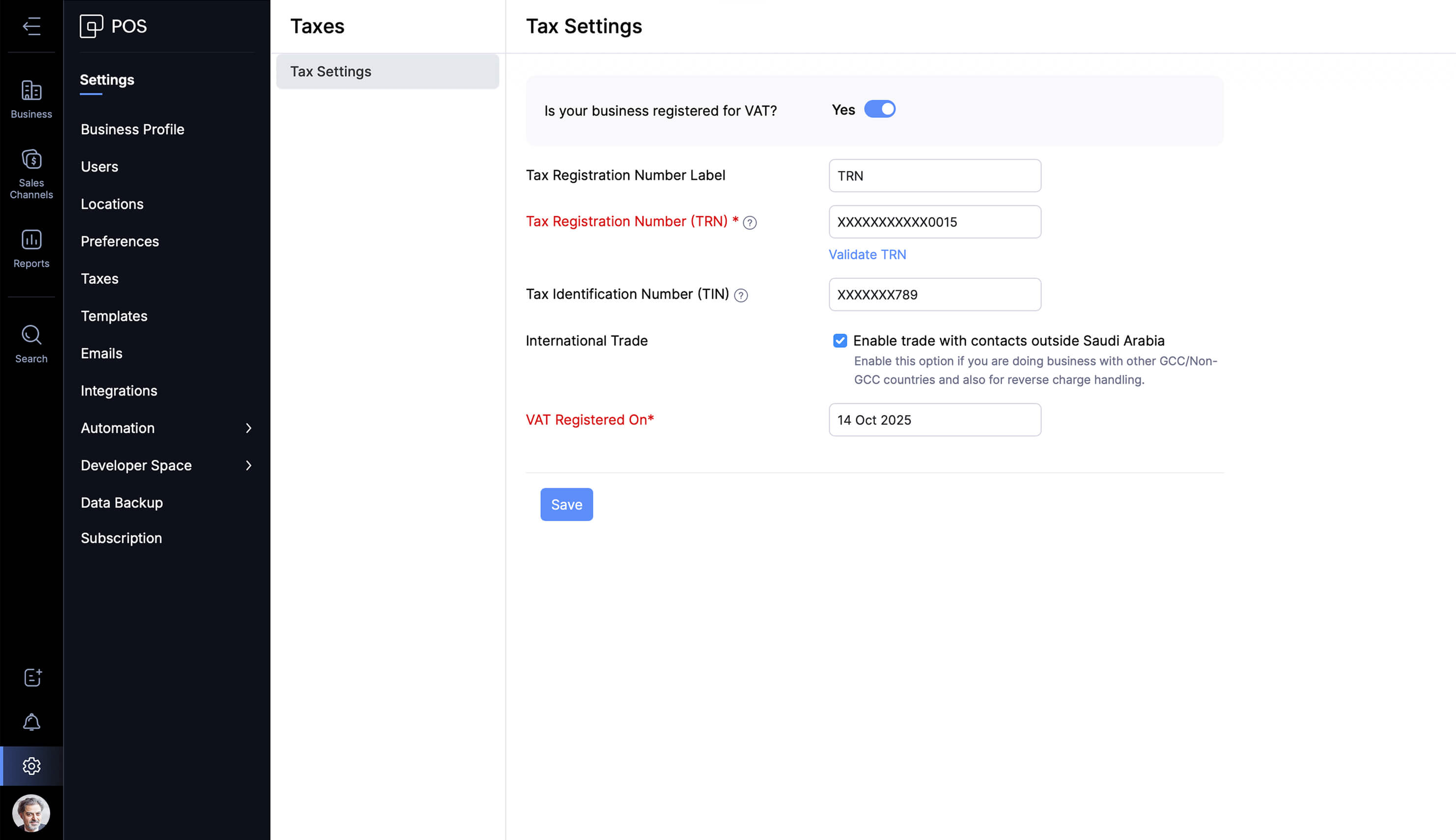
1. 100% compliant with Saudi's VAT setup
Configure Value Added Tax (VAT) settings for all the products or services you offer and generate invoices in an electronic and structured manner. Set up standard 15% VAT, zero-rated, or exempt tax categories, and ensure these values are automatically applied when the respective products are added to the cart during checkout, with accurate total bill calculations and VAT breakdowns.
2. Complete Arabic user interface
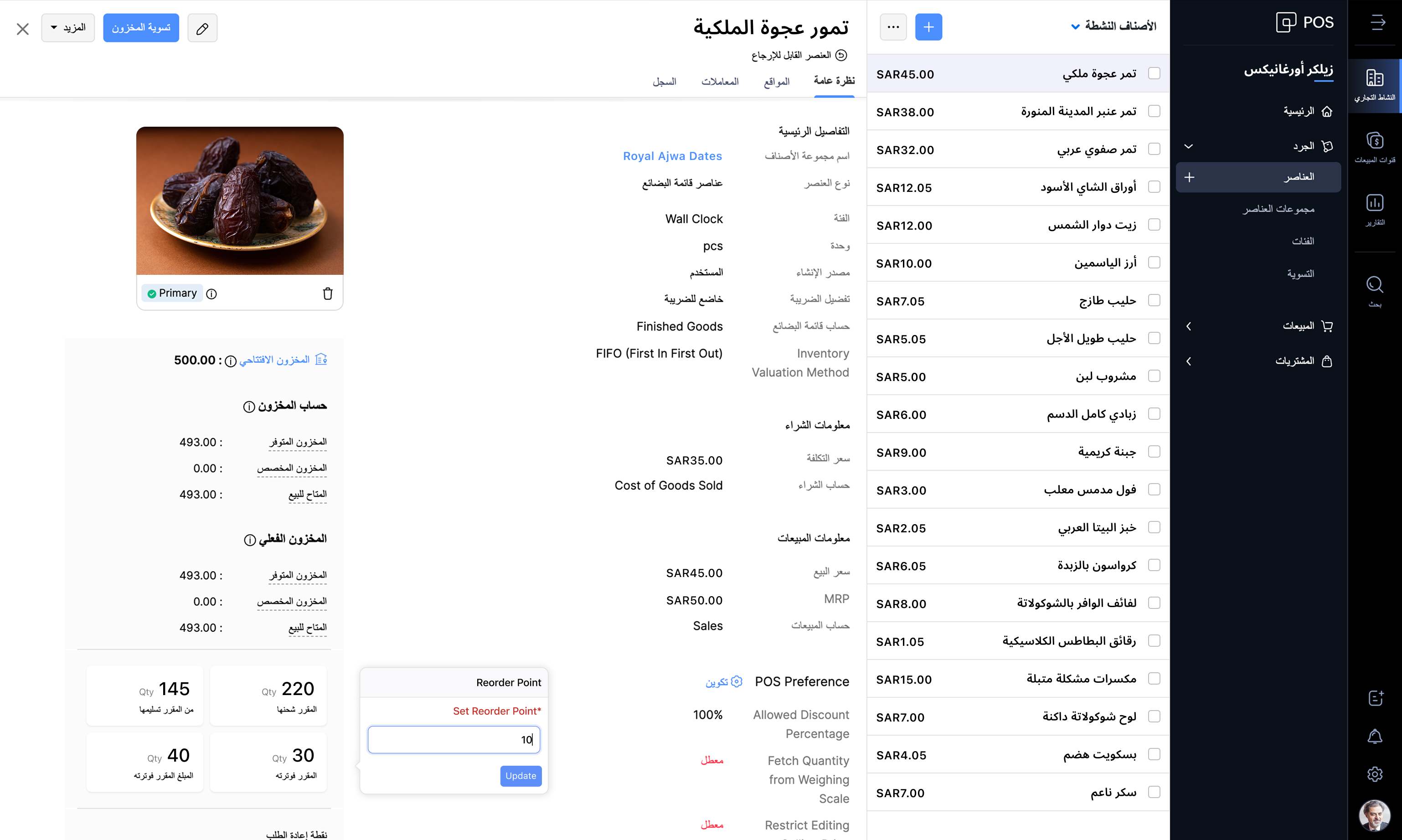
Zoho POS supports the Arabic language, with the entire app interface available in Arabic with full right-to-left support.
Business setup
Manage all your back office operations such as setting up your inventory, managing sales and purchases, payment information, and analytics in Arabic. You can even add item names, customer details, business information, vendor details, and more in Arabic, and use the app completely in your preferred language.
Customer billing
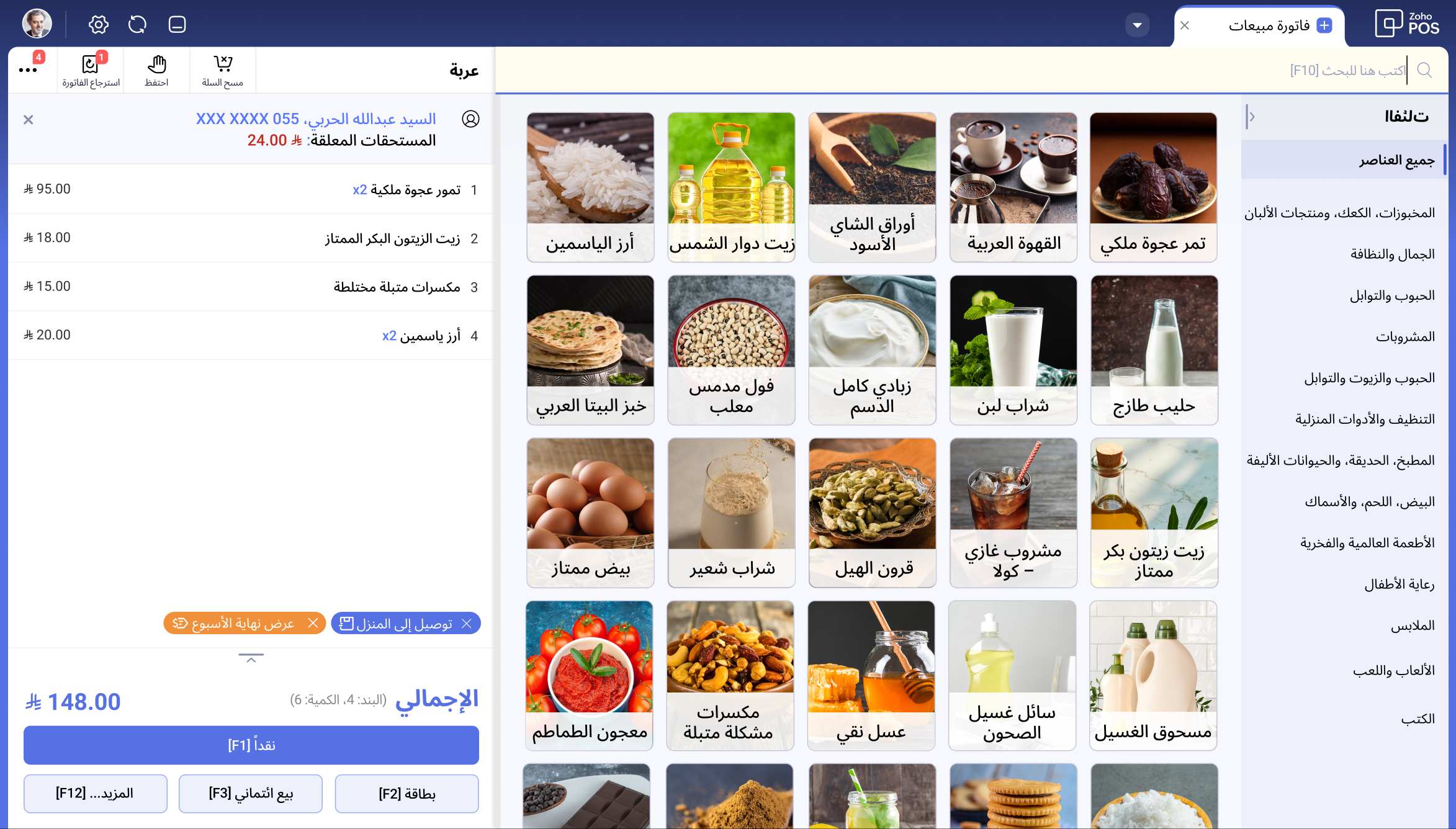
Use the Zoho POS's counter billing application in Arabic for convenience and ease of use. The app also supports 8+ additional languages besides Arabic and English, such as Hindi, Malayalam, Portuguese, and French, enhancing usability and reducing training time for the sales person.
3. Print customer invoices in Arabic and English
Generate invoices with four options—plain Arabic, plain English, English and Arabic in left-to-right (LTR), and English and Arabic in right-to-left (RTL), based on your convenience and customer preference. This ensures clear and compliant invoices for both Arabic-speaking locals and English-speaking tourists.
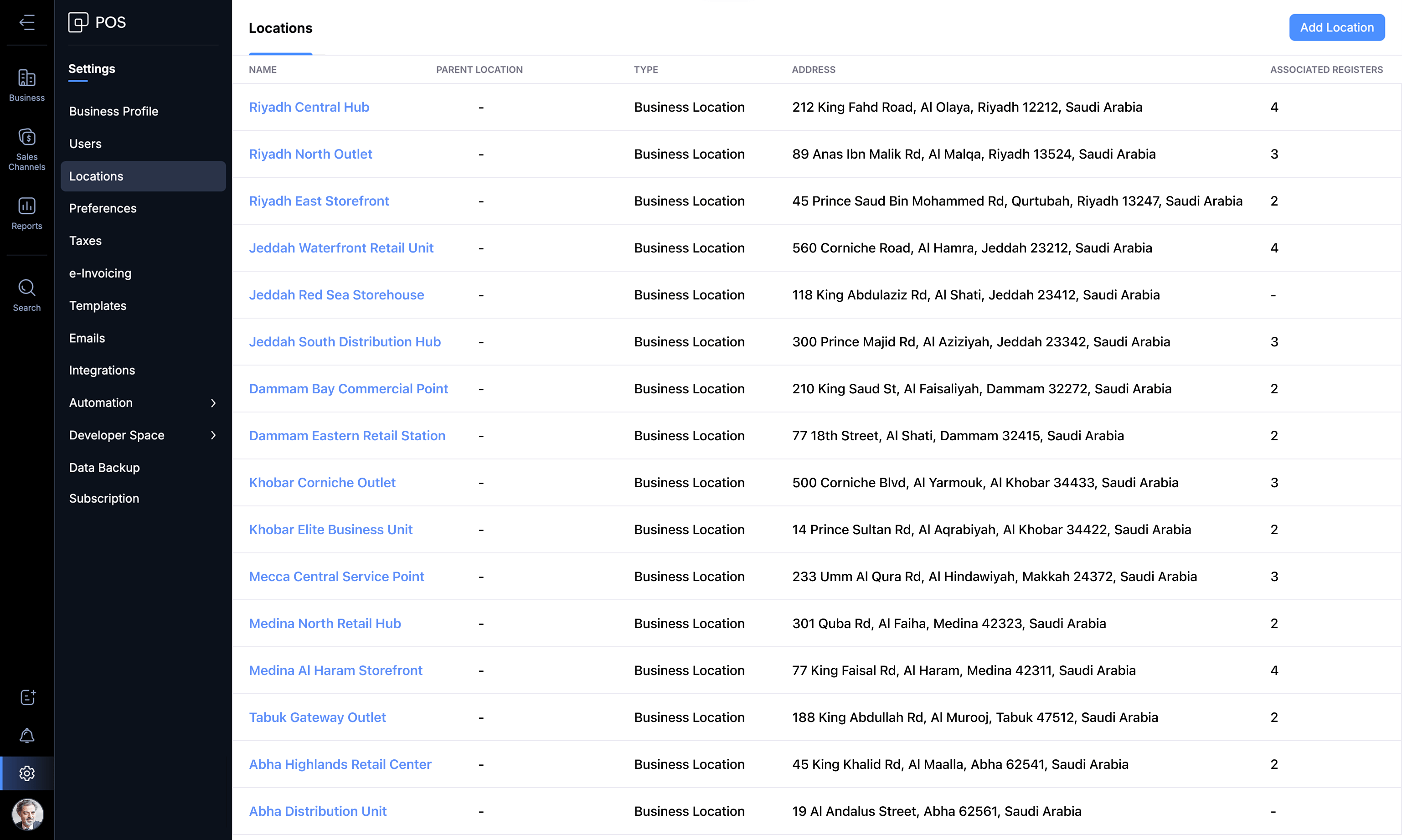
4. Manage multiple outlets seamlessly
Centrally manage all your outlets and know what's happening in each of them— the inventory moving in and moving out, product pricing, shift-wise sales on every register, and all discounts and sales returns—and make informed decisions. You can also keep track of your warehouse inventory and stock transfers effortlessly.
5. Bill faster and keep the queues moving
Reduce customer wait times at the counter by billing quickly with the Zoho POS billing app. The app is easy to use and has no learning curve, so your staff can use it from day one. Tap or scan to instantly add items to the cart, record customer details, and you are ready to print the invoice or send the invoice as an email.
You also get the flexibility to connect to billing peripherals such as barcode scanners, weighing scales, printers, and more from popular brands.
6. Manage your business on the go
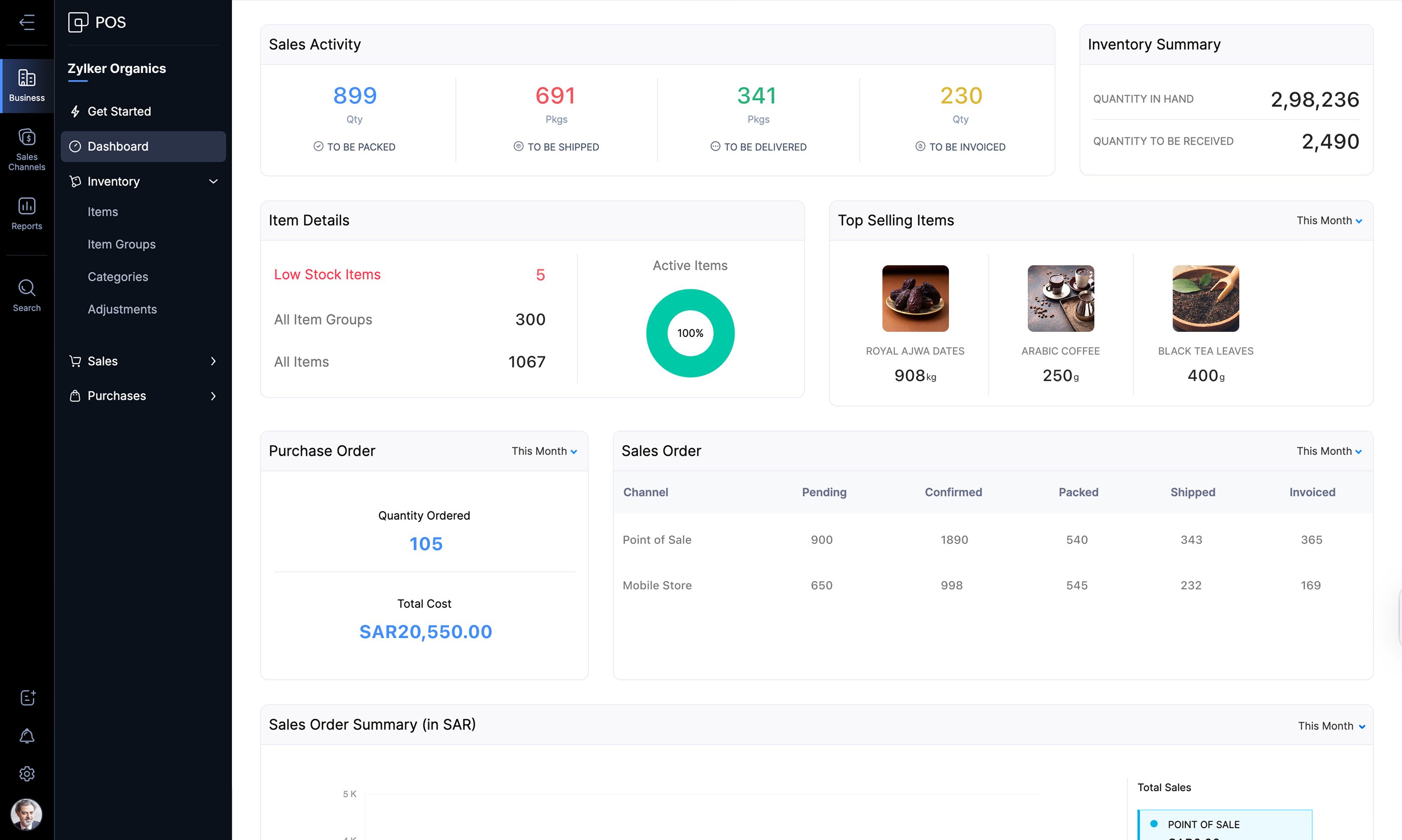
View powerful reports for all your business functions, such as inventory, sales, payments, and more, and stay updated on your store's performance in real time. You can also view important business metrics such as the low stock items, inventory in hand, top-selling items, and more from a centralized dashboard and act upon those insights instantly.
7. Win and retain customers with price management and loyalty management features
Set up static and dynamic pricing for items based on how they sell across your stores. Create special discounts and offers during festivals and peak hours to manage inventory more effectively and increase sales.
With loyalty management, you can assign loyalty points to customers based on their total purchase value and allow them to redeem those points for future purchases. This helps you cultivate brand loyalty and enable repeat purchases.
Note: Advanced price management and loyalty management are beta features. Please write to us at support-gcc@zohopos.com to have them enabled for your account.
8. Integrations
Connect other aspects of your retail business with Zoho POS and manage them all under one roof.
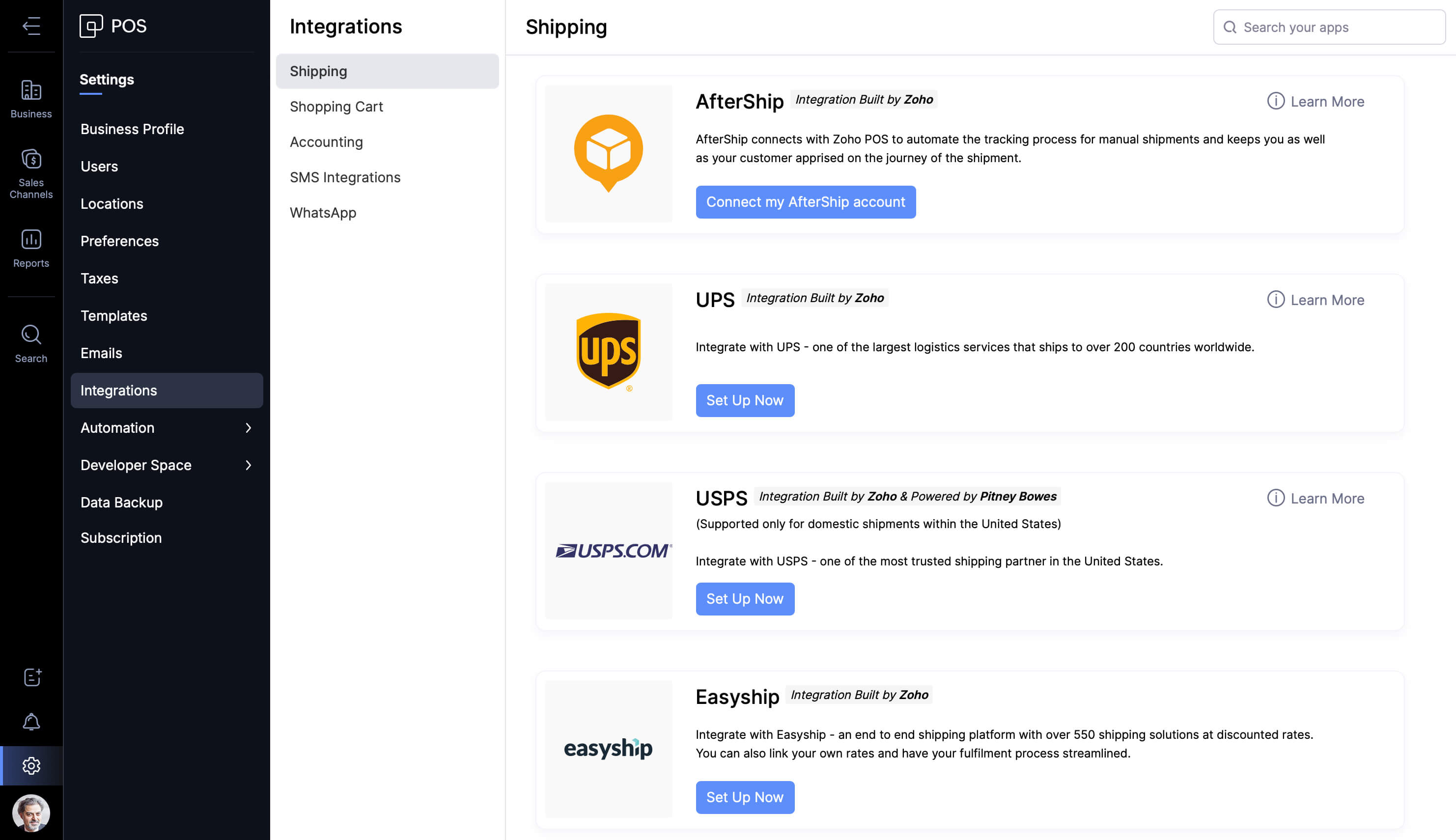
Zoho POS connects to Zoho Books for your accounting needs, Zoho Commerce and Shopify for ecommerce, and with a host of shipping partners such as AfterShip, UPS, USPS, and EasyShip for last-mile delivery.
For customer notifications and messaging, you can integrate with WhatsApp and Twilio.
9. Simple and transparent pricing
Zoho POS for Saudi Arabia is available from today, at a price starting at SAR 39 per month (billed annually). No extra charges or hidden features. Just one simple pricing. Learn more about our pricing and plans here.
Discover what Zoho POS can do for your business with a 15-day free trial, and let us know your feedback in the comments.

Comments