A #Recap of Zoho Notebook in 2025

They say a year passes by in the blink of an eye. For Notebook, 2025 wasn’t just another 365 days; it was the year your Notebook app reached the next level. What began as a simple note-taking app nine years ago has transformed into a powerful, intelligent workspace that’s redefining how we capture ideas, organize knowledge, and collaborate.
From letting you drag and drop your notes in the perfect order to turning your meetings into polished written drafts, Notebook is way more than just a place to store thoughts. It’s where thoughts evolve. This isn’t just a timeline of releases; it’s about giving every user—student, creator, professional—a smarter way to think, write, and work.
Notebook AI in the spotlight
Notebook AI made this year unforgettable. Taking notes isn’t just about jotting things down anymore; it’s about having a second brain that actually helps you think, organize, and create with ease. Just ask Notebook AI, and let it take care of the rest!
Meeting notes on the go
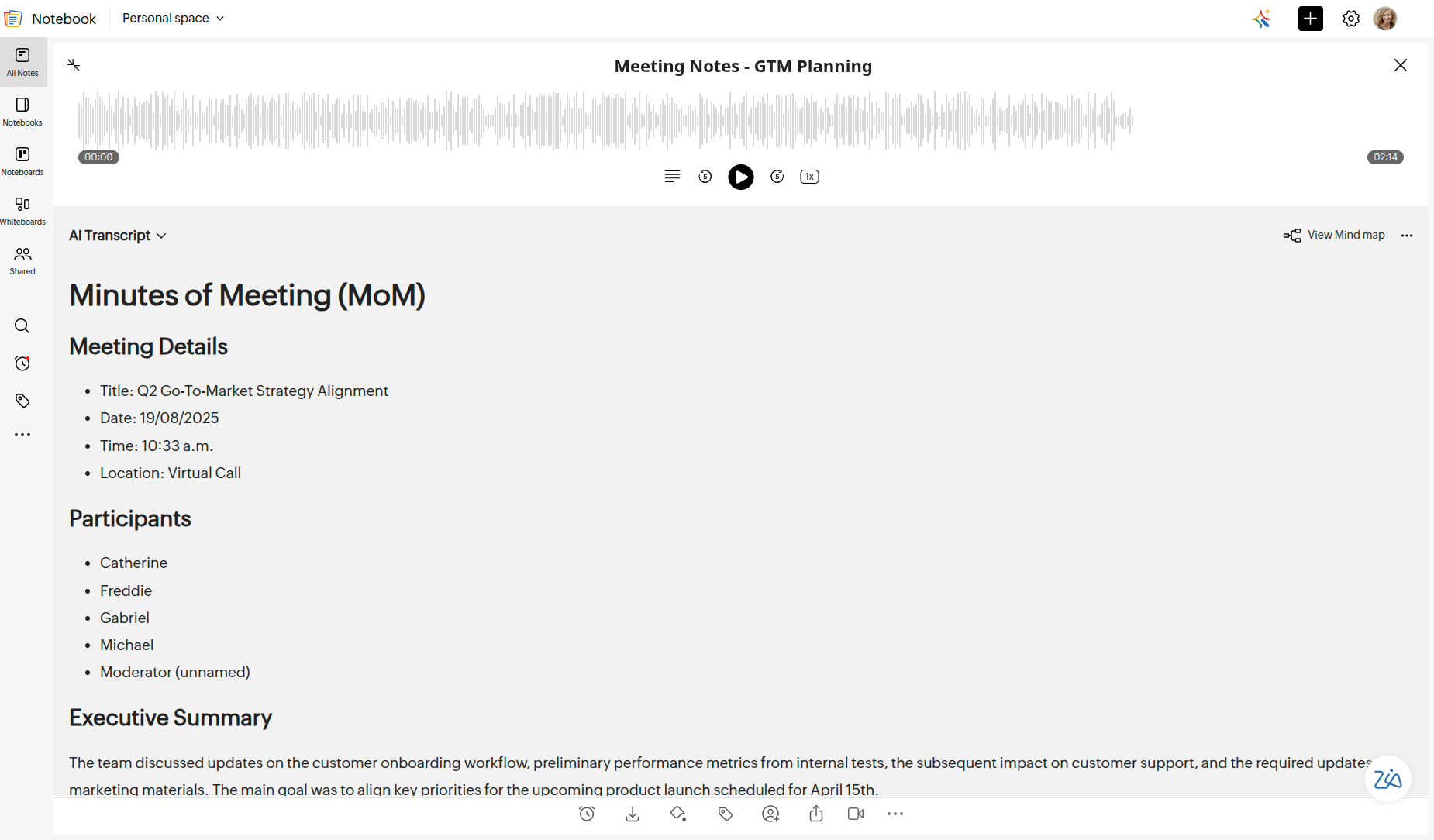
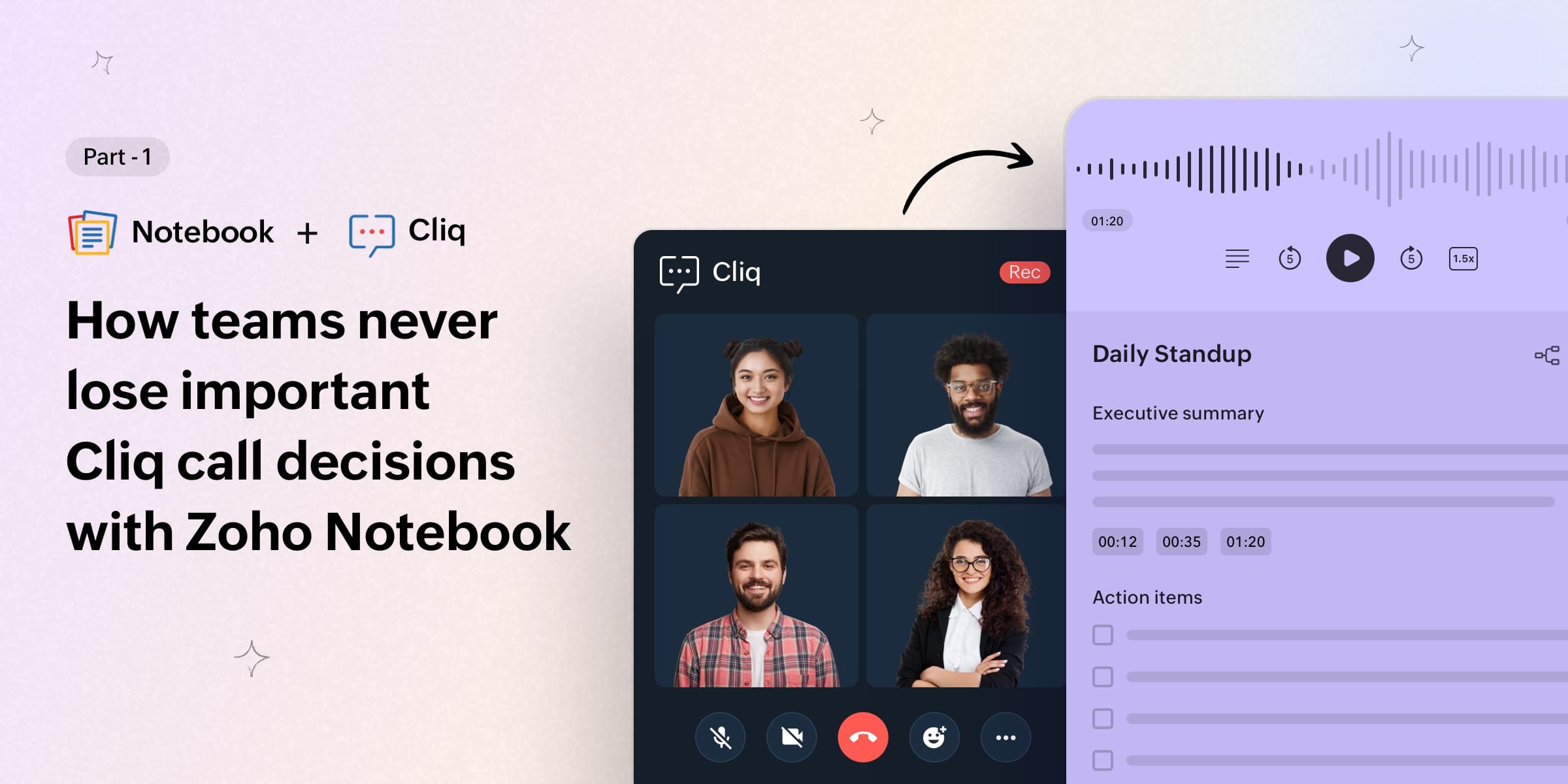
The biggest shift came with AI Meeting Notes, which now listens, records, and organizes your conversations for you. Whether you're on a call, in a lecture, or deep into a brainstorming session, Notebook AI turns all that talk into clean, transcribed notes without you lifting a finger.
AI Mind Map on all platforms
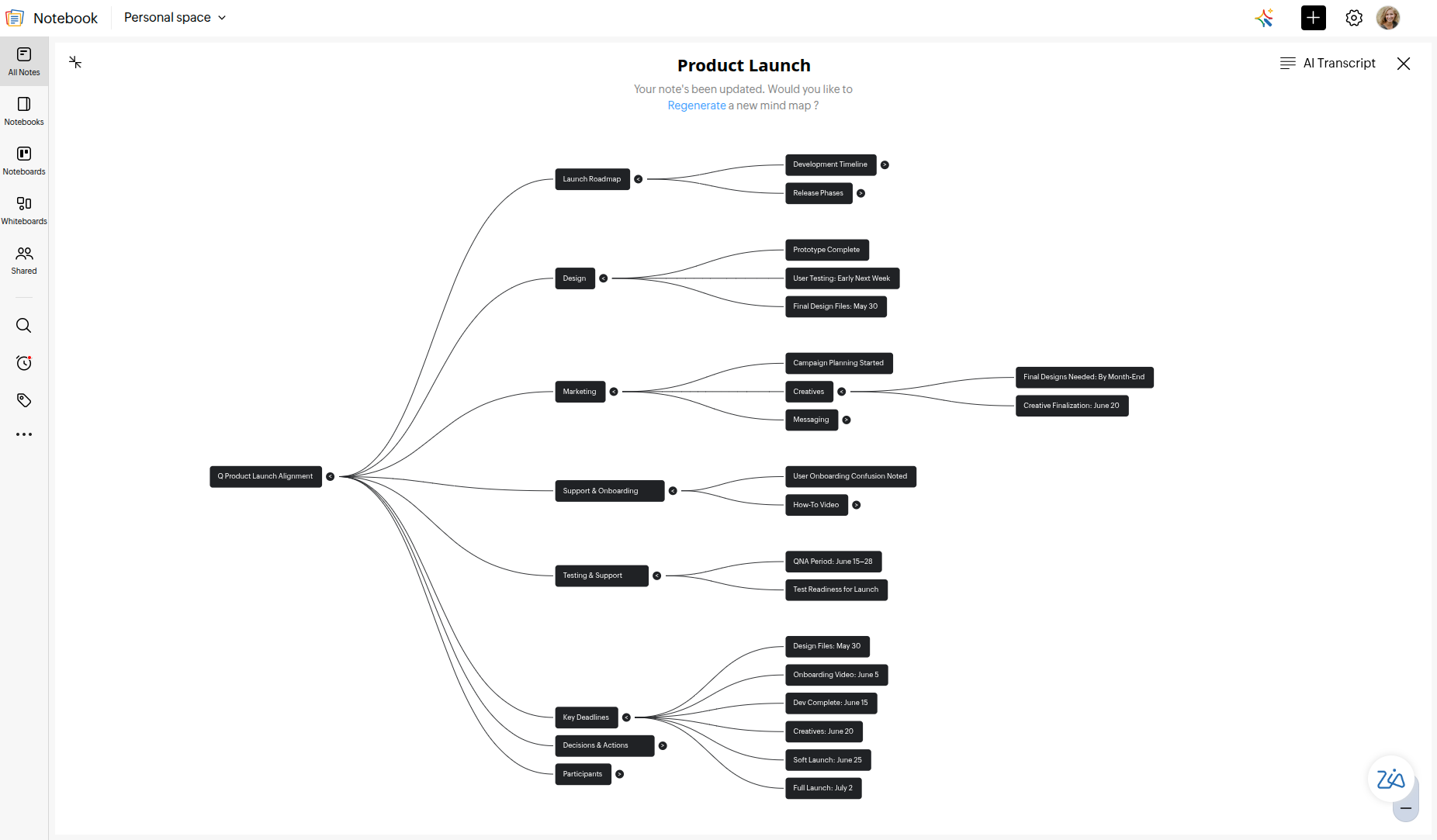
Turn your longest notes into clear, structured mind maps in seconds—now on every device. Visualize ideas, spot connections faster, and get a bird’s-eye view of your thoughts without any manual work.
Auto-record meetings on Mac
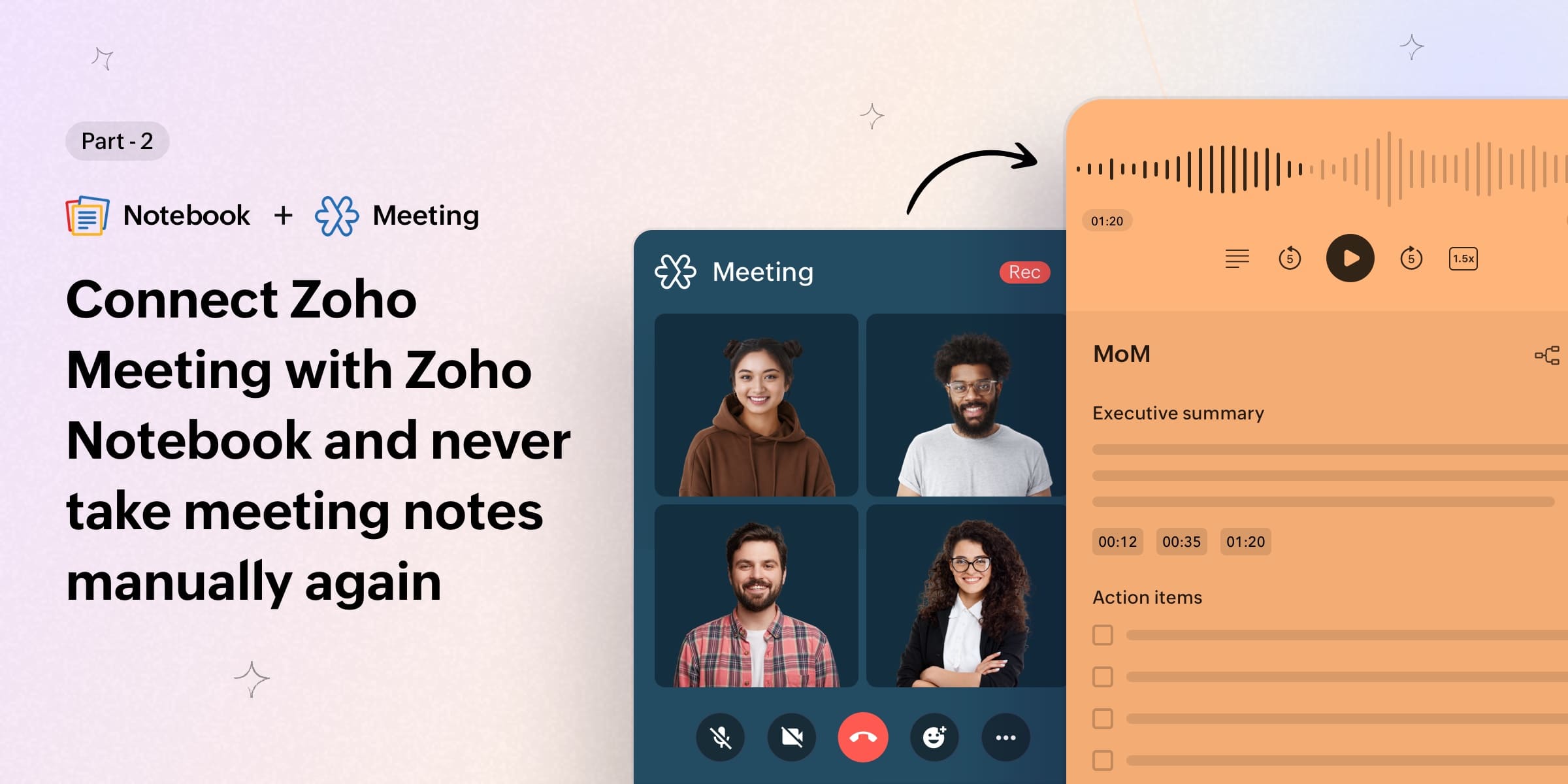
Transcribe Mac meetings in real time—no need for bots to join your call. Notebook on macOS automatically records your meetings and generates clean transcripts, perfect for professionals and teams.
Notebook AI for students
In early November, we expanded on something we’ve always believed in: Students deserve great tools without barriers. Notebook AI for Students brings advanced writing, summarizing, transcription, and study assistance to learners at no extra cost. With dedicated monthly AI quotas, students can stay on top of classes, lectures, assignments, and exams. Everything’s all in one place.
AI Transcription in 7 languages
Notebook AI can transcribe audio in English, Spanish, French, German, Italian, Dutch, and Russian. Record anywhere, and get accurate transcripts everywhere.
Custom Sorting arrived
One of the most loved updates went live this year. With Custom Sorting, you can drag and drop notes, notebooks, and collections exactly where you want them. The best part? Your perfect order syncs instantly across all of your devices, so you can stop sifting through clutter and grab the note you need instantly.
Better iPad and macOS productivity
We redesigned the iPad experience with a new multi-pane layout, and it genuinely changes how you work. Instead of shuffling between screens, everything now sits side-by-side: your notes, your notebooks, your tools.
This year, Noteboards became available on macOS, bringing Kanban-style organization to your desktop. You can now move, arrange, and track notes, just like tasks, all within Notebook.
Meaningful migrations
Migrate from OneNote to Notebook
Bring your OneNote notebooks straight into Notebook. Everything stays neat, structured, and ready to use. Learn more.
Migrate from Pocket to Notebook
Bring years of saved articles and bookmarks into Notebook with just a tap. Pocket migration makes the switch effortless—your entire reading list moves with you, neatly organized and without any manual copy-pasting.
Features that make your work easier
Attach files to your notes
Need to keep everything in one place? Now you can attach files right inside your Text Cards and share File Cards instantly. It’s a cleaner, faster way to collaborate, submit, and stay organized.
Enhanced search capabilities
Whether you’re searching by titles, tags, notebooks, or even a single word you vaguely remember, Notebook locates the most relevant results instantly, so you don't have to keep digging around. It also shows your recently opened notes and past searches, making it even easier to jump back into the things you revisit often. Learn more.
Leveled-up organization across devices
Organizing your notes became a whole lot faster this year. With multi-select and tag editing now supported on every platform, you can bulk-clean, bulk-tag, and bulk-organize with ease—no repetitive steps needed.
Notable integrations of the year
Notebook and Apple
This September felt like a fresh start for Notebook on Apple devices. The new Liquid Glass UI makes everything cleaner and easier on the eyes, while Apple Intelligence quietly helps with summaries, tone, and transcription—all kept private on your device.
iPad users now enjoy Journaling Suggestions, and the Apple Watch app also got a tidy visual update.
The whole experience is now smoother, calmer, and more “at home” across your iPhone, iPad, and Apple Watch.
Notebook and Zoho CRM
The Notebook Extension for Zoho CRM brings all of your note-taking tools right where you work. Write detailed notes, record audio, attach images and files, create checklists, set reminders—everything stays neatly linked to the right CRM records. And with the new ZVoice integration, you’re in control: Every recorded call tied to a CRM record is automatically saved as an audio note in Notebook, perfectly organized without lifting a finger.
Notebook speaks more languages
Notebook on iOS now speaks your language—literally. You can now use the app in 10 Indian languages, so you can write, plan, and capture ideas in the words that feel most natural to you.
And, the web app? Notebook went global in a big way, expanding to 53 languages. No matter where you’re from or what you speak, your notes finally feel at home.
Wrapping up
From powerful AI tools to thoughtful design updates, this year was all about making your note-taking feel more personal and noteworthy. Thank you for being part of this journey with us. We wish you a cozy Christmas and a New Year filled with happiness, cakes, and plenty of notes worth remembering.
Happy note-taking!

Comments
6 Replies to A #Recap of Zoho Notebook in 2025
Really enjoyed this Year in Review! It’s impressive to see how much progress Notebook has made throughout 2025 — especially the focus on improving cross-device syncing, enhancing the editor experience, and introducing smarter productivity features. It’s clear that the team is committed to building a tool that stays simple while becoming more powerful for everyday users.
Glad you liked it!
Great recap on Zoho Notebook's impressive 2025 evolution—AI Meeting Notes, mind maps, and student-friendly features sound game-changing for researchers juggling lectures, data, and collaborations. As someone in precision life sciences, I love how Notebook AI's transcription in 7 languages and auto-recording could streamline lab meetings and experiment documentation.
Thanks for the feedback!
Notebook just keeps getting better every year, and this 2025 roundup genuinely shows how far the app has evolved. The AI-driven features—especially meeting transcriptions, mind maps, and the new multi-pane layout on iPad—feel like real productivity upgrades rather than just additions. I also love how accessible the team made Notebook AI for students; that’s the kind of change that actually helps people on a daily basis. As someone working in a field where clear documentation, accuracy, and organized workflows matter a lot, I really appreciate tools that reduce friction and keep information easy to manage. My work involves advanced acoustic and ultrasonic inspection solutions, so consistent note-taking and fast transcription make a huge difference in reporting and analysis. If anyone’s interested in that space, here’s more about what we do: https://acoustictestingpro.com/ Great article—excited to see what Notebook has planned for 2026!
Hi Ana! Thanks for sharing your experience! Really glad Notebook’s updates are helping your workflow—can’t wait to bring you more in 2026 :)