Zoho Books Banking just got smarter: Here’s what’s new

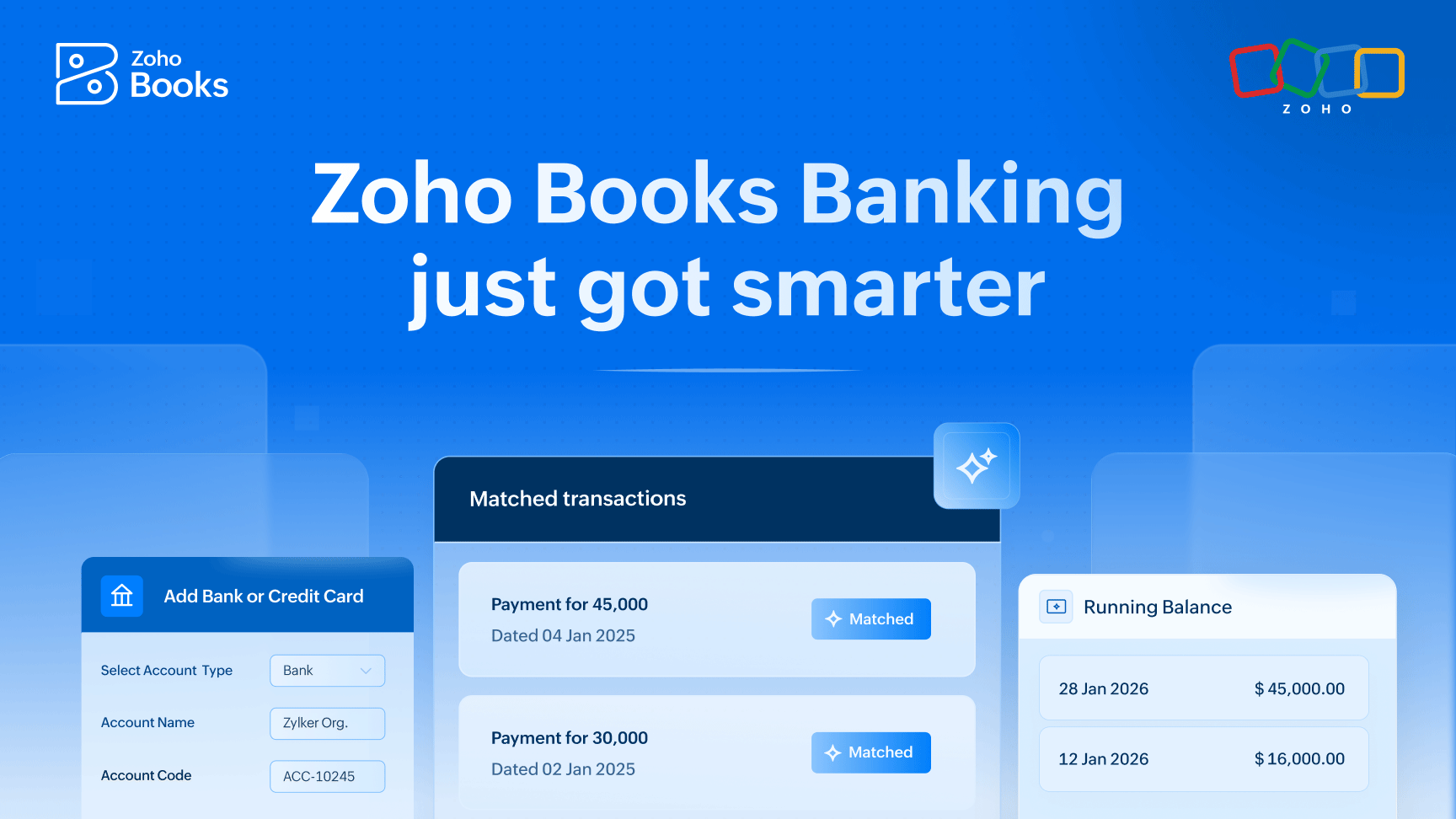
Banking and accounting are crucial parts of every business. And with the right tools in place, they don’t have to be complicated or time-consuming. At Zoho Books, we believe managing your finances should feel simple, smooth, and stress-free.
That’s why we’re continuing to evolve the Zoho Books Banking module with smarter automation and thoughtful enhancements. Built on a strong foundation, these latest updates make everyday banking faster, simpler, and more intuitive.
Each improvement is designed to cut down manual work, improve accuracy, and give you clearer visibility into your finances, so you can close your books faster and move ahead with confidence.
Let’s take a closer look at what’s new in the Zoho Books Banking module and how these updates can make day-to-day banking simpler for your business.
Reconciliation, made smarter with AI
Reconciliation is essential, but it doesn’t need to be manual.
Zoho Books now uses an AI agent to make bank reconciliation more intuitive and efficient. Earlier, while transaction dates and amounts were prefilled, users still had to manually enter key details like categories, accounts, and vendors.
With AI-powered Field Prediction, Zoho Books now intelligently auto-suggests these values based on past transaction behavior. When historical data isn’t available, it uses bank statement context to make accurate predictions.
The result? Less manual data entry and faster reconciliation, especially for finance teams handling high transaction volumes across multiple bank accounts.
Centralized bank rules for consistent categorization
Managing bank rules across multiple accounts is now significantly easier. Instead of creating the same rule repeatedly for each bank, users can create a rule once and apply it across multiple banks, accounts, or cards.
This not only saves setup time but also ensures consistent categorization across all accounts, making reconciliation cleaner, faster, and far more scalable as your business expands.
Faster bulk categorization with Quick Categorize
High transaction volumes shouldn’t mean slow reconciliation.
With the new Quick Categorize feature, Zoho Books makes bulk categorization faster and more intuitive. Users can now categorize up to 50 bank transactions at once using a spreadsheet-like view.
For example, multiple transactions from “Verizon” can be categorized under Telephone Bills, while transactions from “Shell” can be assigned to Fuel, all in one go.
Transactions can be filtered by deposits, withdrawals, or date range, and grouped by payee or date. Users can also merge multiple bank transactions into a single entry to keep records clean and well organized. Combined with AI-powered categorization and keyboard shortcuts, Quick Categorize helps teams process large transaction volumes in a fraction of the time.
Recording deposits are now more structured and seamless.
Zoho Books now offers a more efficient way to record deposits from the Undeposited Funds account. Instead of manually calculating totals and creating separate bank entries, users can directly select specific payments while recording a deposit.
Zoho Books automatically calculates the total and maintains references to all included payments, reducing errors and eliminating extra steps. Users can also filter transactions by currency while recording deposits, making the process even smoother for businesses handling multi-currency payments.
More flexible reconciliation status reporting
Clear visibility is key to staying on top of your finances.
The Reconciliation Status Report helps finance teams quickly identify discrepancies by clearly showing matched and unmatched transactions. Earlier available only as a PDF, the report can now also be exported as a CSV file.
This makes it easier to customize the data, add columns, rearrange rows, or perform deeper analysis, giving teams greater flexibility and better visibility over reconciliation insights.
Corporate card reconciliation, now supported
Reconciliation has now been extended to corporate cards.
Corporate cards configured in Zoho Expense are now available in Zoho Books for reconciliation, helping organizations ensure that card transactions and balances stay in sync.
While reconciling, users can also use a new filter that highlights transactions already matched in Zoho Expense but not yet reflected in Zoho Books because they’re still pending reporting or approval. This provides clear visibility into in-progress expenses and helps teams reconcile corporate card activity with confidence.
More powerful and flexible bank feeds
Accurate books start with reliable bank data.
Zoho Books now offers greater flexibility and coverage for bank feeds. Along with manual and automatic imports, users can fetch up to one year of bank feeds through Plaid (subject to availability), instead of being limited to 90 days. This is particularly useful when migrating from another accounting platform or setting up historical records.
Bank feed coverage has also expanded in Mexico. Through Syncfy, Zoho Books’ third-party banking provider, businesses can directly connect Mexican bank accounts and credit cards and automatically fetch feeds.
Statement imports are now more accessible as well. PDF import support has been extended to select banks in the US, Canada, and Mexico, and Zoho Books now supports the MT940 file format, making statement imports easier for users worldwide.
To help spot discrepancies faster, a running balance is now available for bank statement transactions, offering real-time clarity and quicker error detection during reconciliation.
Better control with tighter segmentation (Coming soon)
As teams grow, access control becomes just as important as automation.
Zoho Books introduces user-level bank account segmentation, giving businesses tighter control over who can access specific bank accounts. Access to newly added bank accounts can be restricted to selected users, ensuring that employees, accountants, or consultants only see what they’re responsible for.
This helps maintain stronger internal controls, improved data security, and clearer accountability across teams.
Banking that works the way your business does
With these enhancements, the Zoho Books Banking module becomes more than just a place to track transactions; it becomes a smarter, more automated foundation for your accounting workflows.
By reducing manual effort, improving accuracy, and offering better control, Zoho Books helps businesses spend less time reconciling and more time focusing on growth.
We’d love for you to experience these updates and see how they simplify your day-to-day accounting.

Comments