Team Collaboration
Work together with your team from your desk or across the globe with our online collaboration tool. We've reimagined project management, drawing from the most useful features of social media. Post comments, @mention users or teams, and hold discussions around various elements such as milestones, tasks, or events.

Feed
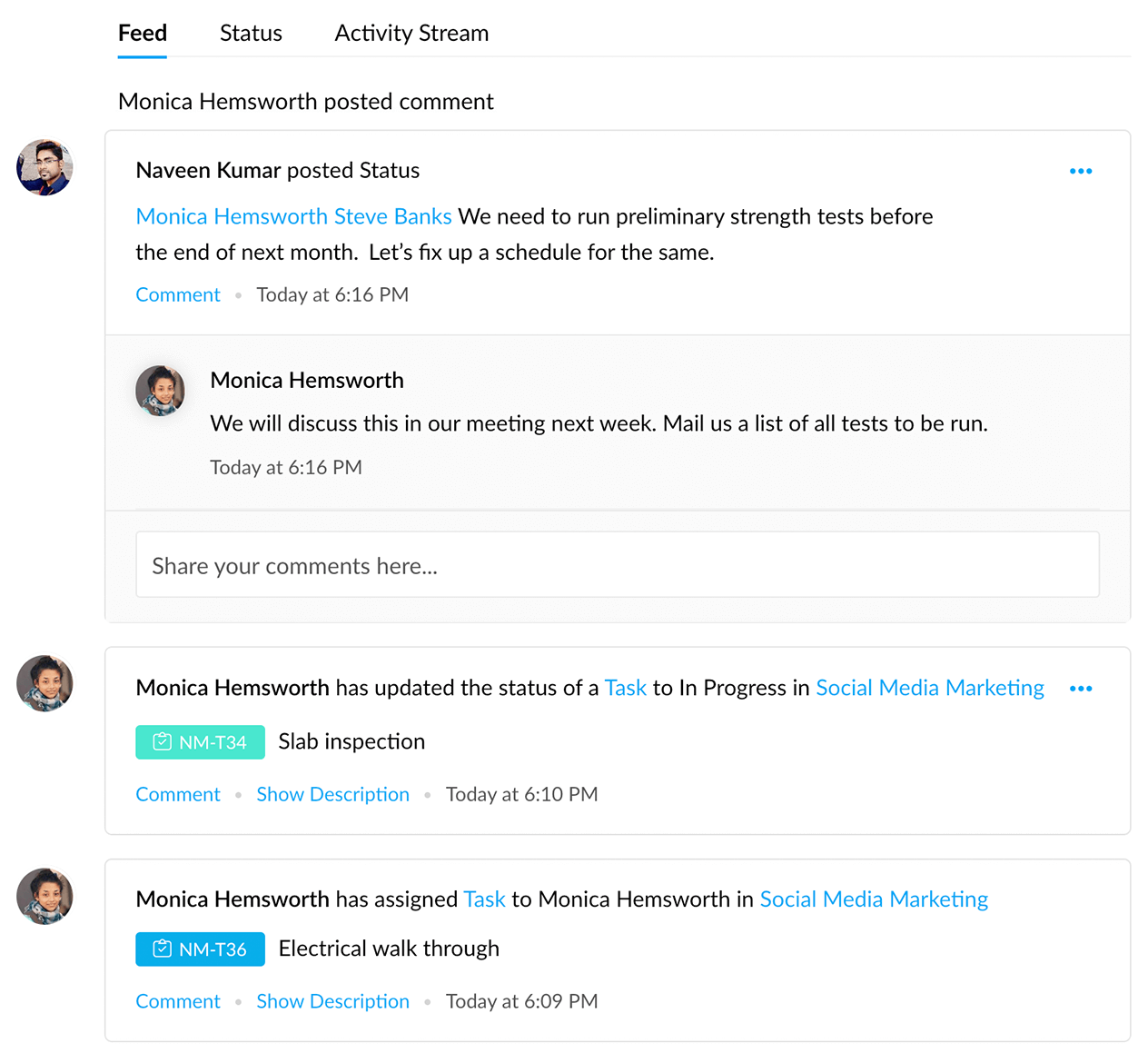
Get quick project updates within an interactive feed in Zoho's collaboration tool so you never miss out on what's happening. Add comments and attachments in reply to an issue or status update and start a discussion right there. Moreover, view the activity stream to quickly catch up on the latest changes made to tasks or issues.
Chat
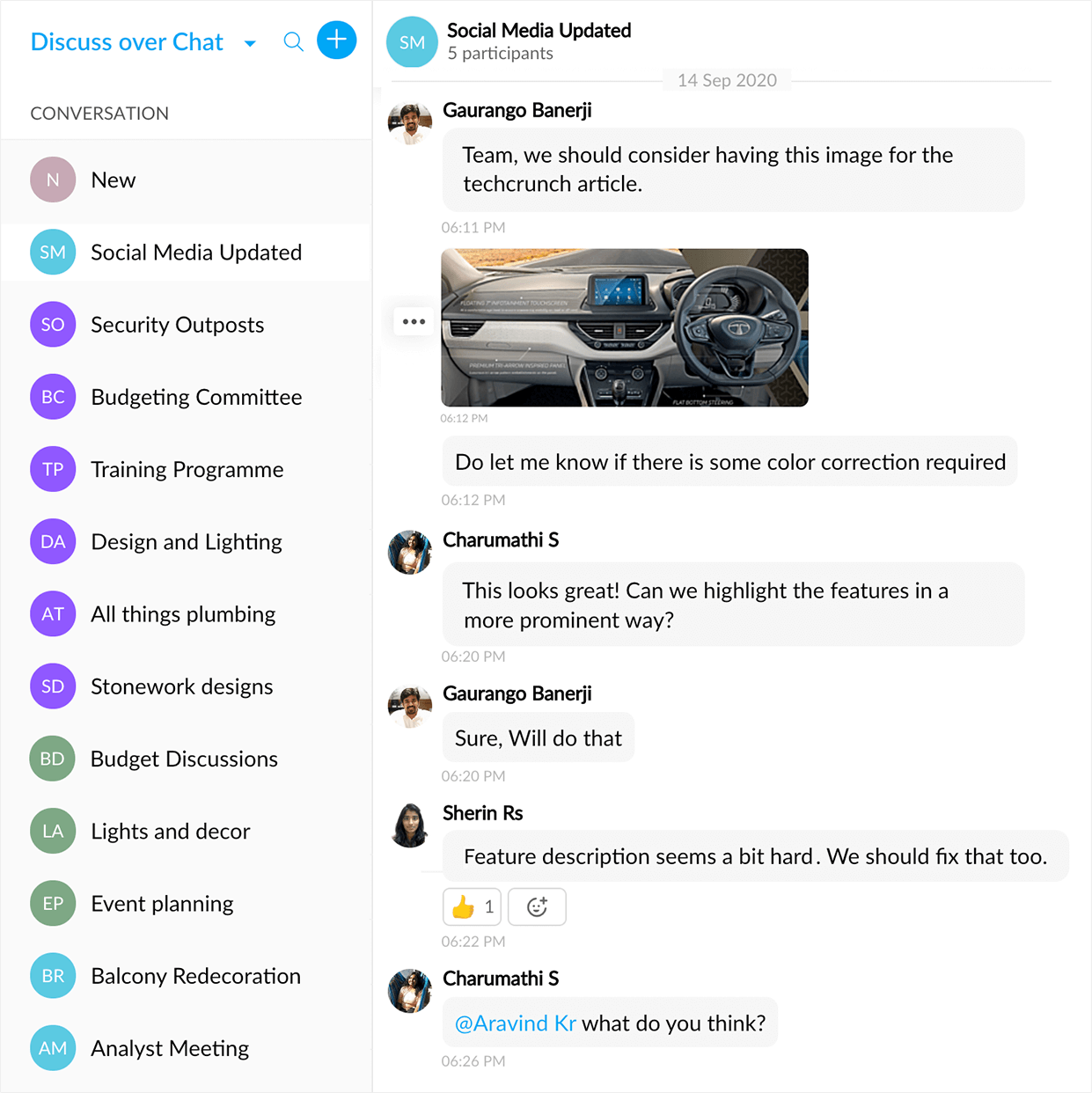
Unlike Zoho Projects, most team collaboration tools do not have an built-in chat to allow an easy exchange of ideas. Projects allows teams to create personal or group chat rooms to simply have a conversation or to debate and make important decisions together.
Forums
Make the most of your collaboration software by holding your detailed discussions and lengthier posts on forums. Organize these topics into folders to keep tabs on important subjects. This is a great way to spend less time in meetings while keeping your team informed, especially when you're working remotely.

Pages
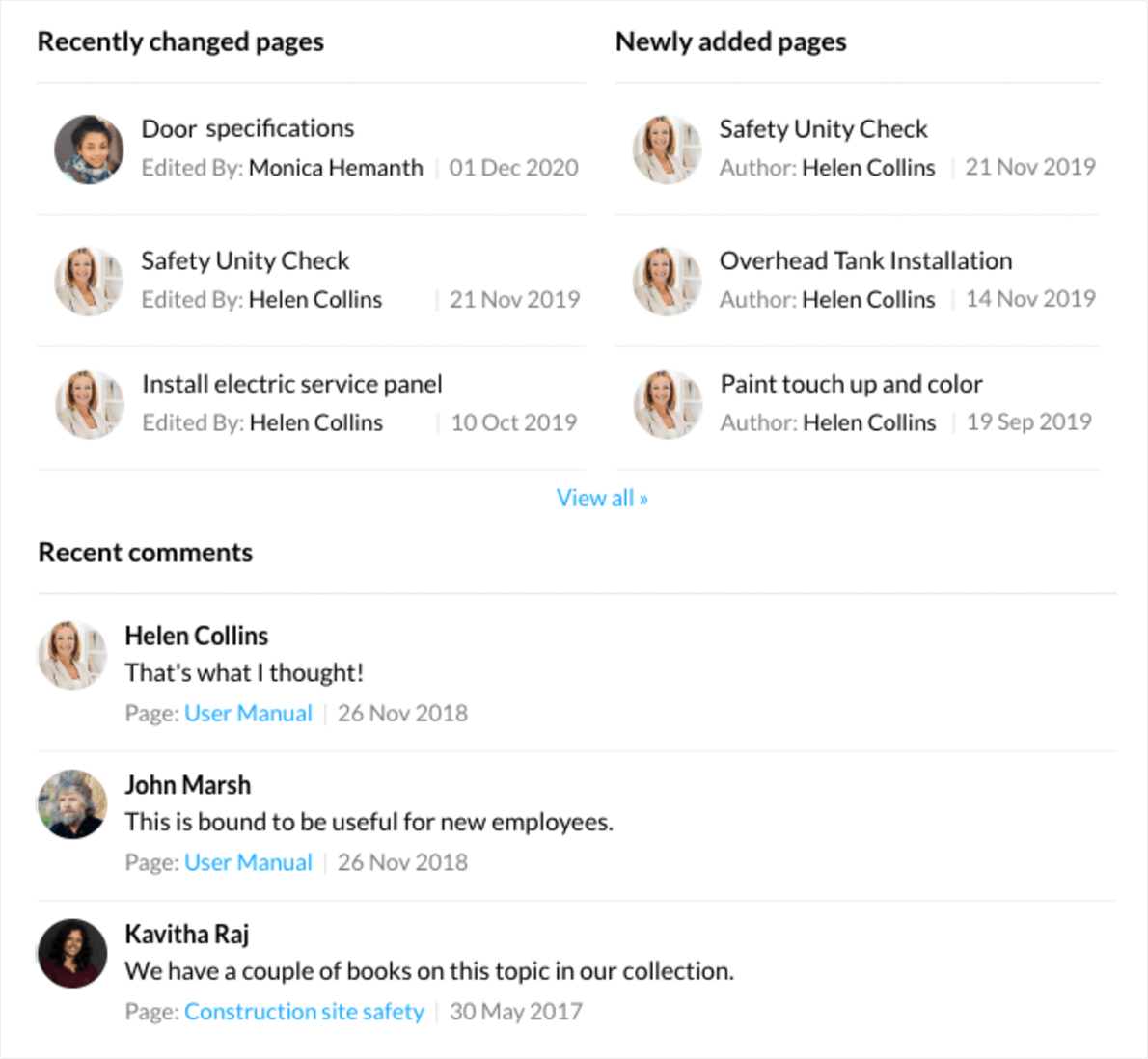
Take your online collaboration to the next level. Build a repository of information for your project so that even recruits can get up to speed quickly and start contributing in no time. Add reference materials, specifications, new ideas, or any other information relevant to everyone in the project.
Documents
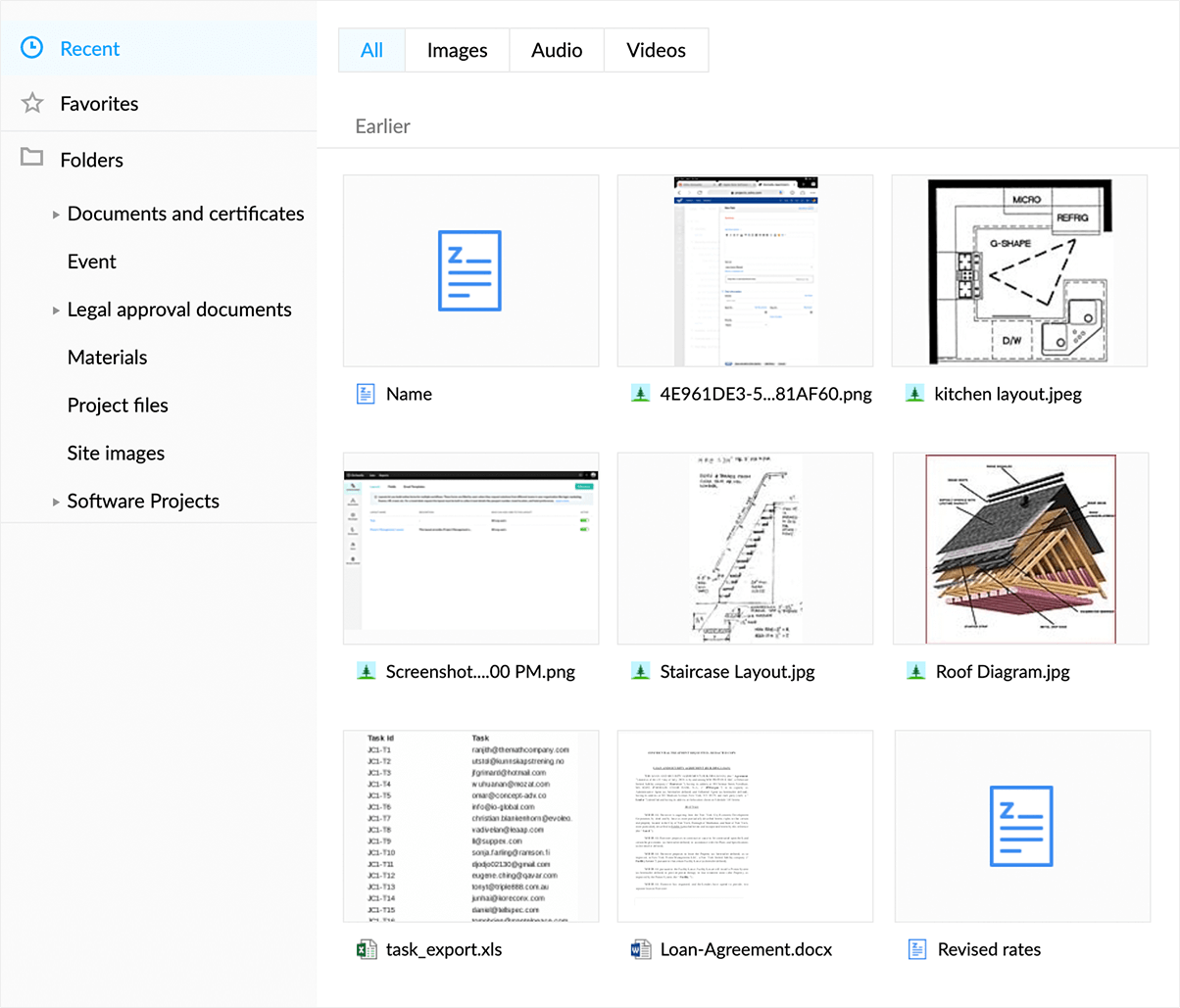
No matter what project management style your team uses, you'll be working with multiple types of documents. What makes Zoho Projects truly stand out among other team collaboration software is the capability to create and share all kinds of files, collaborate over documents and spreadsheets, and build beautiful presentations. To keep everyone in the loop, Projects makes the latest version available to everyone who has access.