Conversing made easy
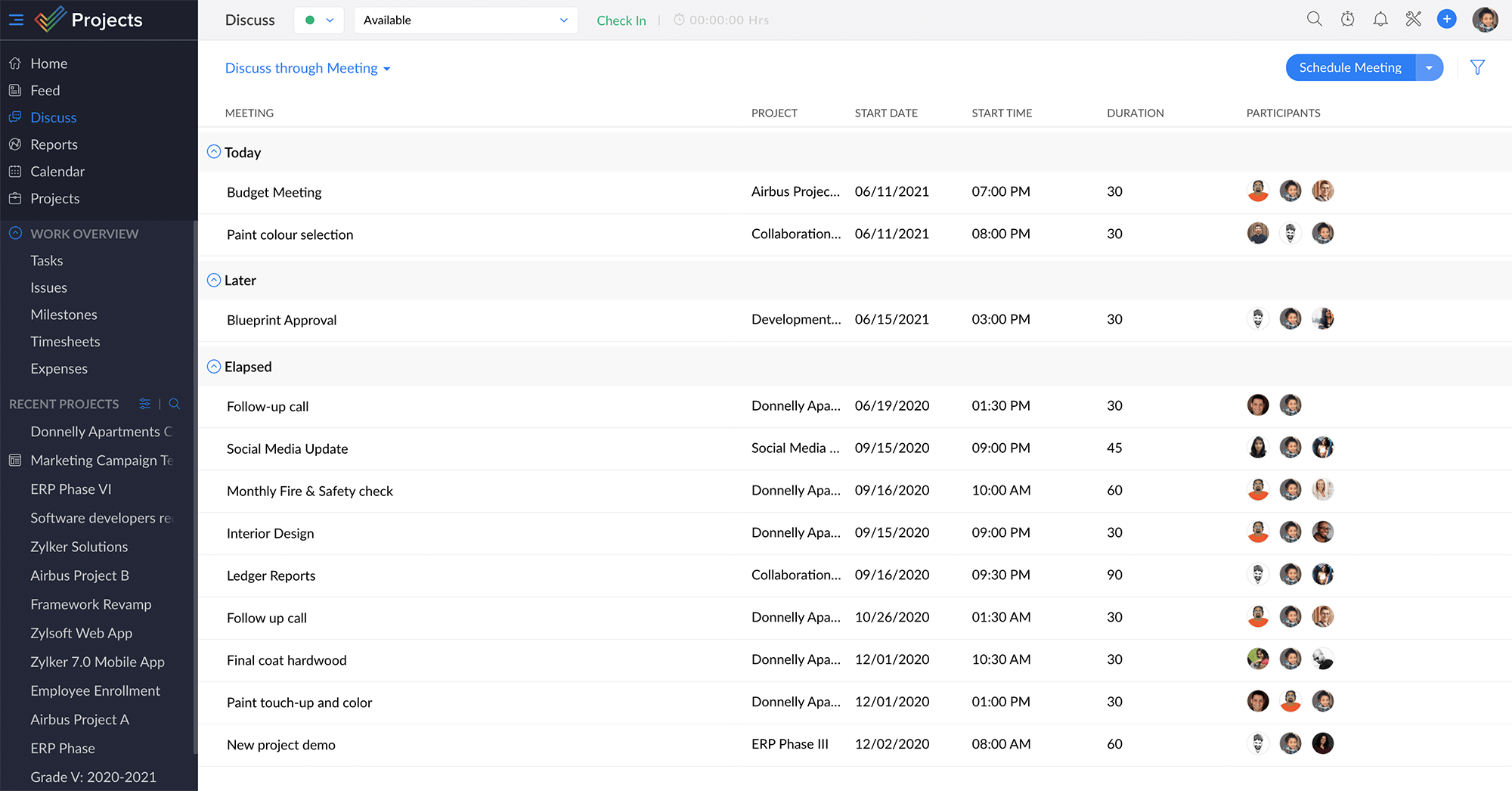
Zoho Projects provides real-time collaboration through the Discuss module which allows everyone to virtually come together to discuss important topics. You can create chat groups or schedule meetings, invite participants, and work together efficiently.

Collaborate seamlessly
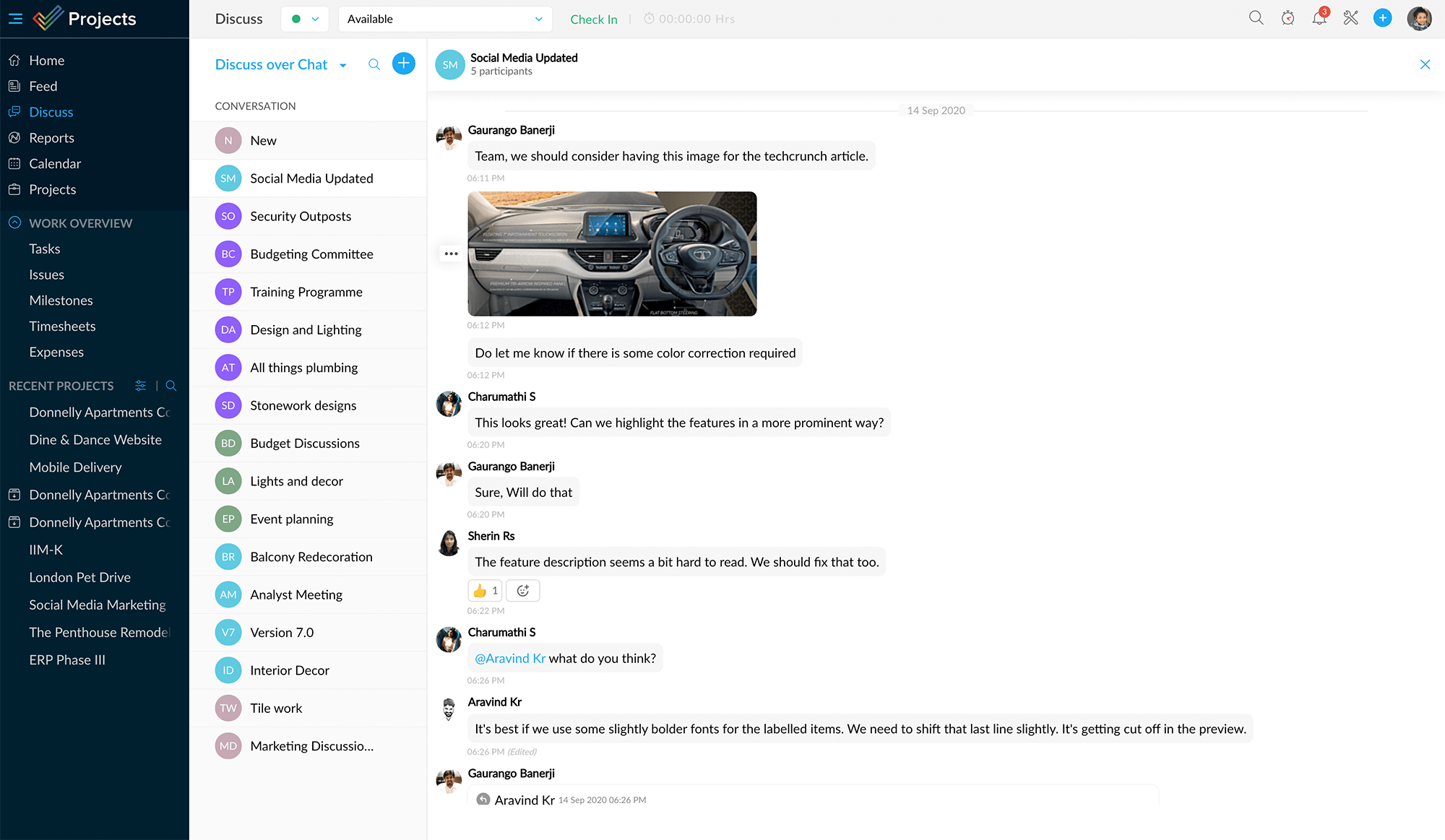
Start a new topic to initiate a conversation with one person or a group, discuss, and reach crucial decisions faster. The transcript always stays there, so you can refer back to the decisions that were made.
Discuss over chat
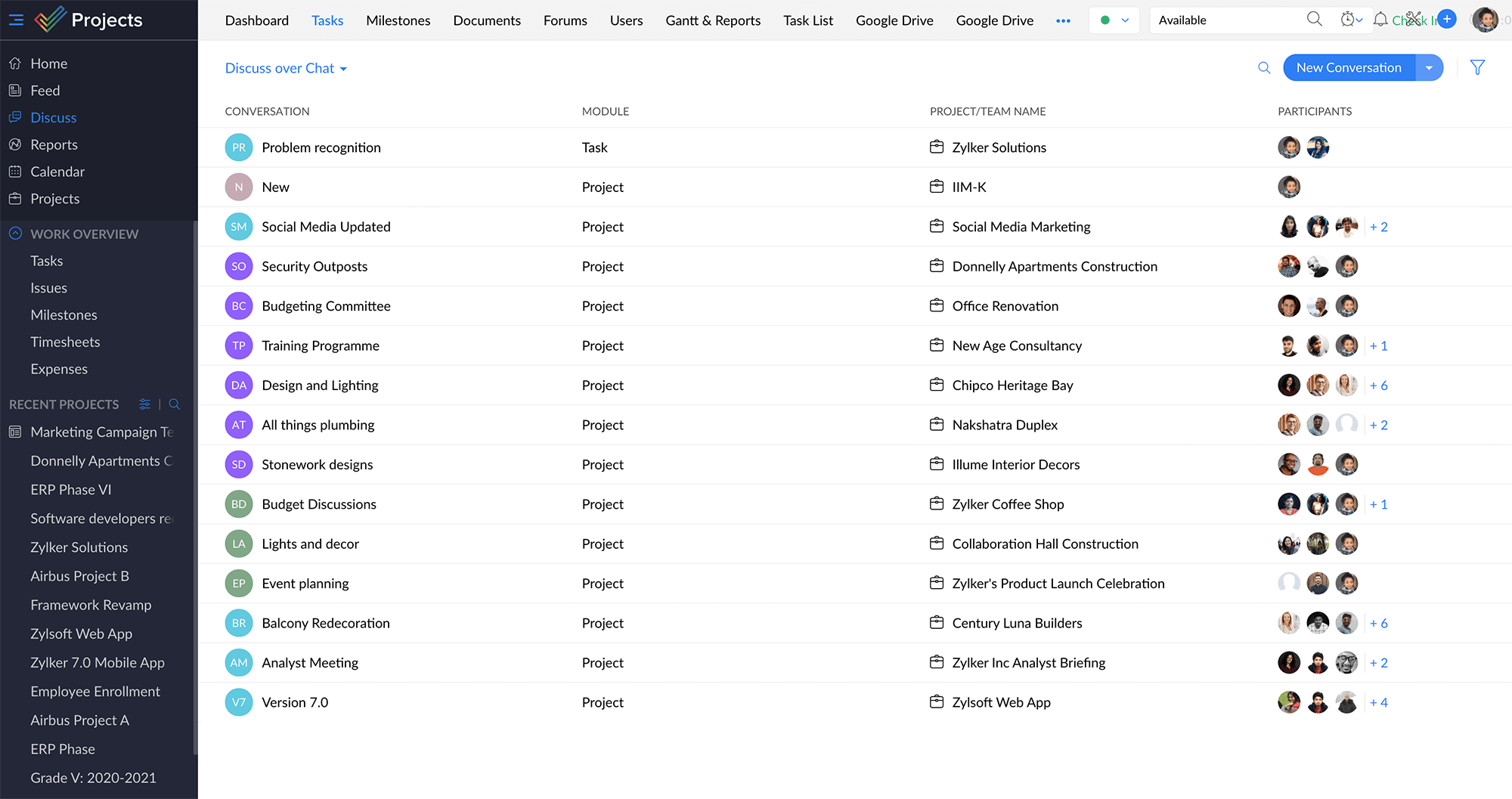
By default, there is one chat group where all the project users can take part. You can create other groups to keep conversations separate. There's no limit to the number of people you can converse with.
Discuss over meetings
Avoid the hassle of physical meetings and the time wastage involved. Call together quick virtual meetings to discuss an urgent topic or schedule online meetings according to everyone's convenience. This can be especially handy when your team is dispersed across the globe.