Keep the conversation going with Forums
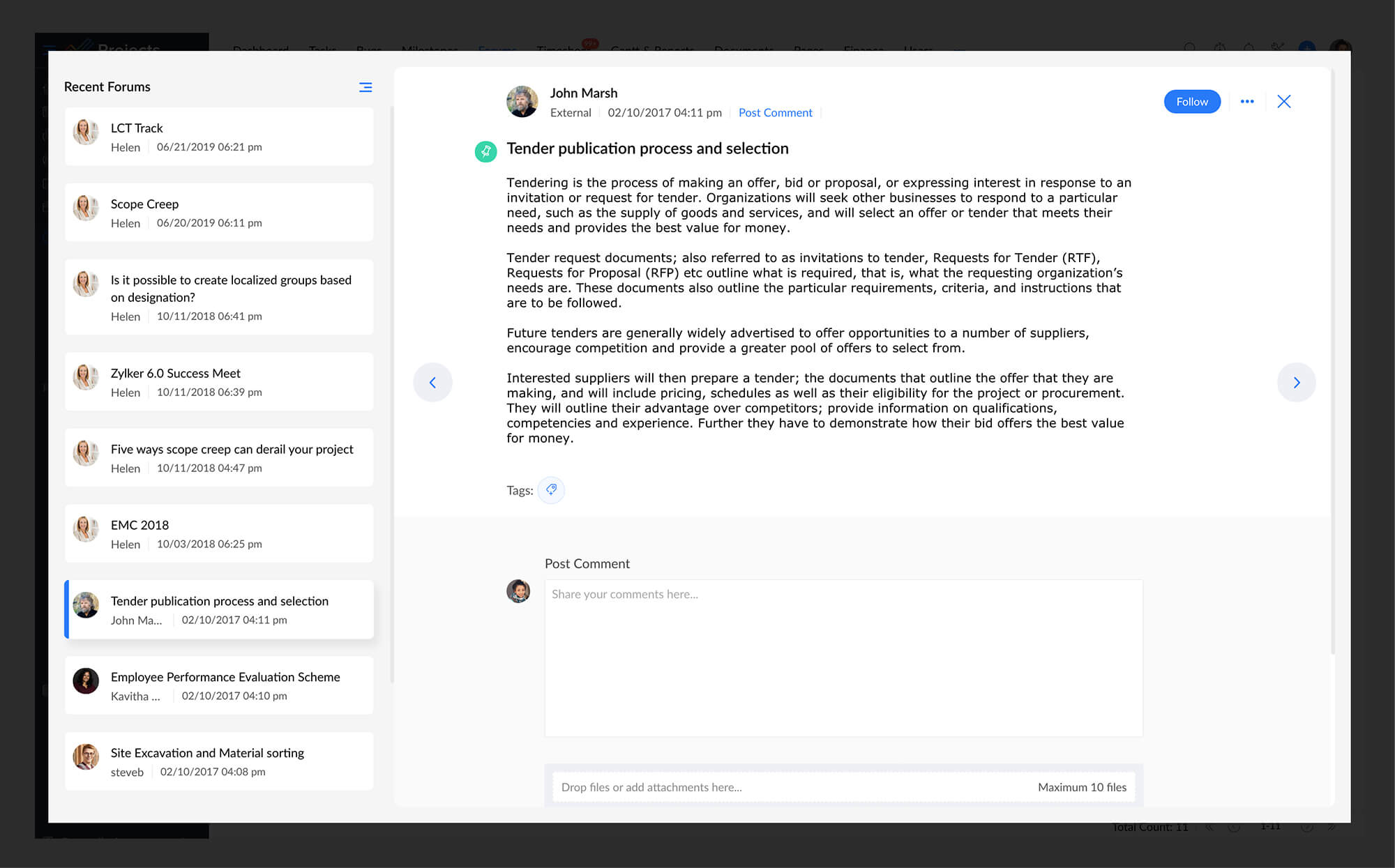
Team members who are scattered across the globe need a way to interact with teammates even when geographically separated. Zoho Projects solves this challenge with an online interactive forum where one can post a topic, discuss critical ideas and help capture knowledge in one place.

Start a new conversation
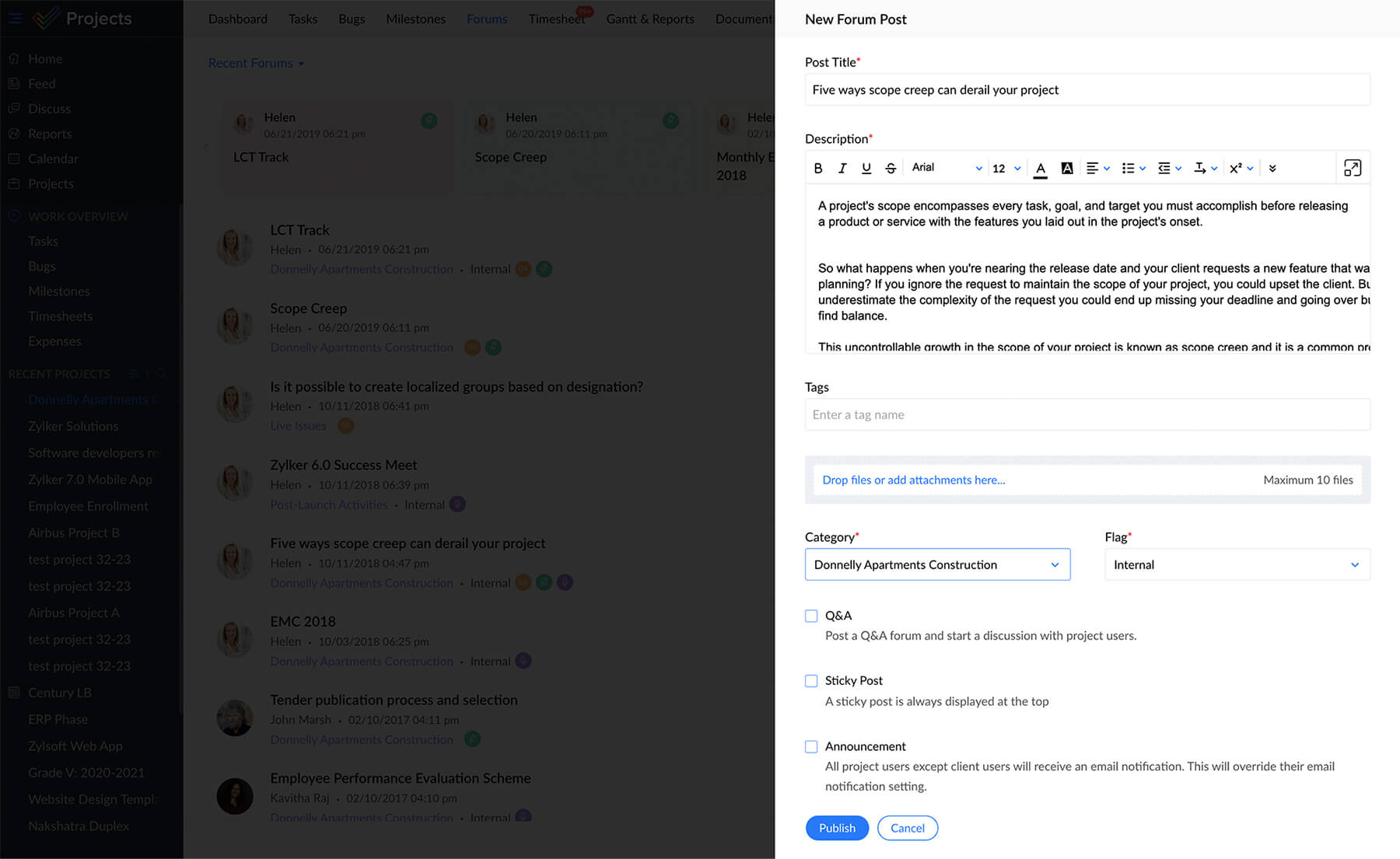
Post a topic and let your teammates share their views and valuable opinions. You can also notify team members who would be interested in the conversation.
Express views with images
Struggling for the right words to communicate your ideas? No worries! Express your views by attaching files for a topic. This way you can substantiate your views with an attachment, blogs or other useful links.

Organize topics in categories
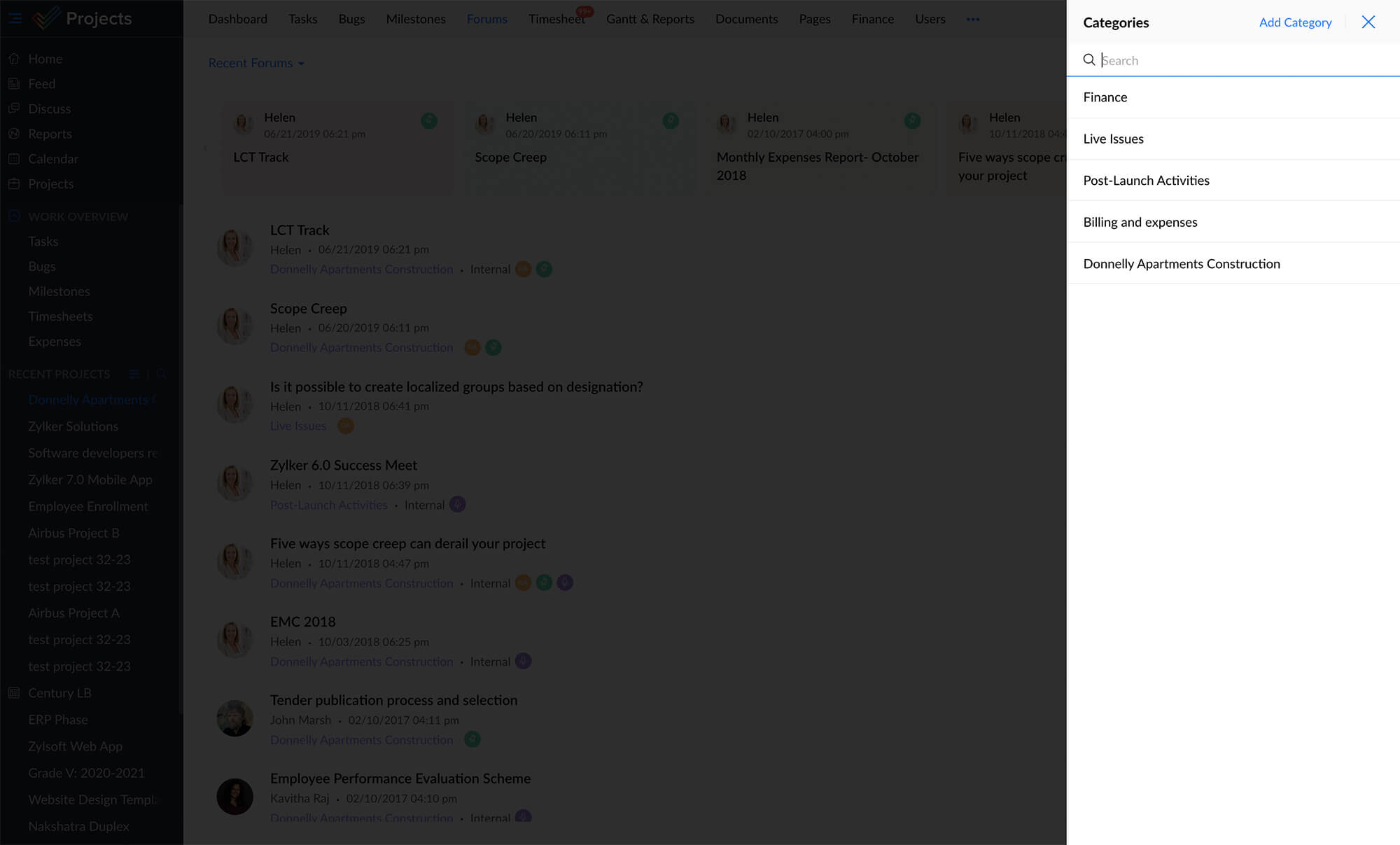
Categorize and organize your topics in folders within Zoho Projects. For example, you can have all design related topics under a category called 'Design', or marketing related topics under 'Marketing'.
Follow / unfollow a topic
Keep a tab on forum topics that interest you with the "Follow" option. With this, you can keep yourself informed about the latest updates going on with a particular topic.