Folders in Zoho Mail
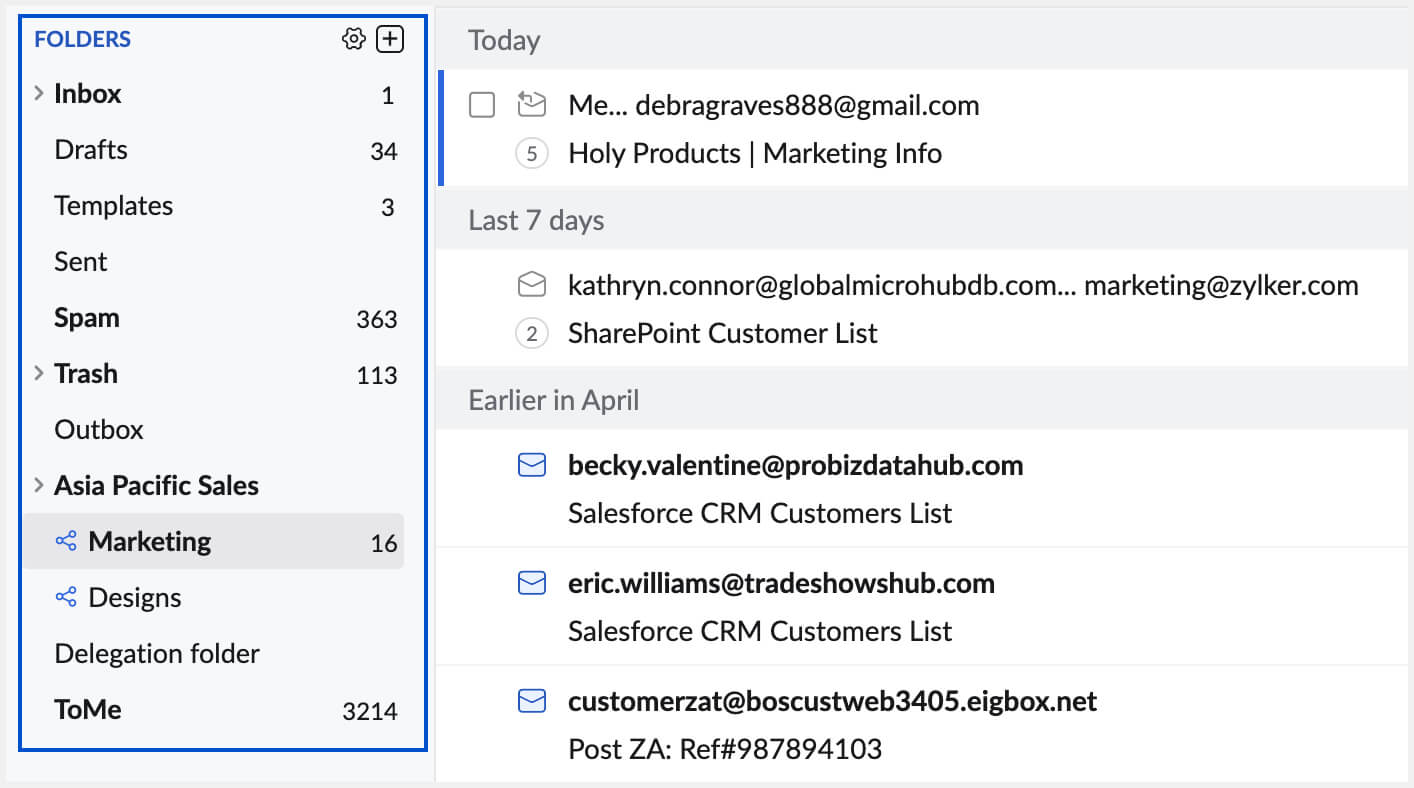
Zoho Mail provides options to create multiple folders at multiple levels to manage and organize emails better. You can combine the 'Filters' along with the folder, to automatically classify your emails based on your Contacts, Projects, Categories, and so on. Other than custom folders that you create, Zoho Mail provides some folders by default, which include default System folders and Special folders.
You can right-click the folder, to view the contextual options for the folder. For custom folders, you can expand/ collapse the folder trees using the small triangle to the left of the folder name.
System Folders
The default folders in the Zoho mailbox are listed below:
- Inbox – Incoming emails are delivered to this folder by default. Refer Filters to create custom conditions, to automatically move the emails to different folders.
- Drafts – Emails that you draft, but do not send right away are saved in this folder.
- Sent – The emails you send are automatically saved in this folder. Further, the delivery status for each sent email can also be viewed here.
- Spam – The incoming emails are automatically processed for Spam and the emails detected as Spam are moved to this folder. When Spam emails are deleted, they will not be moved to the Trash folder but will be deleted permanently.
- Trash – Emails deleted from Inbox/ Sent or other custom folders are moved to Trash. The emails in Trash are cleared periodically (approximately once in 30 days).
Special Folders
Apart from the Standard folders provided above, Zoho Mail provides special folders, listed below:
- Templates – The users can compose and save the contents of an email, they repeatedly use, as Templates. The Templates are saved and listed in the Templates folder for easy access.
- Outbox – Zoho Mail provides options to schedule emails or delay emails for a brief period before it gets sent. Such emails scheduled for sending later are stored in the Outbox folder.
Note: The system folders and special folders cannot be deleted or renamed.
Folder Sorting
By default, the folders are sorted in alphabetical order. You can set the preferred order for the folders from Settings. In the Settings menu, go to Settings >> Mail View Options >> Sort Folder.
Folder View Options
View unread emails
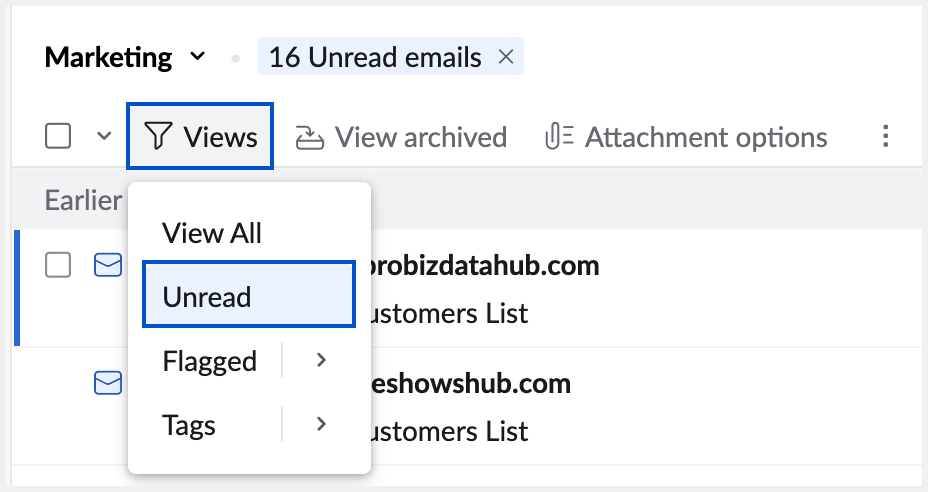
You can choose the 'Unread' view to view only the unread emails in a particular folder. This helps when you have marked some older emails as 'Unread' to read later or when you have missed reading some emails when they actually came in. The option is also handy, when you have read some emails in a jiffy from a mobile or other email clients, and marked them as 'Unread' to read and act on them at your leisure.
In the folder, click the Views icon, and choose Unread.
View emails with Tags
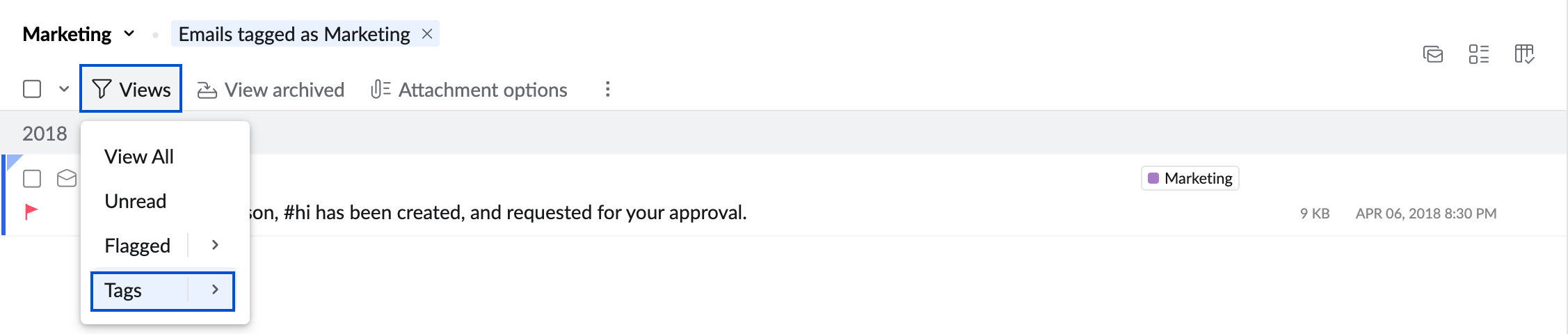
You can associate different Tags for emails in a particular folder. An email can have multiple tags associated to denote the status, reference, or other categories that you may have.
View the emails with at least one Tag - Click the View icon >> Select Tags.
View the emails with a particular Tag - Click the View icon >> Select Tags >> Select the particular Tag from the list.
View Flagged Emails
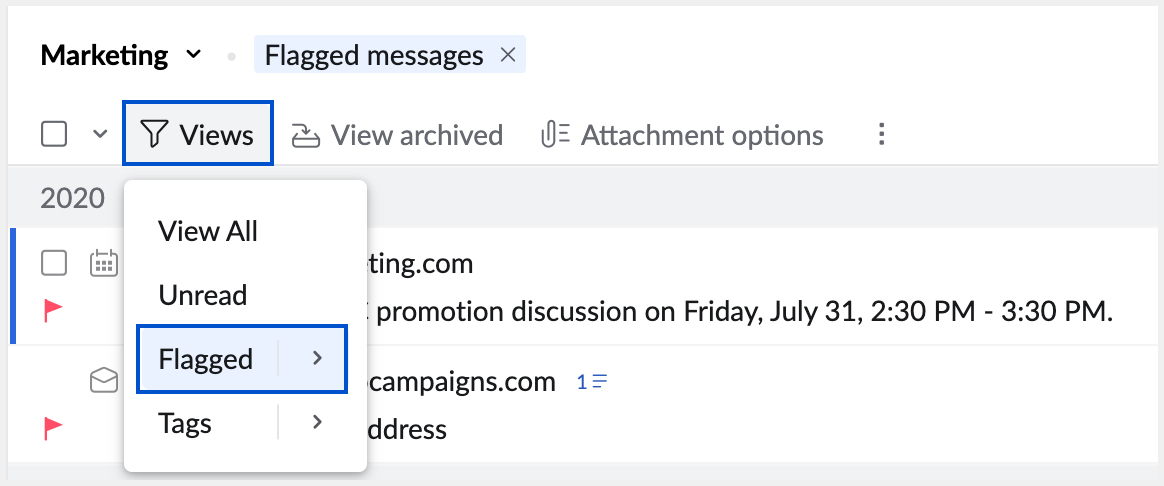
You can view only the flagged emails using the Flagged option under the Views icon. You can also view the emails with a particular flag in that folder.
View the emails with Flag - Click the View icon >> Select Flagged.
View the emails with a particular Flag - Click the View icon >> Select Flagged >> Select the particular Flag (Info/ Important/ Followup)
View Archived emails
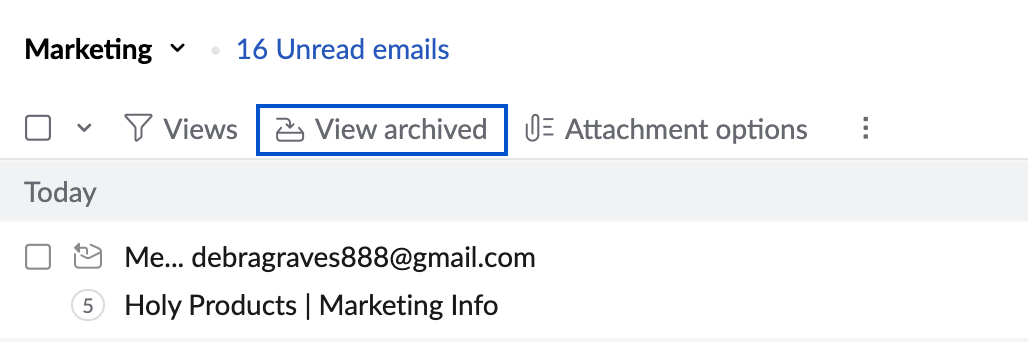
Zoho Mail saves the archived emails in the same folder and removes the emails from the default listing. To view the Archived emails, in that particular folder, click the Views icon and select 'Archived' from the list. This displays only the archived emails in that folder.
Folder Attachment Options
Navigating and locating a particular email that has a particular attachment is a tough task, even in a specific folder. You can use the Folder Attachment options, to make this simpler.
List attachments in the folder
You can view and sift through all the attachments alone using the Attachment Viewer that is specific to the folder.
In the particular folder click the Attachments icon and select Attachments in this folder.
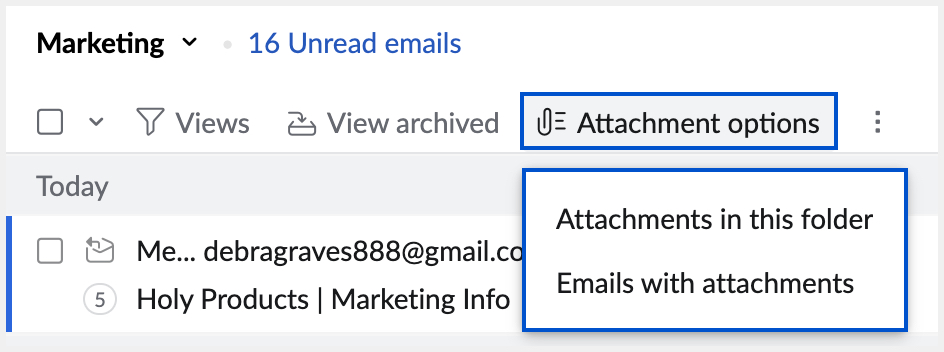
This lists the attachments in the folder, with a small preview and actions similar to that of the Attachment Viewer. You can quickly navigate through the attachments or use the quick actions available for Attachments.
List emails with attachments
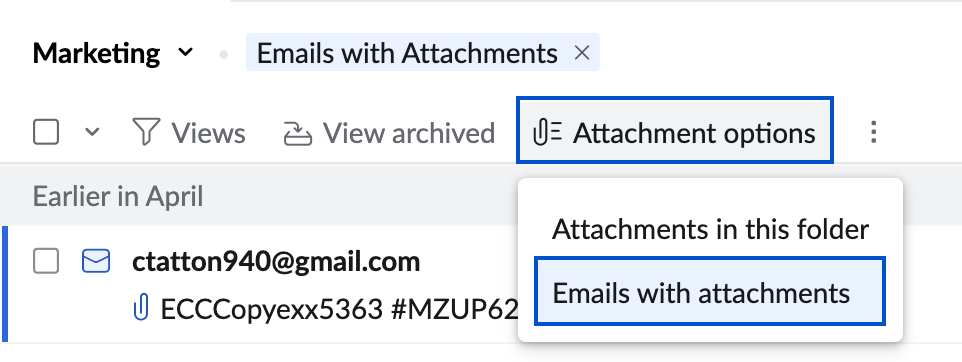
You can quickly filter and view only the emails with attachments in a particular folder using this option.
In the particular folder click the Attachments icon and select Emails with attachments.
Related Pages
Folder sharing | Conversation view | Conversation view settings | Email layouts and views | Folder Settings